How to make a Roblox anime game
Anime games are some of the most popular games on Roblox, and players come for two things: a world that looks the part and moves that feel strong. Start on a finished map, get one move feeling great, then build levels and quests around it.
What it needs
Players train, unlock stronger moves, fight enemies or each other, and come back to level up.
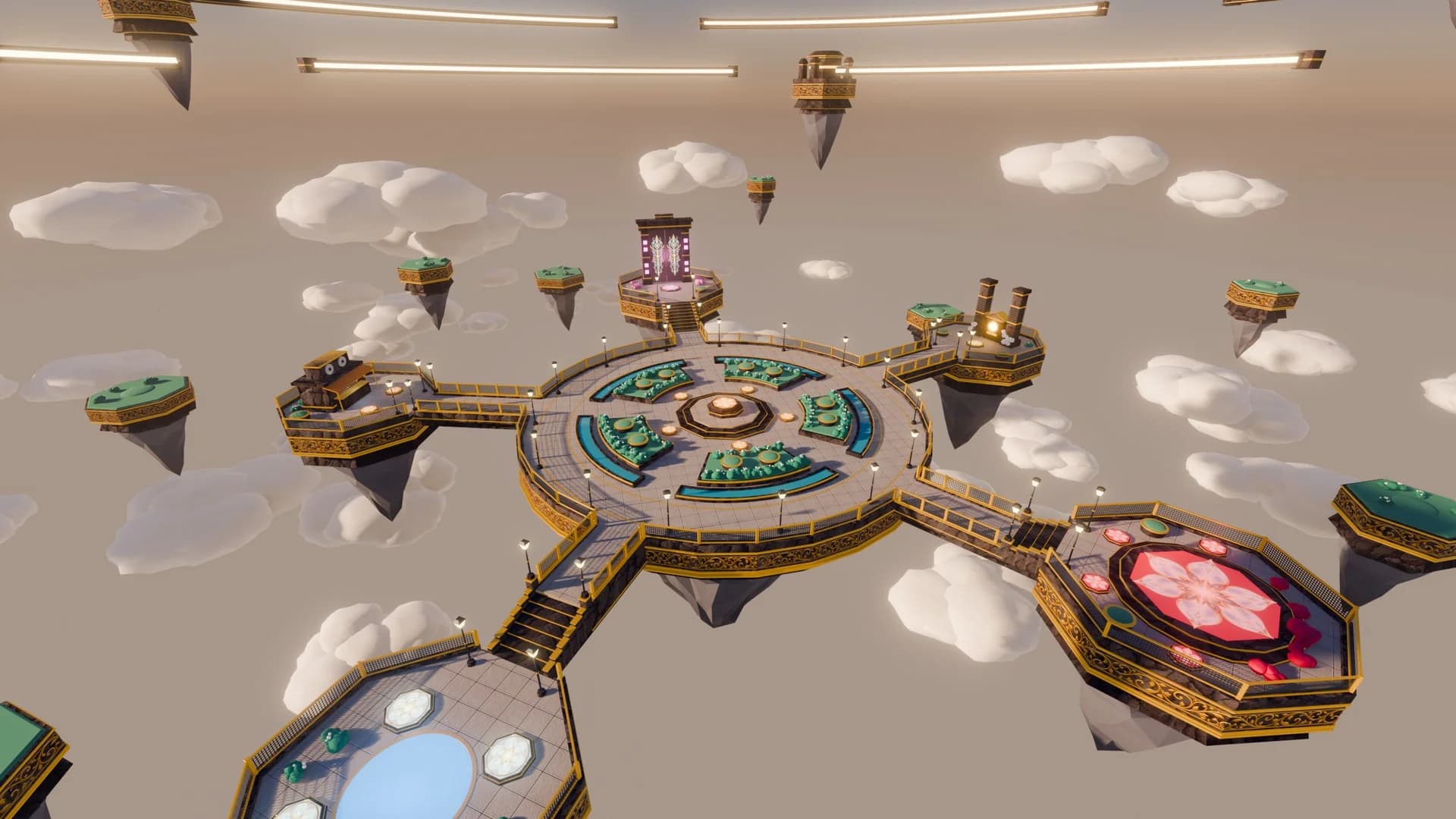
- A world that looks the part. A village, a school or a floating lobby. Players judge an anime game by its first screen.
- Moves that feel strong. Three attacks with sound, effects and cooldowns beat ten plain ones.
- Something to level up. Levels, stats or new moves give players a reason to come back tomorrow.
- Someone to fight. Enemies to train on, a boss to beat, or other players.
1Start on a map
Anime-style villages, lobbies, schools and battle arenas set the world before the first fight. A finished map means your first weeks go into the game itself. Open it in Roblox Studio with File, then Open from File. Here's how, and there are free maps too.
Maps for an anime game
Ready to open in Roblox Studio.


2Add the scripts
These are free to copy and paste, each with where it goes:
- Roblox save data scriptLevels and moves that are still there tomorrow.
- Roblox NPC dialogue scriptA teacher who hands out quests and explains the next move.
- Roblox leaderboard scriptLevels beside each player's name, so there's always someone to catch.
- Roblox sprint scriptFast movement, which anime fights depend on.
For what's particular to your game, ask the script generator. Press one of these to start from it:
- A sword attack on left click with a 3 hit combo, a 1 second cooldown after the third hit, and damage checked on the server
- A dash move on the Q key with a 3 second cooldown, a short trail behind the player and a button on phones
- A level system that gives XP for defeating enemies, raises the player's damage each level and saves between visits
3Make it feel right
- Get one attack feeling right before you add another. A short pause when it lands, a sound and a small screen shake make a hit feel strong.
- Show every cooldown on screen, so players always know which moves they can use.
- Keep effects on each player's own device and let the server decide the damage. The game stays smooth with a crowd fighting at once.
What goes wrong most often
- Trusting the client about damage. It's the first thing cheaters change.
- Ten plain moves instead of three great ones. Players remember how a hit feels.
4Test it and publish
- Press F5 to try it alone. To run several players at once, pick Server & Clients in the test menu and press Play. Then invite up to 10 friends to preview it, without any help from you.
- Got a model or a script from somewhere else? Run it through the free backdoor scanner first. Hidden code can take over your game.
- Choose File, then Publish. You'll need an icon and a thumbnail. It stays private until you release it, and releasing it takes an age check: here's how publishing works now.
5Earn from it
You keep 70% of the Robux players spend in your game. Start with one game pass or developer product. The tax calculator works out what to charge, and the DevEx calculator what it's worth in dollars.
Questions
Do I need to know how to animate?
It helps, but you can start without it. Studio's Animation Editor is free, and animation packs give you attacks and poses to begin with.
How do I make a move feel strong?
Layer it: a short wind-up, a sound, an effect where it lands and a small screen shake. Those small things matter more than big damage numbers.
How do anime games make money?
Cosmetics, extra move slots and passes are common. Keep fights fair, because players leave when power is for sale. You keep 70% of the Robux spent in your game.
Other kinds of game
Maps
Anime maps
Anime-style villages, lobbies, schools and battle arenas set the world before the first fight.
Browse mapsFree tool
Roblox script generator
Say what you need in plain words and get a working script, checked for backdoors.
Write a script