Roblox sprint script
Players hold Left Shift to run faster, and phone players get a button for it.
Where it goes
- 1In the Explorer, open StarterPlayer, hover over StarterCharacterScripts, press + and choose LocalScript.
- 2Delete what's in it, paste this in and press Play.
- 3Hold Left Shift to run. Try a phone in Studio's Device view to see the button.
-- From forja.us/tools/roblox-scripts/sprint-- Hold Left Shift, or the button on a phone, to run.local ContextActionService = game:GetService("ContextActionService")local WALK_SPEED = 16local SPRINT_SPEED = 28local character = script.Parentlocal humanoid = character:WaitForChild("Humanoid")local function onSprint(_, inputState) if inputState == Enum.UserInputState.Begin then humanoid.WalkSpeed = SPRINT_SPEED else humanoid.WalkSpeed = WALK_SPEED end return Enum.ContextActionResult.PassendContextActionService:BindAction("Sprint", onSprint, true, Enum.KeyCode.LeftShift)ContextActionService:SetTitle("Sprint", "Run")How it works
- It's a LocalScript in the character, so it runs on the player's own device and starts again each time they respawn.
BindActionlistens for the key, and itstrueasks Roblox to make the button on touch screens.WalkSpeedis how fast the character moves: 16 is Roblox's normal speed.
Make it yours
- Faster or slower
- Change
SPRINT_SPEED. Past about 40, players are hard to control. - Another key
- Replace
Enum.KeyCode.LeftShift, for example withEnum.KeyCode.Q.
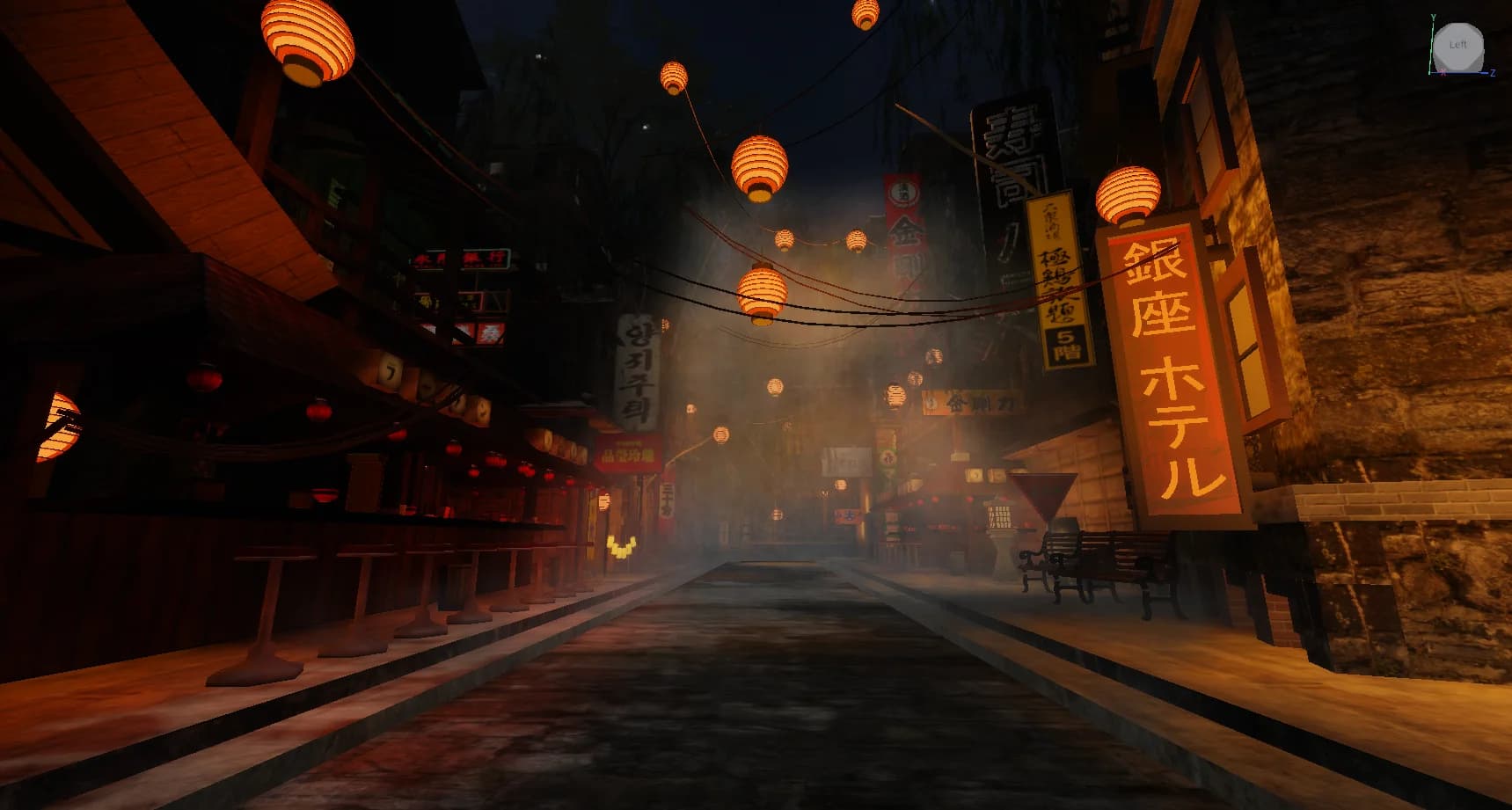
Maps to try it on: horror maps
Start from a finished map, and your scripts have a game to run in.



More free Roblox scripts
Roblox kill brick scriptRoblox leaderboard scriptRoblox save data scriptRoblox double jump scriptRoblox teleport scriptRoblox obby checkpoint scriptRoblox coin pickup scriptRoblox day and night cycle scriptRoblox game pass scriptRoblox developer product scriptRoblox door scriptRoblox tool giver scriptRoblox round system scriptRoblox background music scriptRoblox speed pad scriptRoblox jump pad scriptRoblox VIP door scriptRoblox daily reward scriptRoblox NPC dialogue scriptRoblox pet follow scriptRoblox gun scriptRoblox admin commands scriptRoblox tycoon dropper scriptRoblox shop GUI script