Roblox pet follow script
A pet that stays beside the player wherever they go, moved by physics so it glides instead of jumping along. Start here for a pet simulator.
Where it goes
- 1In Roblox Studio, make your pet as one Part, name it Pet and drag it into ServerStorage.
- 2In the Explorer, hover over ServerScriptService, press + and choose Script.
- 3Delete what's in the new Script, paste this in, and press Play.
-- From forja.us/tools/roblox-scripts/pet-follow-- Gives every player the part named Pet from ServerStorage, floating beside them.local Players = game:GetService("Players")local ServerStorage = game:GetService("ServerStorage")local PET_NAME = "Pet"local BESIDE = CFrame.new(3, 1, 3) -- right, up and behind the playerlocal function givePet(player, character) local template = ServerStorage:FindFirstChild(PET_NAME) if not template then warn("No part named " .. PET_NAME .. " in ServerStorage") return end if not character:IsDescendantOf(workspace) then character.AncestryChanged:Wait() end local root = character:WaitForChild("HumanoidRootPart") local spot = Instance.new("Attachment") spot.CFrame = BESIDE spot.Parent = root local pet = template:Clone() pet.Anchored = false pet.CanCollide = false pet.Massless = true pet.CFrame = root.CFrame * BESIDE pet.Parent = character local anchor = Instance.new("Attachment") anchor.Parent = pet local move = Instance.new("AlignPosition") move.Attachment0 = anchor move.Attachment1 = spot move.Responsiveness = 15 move.Parent = pet local turn = Instance.new("AlignOrientation") turn.Attachment0 = anchor turn.Attachment1 = spot turn.Responsiveness = 15 turn.Parent = pet pet:SetNetworkOwner(player)endlocal function onPlayerAdded(player) player.CharacterAdded:Connect(function(character) givePet(player, character) end) if player.Character then givePet(player, player.Character) endendPlayers.PlayerAdded:Connect(onPlayerAdded)for _, player in Players:GetPlayers() do task.spawn(onPlayerAdded, player)endHow it works
AlignPositionandAlignOrientationpull the pet towards a spot beside the player, so it glides and catches up.SetNetworkOwnerlets the player's device move the pet, so it doesn't lag behind them.- The pet is inside the character, so it goes away and comes back when they respawn.
Make it yours
- Move it closer
BESIDEis the spot: tryCFrame.new(2, 0, 2).- Make it lazier
- Lower
Responsivenessto 5 and it will drift behind them.
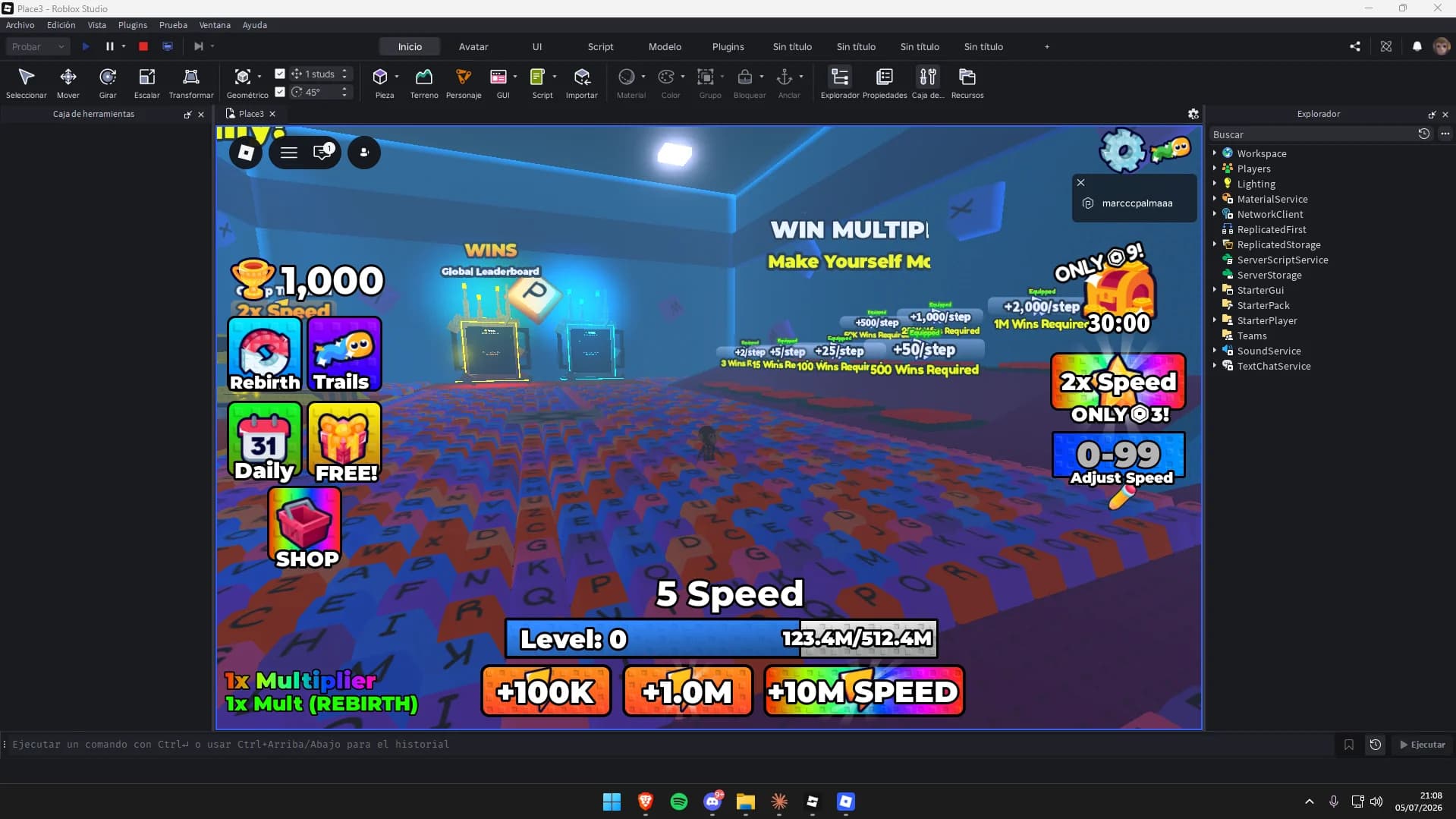
Maps to try it on: simulator and tycoon maps
Start from a finished map, and your scripts have a game to run in.


More free Roblox scripts
Roblox kill brick scriptRoblox leaderboard scriptRoblox save data scriptRoblox sprint scriptRoblox double jump scriptRoblox teleport scriptRoblox obby checkpoint scriptRoblox coin pickup scriptRoblox day and night cycle scriptRoblox game pass scriptRoblox developer product scriptRoblox door scriptRoblox tool giver scriptRoblox round system scriptRoblox background music scriptRoblox speed pad scriptRoblox jump pad scriptRoblox VIP door scriptRoblox daily reward scriptRoblox NPC dialogue scriptRoblox gun scriptRoblox admin commands scriptRoblox tycoon dropper scriptRoblox shop GUI script