Roblox developer product script
For things players can buy again and again, like coins. The purchase is only marked done once they've got what they paid for.
Where it goes
- 1It adds to a stat called Coins: add the leaderboard script too, so players have one.
- 2On the Creator Dashboard, open your game, go to Developer Products under Monetization, make one and copy its ID.
- 3Add the first script to ServerScriptService, and put your ID in
PRODUCT_ID. In StarterGui, add a ScreenGui with a TextButton and put the second script in it as a LocalScript, with the same ID.
-- From forja.us/tools/roblox-scripts/developer-product-- Gives coins for each purchase. Only one script in a game can set ProcessReceipt.local MarketplaceService = game:GetService("MarketplaceService")local Players = game:GetService("Players")local PRODUCT_ID = 0 -- your developer product's idlocal COINS = 100MarketplaceService.ProcessReceipt = function(receipt) if receipt.ProductId ~= PRODUCT_ID then return Enum.ProductPurchaseDecision.NotProcessedYet end local player = Players:GetPlayerByUserId(receipt.PlayerId) local leaderstats = player and player:FindFirstChild("leaderstats") local stat = leaderstats and leaderstats:FindFirstChild("Coins") if not stat then -- They left: Roblox tries again the next time they join. return Enum.ProductPurchaseDecision.NotProcessedYet end stat.Value += COINS return Enum.ProductPurchaseDecision.PurchaseGrantedend-- From forja.us/tools/roblox-scripts/developer-product-- Opens Roblox's window to buy the coins.local MarketplaceService = game:GetService("MarketplaceService")local Players = game:GetService("Players")local PRODUCT_ID = 0 -- your developer product's idscript.Parent.Activated:Connect(function() MarketplaceService:PromptProductPurchase(Players.LocalPlayer, PRODUCT_ID)end)How it works
ProcessReceiptruns after each purchase. ReturningPurchaseGrantedtells Roblox it's done.- Returning
NotProcessedYetmeans Roblox tries again later, so nobody pays for nothing if they leave at the wrong moment. - Only one script in a game can set it. With more products, check each
ProductIdin this one.
Make it yours
- Save the coins
- Use the saving script, or a purchase is gone when they leave.
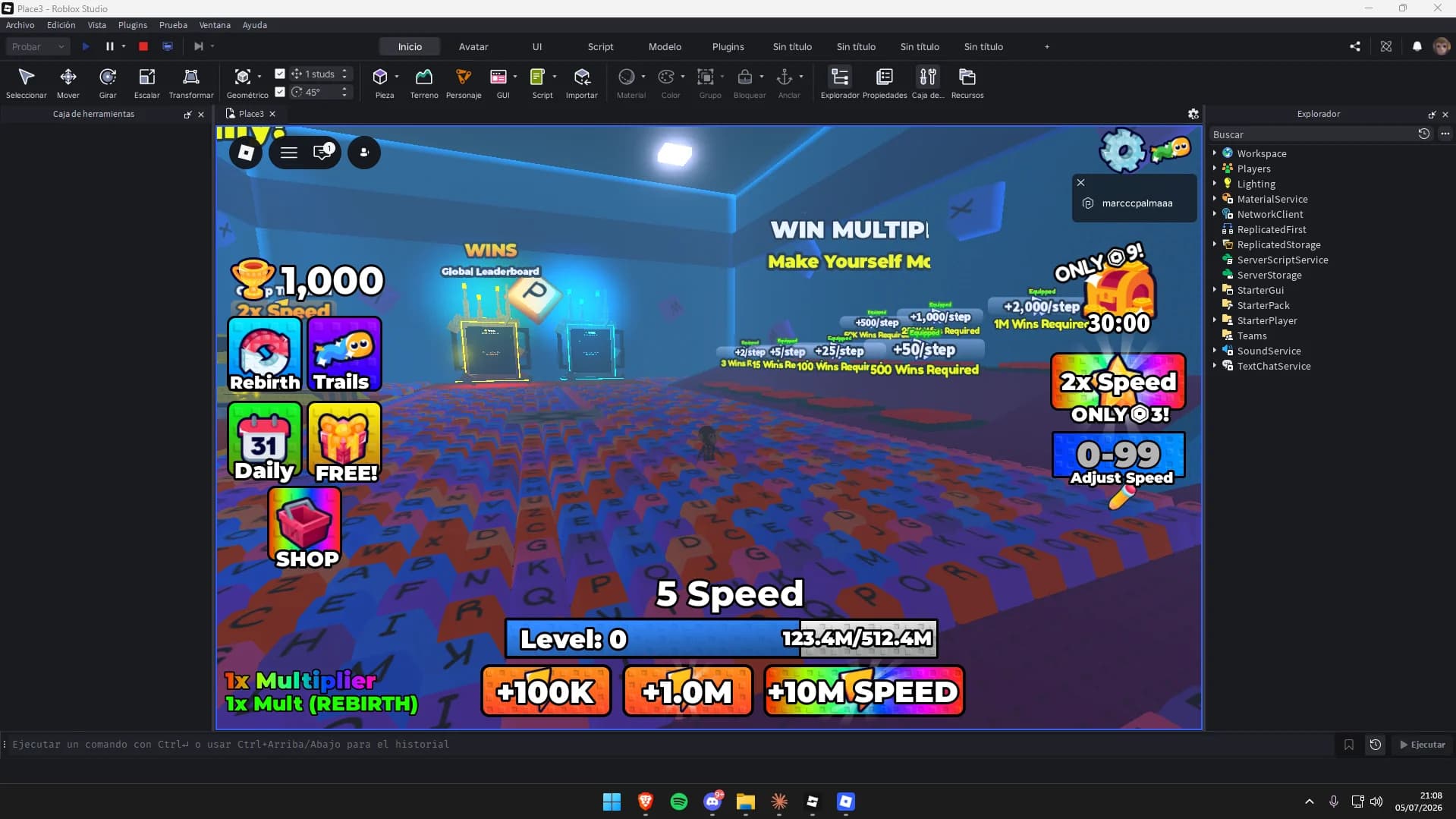
Maps to try it on: simulator and tycoon maps
Start from a finished map, and your scripts have a game to run in.



More free Roblox scripts
Roblox kill brick scriptRoblox leaderboard scriptRoblox save data scriptRoblox sprint scriptRoblox double jump scriptRoblox teleport scriptRoblox obby checkpoint scriptRoblox coin pickup scriptRoblox day and night cycle scriptRoblox game pass scriptRoblox door scriptRoblox tool giver scriptRoblox round system scriptRoblox background music scriptRoblox speed pad scriptRoblox jump pad scriptRoblox VIP door scriptRoblox daily reward scriptRoblox NPC dialogue scriptRoblox pet follow scriptRoblox gun scriptRoblox admin commands scriptRoblox tycoon dropper scriptRoblox shop GUI script