Roblox admin commands script
Chat commands for you and the people you trust. Many free admin scripts load a module by its ID, so their maker can change what runs in your game. This one is all here, for you to read.
Where it goes
- 1Find your user ID: it's the number in your Roblox profile's address.
- 2In the Explorer, hover over ServerScriptService, press +, choose Script and paste this in.
- 3Put your ID in
ADMINSin place of the 0, press Play and type :speed 40 in chat.
-- From forja.us/tools/roblox-scripts/admin-commands-- Chat commands for the user IDs listed below: :kill, :tp and :speed.local Players = game:GetService("Players")local ADMINS = { [0] = true, -- your user ID}local PREFIX = ":"-- "me", or the player whose name starts with these letters.local function findPlayer(speaker, name) if not name or name == "" or name == "me" then return speaker end for _, player in Players:GetPlayers() do if string.sub(string.lower(player.Name), 1, #name) == string.lower(name) then return player end end return nilendlocal function humanoidOf(player) return player.Character and player.Character:FindFirstChildOfClass("Humanoid")endlocal COMMANDS = { -- :kill name kill = function(speaker, name) local target = findPlayer(speaker, name) local humanoid = target and humanoidOf(target) if humanoid then humanoid.Health = 0 end end, -- :tp name: goes to that player tp = function(speaker, name) local target = findPlayer(speaker, name) if target and target.Character and speaker.Character then speaker.Character:PivotTo(target.Character:GetPivot()) end end, -- :speed 40 speed = function(speaker, amount) local humanoid = humanoidOf(speaker) local number = tonumber(amount) if humanoid and number then humanoid.WalkSpeed = math.clamp(number, 0, 200) end end,}local function onChatted(speaker, message) if not ADMINS[speaker.UserId] or string.sub(message, 1, #PREFIX) ~= PREFIX then return end local words = string.split(string.sub(message, #PREFIX + 1), " ") local command = COMMANDS[string.lower(words[1])] if command then command(speaker, words[2]) endendlocal function onPlayerAdded(player) player.Chatted:Connect(function(message) onChatted(player, message) end)endPlayers.PlayerAdded:Connect(onPlayerAdded)for _, player in Players:GetPlayers() do onPlayerAdded(player)endHow it works
Chattedruns on the server for each message, andADMINSignores anyone who isn't listed.- Each command is a function in
COMMANDS, and the first word after the:picks one. - The name only needs its first letters, so :kill bo finds Bob.
Make it yours
- Add a command
- Add a line to
COMMANDS. For examplekick = function(speaker, name) local target = findPlayer(speaker, name) if target then target:Kick() end end,. - Add another admin
- Add a line to
ADMINS, such as[12345678] = true,.
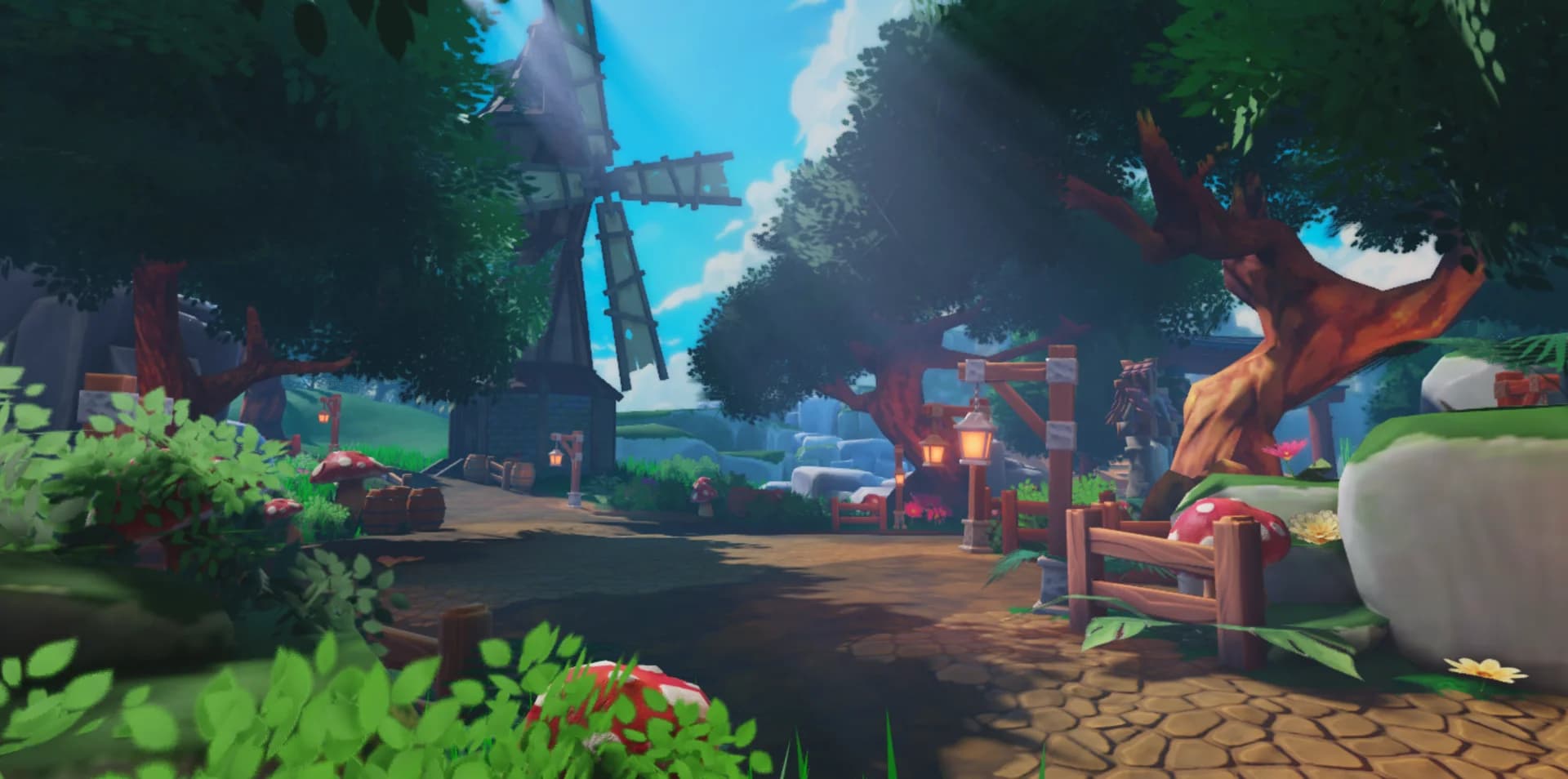
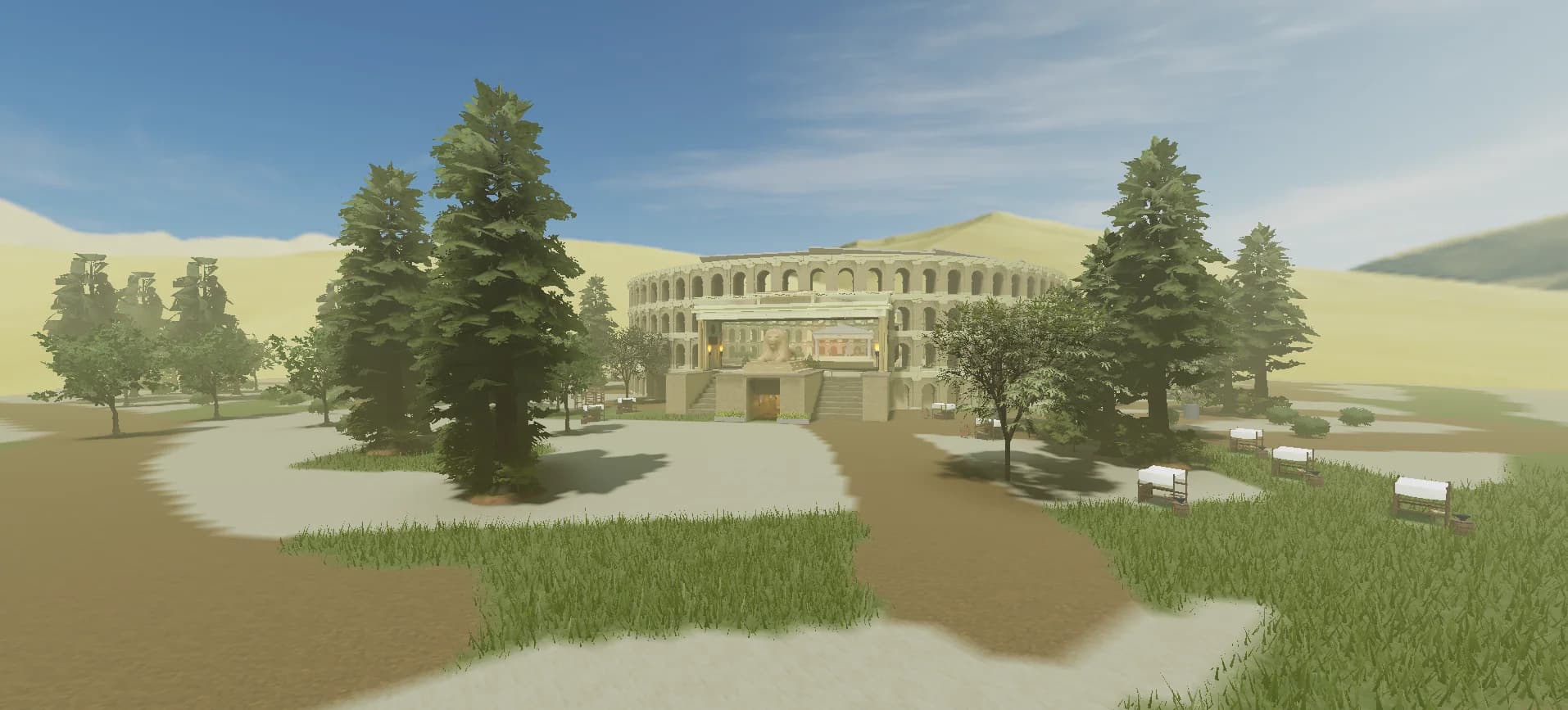
Maps to try it on: roleplay maps
Start from a finished map, and your scripts have a game to run in.

More free Roblox scripts
Roblox kill brick scriptRoblox leaderboard scriptRoblox save data scriptRoblox sprint scriptRoblox double jump scriptRoblox teleport scriptRoblox obby checkpoint scriptRoblox coin pickup scriptRoblox day and night cycle scriptRoblox game pass scriptRoblox developer product scriptRoblox door scriptRoblox tool giver scriptRoblox round system scriptRoblox background music scriptRoblox speed pad scriptRoblox jump pad scriptRoblox VIP door scriptRoblox daily reward scriptRoblox NPC dialogue scriptRoblox pet follow scriptRoblox gun scriptRoblox tycoon dropper scriptRoblox shop GUI script