Roblox teleport script
Touch one part to arrive at another, for doors, portals and shortcuts in the same place.
Where it goes
- 1Add a Part where players should arrive, turn on Anchored and name it TeleportTarget.
- 2Add the Part they'll touch, turn on Anchored, hover over it in the Explorer, press + and choose Script.
- 3Delete what's in the Script, paste this in and press Play.
-- From forja.us/tools/roblox-scripts/teleport-- Touch this part to arrive at the part named TeleportTarget.local Players = game:GetService("Players")local part = script.Parentlocal target = workspace:WaitForChild("TeleportTarget")local justTeleported = {}part.Touched:Connect(function(hit) local character = hit:FindFirstAncestorOfClass("Model") local player = character and Players:GetPlayerFromCharacter(character) if not player or justTeleported[player] then return end justTeleported[player] = true character:PivotTo(target.CFrame + Vector3.new(0, 4, 0)) task.wait(1) justTeleported[player] = nilend)How it works
GetPlayerFromCharactermakes sure a player touched it, not a loose part.PivotTomoves the whole character at once, 4 studs above the target so they don't land inside it.justTeleportedwaits a second before that player can use it again, so two parts can face each other without bouncing them back and forth.
Make it yours
- Both ways
- Copy the Part to the other end, and change the target's name in its Script.
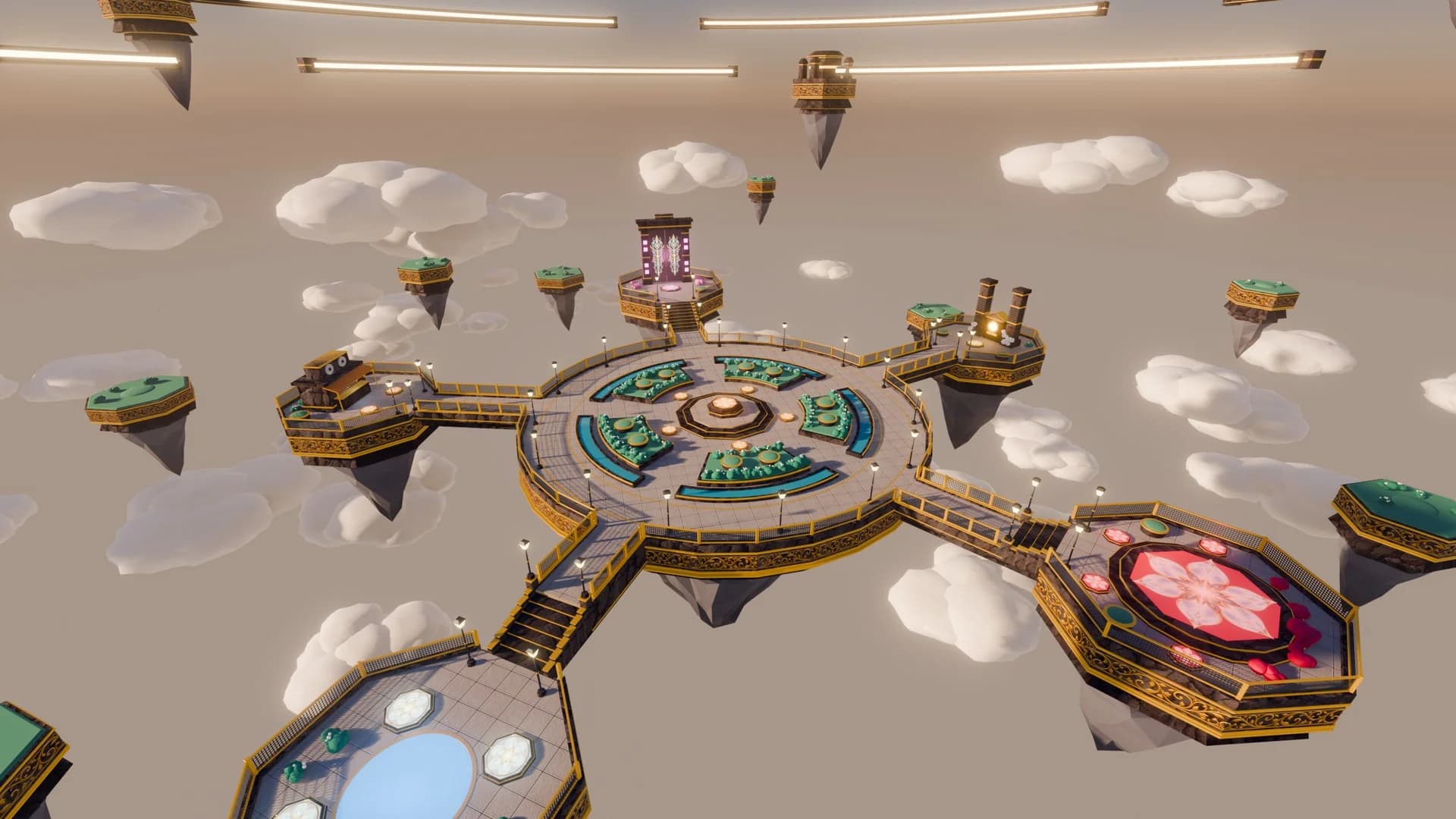
Maps to try it on: lobby maps
Start from a finished map, and your scripts have a game to run in.


More free Roblox scripts
Roblox kill brick scriptRoblox leaderboard scriptRoblox save data scriptRoblox sprint scriptRoblox double jump scriptRoblox obby checkpoint scriptRoblox coin pickup scriptRoblox day and night cycle scriptRoblox game pass scriptRoblox developer product scriptRoblox door scriptRoblox tool giver scriptRoblox round system scriptRoblox background music scriptRoblox speed pad scriptRoblox jump pad scriptRoblox VIP door scriptRoblox daily reward scriptRoblox NPC dialogue scriptRoblox pet follow scriptRoblox gun scriptRoblox admin commands scriptRoblox tycoon dropper scriptRoblox shop GUI script