Roblox day and night cycle script
The sun moves on its own, so a full day passes in a few real minutes.
Where it goes
- 1In the Explorer, hover over ServerScriptService, press + and choose Script.
- 2Delete what's in it and paste this in.
- 3Press Play and watch the sun move.
-- From forja.us/tools/roblox-scripts/day-night-cycle-- A full day takes DAY_MINUTES real minutes.local Lighting = game:GetService("Lighting")local DAY_MINUTES = 10local STEP_SECONDS = 0.5local hoursPerStep = STEP_SECONDS * 24 / (DAY_MINUTES * 60)while true do Lighting.ClockTime = (Lighting.ClockTime + hoursPerStep) % 24 task.wait(STEP_SECONDS)endHow it works
ClockTimeis the hour of the day from 0 to 24, and the sun follows it.% 24starts the day over after midnight.- It moves twice a second: smooth enough to look right, without sending constant updates to every player.
Make it yours
- A longer day
- Change
DAY_MINUTES. - Longer nights
- Use a bigger
hoursPerStepby day and a smaller one between hours 18 and 6, with anifonLighting.ClockTime.
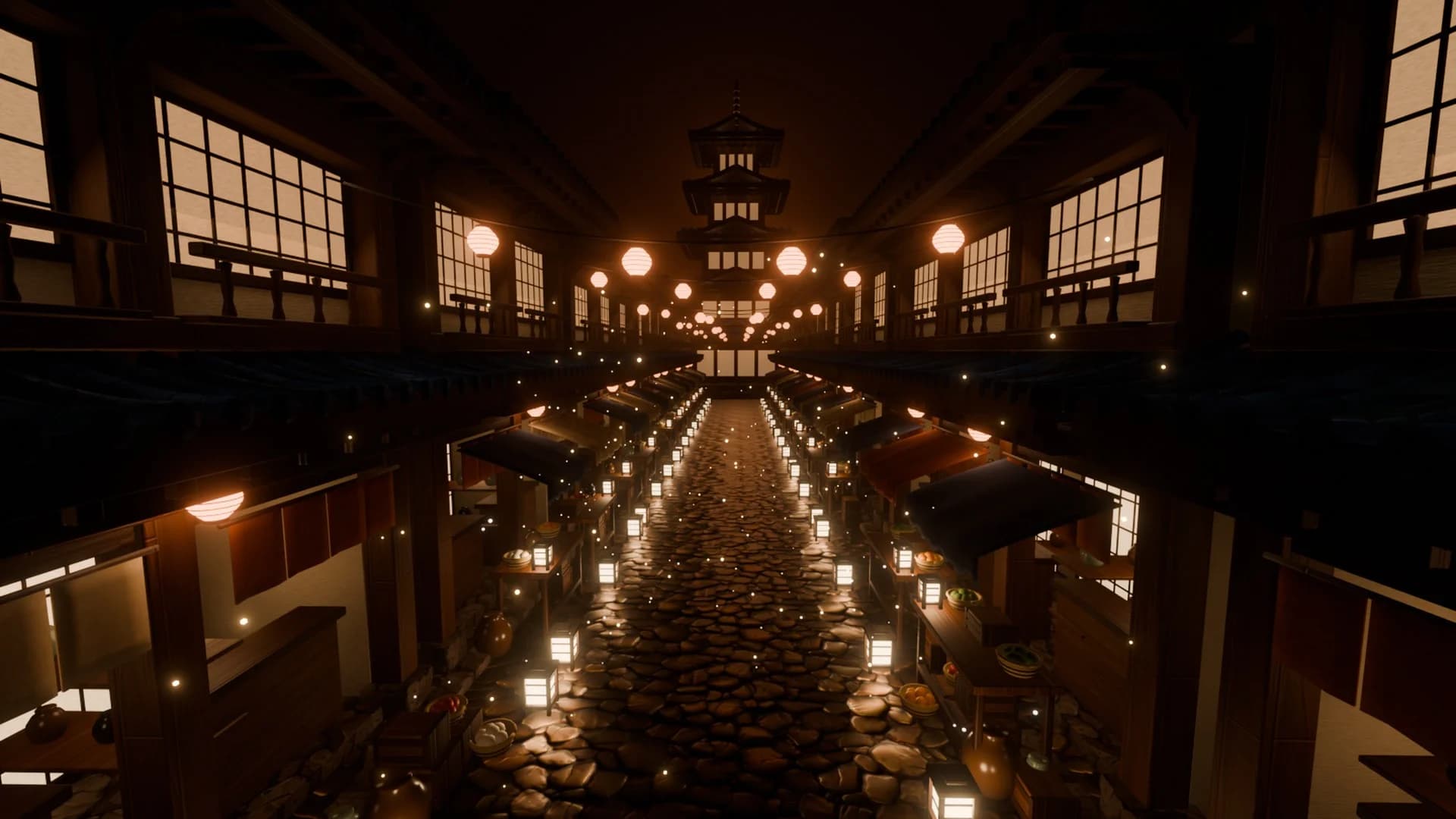
Maps to try it on: city and town maps
Start from a finished map, and your scripts have a game to run in.


More free Roblox scripts
Roblox kill brick scriptRoblox leaderboard scriptRoblox save data scriptRoblox sprint scriptRoblox double jump scriptRoblox teleport scriptRoblox obby checkpoint scriptRoblox coin pickup scriptRoblox game pass scriptRoblox developer product scriptRoblox door scriptRoblox tool giver scriptRoblox round system scriptRoblox background music scriptRoblox speed pad scriptRoblox jump pad scriptRoblox VIP door scriptRoblox daily reward scriptRoblox NPC dialogue scriptRoblox pet follow scriptRoblox gun scriptRoblox admin commands scriptRoblox tycoon dropper scriptRoblox shop GUI script