Marketplace
Roblox Horror Maps
Dark forests, cursed keeps and underground tunnels for horror games. 22 maps, instant download.
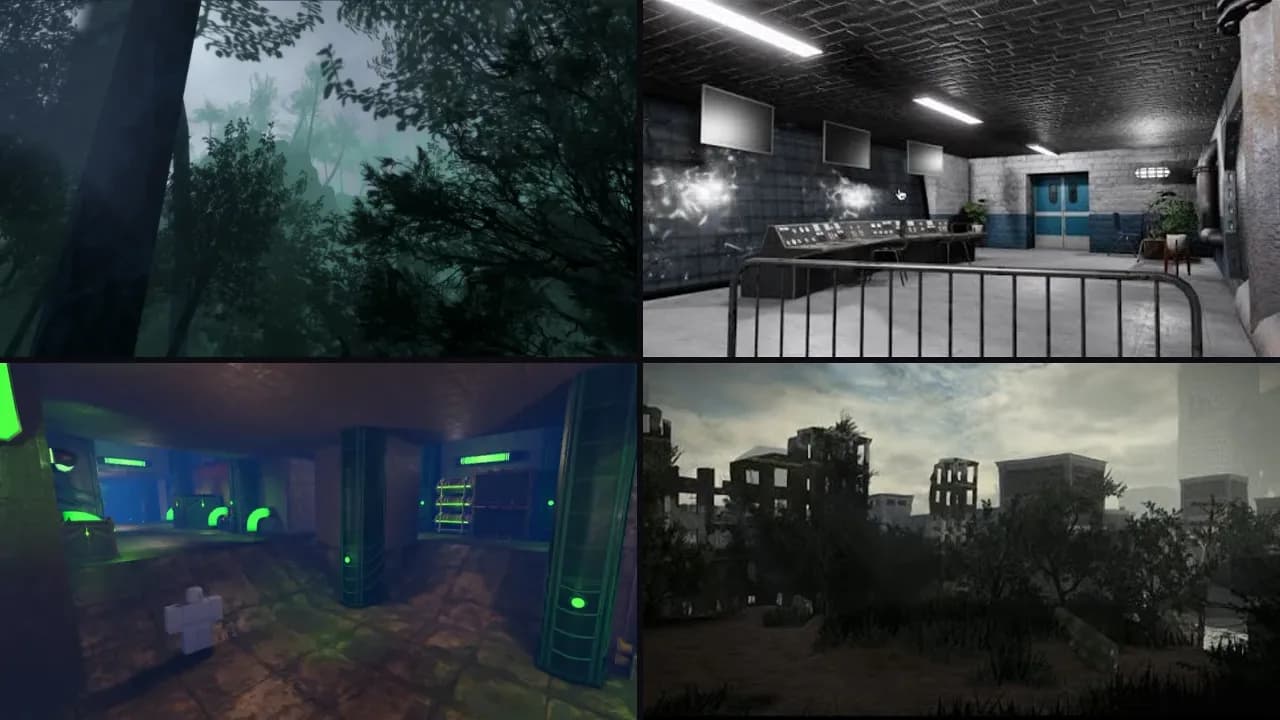 Get them in a packHorror Map Pack6 maps for $57.00
Build your own horror pack: 5 maps for 20% off.Pick maps
Listings
Horror Map Pack
6 maps Voxq Studios
$57.002sold
New
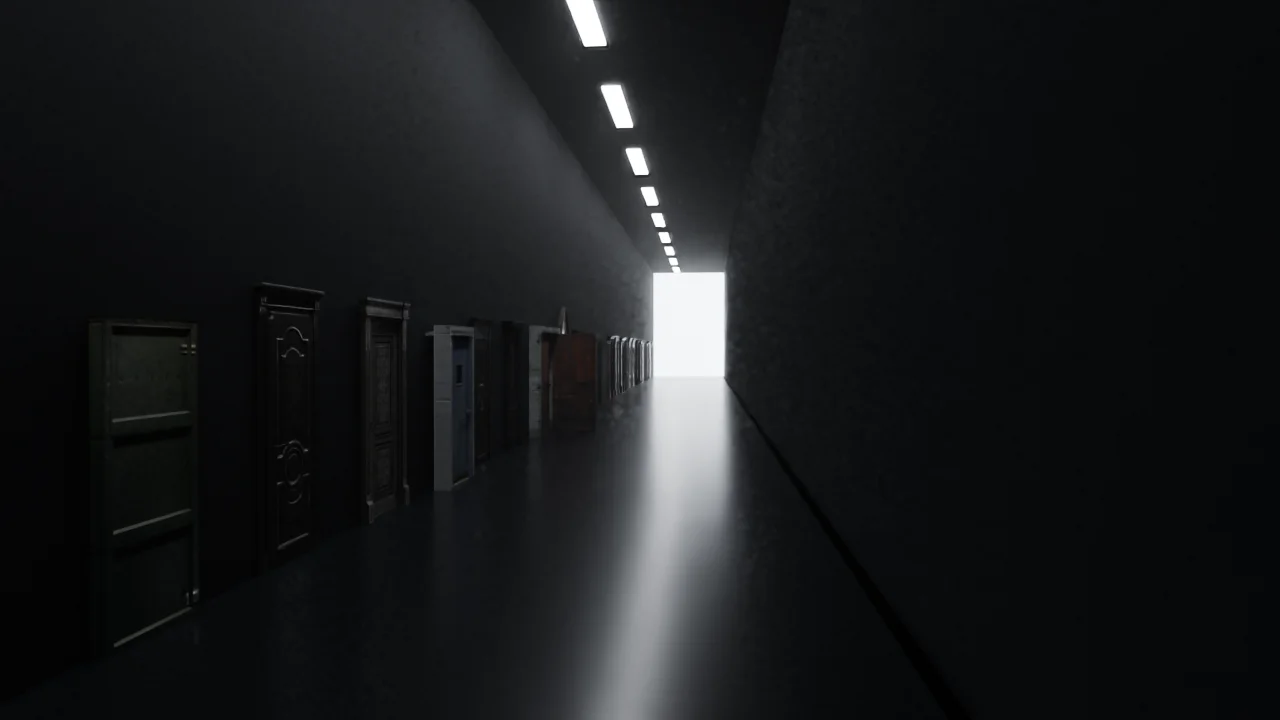
Endless Door Hallway
 MapForgeChecked
$5.00
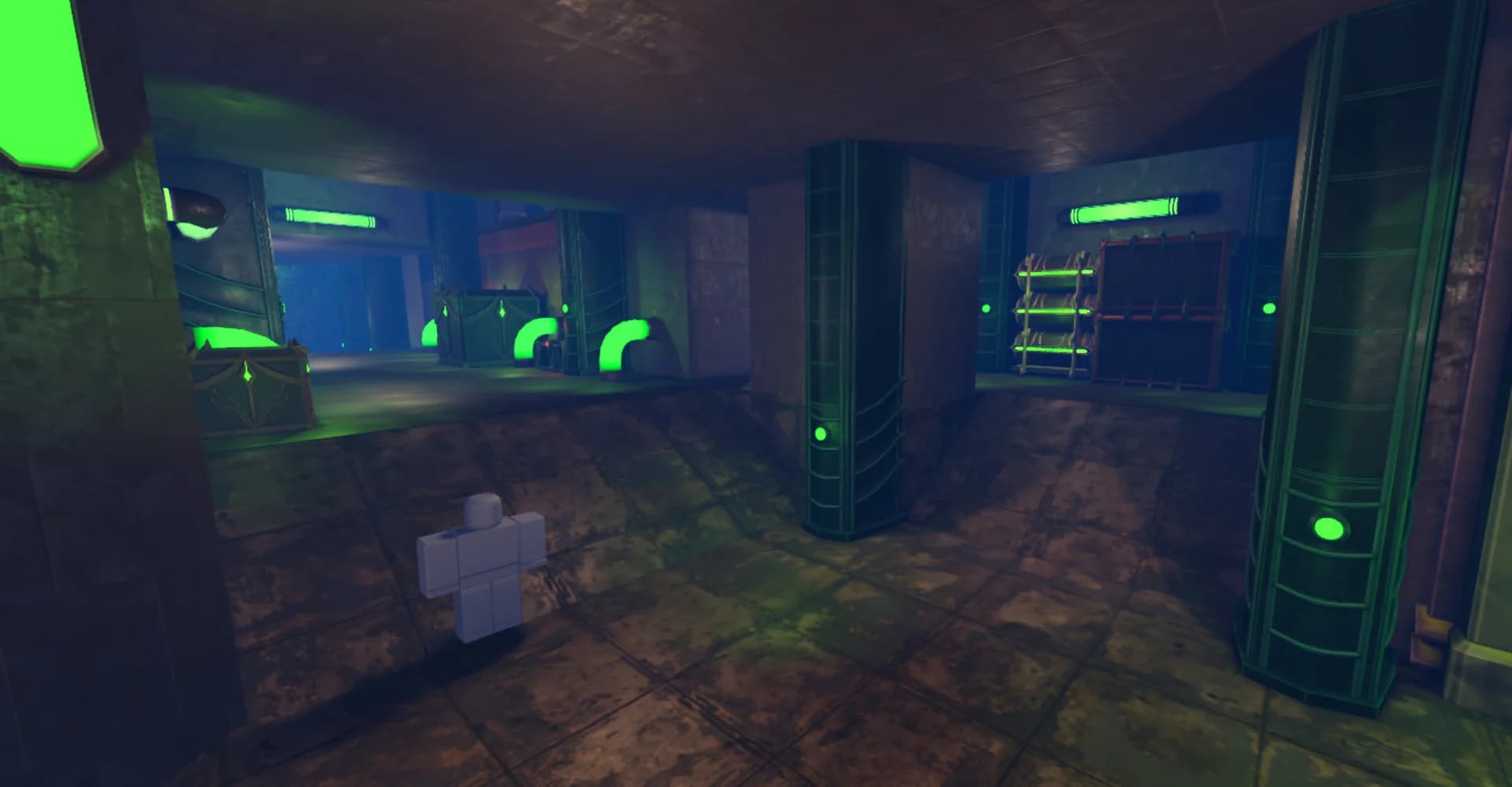
Stylized Cursed Demon Keep
Voxq StudiosChecked
$40.001sold
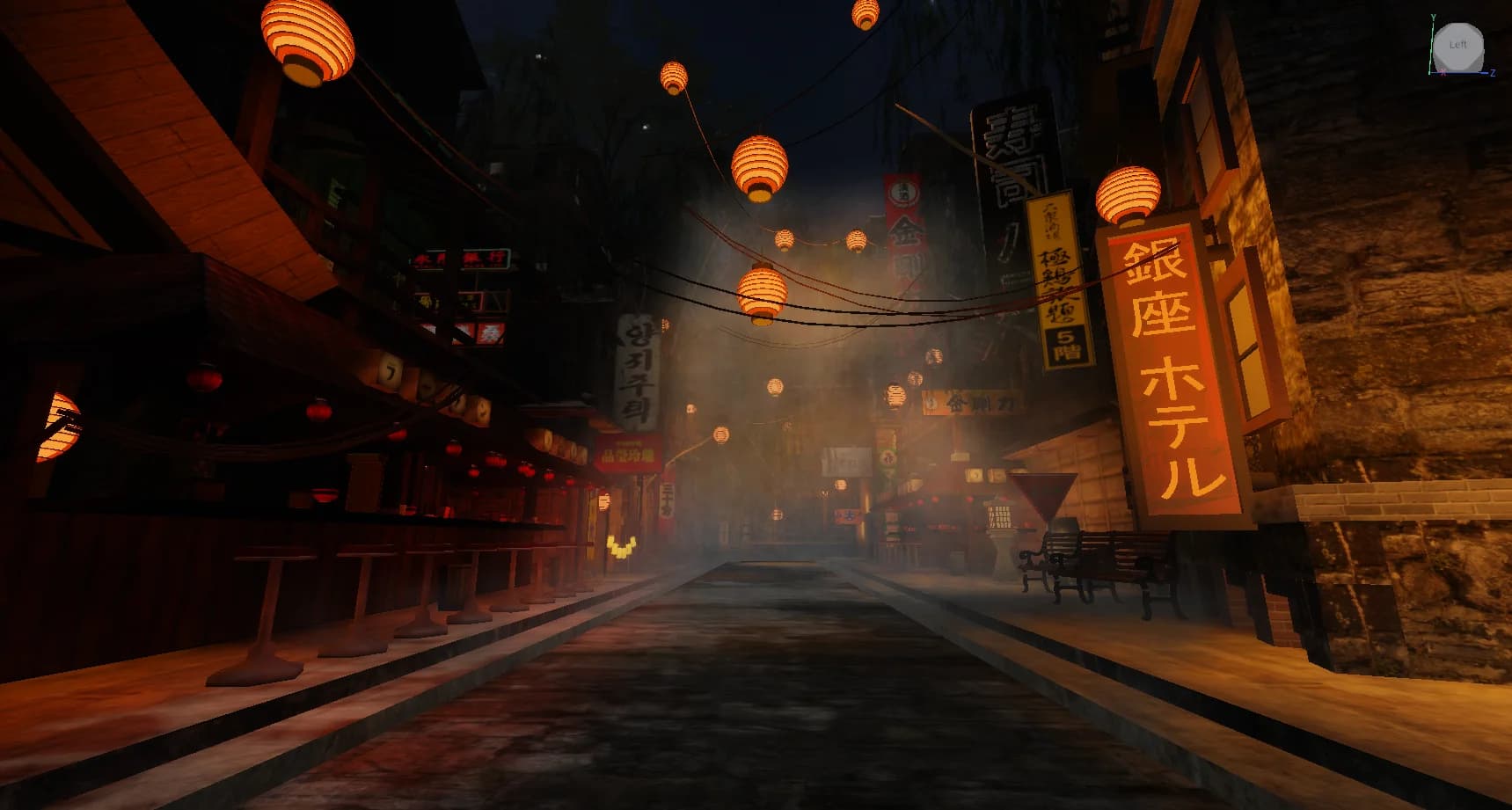
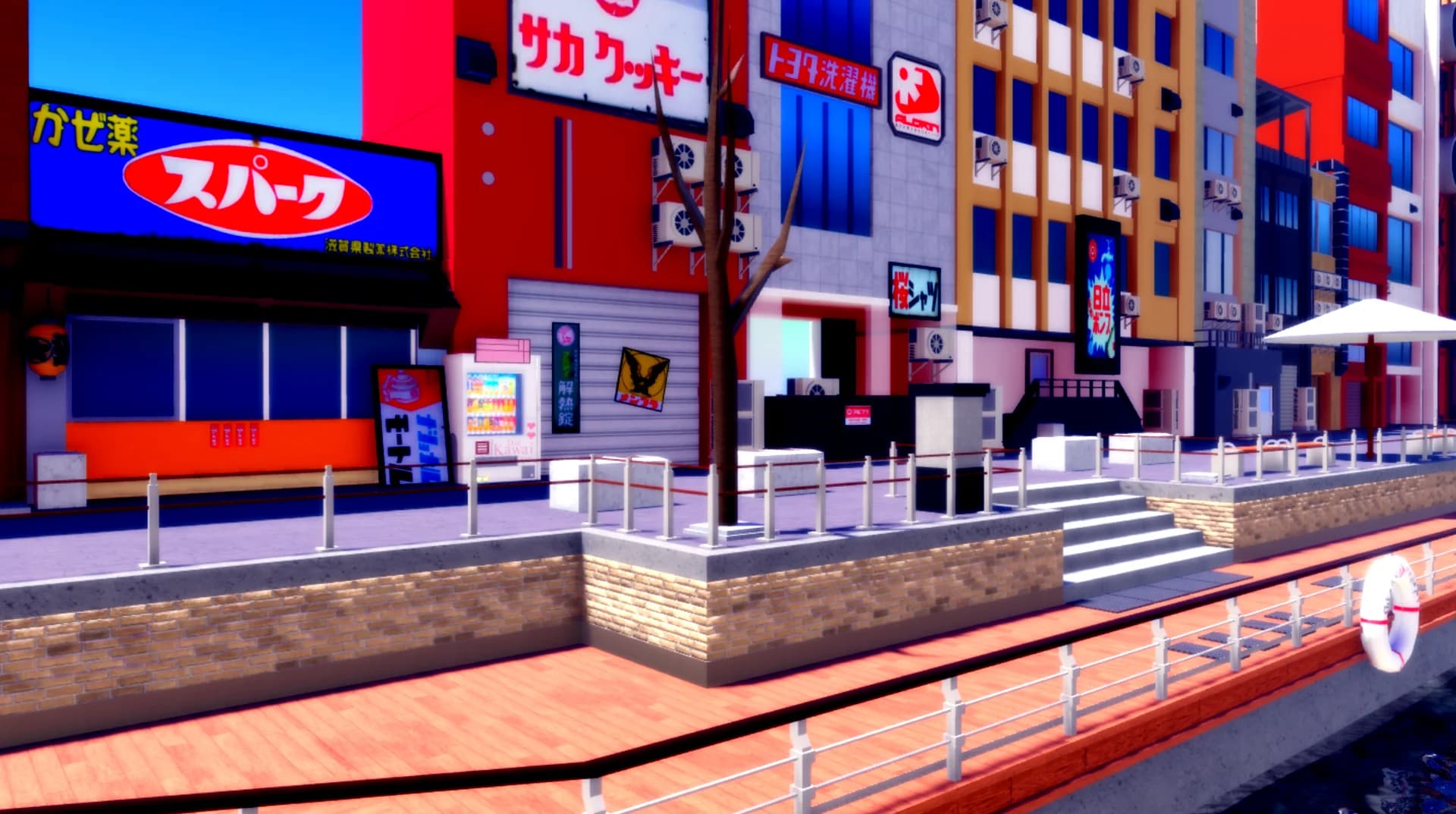
Japanese Map
MapForgeChecked
$1.99
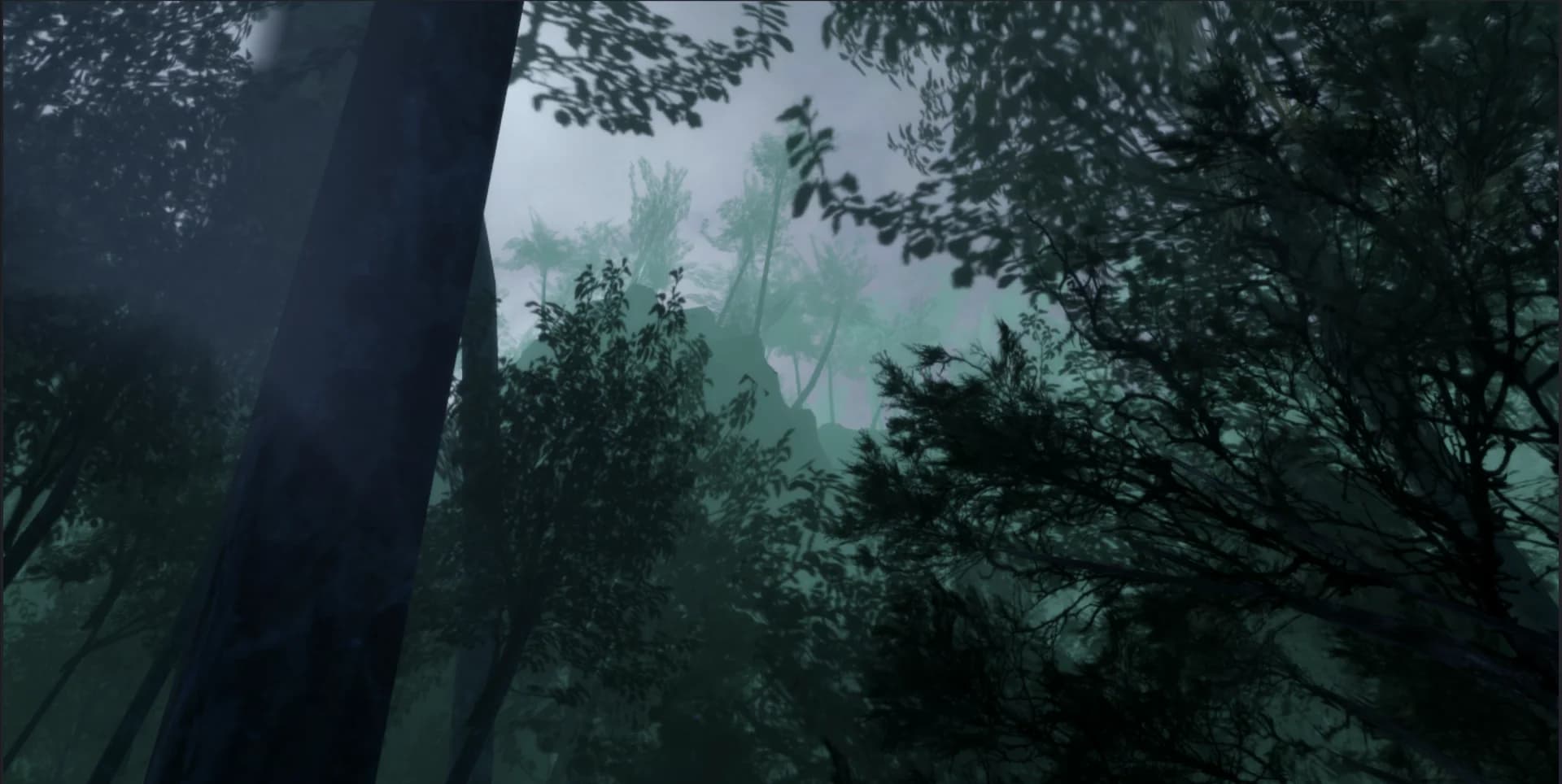
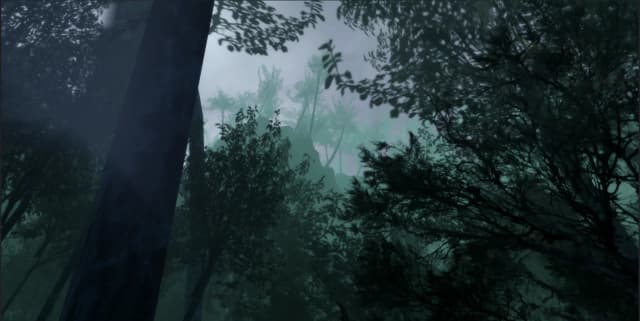
Dark Horror Forest Map
Voxq StudiosChecked
$9.994sold
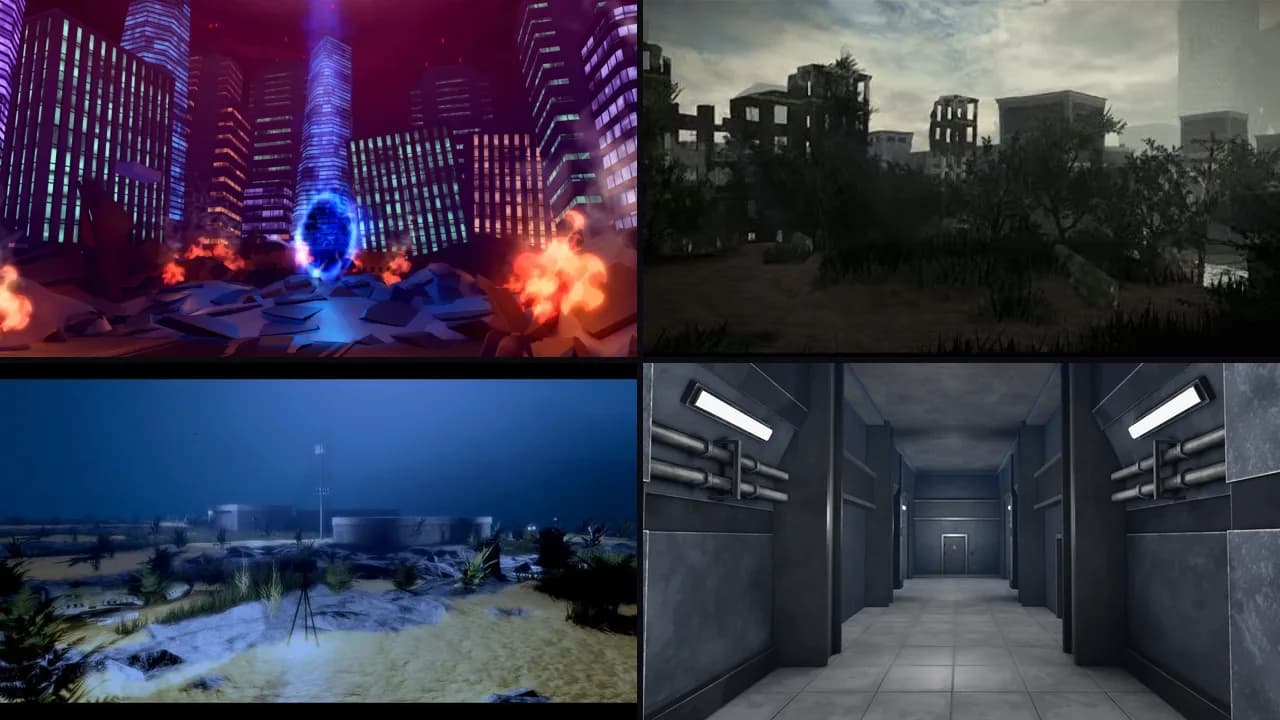
Survival Map Pack
6 mapsVoxq Studios
$55.00
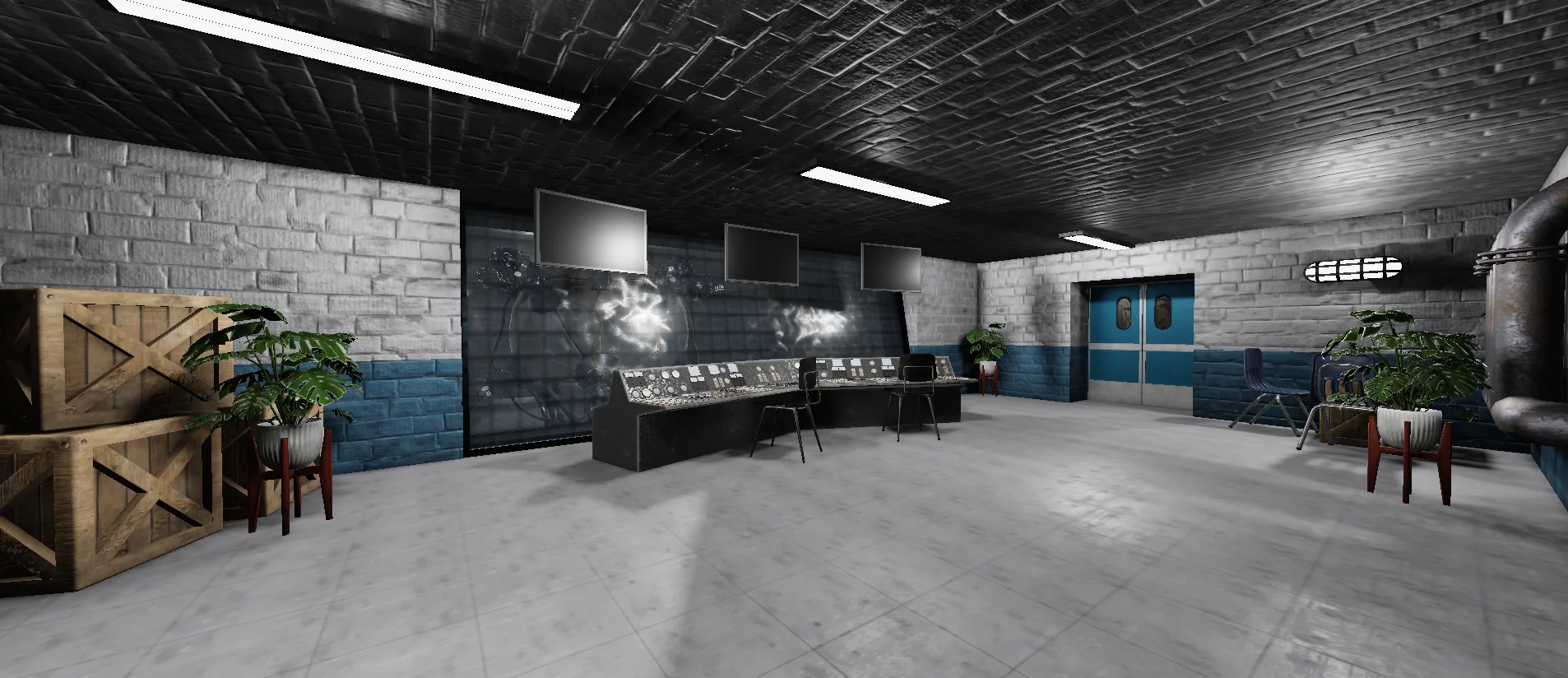
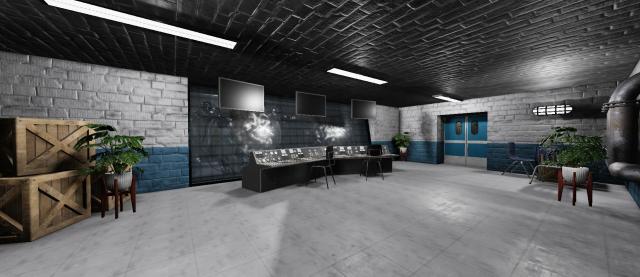
Underground Maintenance Sector Map
Voxq StudiosChecked
$15.001sold
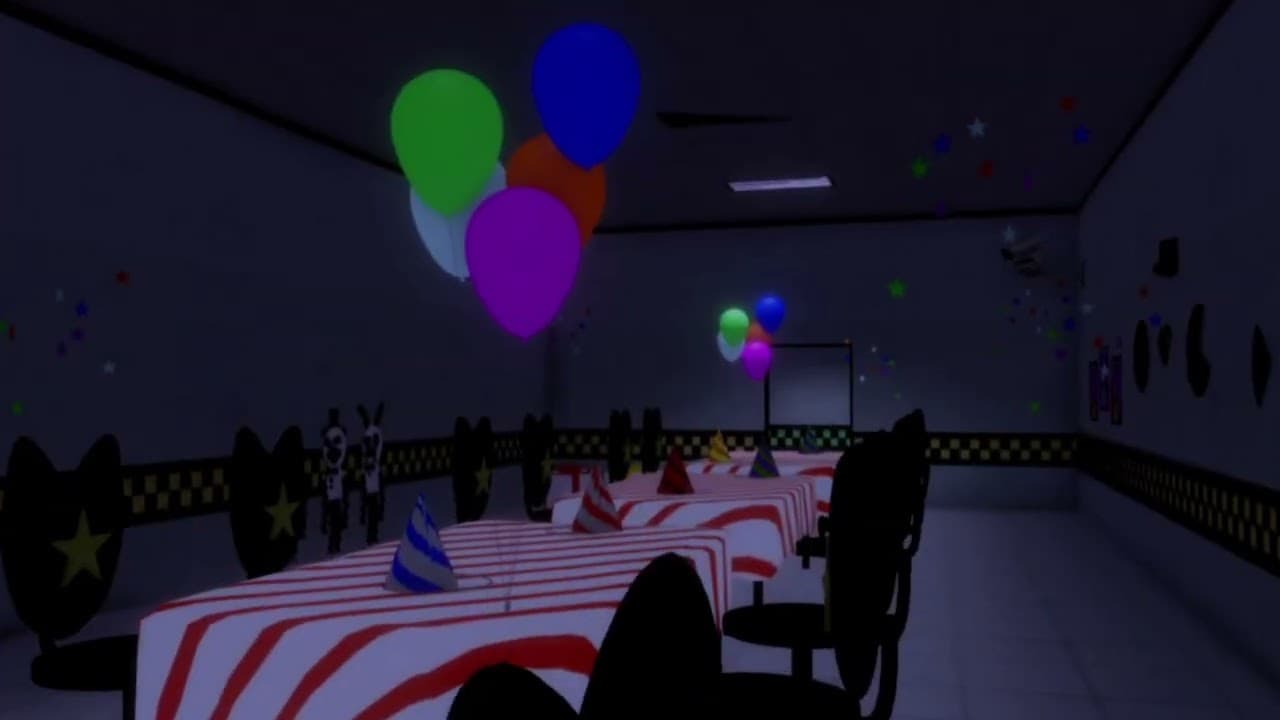
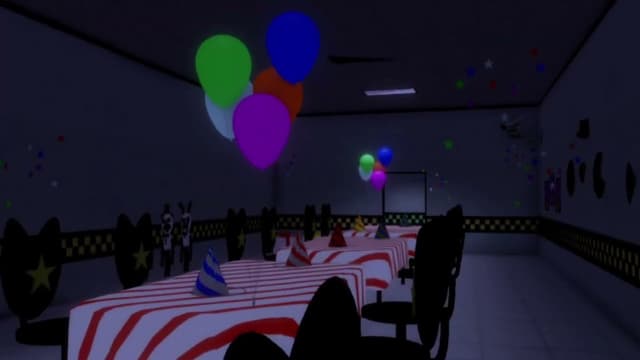
FNAF Pizza Restaurant Map
Voxq StudiosChecked
$15.00
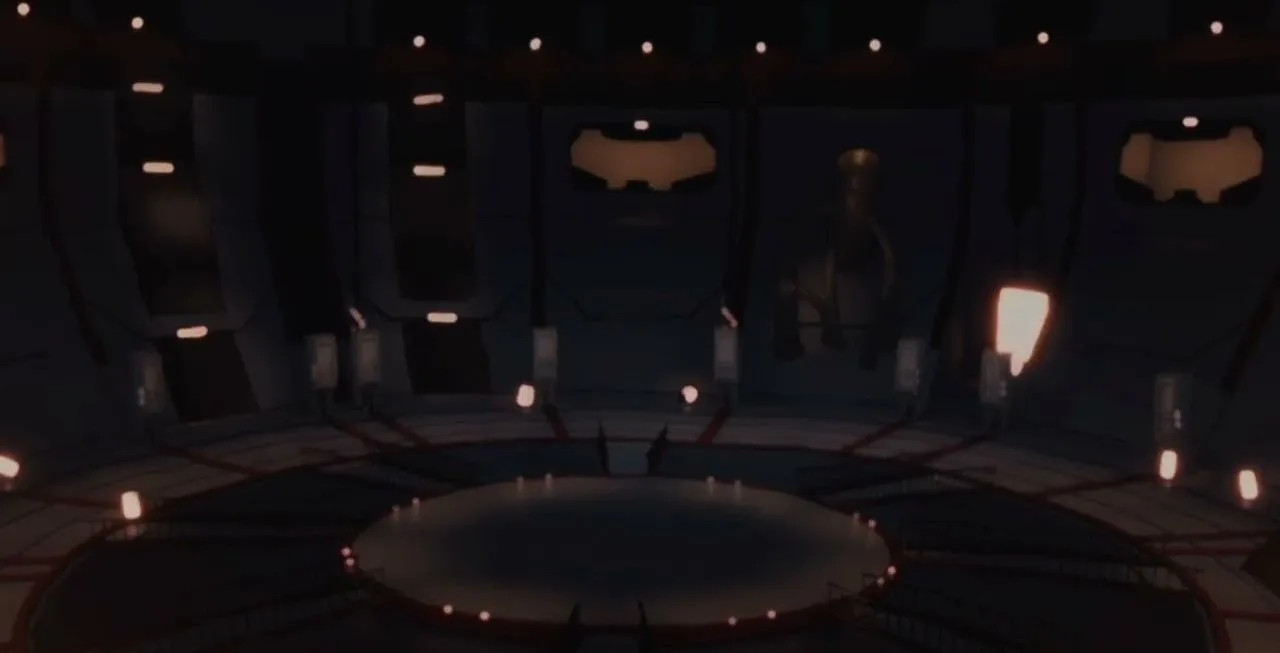
SCP Arena - Horror Combat Map
Voxq StudiosChecked
$10.00
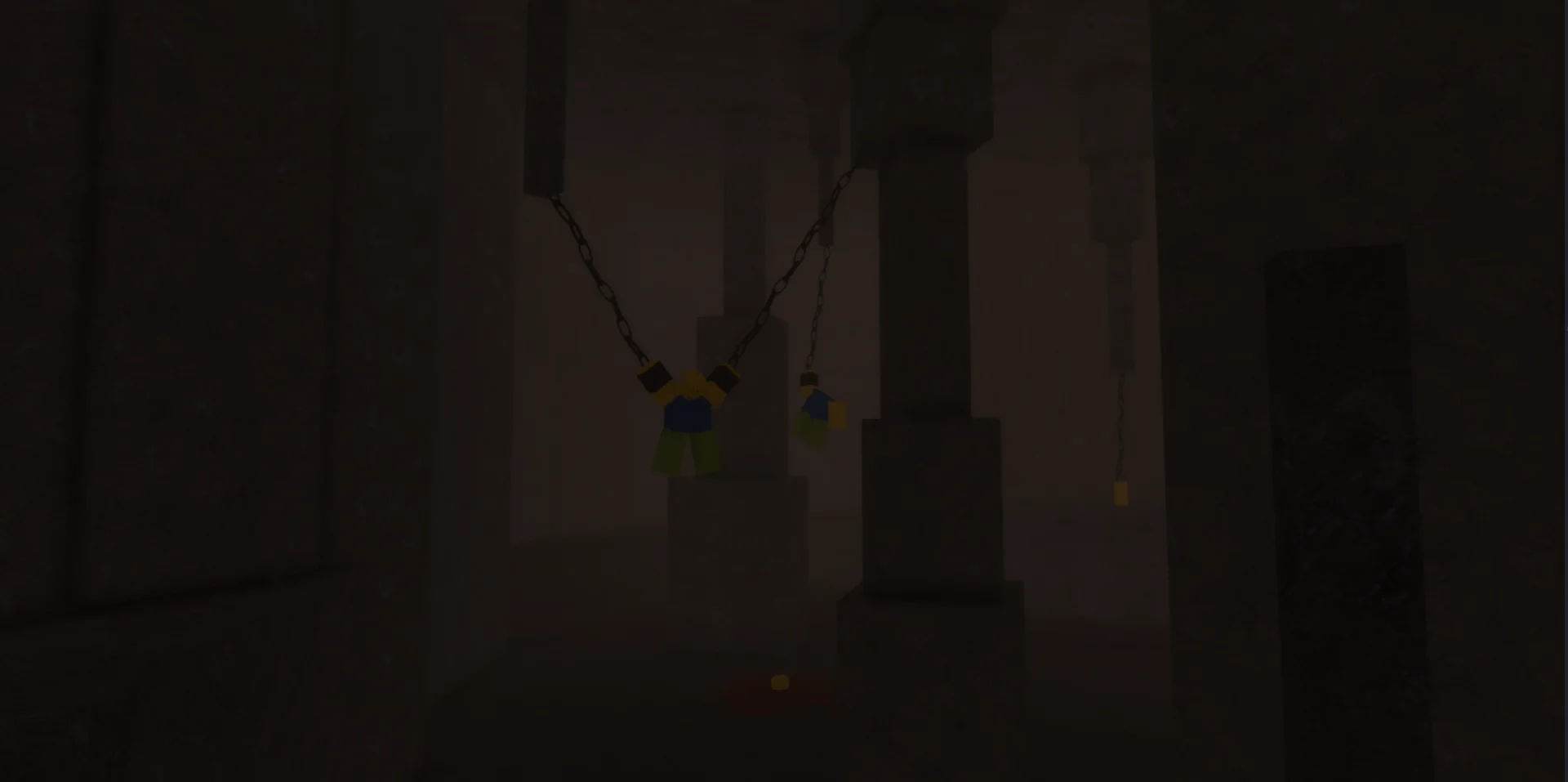
Dark Cave Adventure Map
Voxq StudiosChecked
$15.00
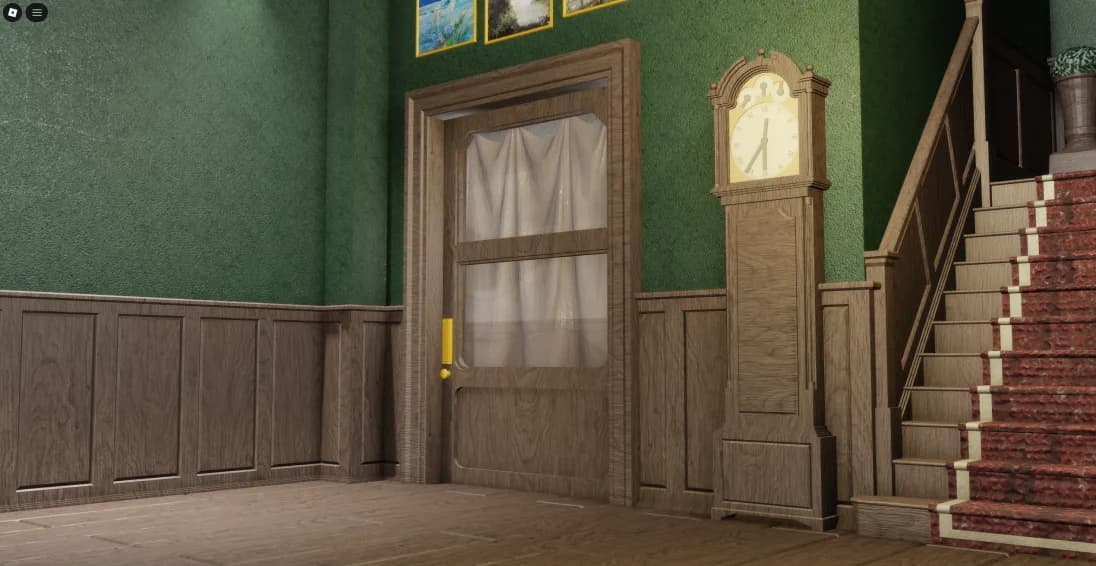
Luxury Hotel Lobby
Voxq StudiosChecked
$10.00
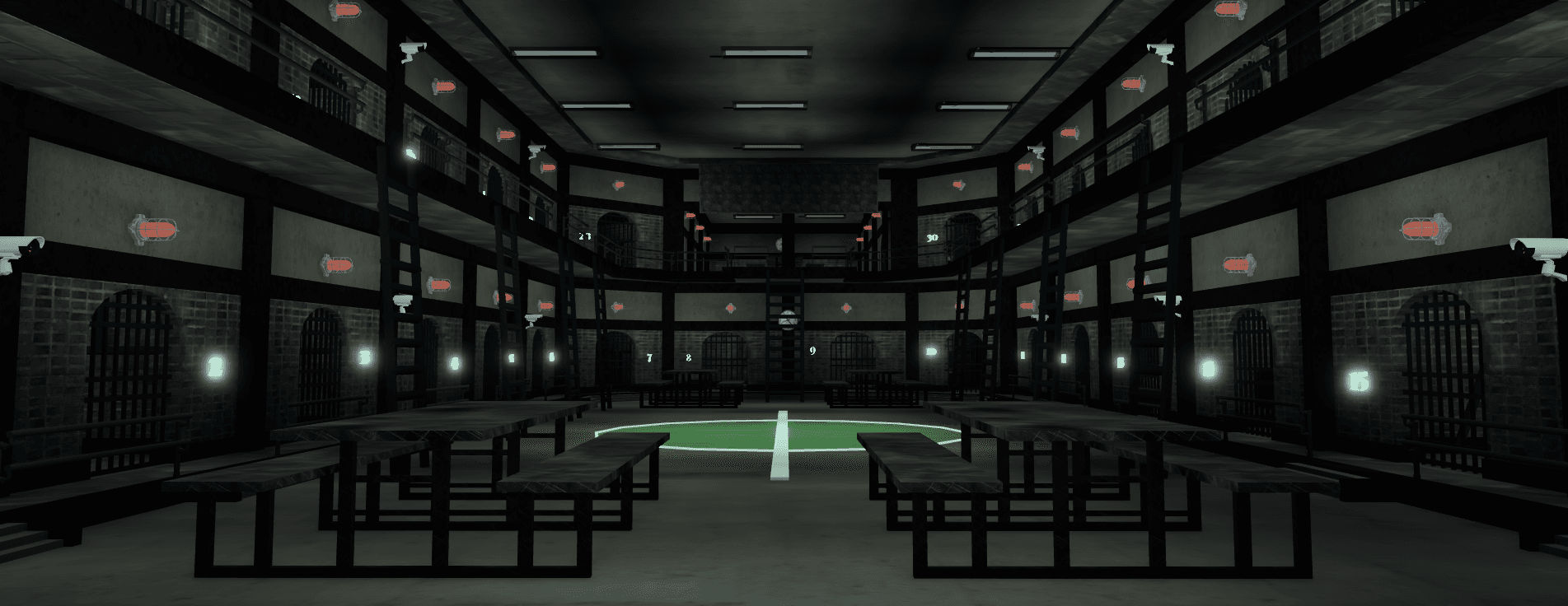
Prison Cell Arena V2
Voxq StudiosChecked
$20.00
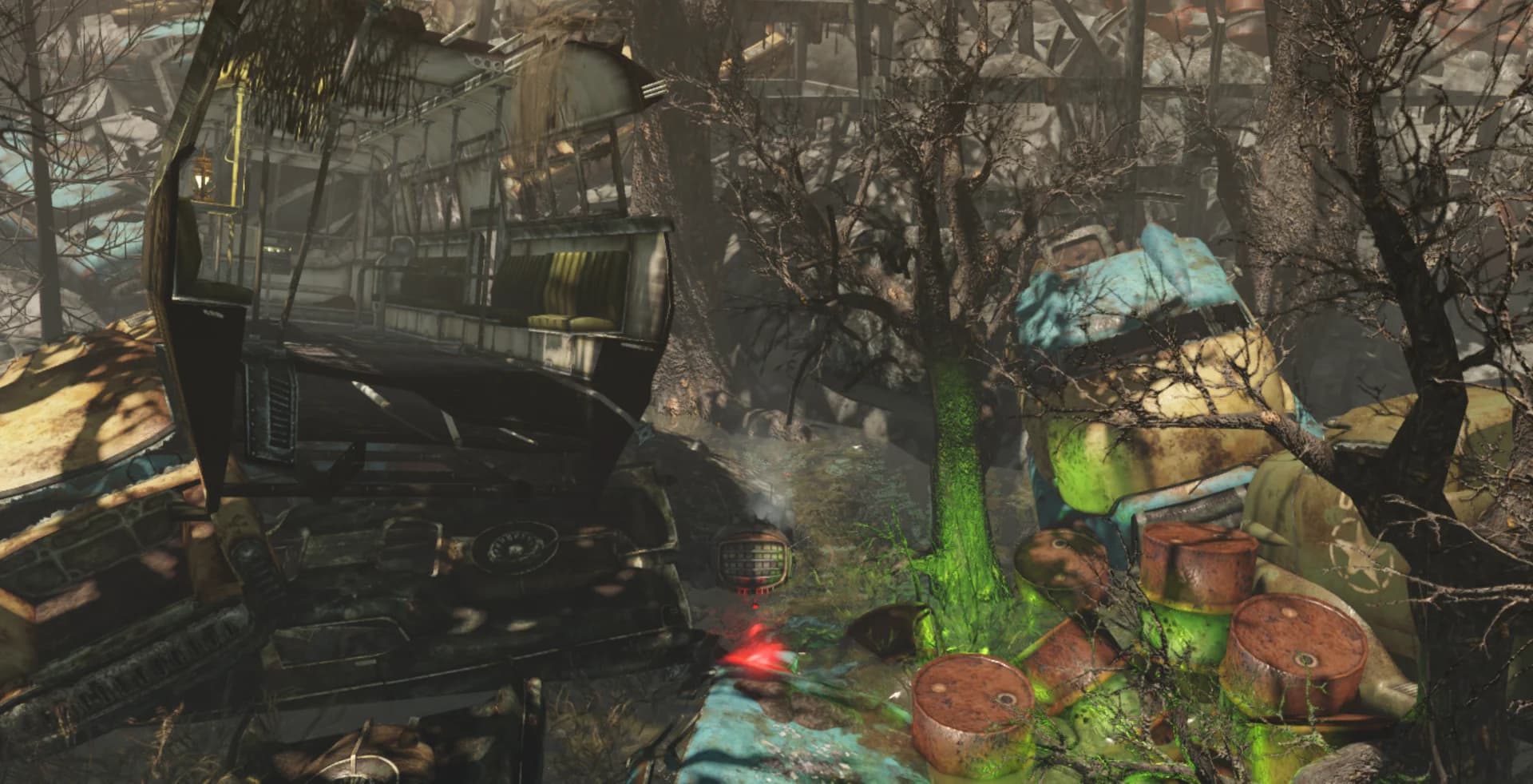
Post-Apocalyptic Wasteland Map
Voxq StudiosChecked
$15.00
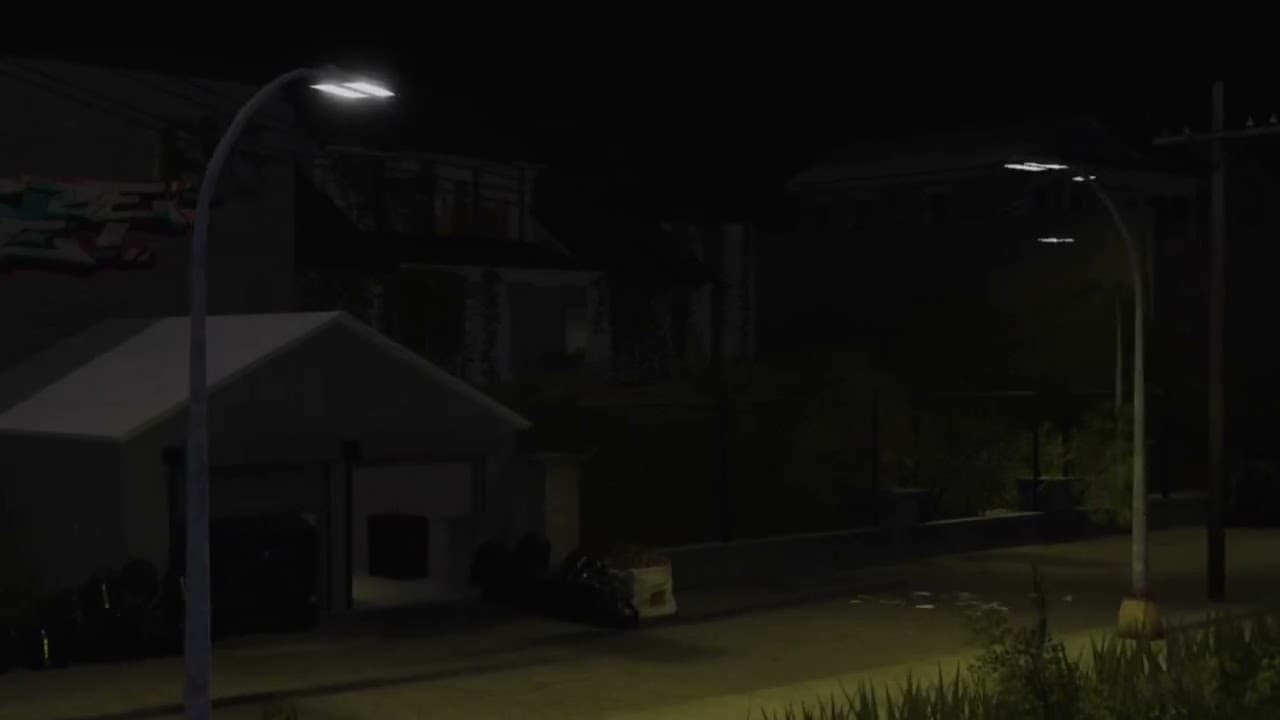
Spooky Suburban Neighborhood
Voxq StudiosChecked
$15.00
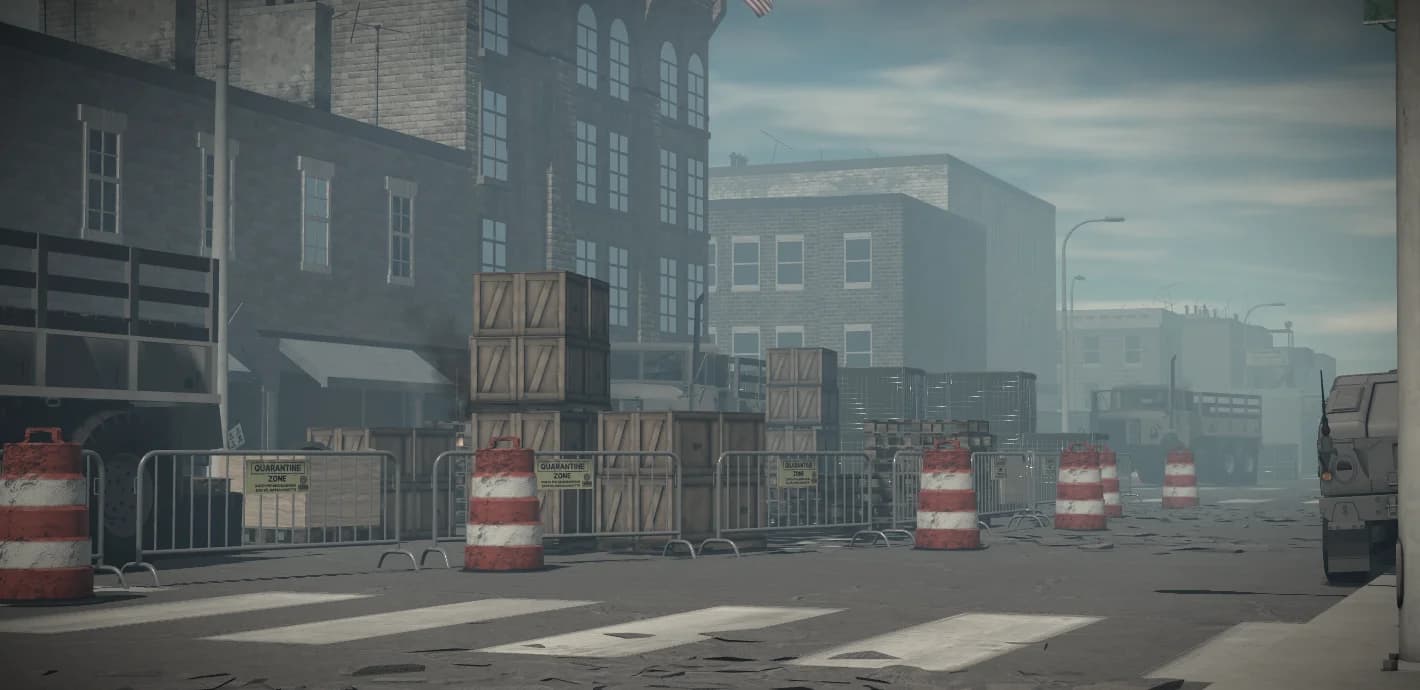
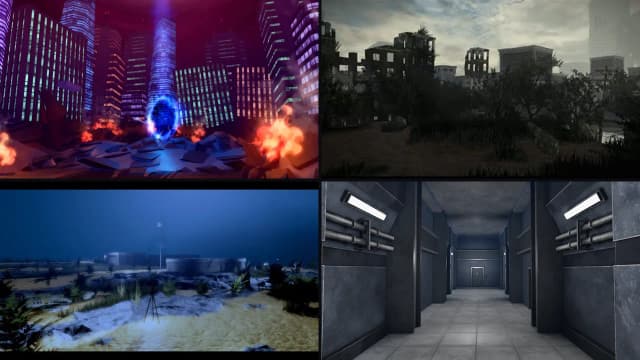
Apocalyptic City Survival Map
Voxq StudiosChecked
$15.00
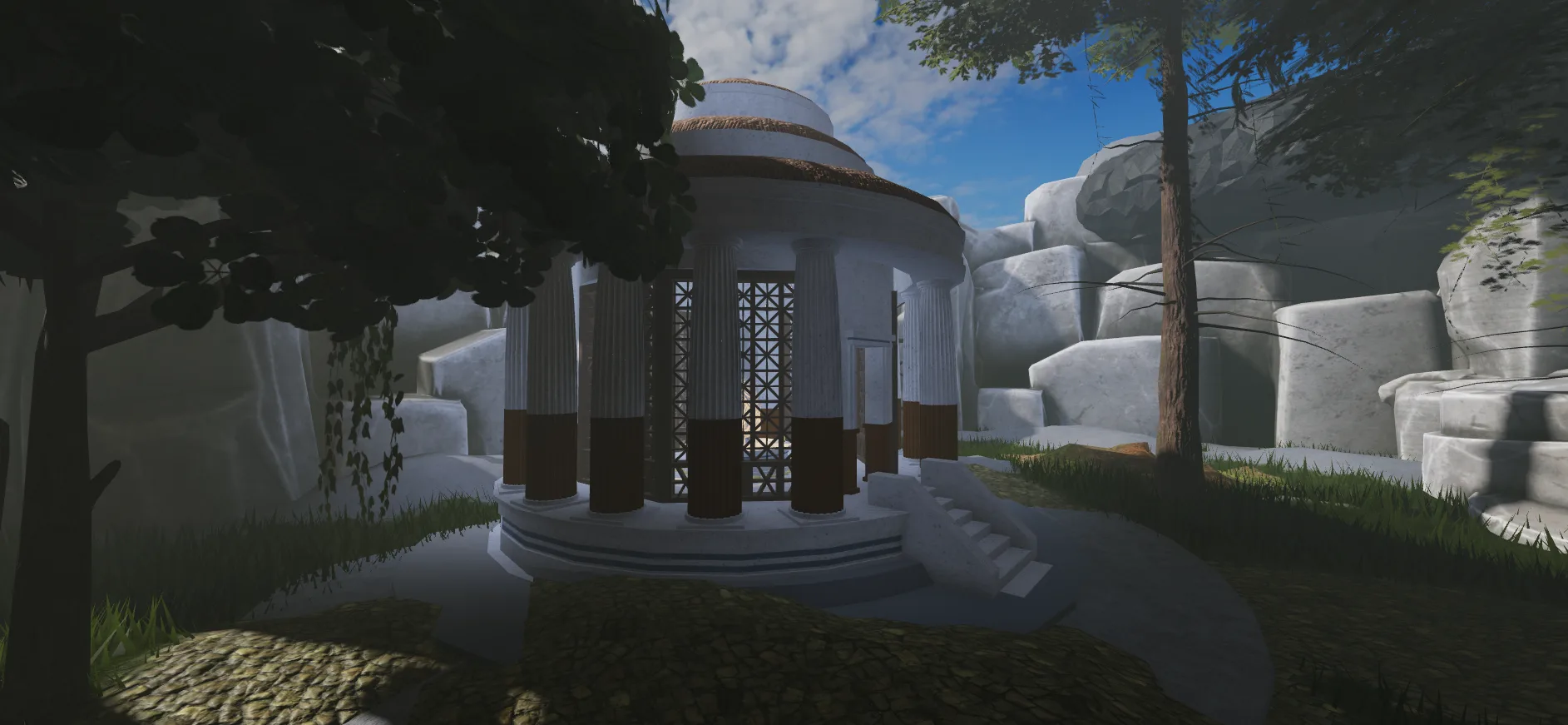
Metal Works Roman Belgica Map
Voxq StudiosChecked
$20.00
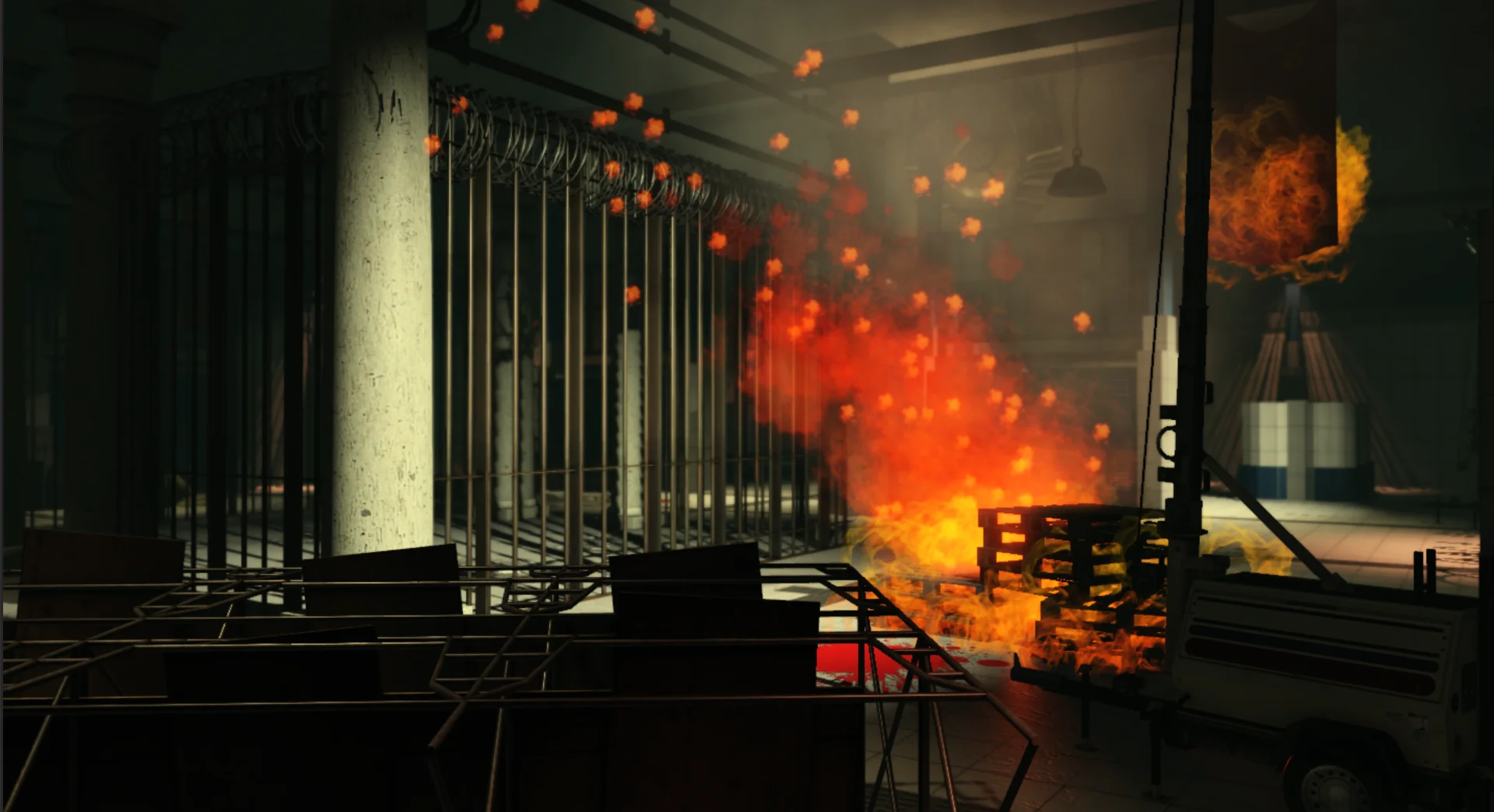
Underground Fight Club Arena
Voxq StudiosChecked
$12.50
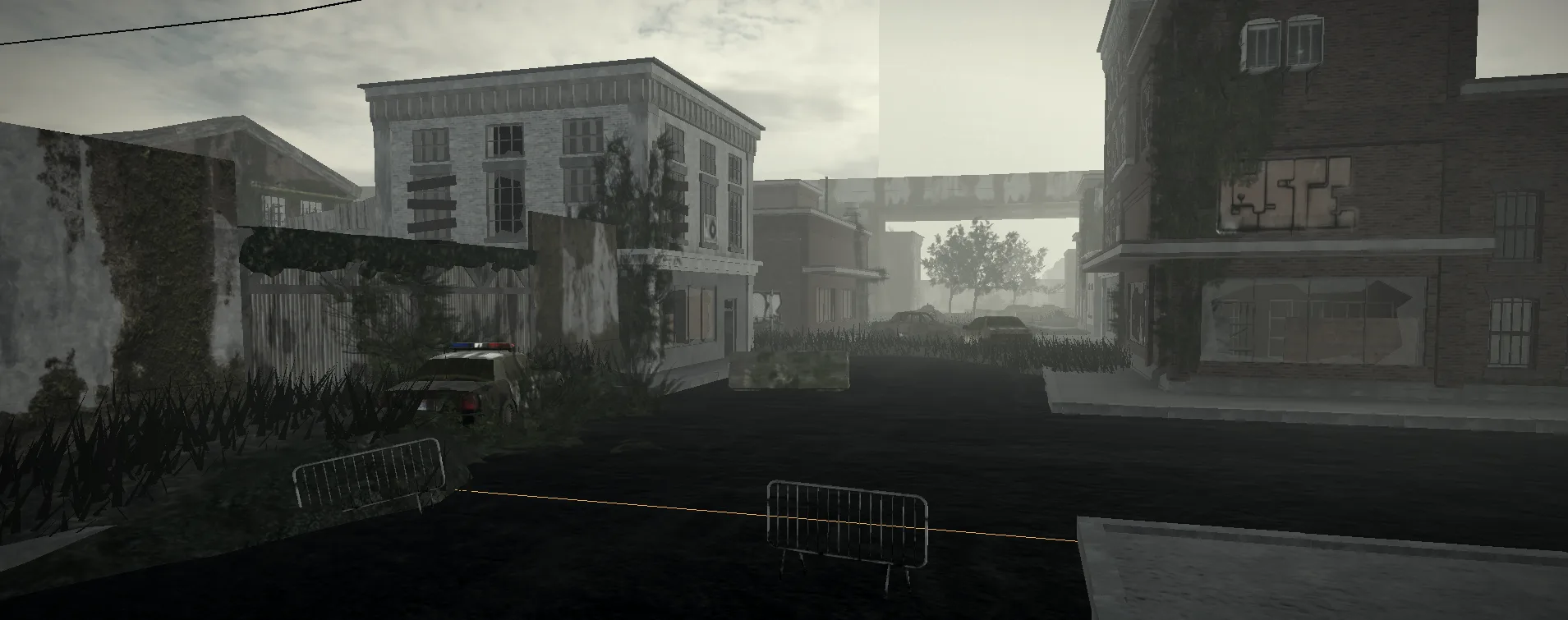
Post-Apocalyptic City Map
Voxq StudiosChecked
$15.001sold
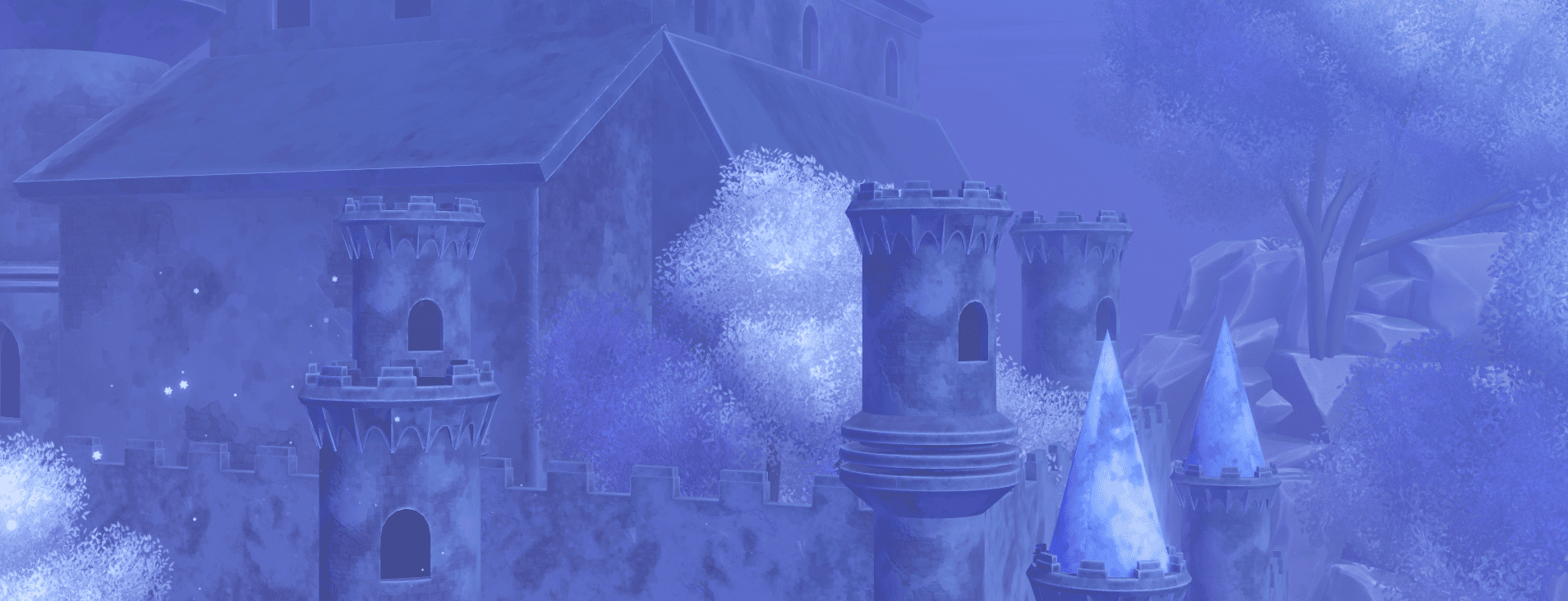
Frozen Cathedral Kingdom
Voxq StudiosChecked
$35.00
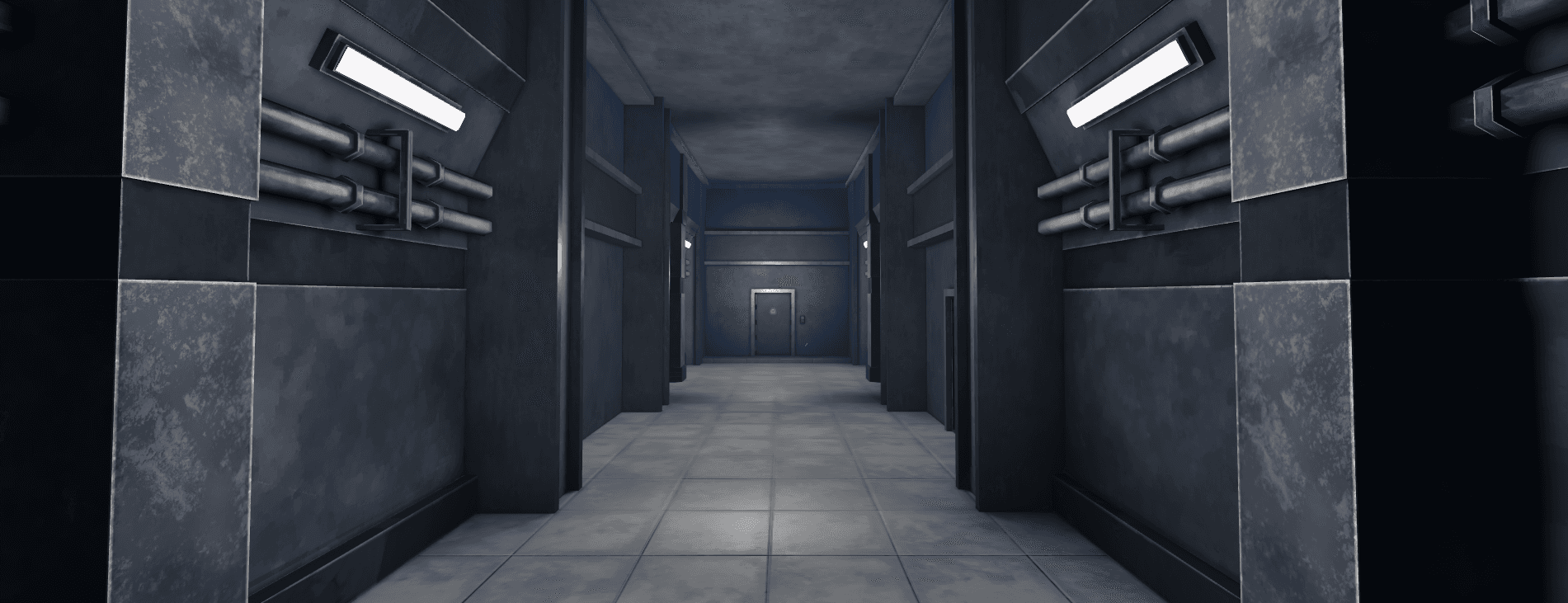
SCP Containment Facility
Voxq StudiosChecked
$25.00
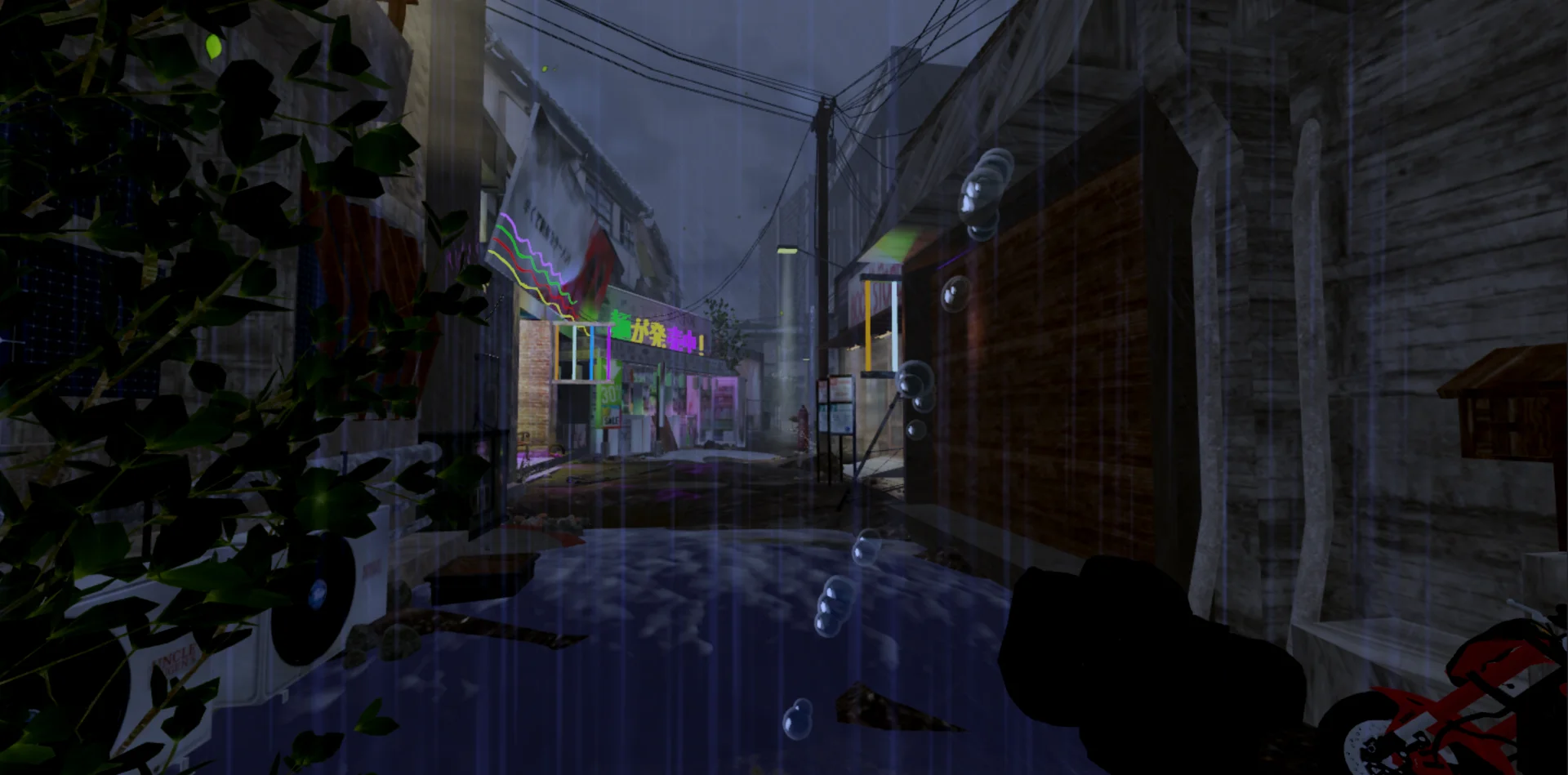
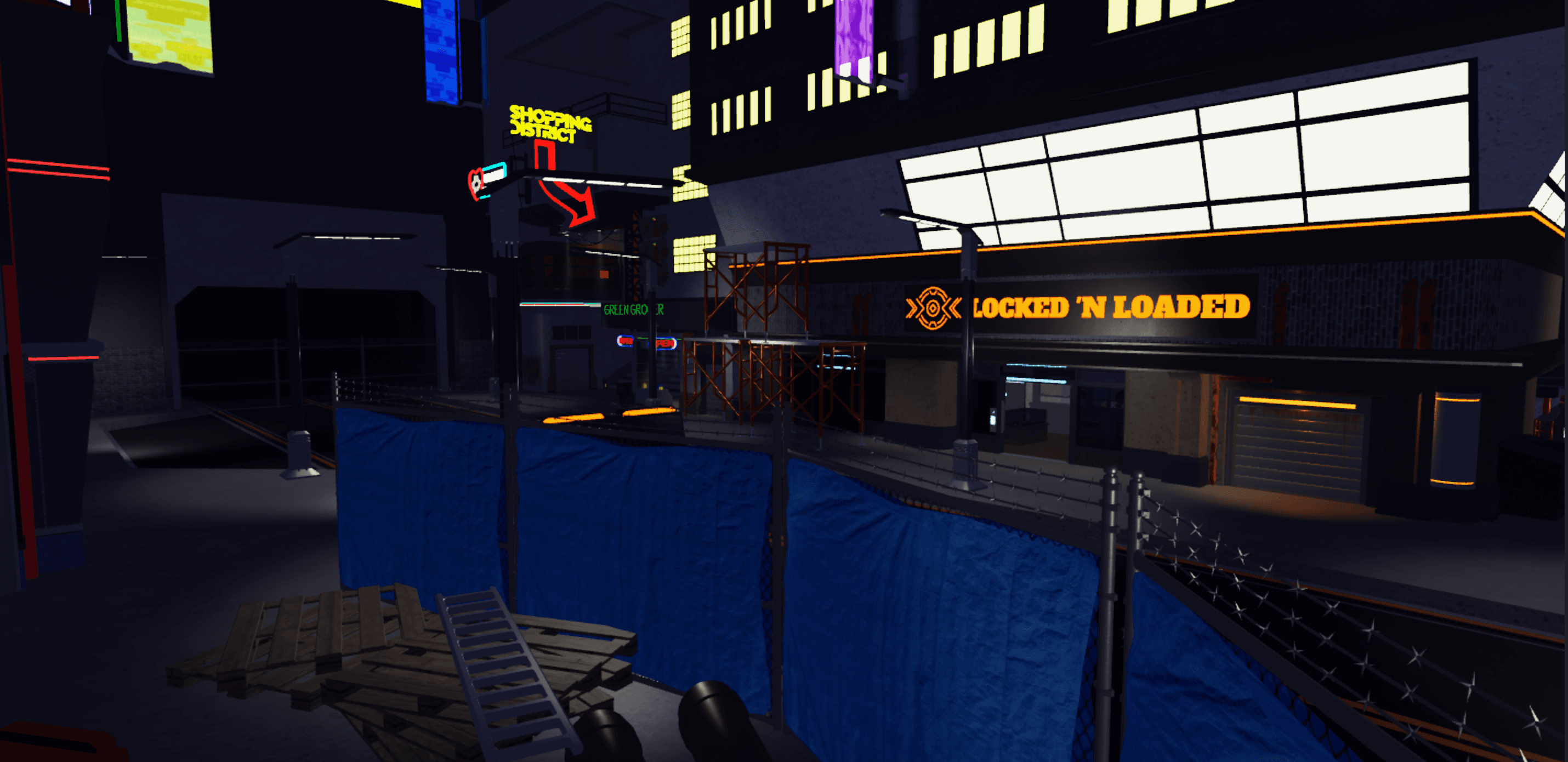
Cyberpunk Japan City Map
Voxq StudiosChecked
$10.00
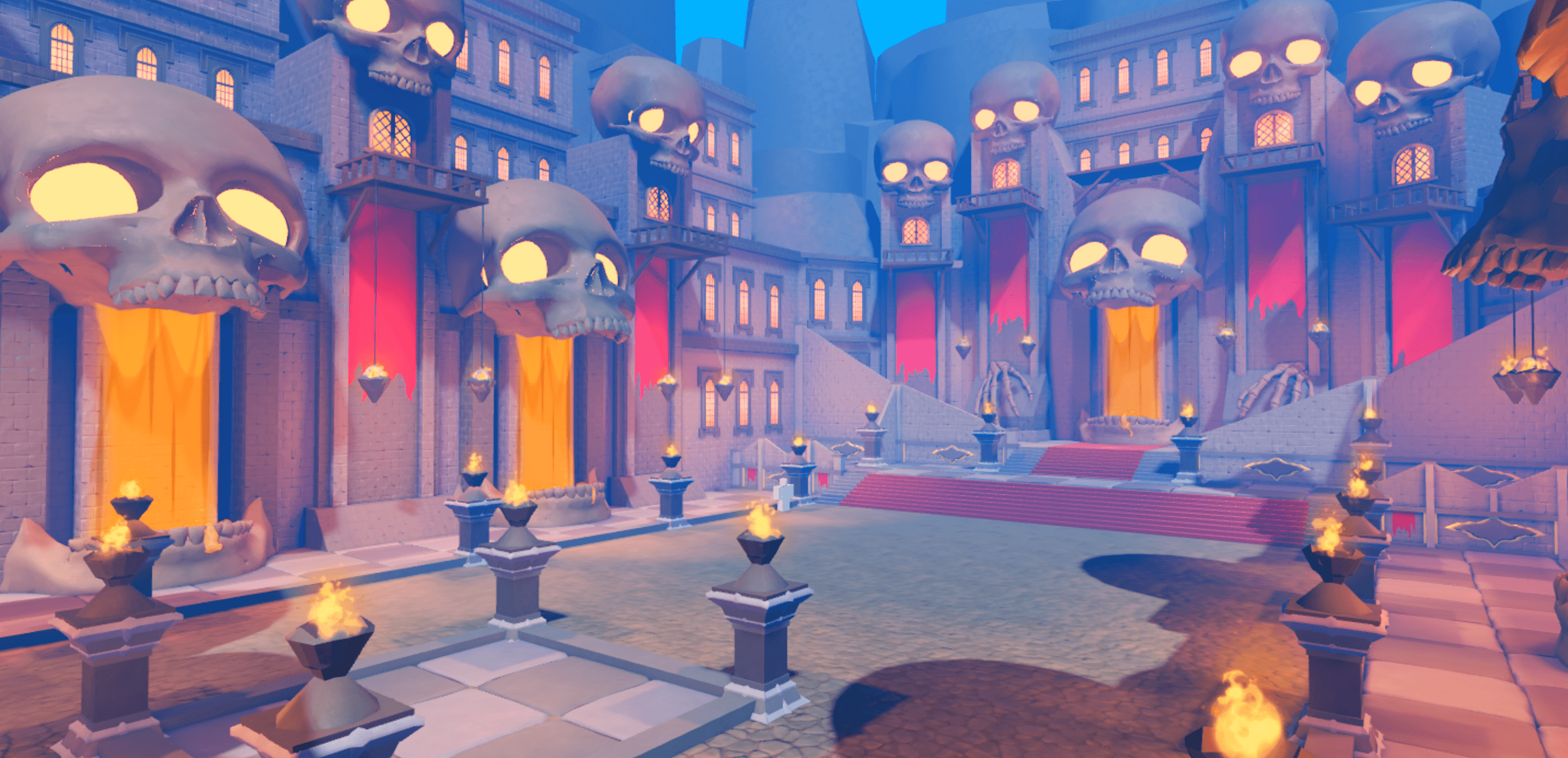
Skull Castle Arena
Voxq StudiosChecked
$15.00
More map themes
Find a map for the game you're making.
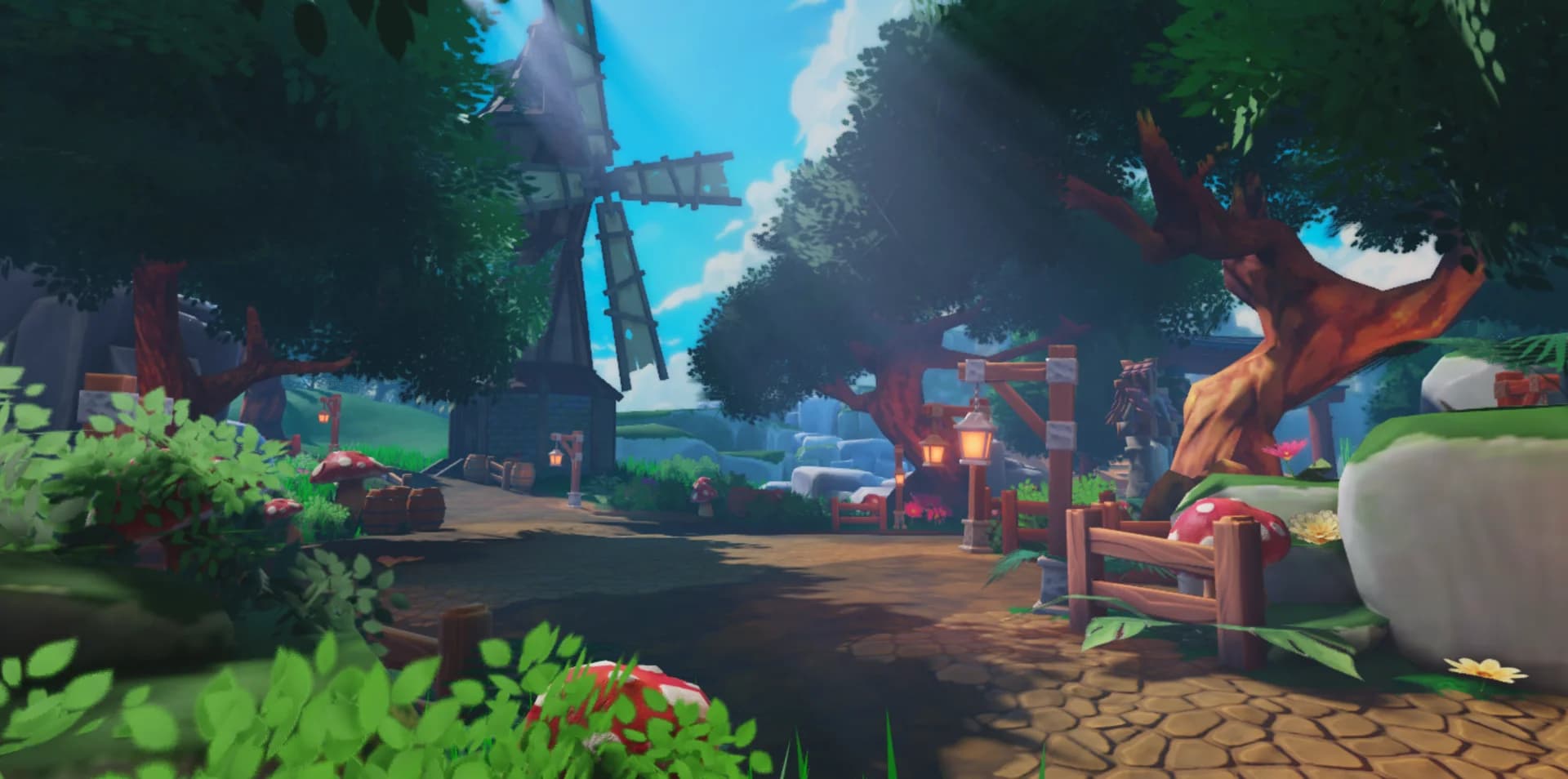
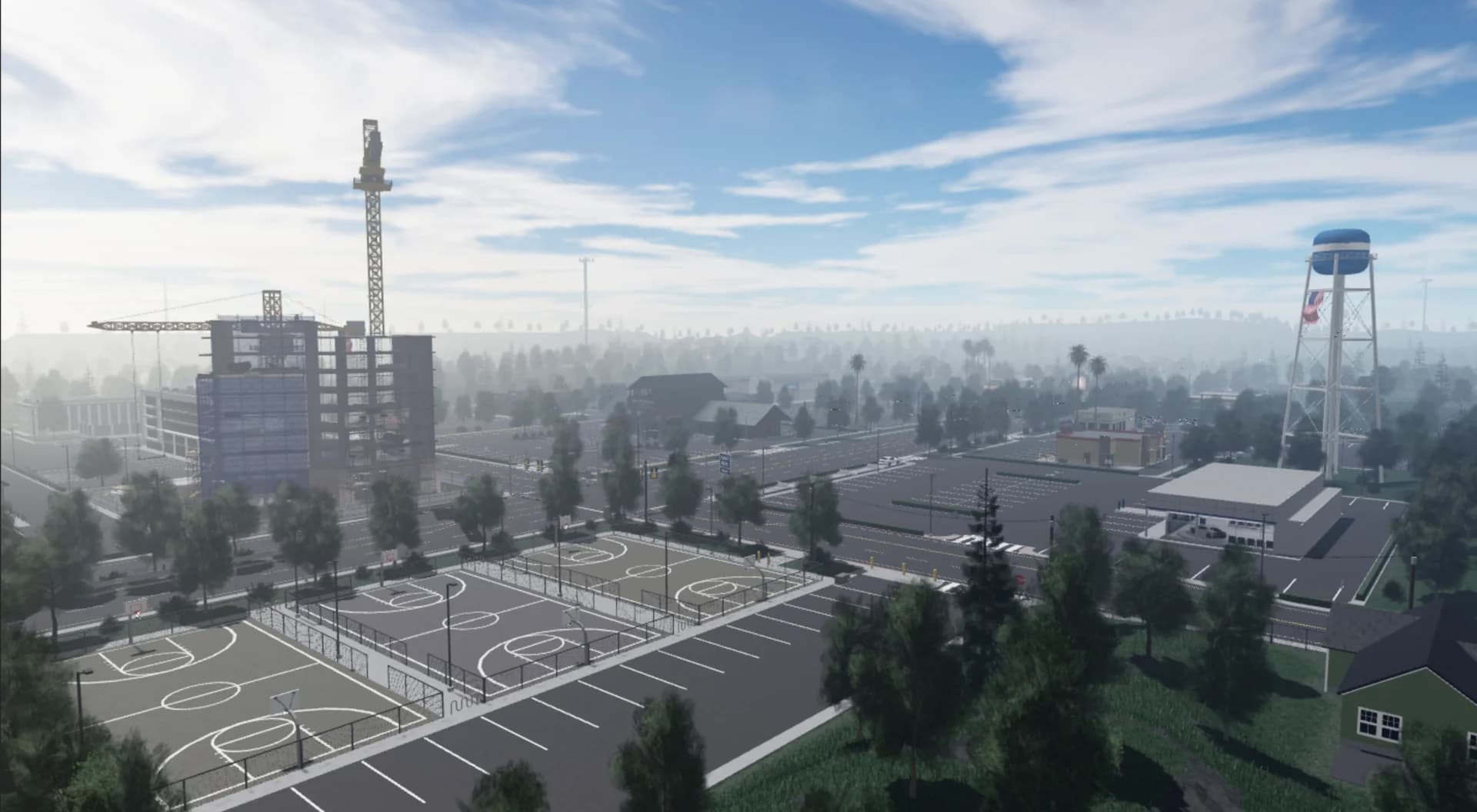
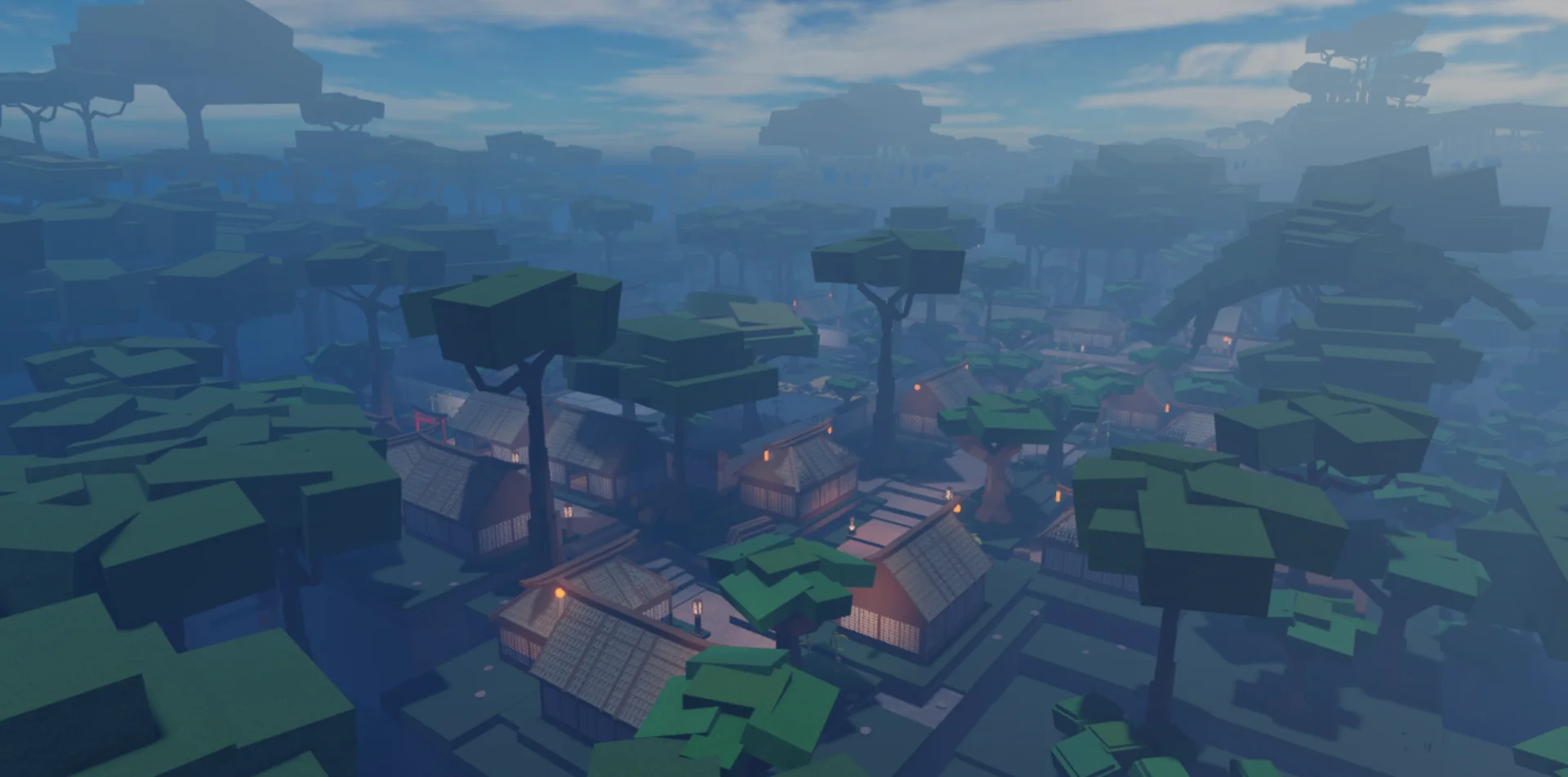
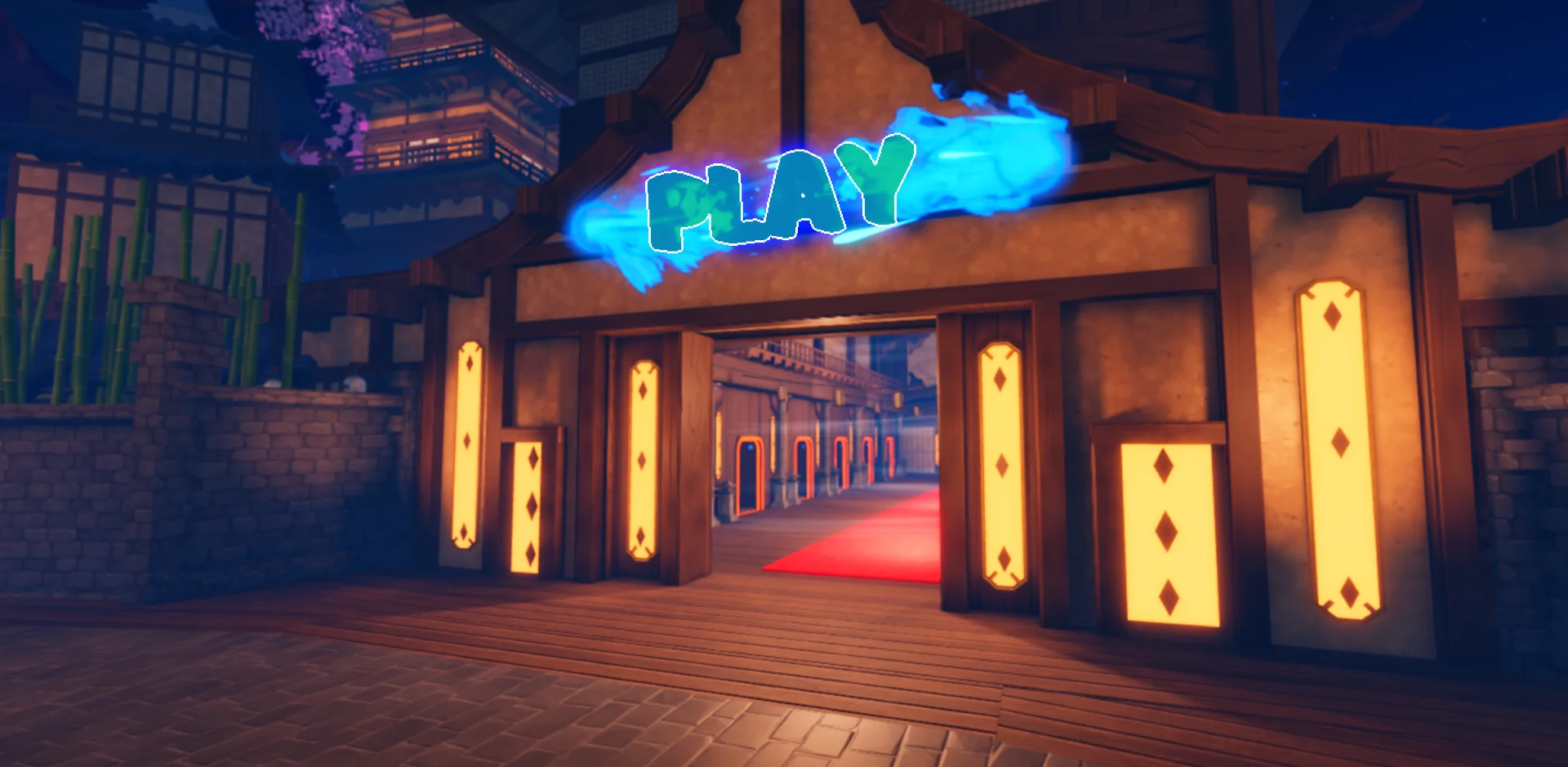
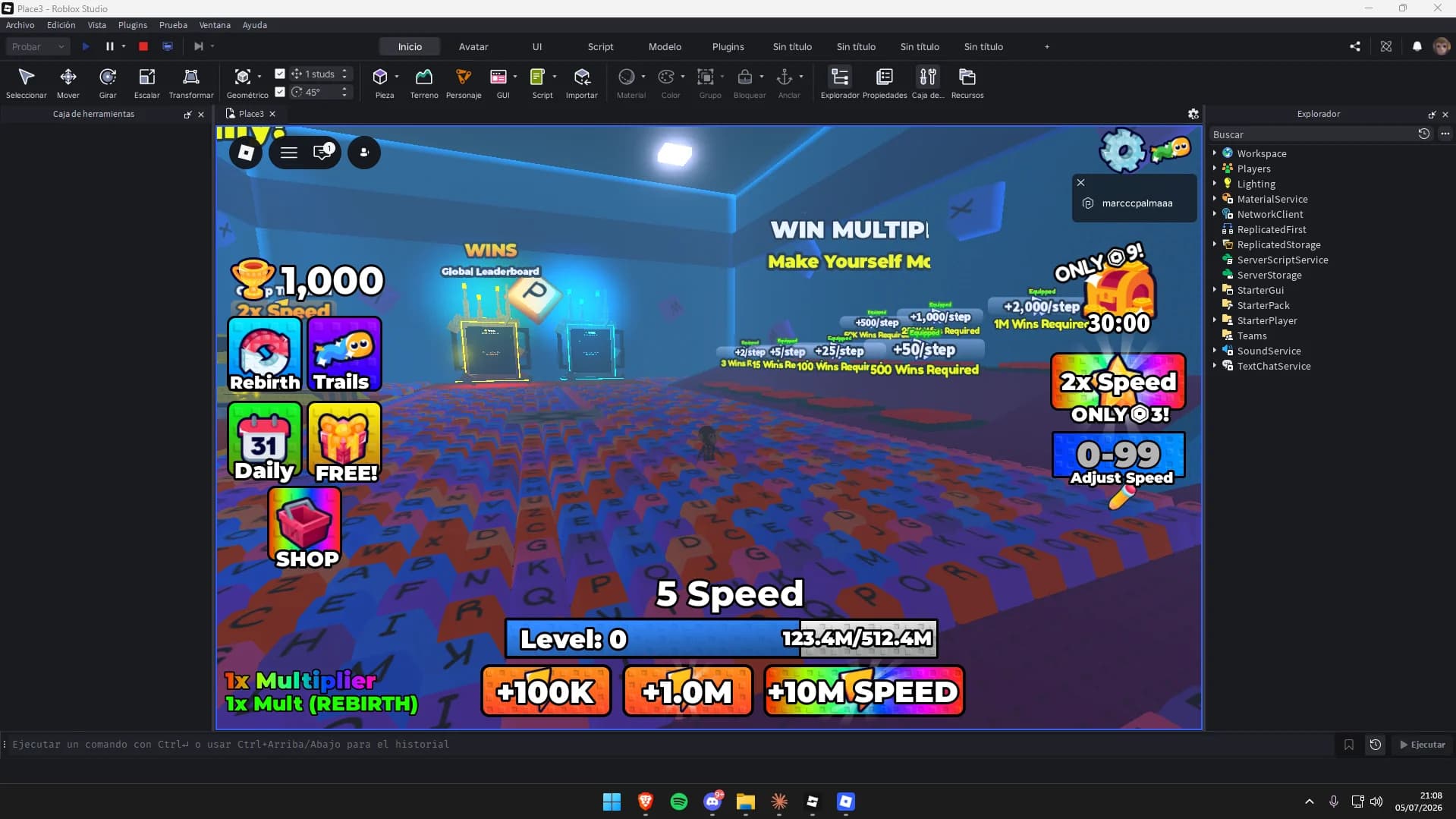
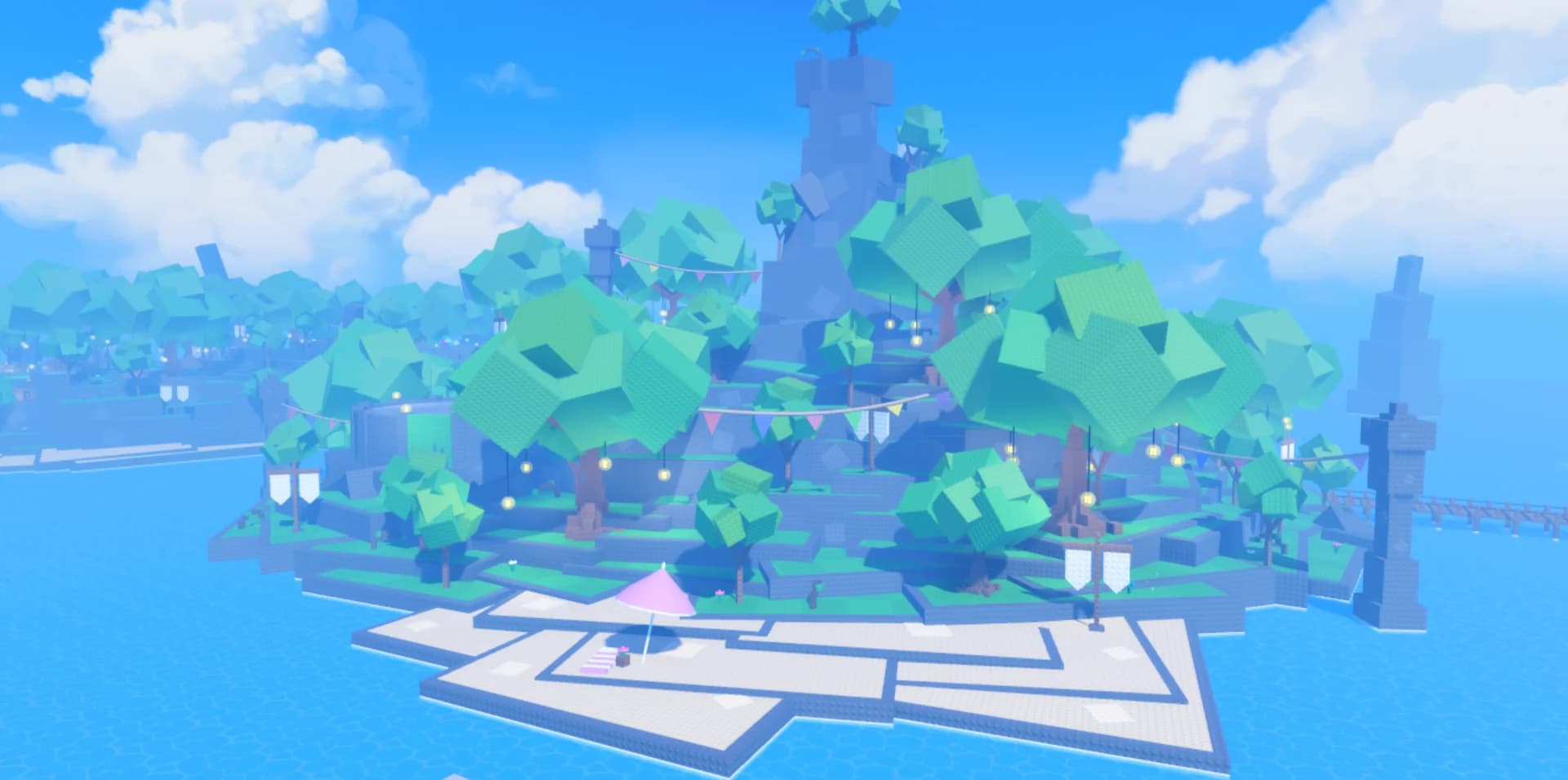
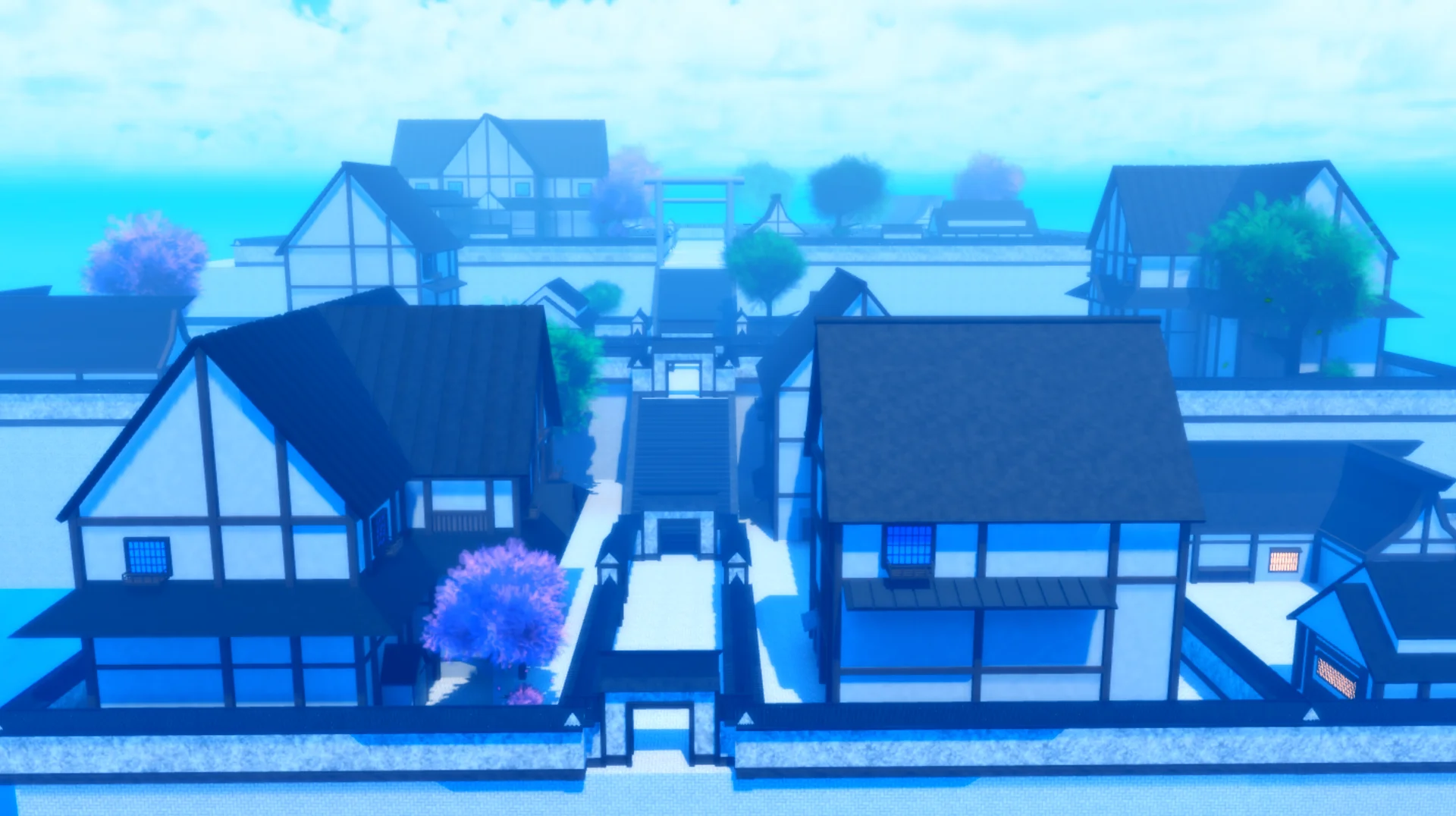
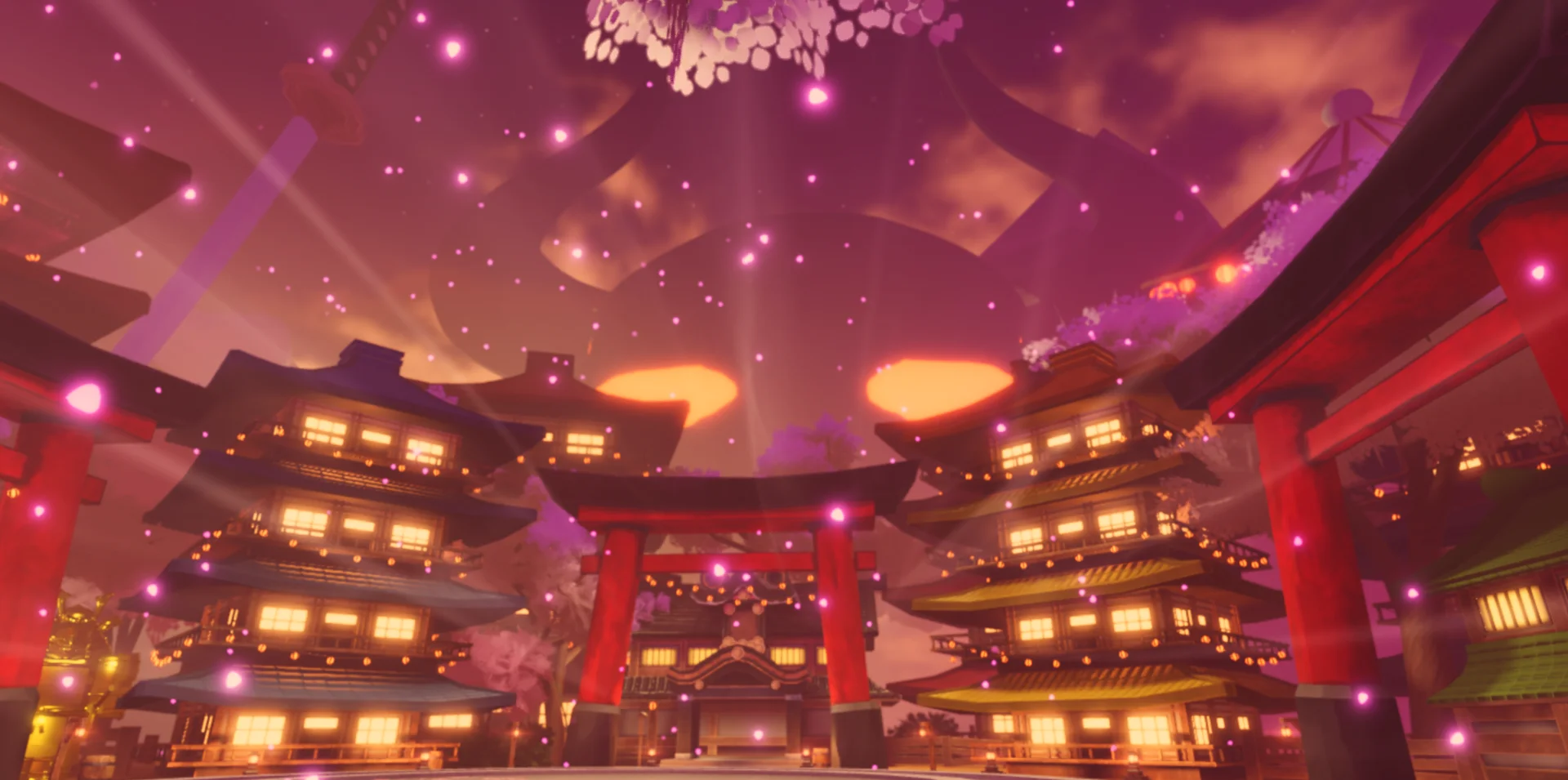
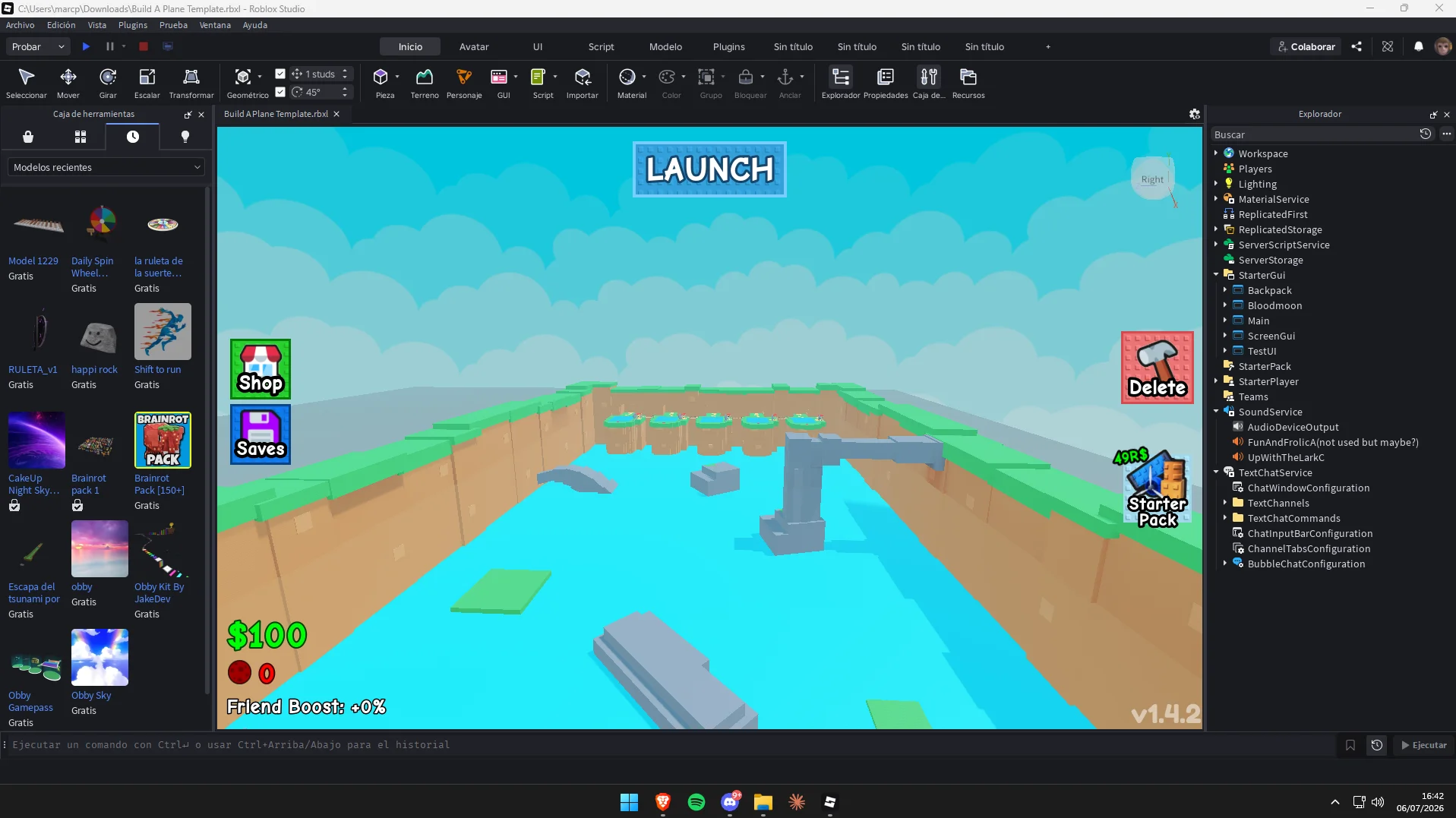
How to use Roblox maps from Forja
Usually a Roblox place file (.rbxl) with the map built, ready to open. Some maps come as a model (.rbxm) to drop into a place you already have.
- Download the file from your Forja downloads.
- In Roblox Studio, choose File, then Open from File, and pick the .rbxl. For a .rbxm, right-click Workspace in the Explorer and choose Insert from File.
- Press Play to walk around, then use File, then Publish to make it your own game.