

Free Roblox Maps
Lobbies, cities, arenas and full worlds for your next game, made by independent Roblox creators. 15 free listings, instant download.
What “Scripts checked” means
Forja reads every script in a listing's file and looks for code that's loaded or hidden from outside the file, which is how backdoors get into Roblox games. When it finds some, a Forja admin looks at the listing. “Scripts checked” means every script was read and nothing like that was found. Spot something anyway? Open the listing, press Report and pick Hidden script / backdoor.
Listings
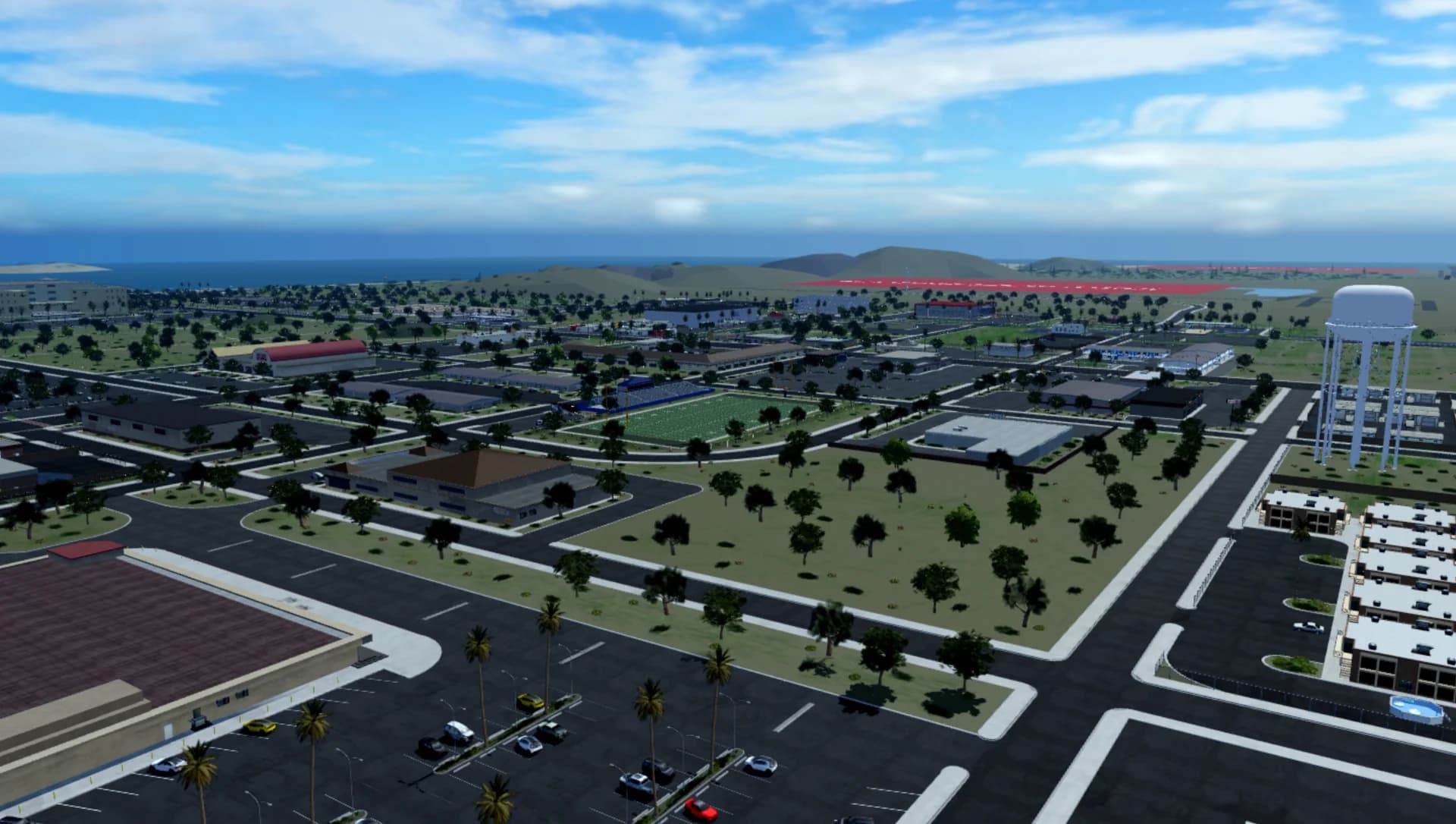
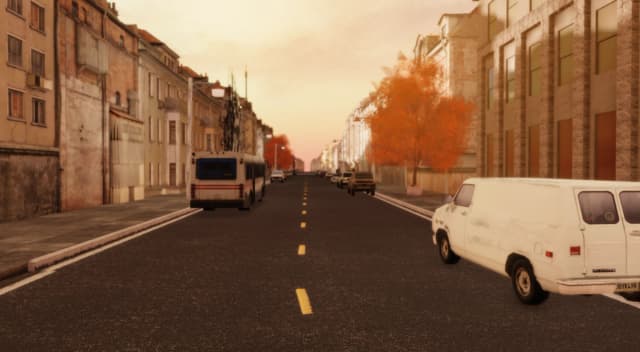
Clearview City - Realistic Town Map [Free]
 Voxq StudiosChecked
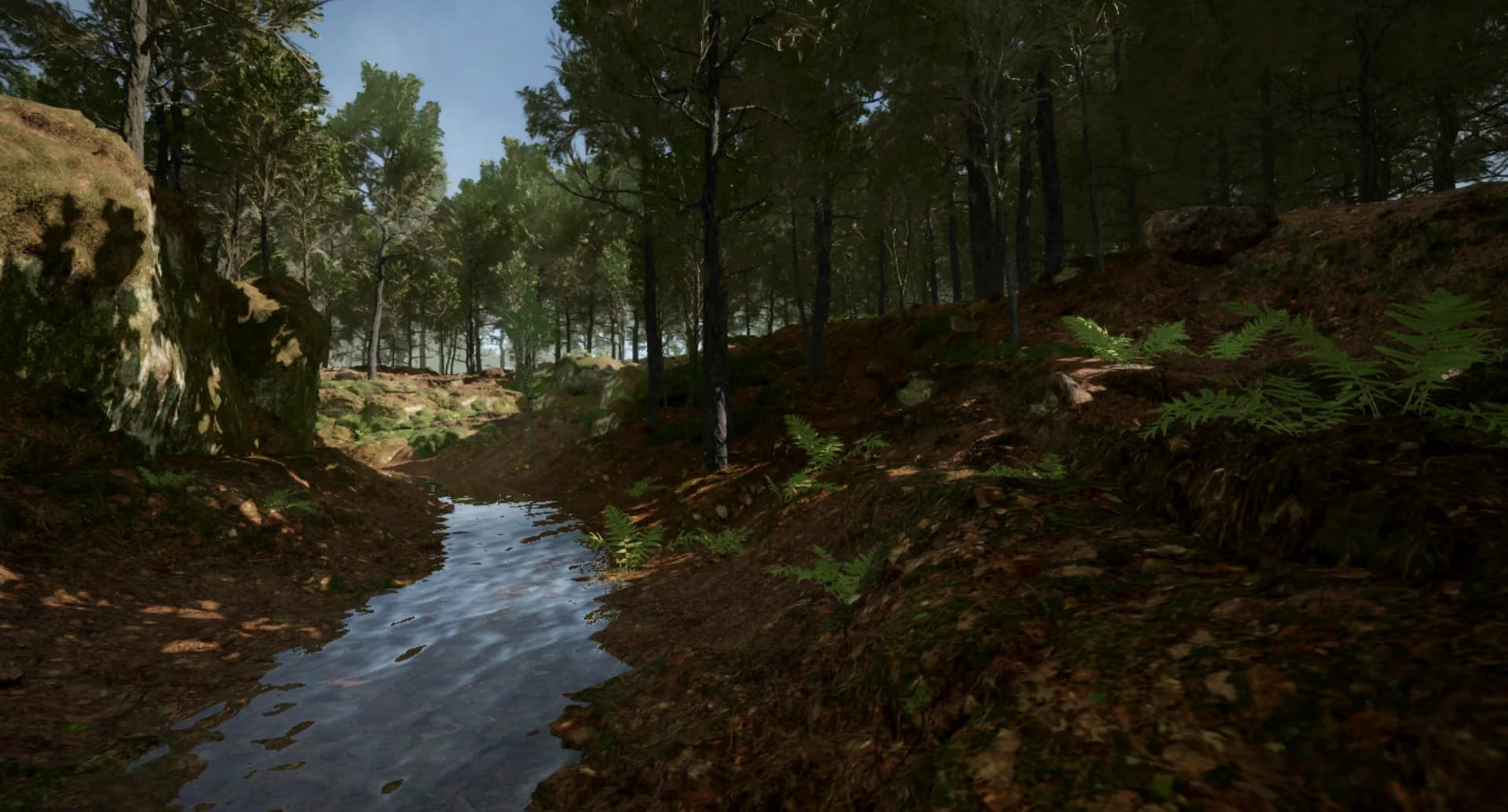
Realistic Forest Stream Map
Voxq StudiosChecked
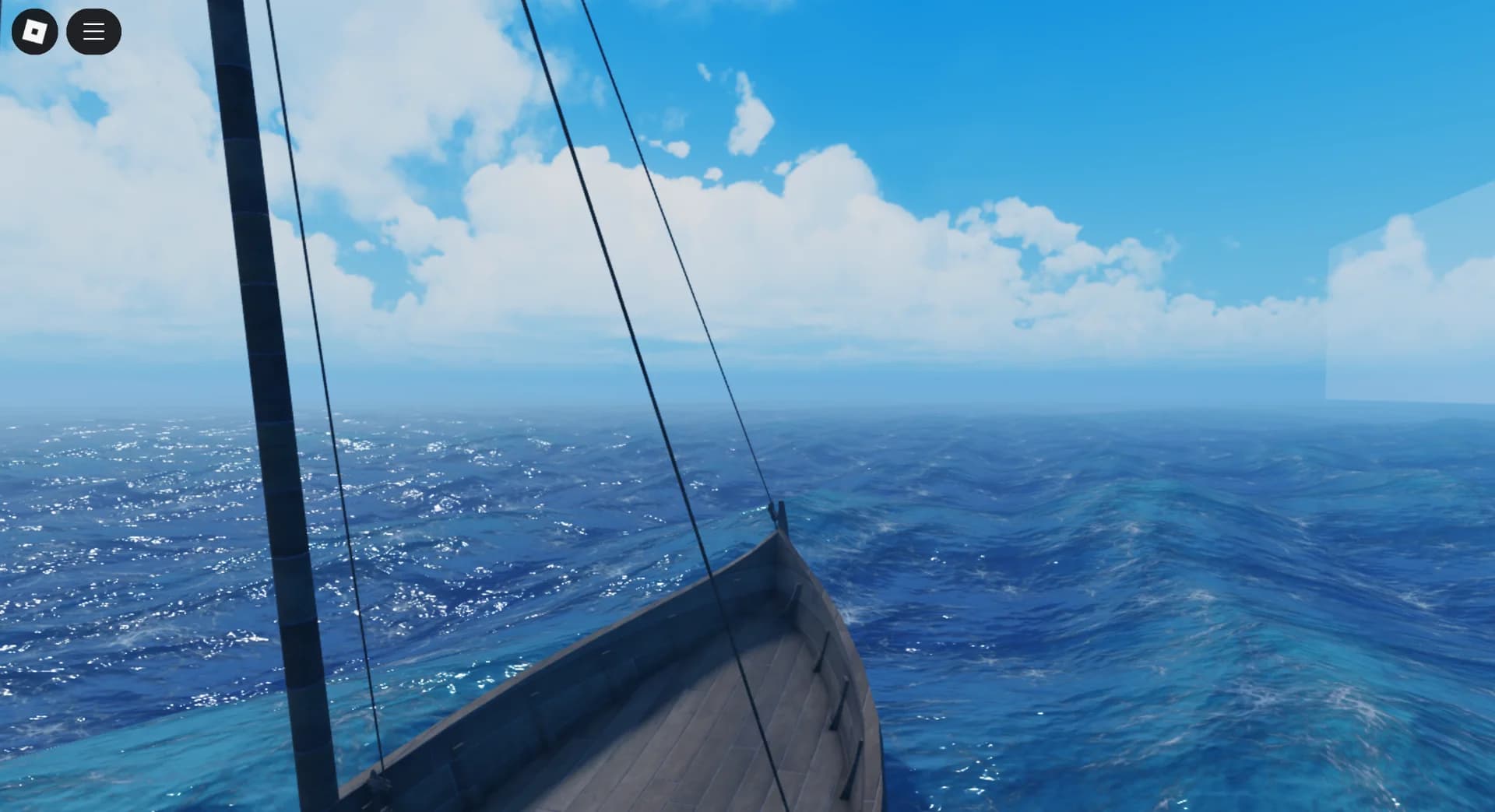
Realistic Ocean Environment [Free]
Voxq StudiosChecked
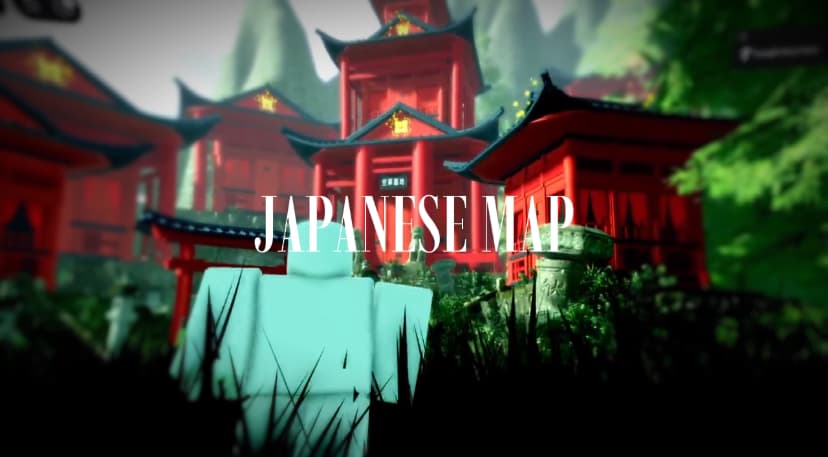
Japanese Map
SSAADSTINKChecked
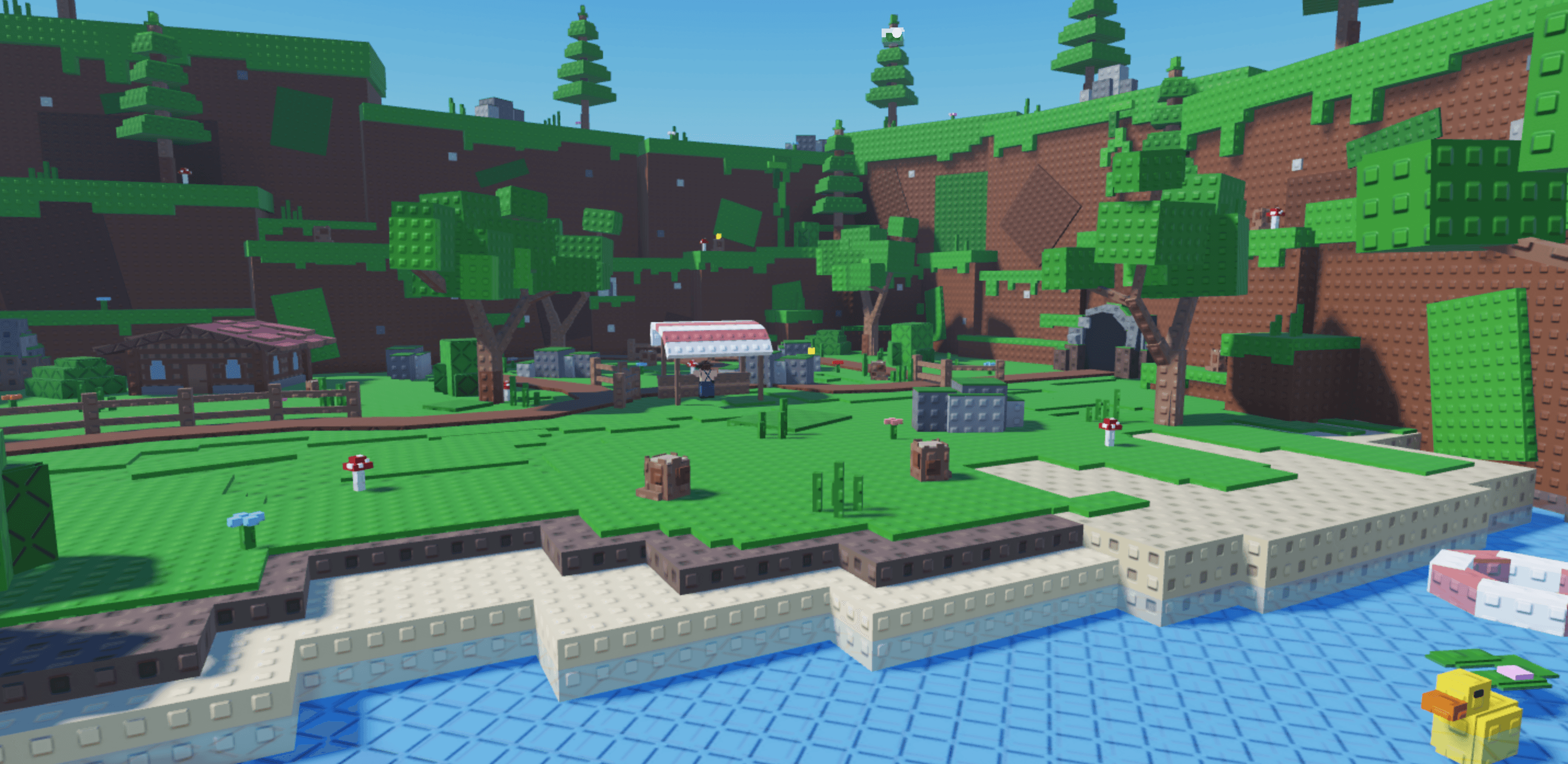
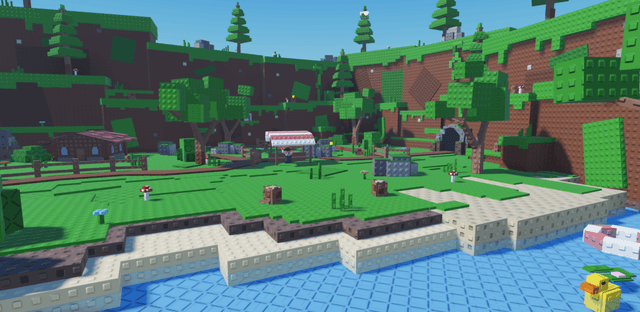
Low Poly Stud Forest
Voxq StudiosChecked
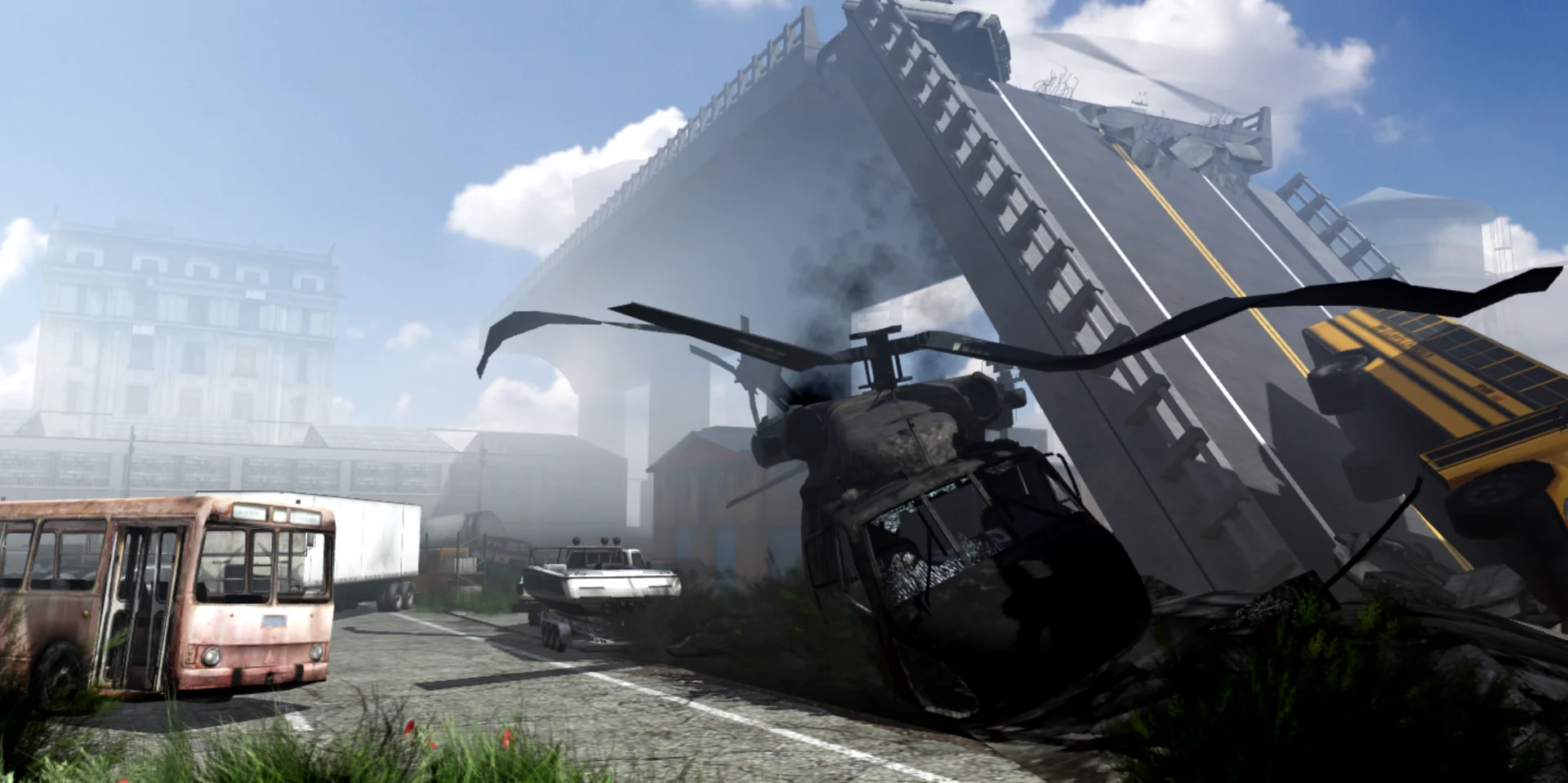
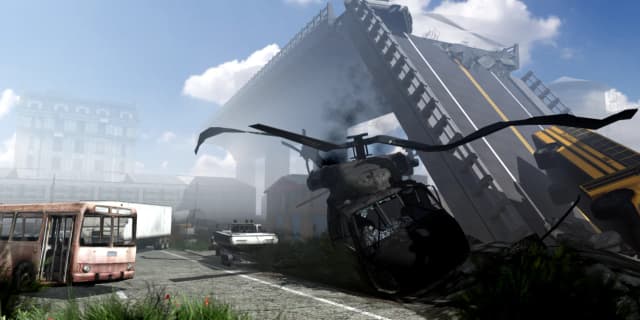
Abandoned City Apocalypse Map
Voxq StudiosChecked
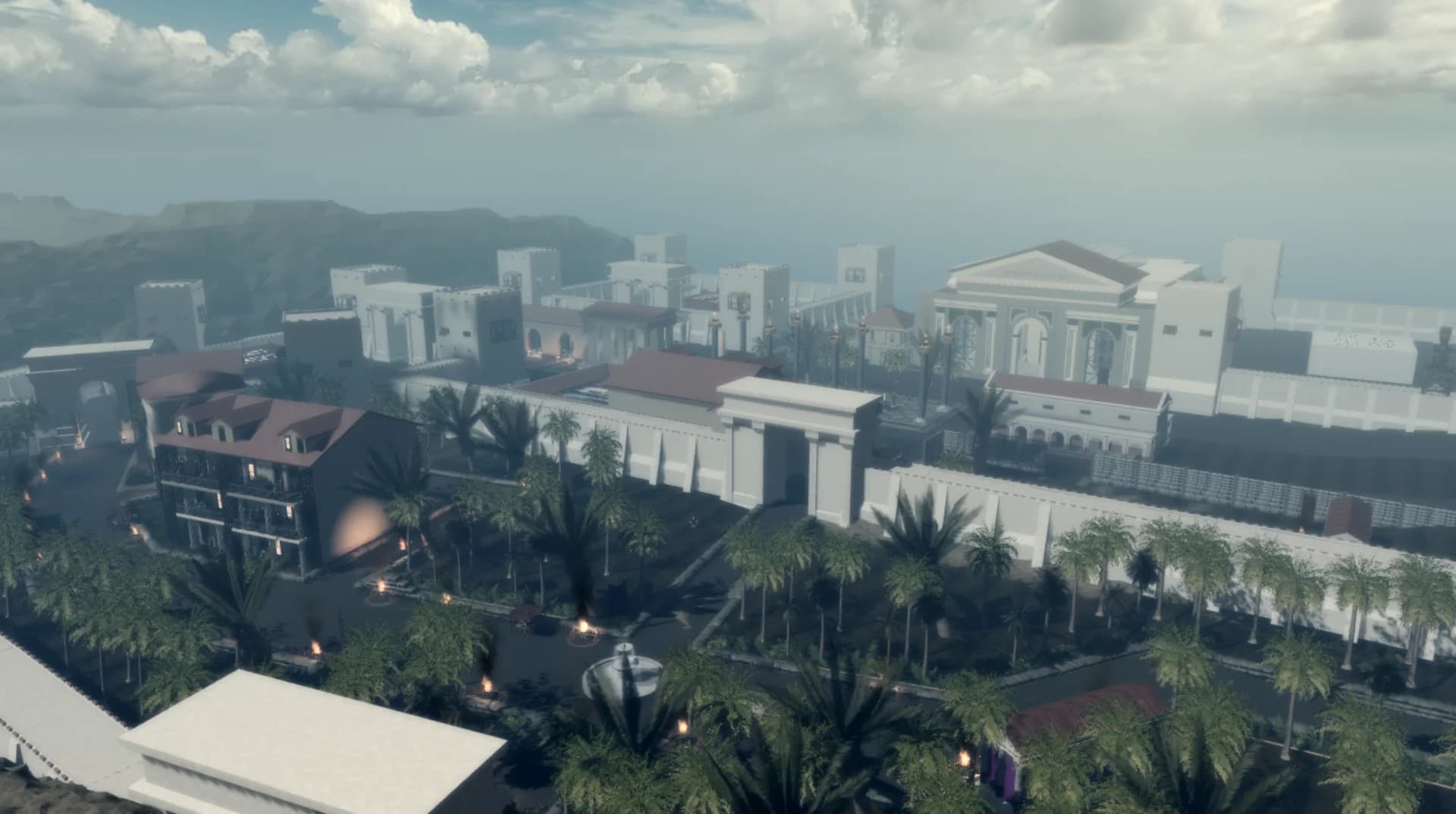
Ancient Rome City Map [Free]
Voxq StudiosChecked
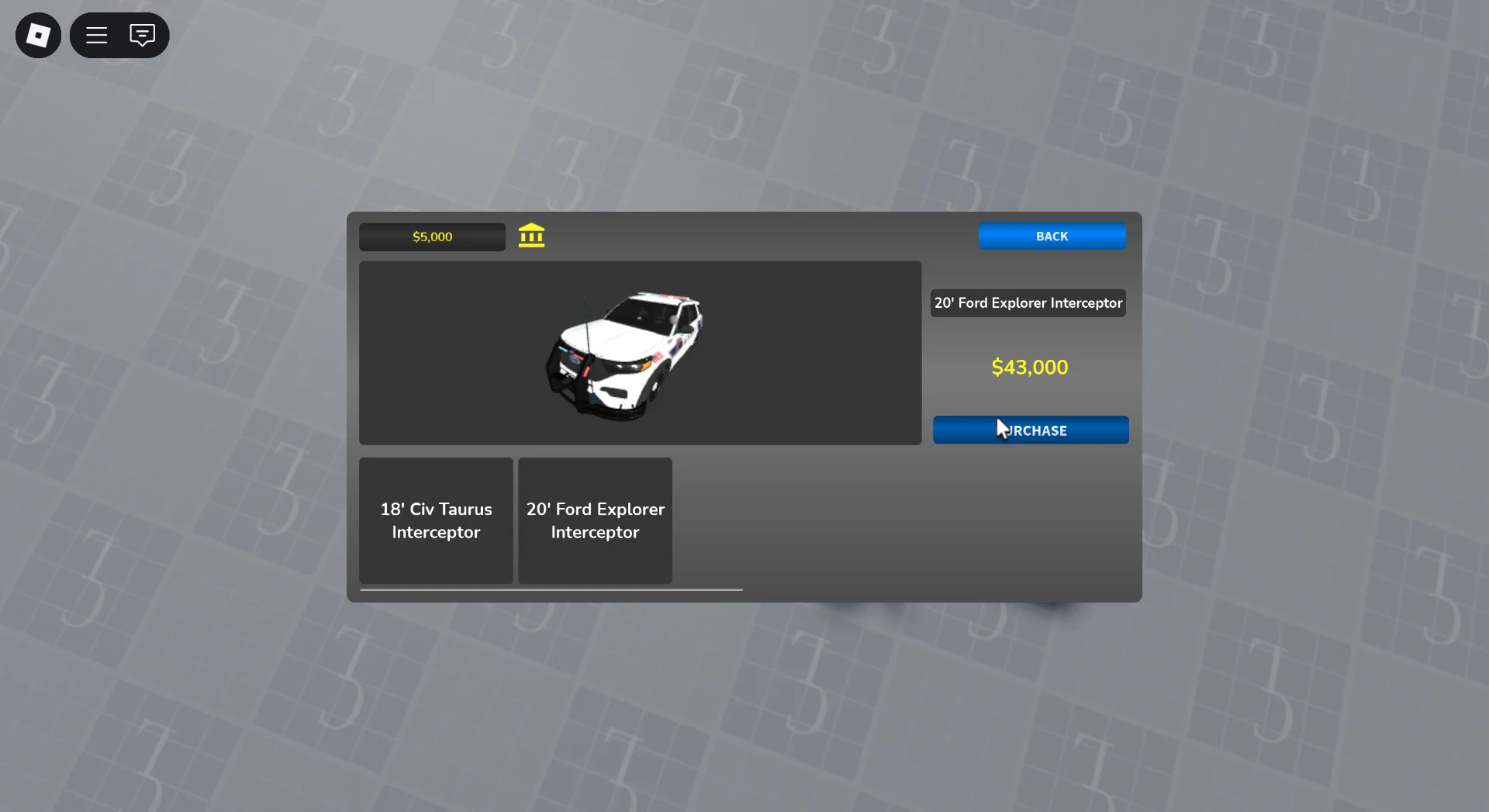
Vehicle Dealership GUI [Free]
Voxq StudiosChecked
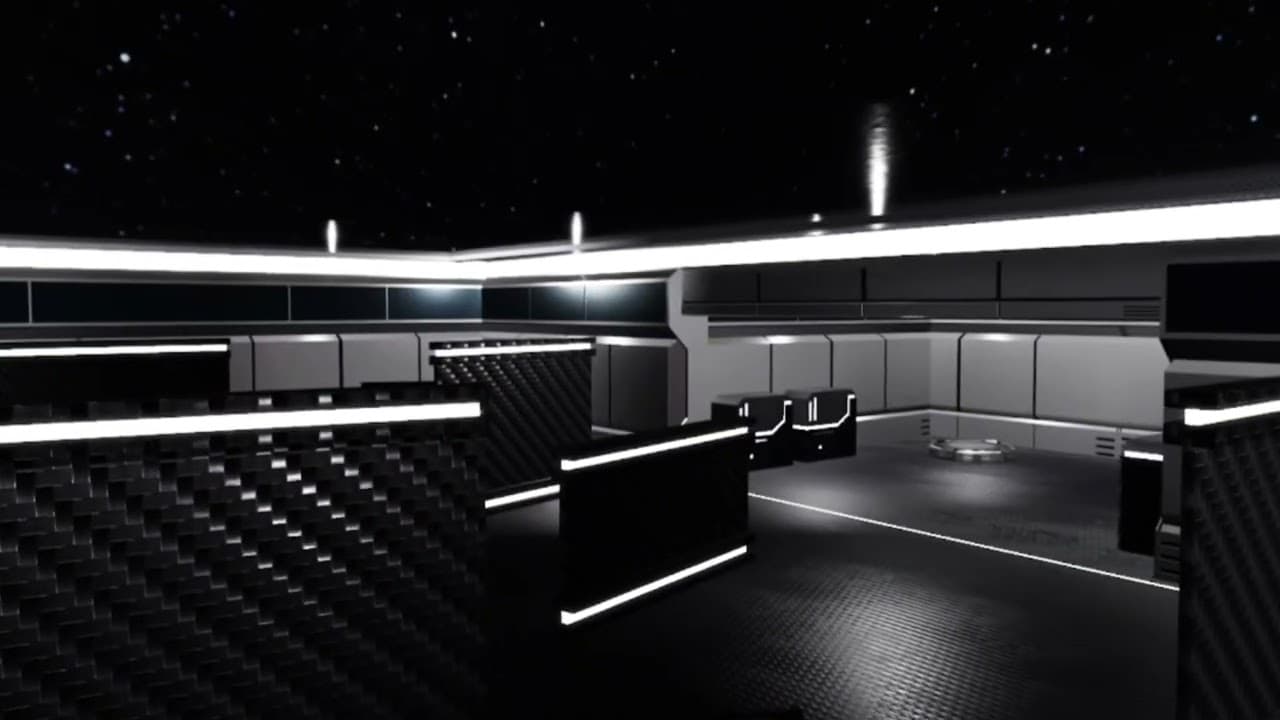
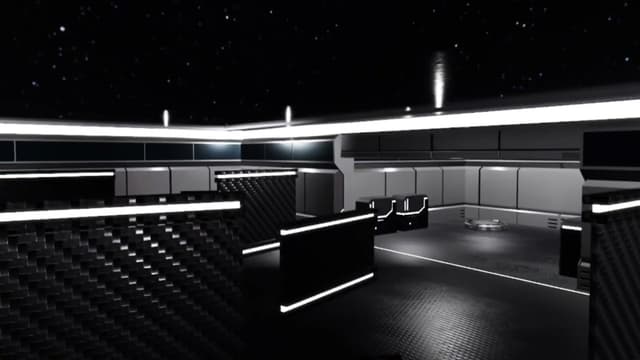
1v1 Arena - Futuristic Combat Map
Voxq StudiosChecked
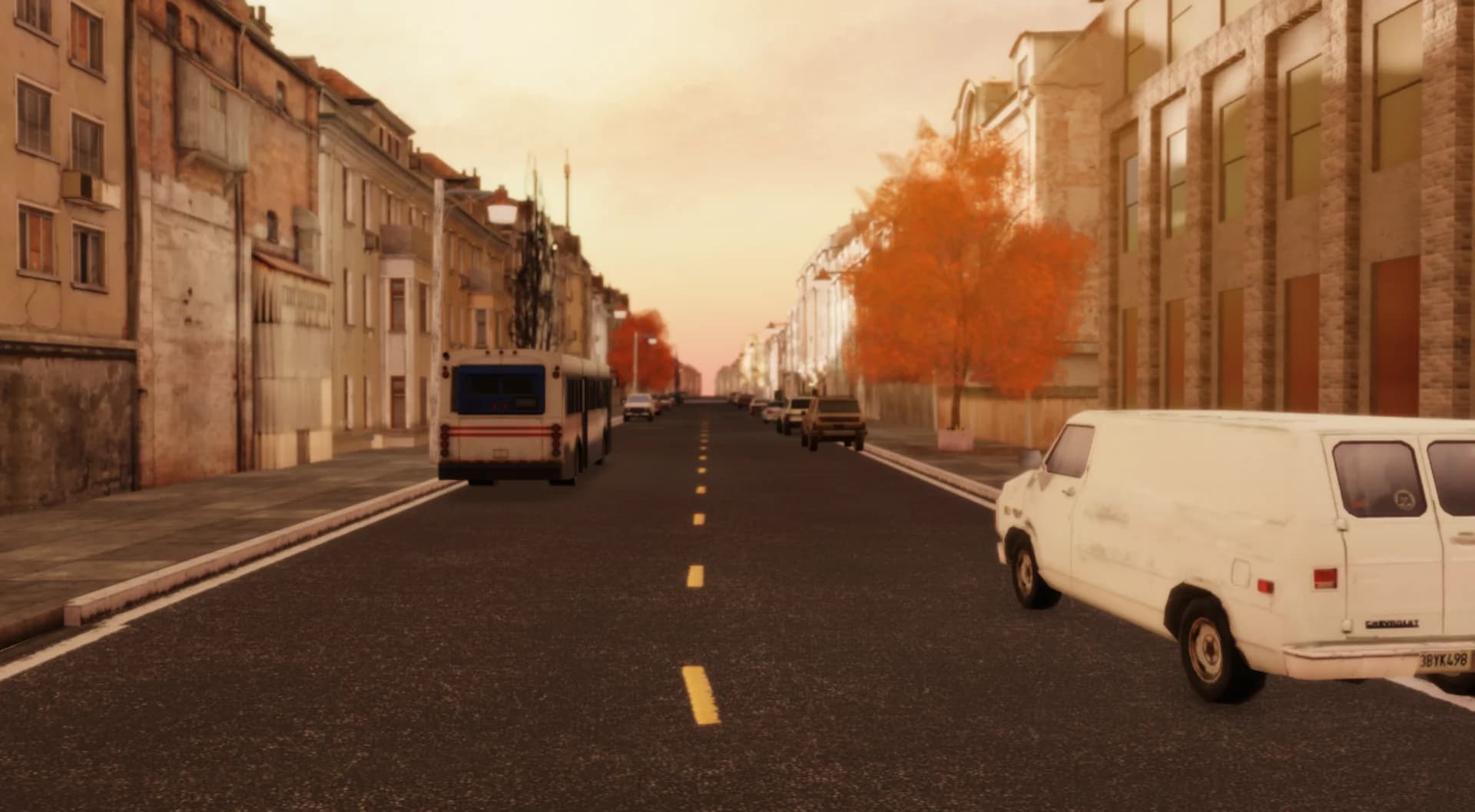
Fallstreet City Map [Free]
Voxq StudiosChecked
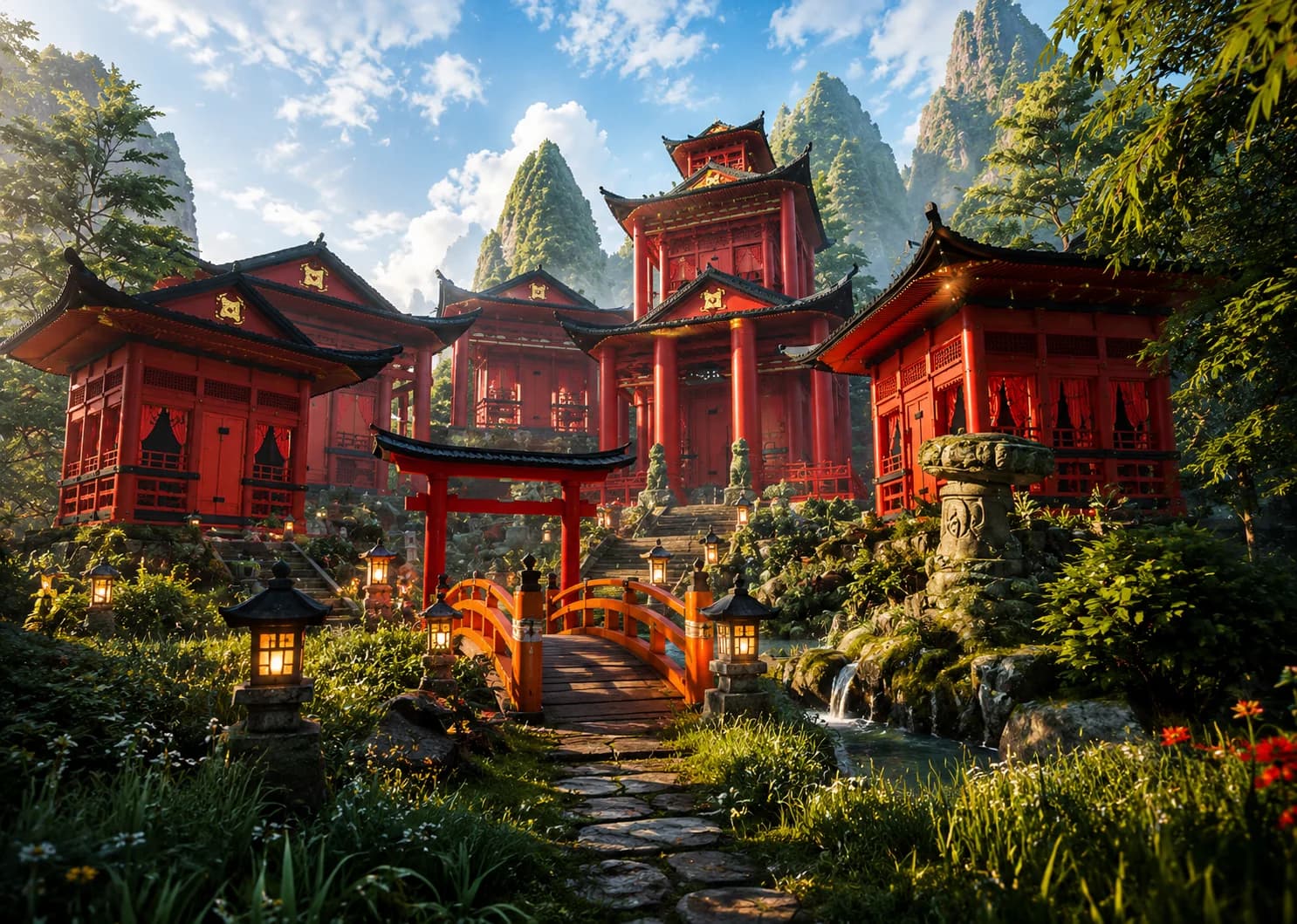
Stylized Japanese Temple Environment
 Aiman waseemChecked
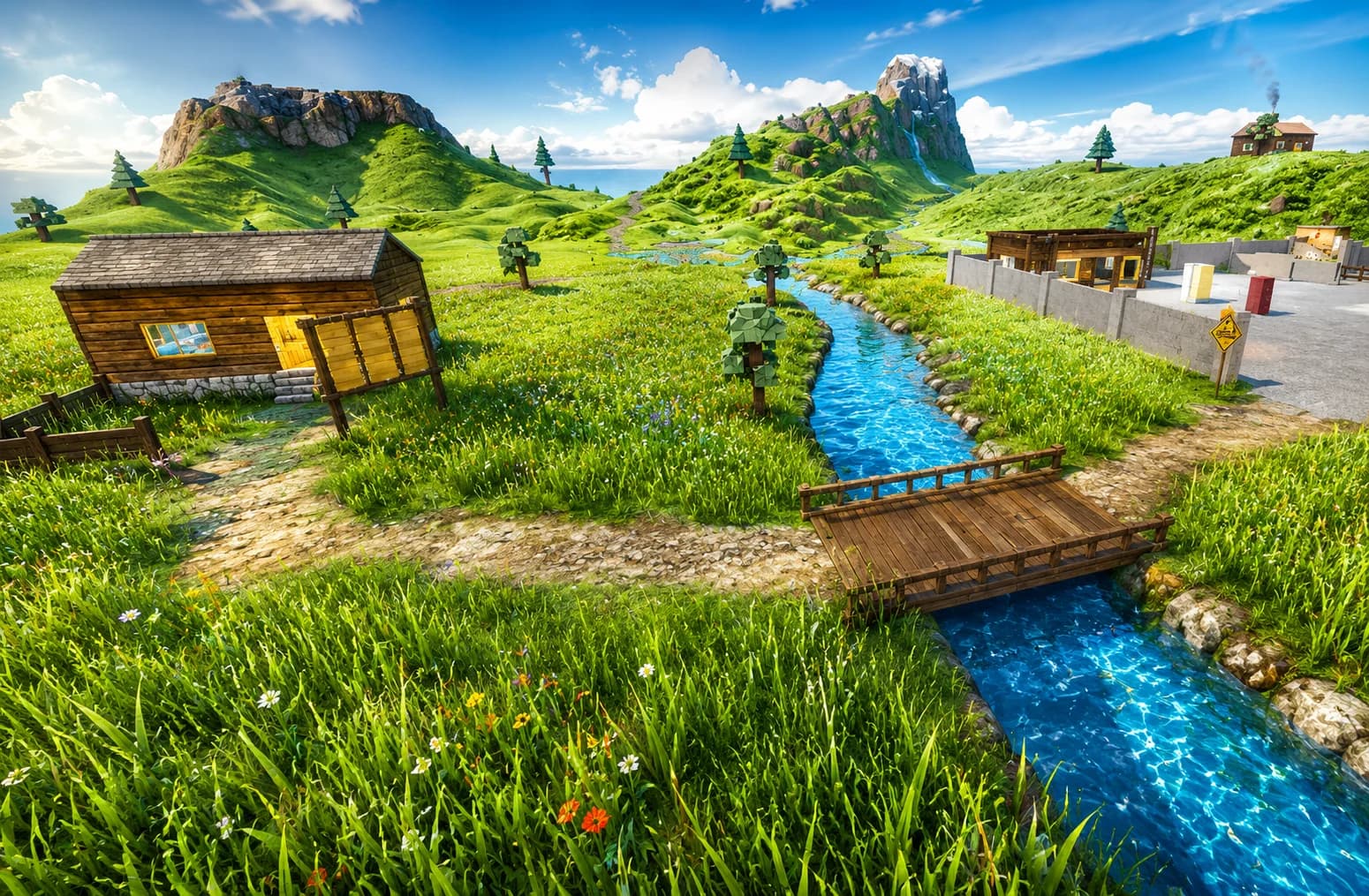
Stylized Village Environment
Aiman waseemChecked
Popular paid maps
Best-selling paid maps from Forja creators.
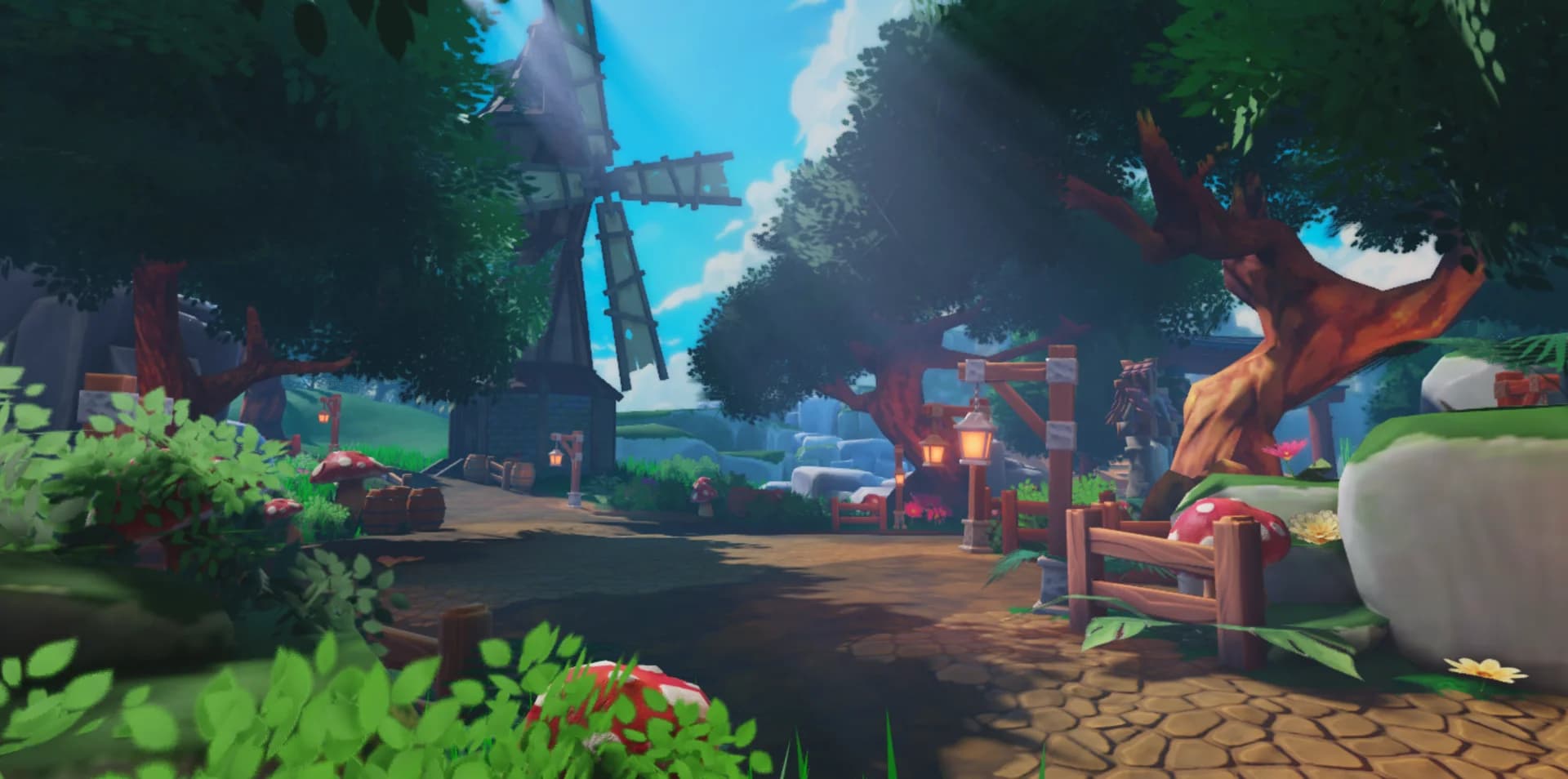
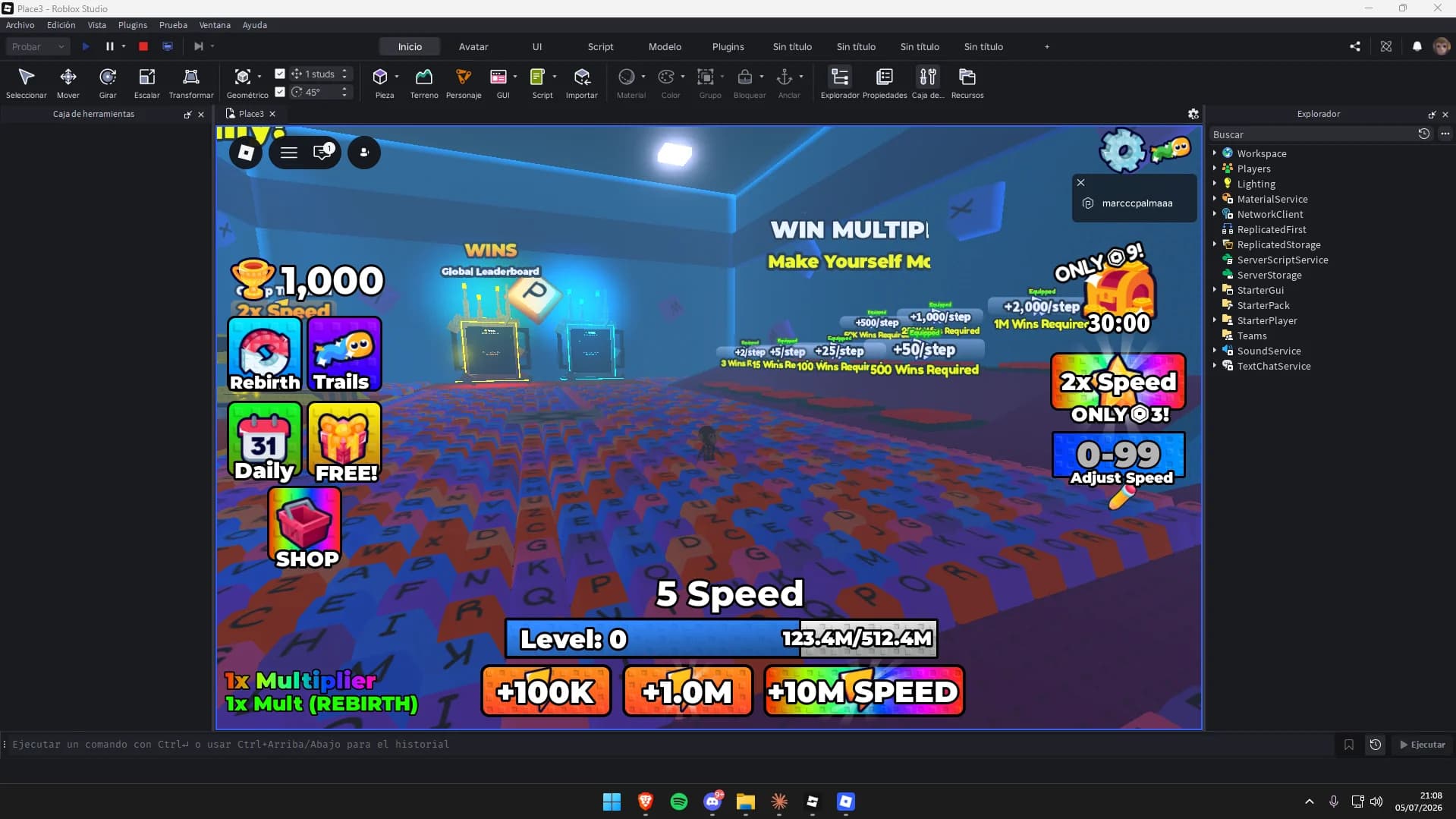

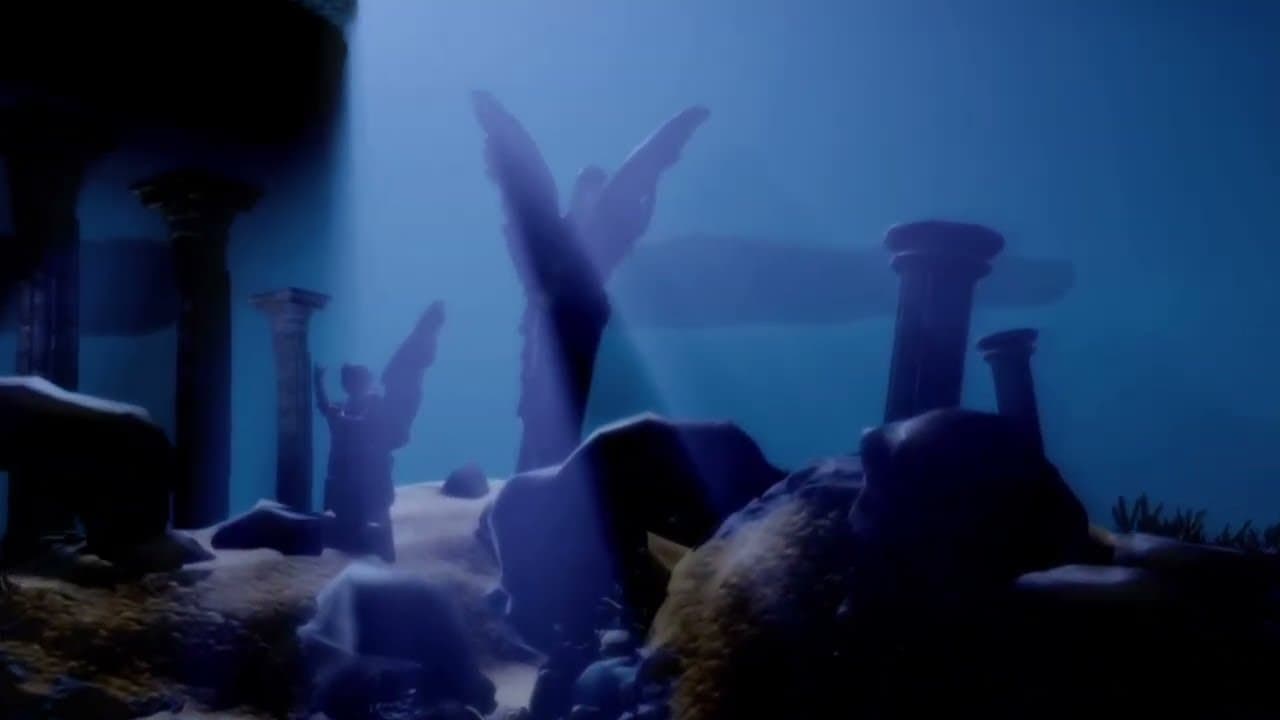
Ancient Reef Underwater Map
Voxq StudiosChecked
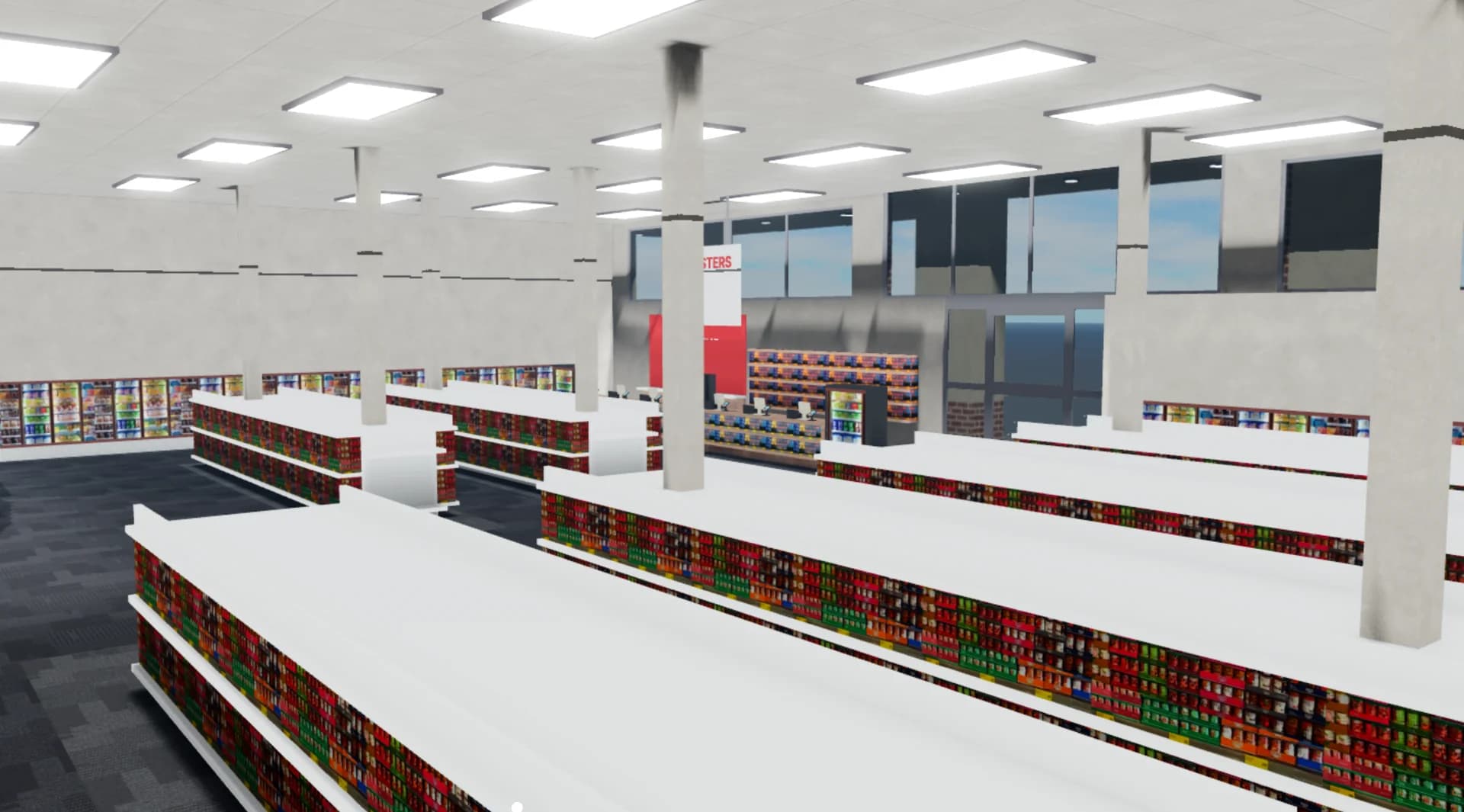
CVS Pharmacy Store - Realistic Retail Map
Voxq StudiosChecked
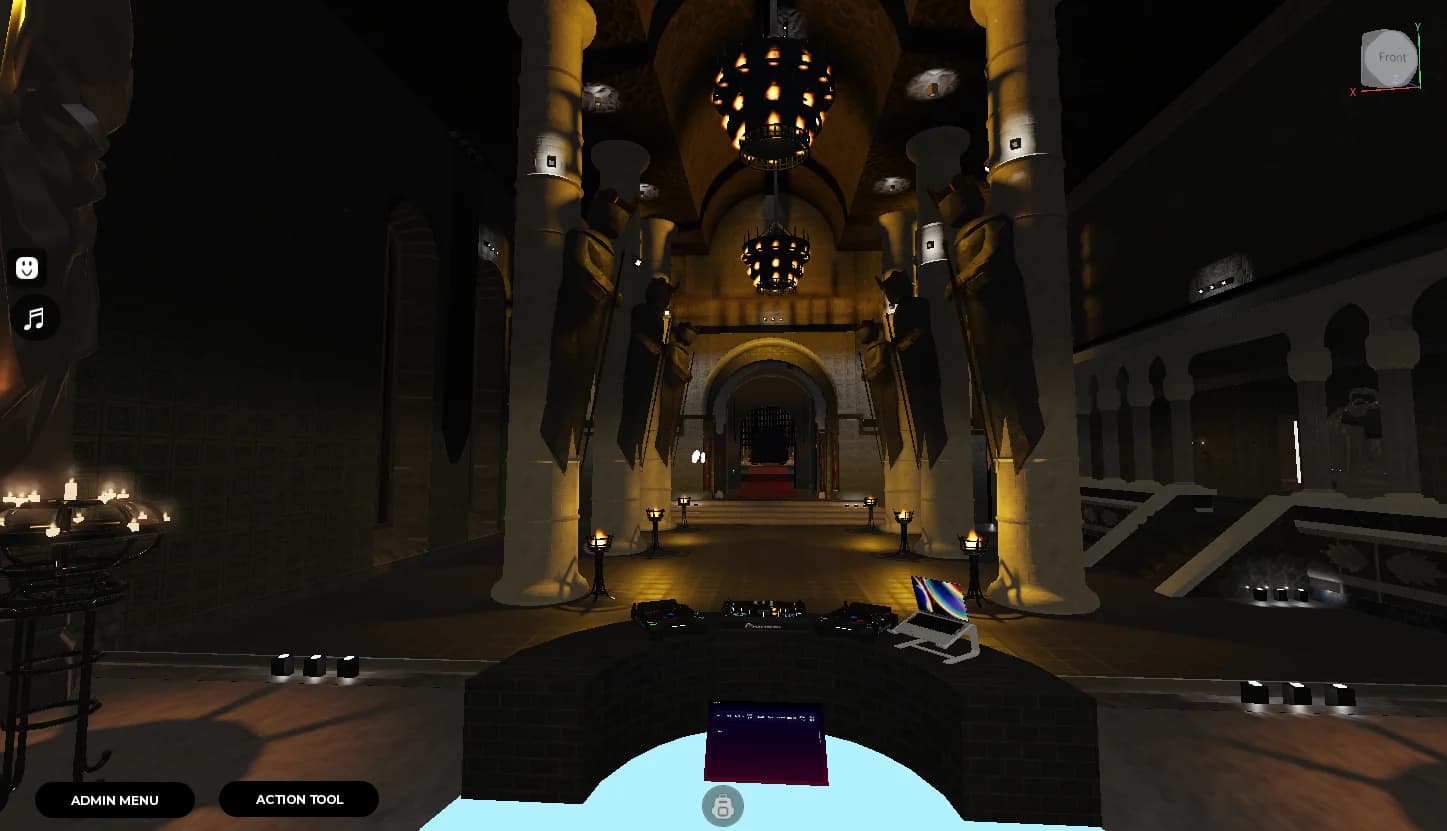
Kingdom Club With script
 JinXing Studio
Making a game with these?
- How to make a Roblox gameFrom an empty Studio to a published game, with a page for each kind.
- Free Roblox scriptsLeaderboards, doors, checkpoints and more, to copy and paste.
- Luau cheat sheetThe basics of Roblox scripting on one page.
- Roblox image sizesYour thumbnail and icon at the right size, with a free resizer.
Creators with free maps
The people behind these downloads. Visit their stores, and follow them for more.

How to use Roblox maps from Forja
Usually a Roblox place file (.rbxl) with the map built, ready to open. Some maps come as a model (.rbxm) to drop into a place you already have.
- Download the file from your Forja downloads.
- In Roblox Studio, choose File, then Open from File, and pick the .rbxl. For a .rbxm, right-click Workspace in the Explorer and choose Insert from File.
- Press Play to walk around, then use File, then Publish to make it your own game.