Free Roblox Models
Props, vehicles and weapons to fill out your world without modeling everything yourself. 18 free listings, instant download.
What “Scripts checked” means
Forja reads every script in a listing's file and looks for code that's loaded or hidden from outside the file, which is how backdoors get into Roblox games. When it finds some, a Forja admin looks at the listing. “Scripts checked” means every script was read and nothing like that was found. Spot something anyway? Open the listing, press Report and pick Hidden script / backdoor.
Listings
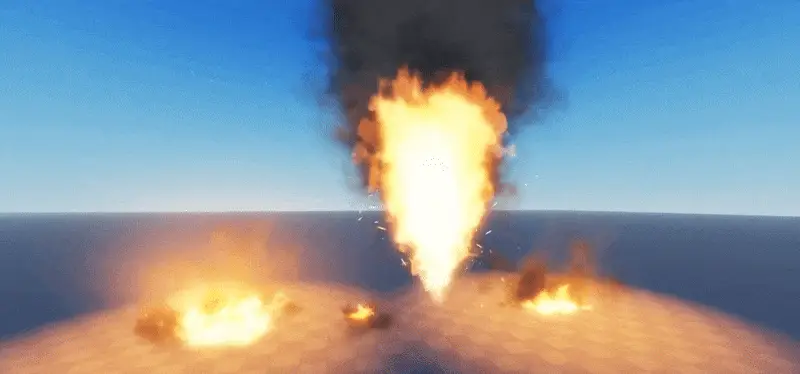
Epic Fire VFX Collection
 Voxq StudiosChecked
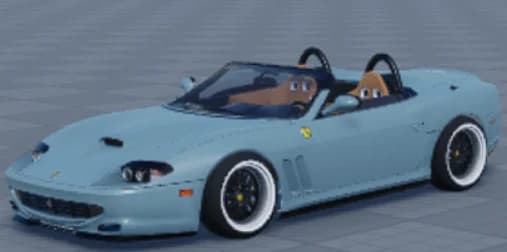
Ferrari 550 Barchetta
NNexiumChecked
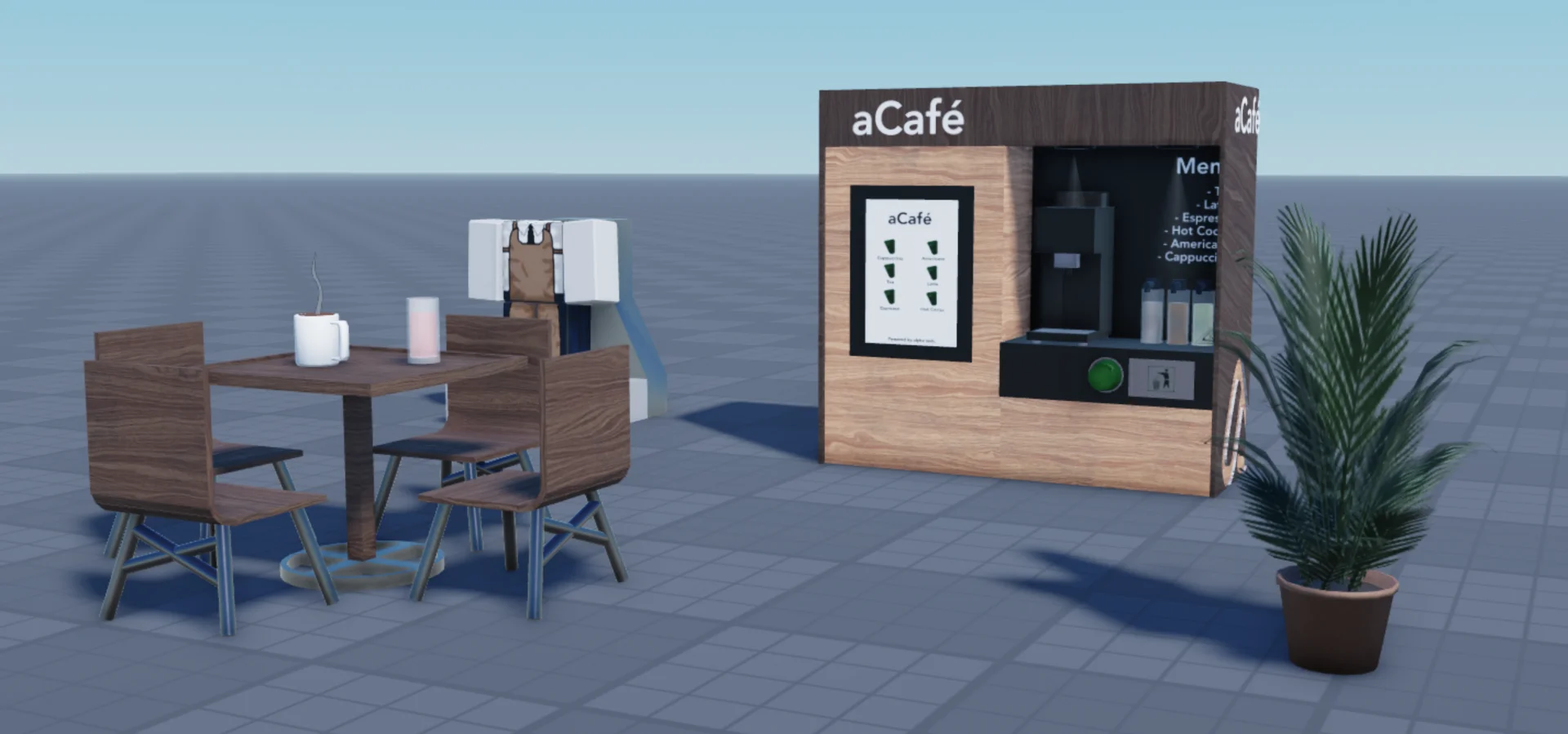
Modern Coffee Shop - aCafé
Voxq StudiosChecked
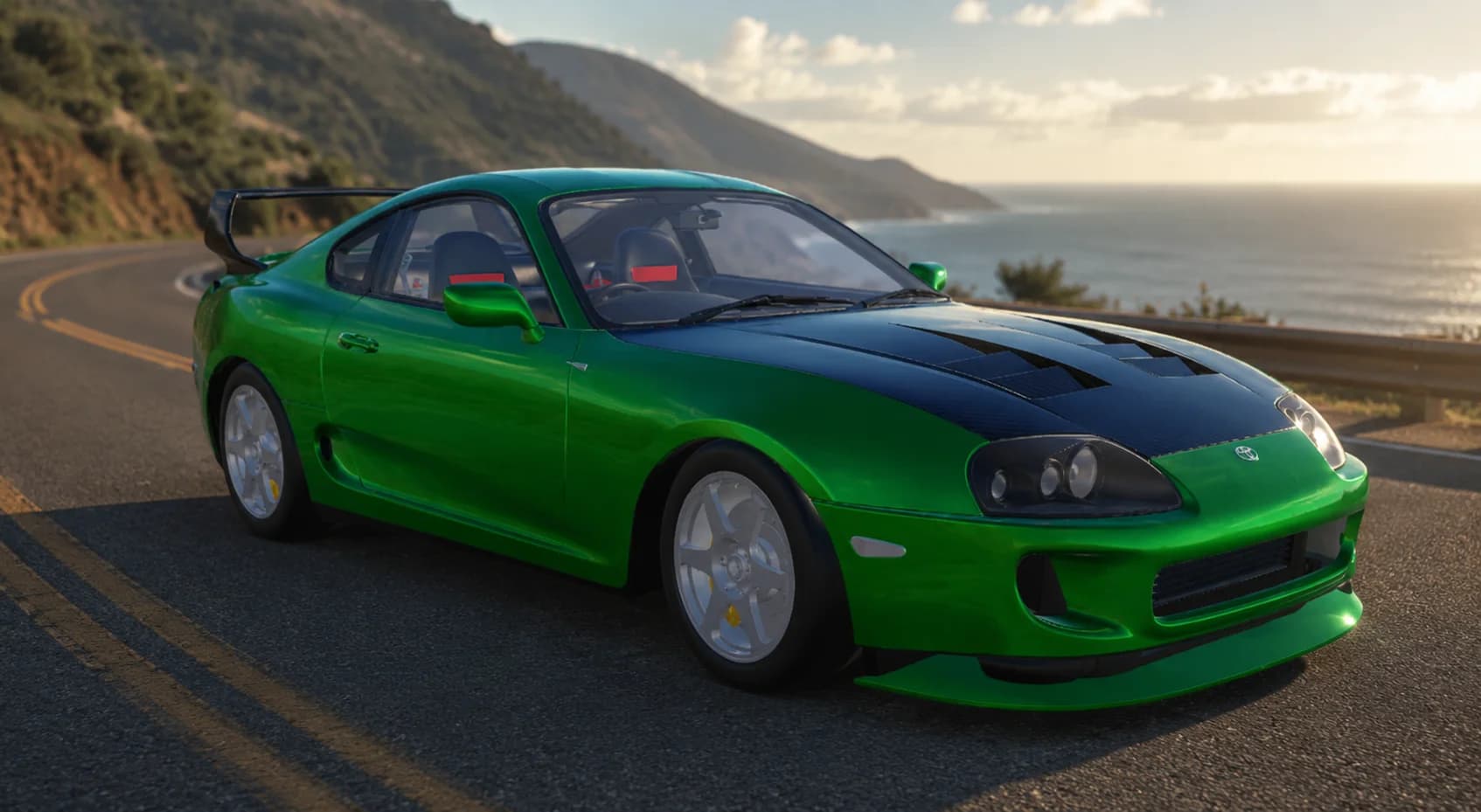
Toyota Supra MK4
NNexiumChecked
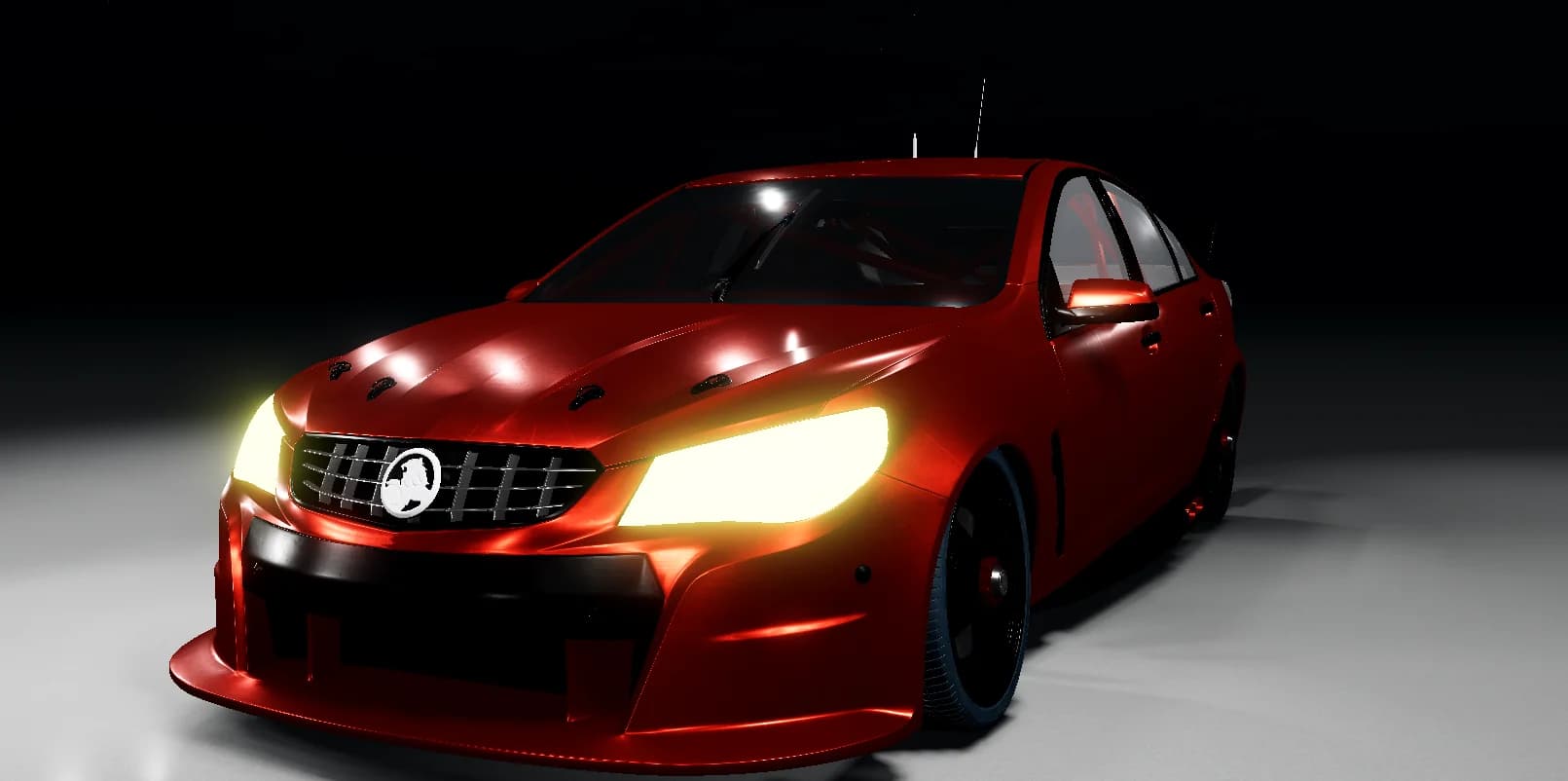
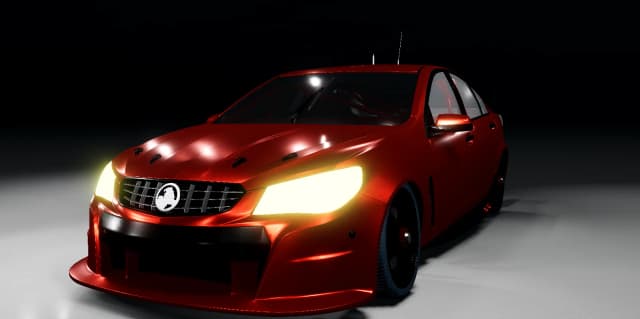
Holden Commodore
NNexiumChecked

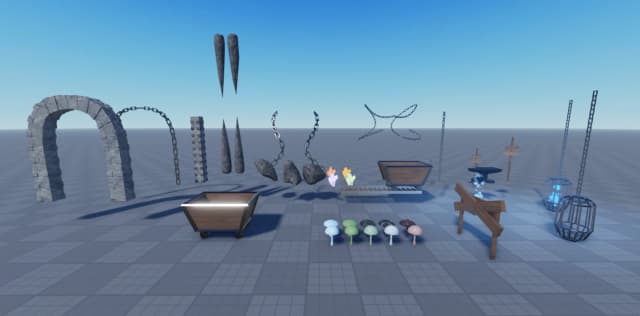
Medieval Cave Mining Fantasy Props Collection
Voxq StudiosChecked
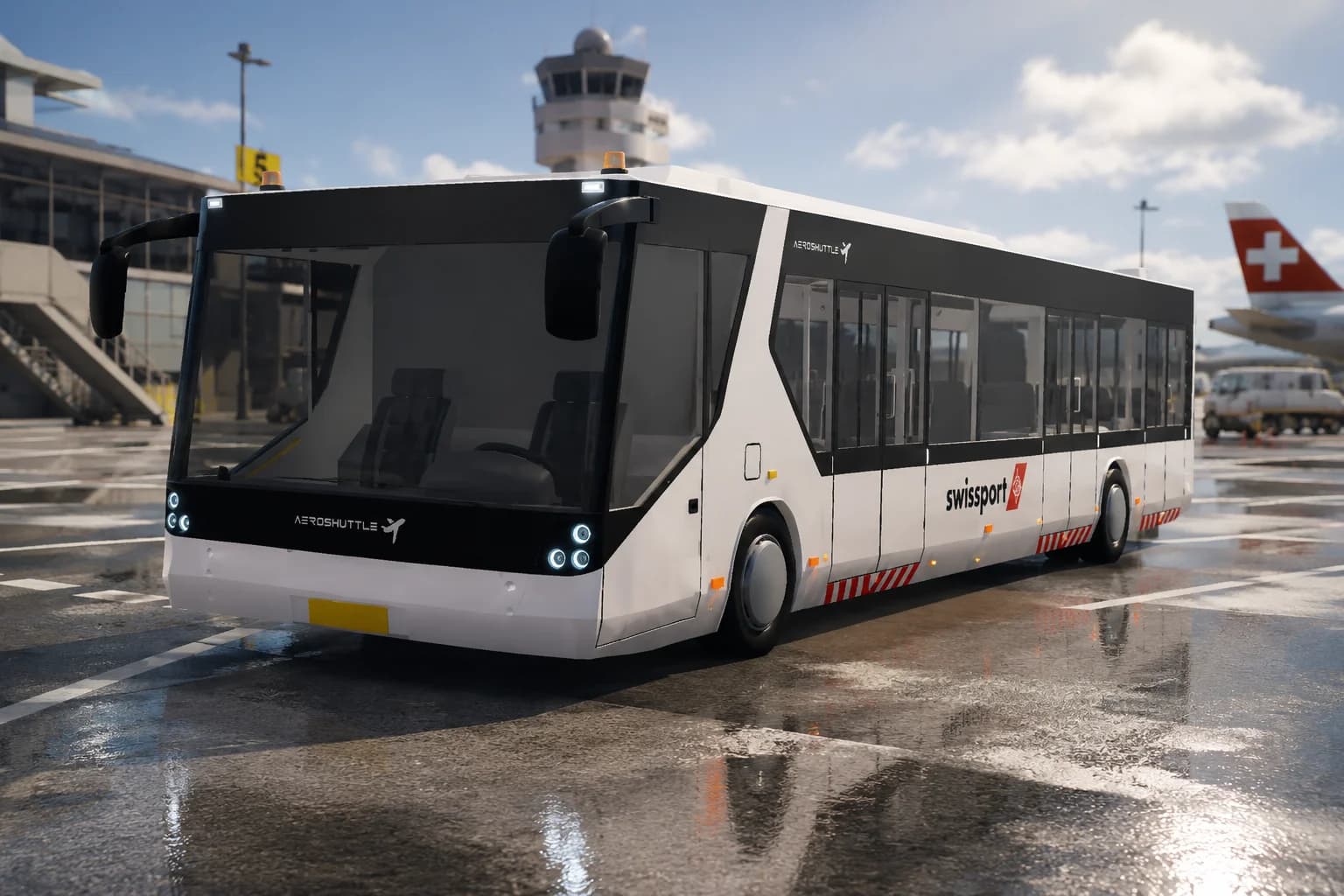
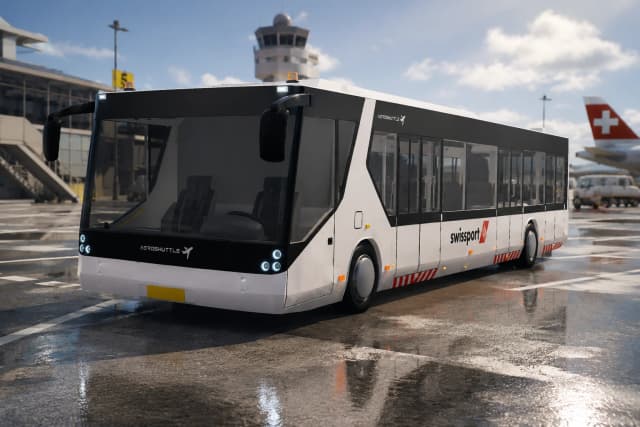
Qbus AeroShuttle
NNexiumChecked
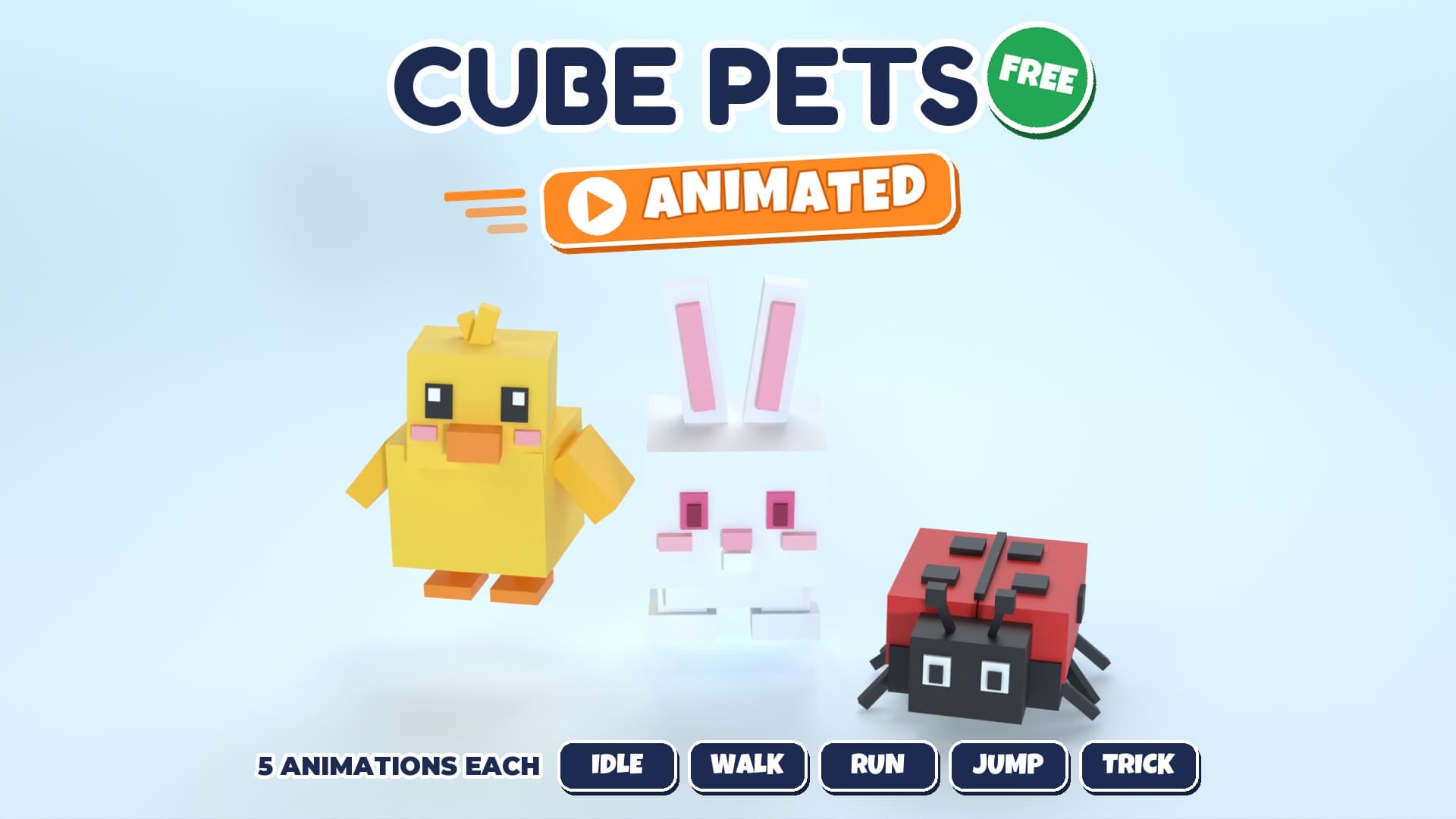
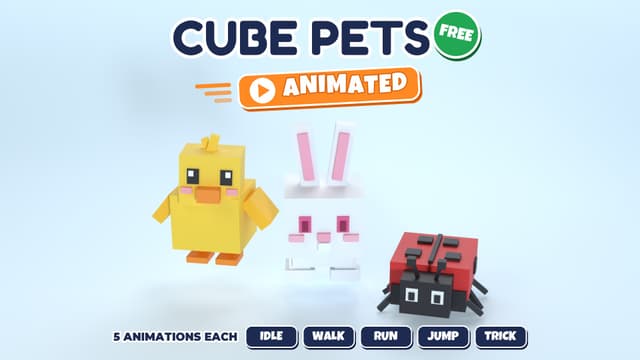
Cube Pets Free - 3 Animated Blocky Pets
 Sneznyj 3DChecked
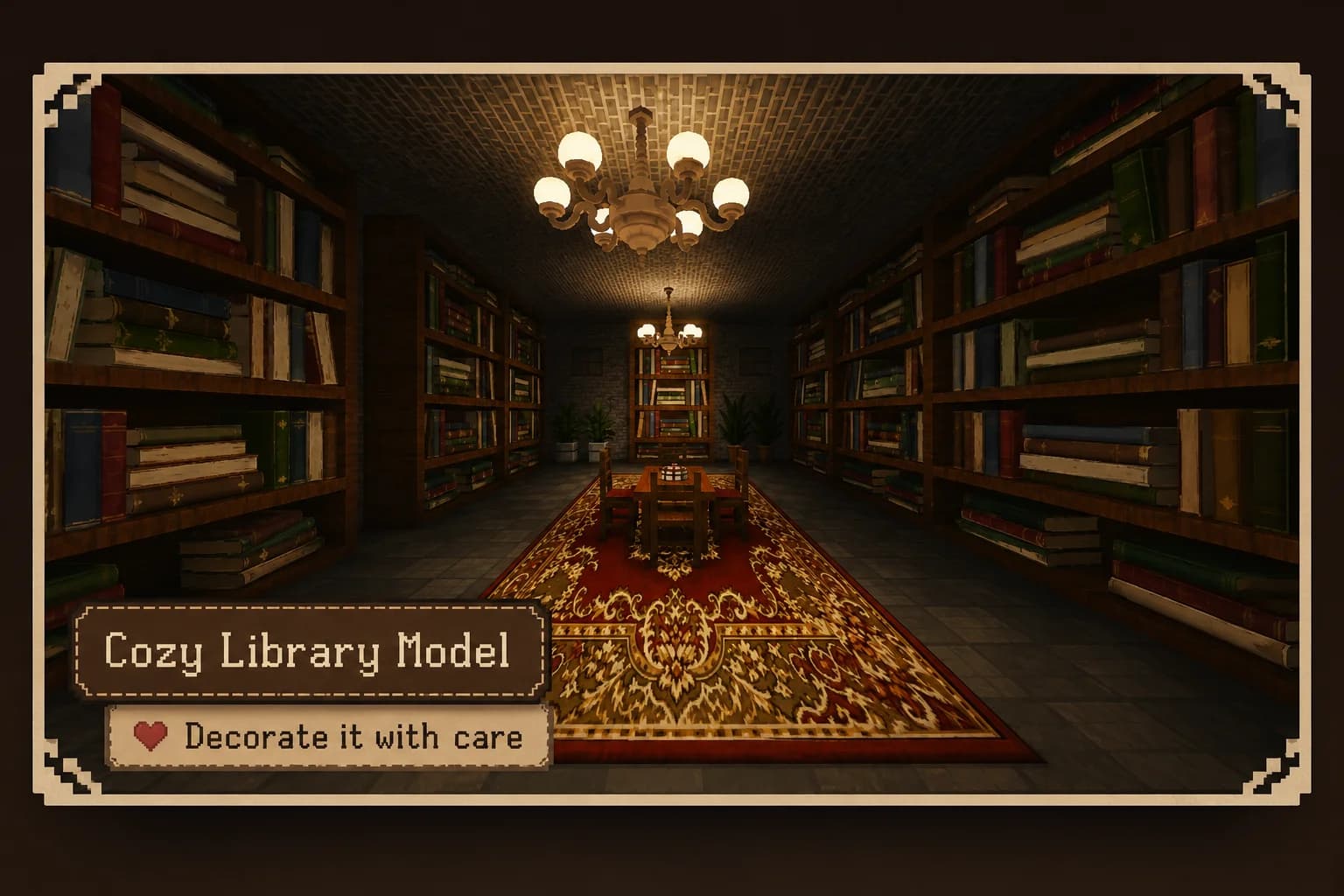
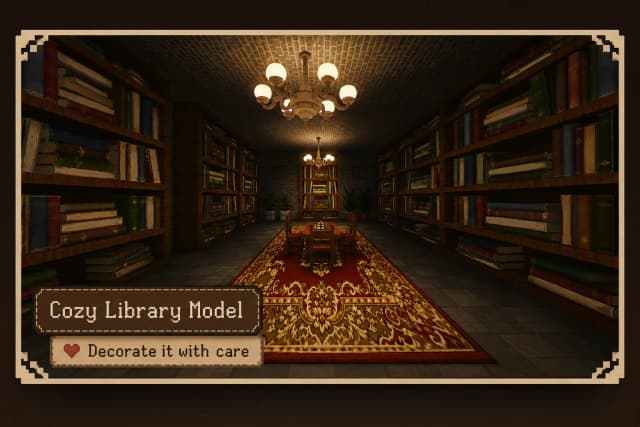
Cozy Library Model
 Gaming Corner 965Checked
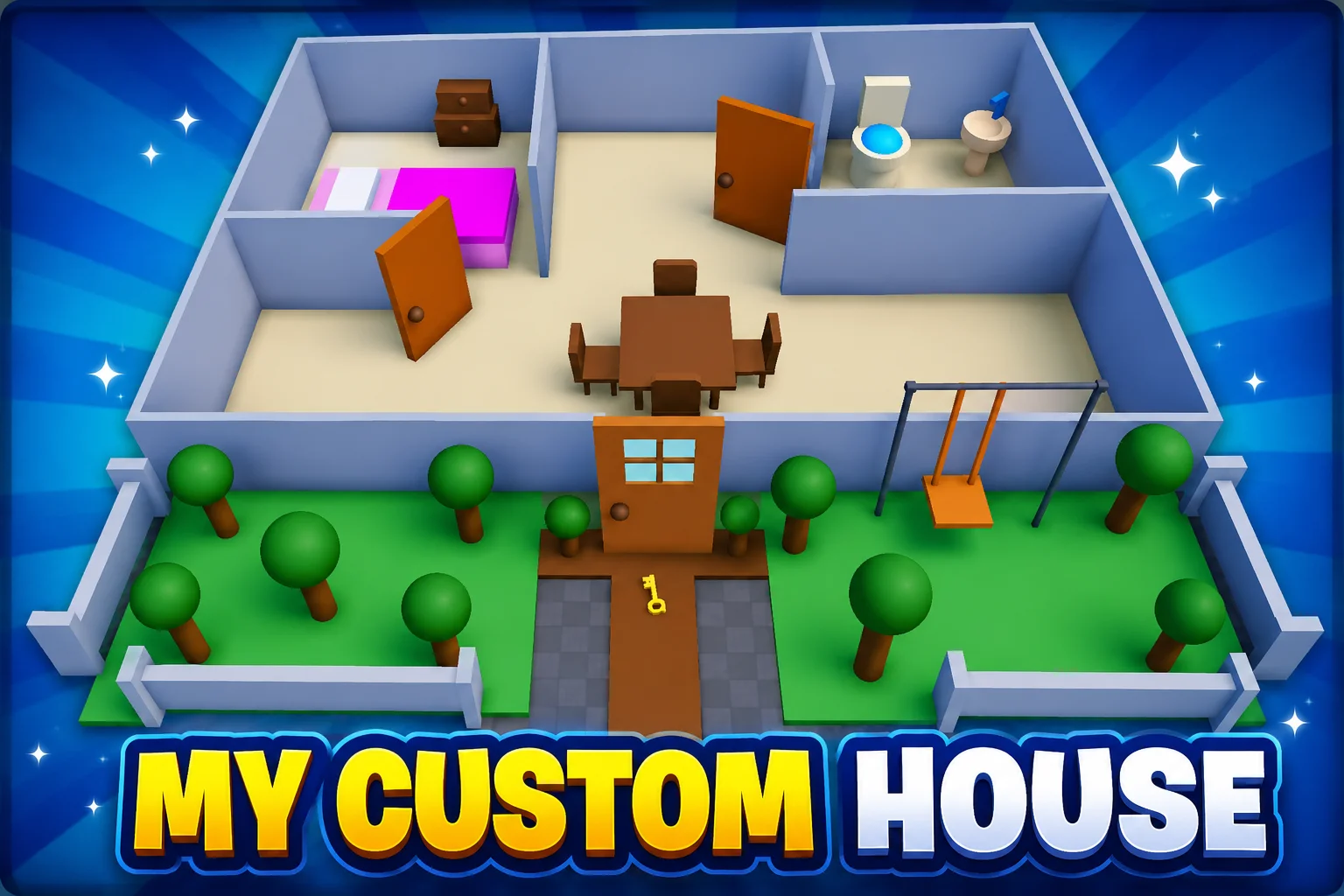
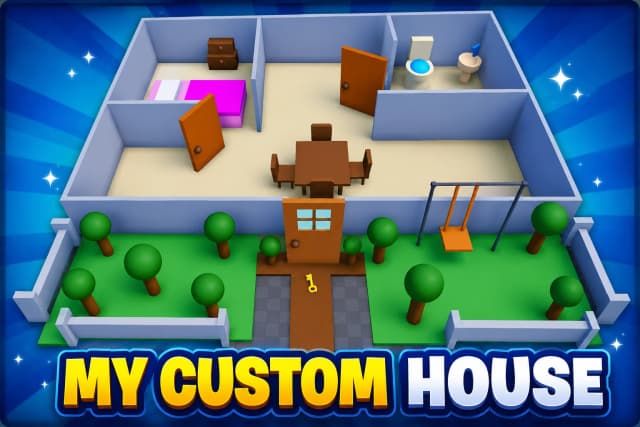
Custom House Build
 Shifa StudioChecked
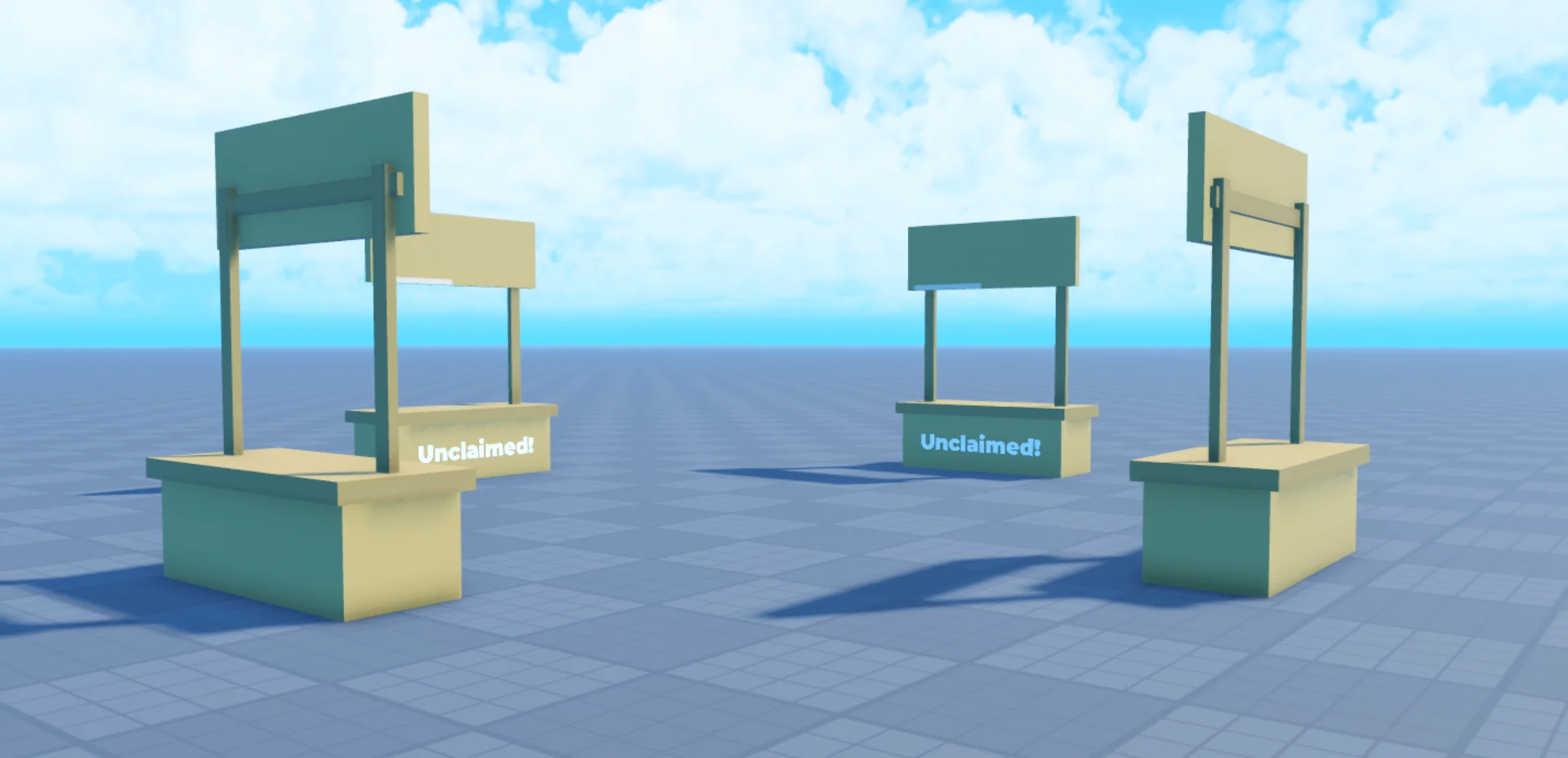
Pls Donate Market Stalls System [Free]
Voxq StudiosChecked
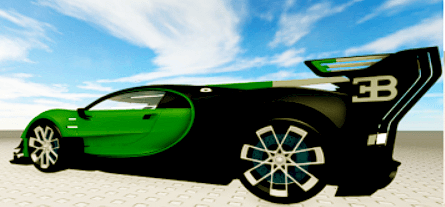
Bugatti Vision Gran Turismo
NNexium
Popular paid models
Best-selling paid models from Forja creators.
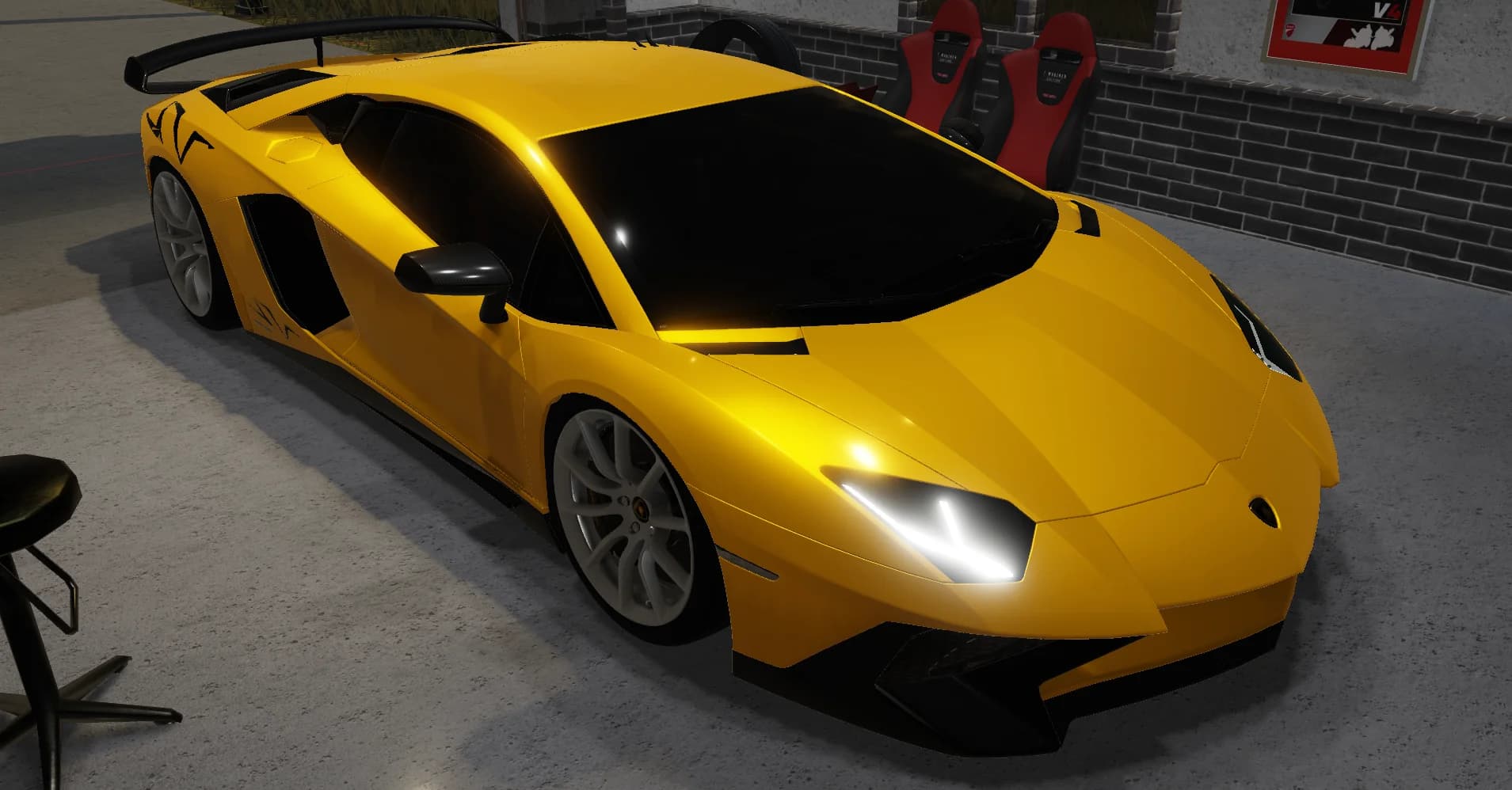
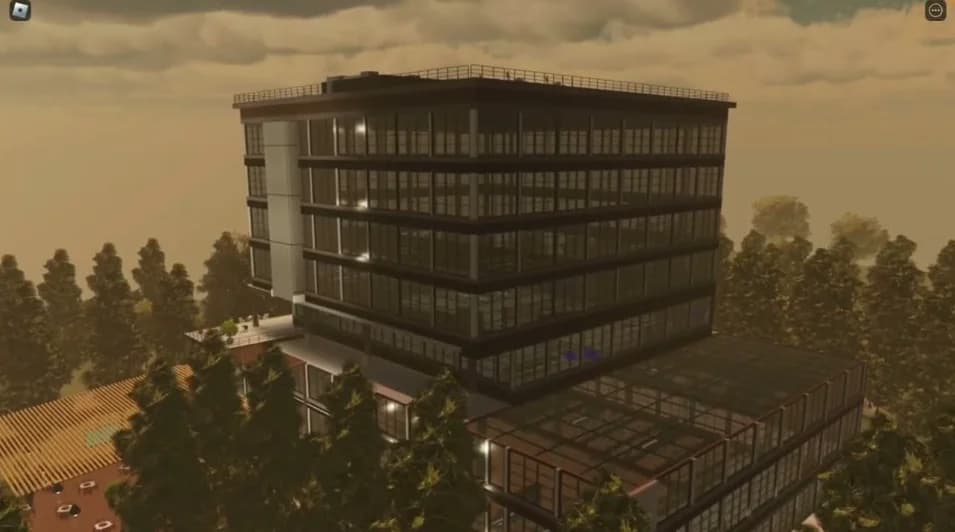
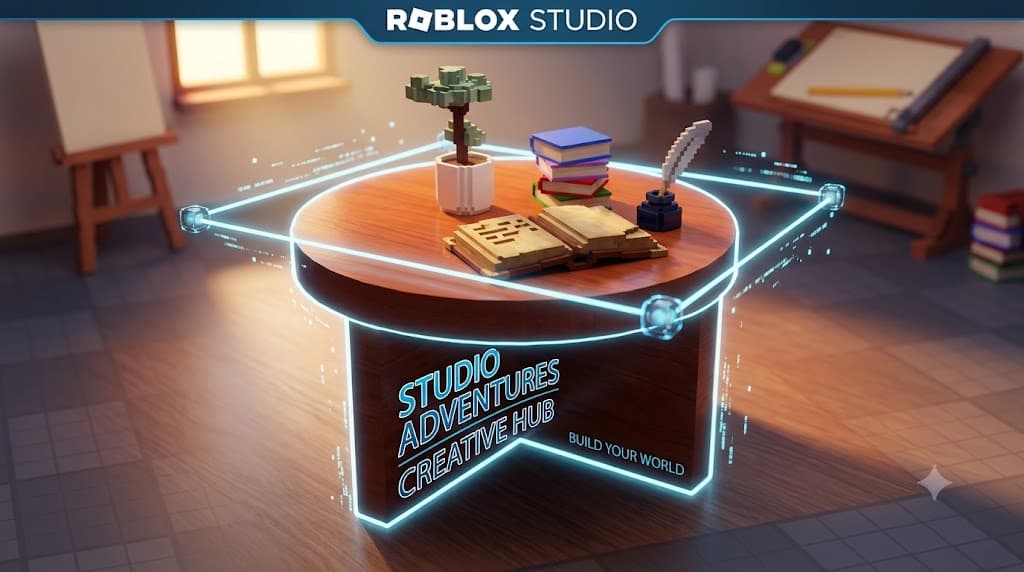
The Rust wood Harmony Table.
MmanalofficialChecked
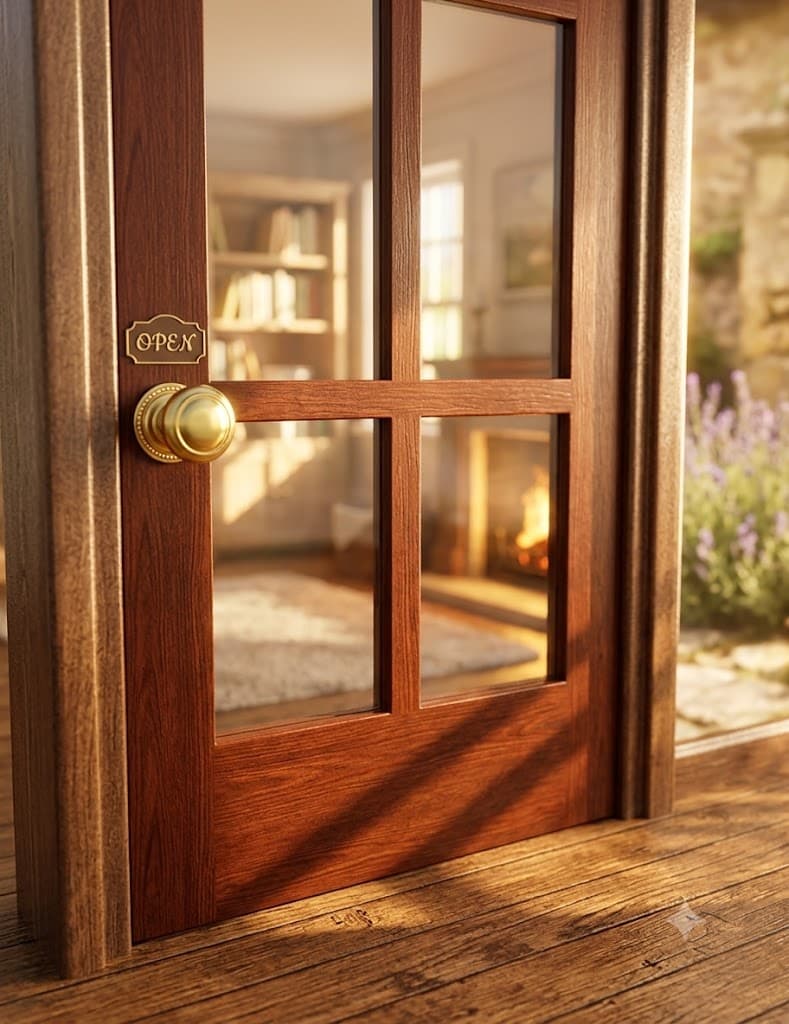
The Wooden Door
MmanalofficialChecked
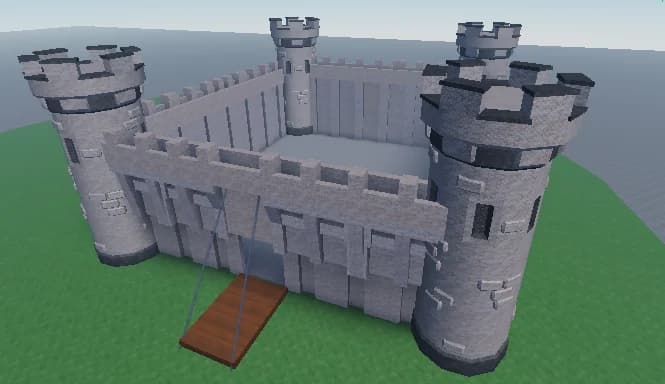
Castle Exterior Model
 VOXChecked
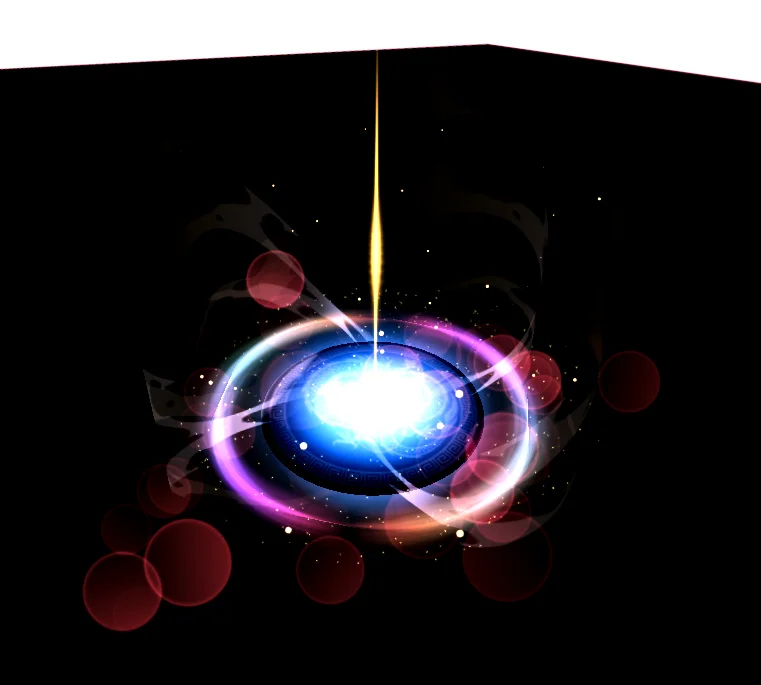
Dojo Master Pad VFX
BbobgernolabarChecked
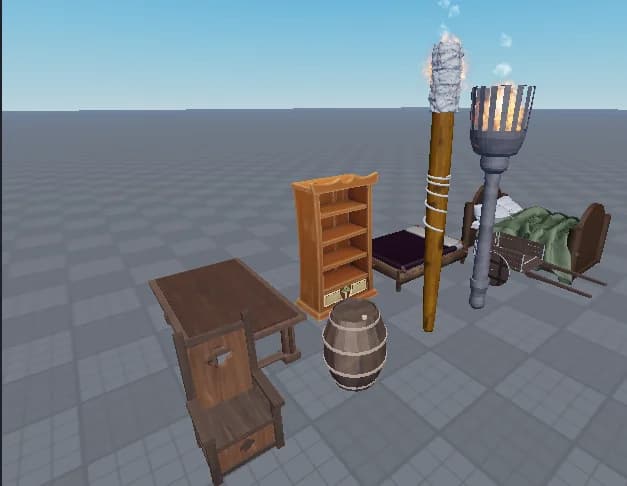
Medieval Furnature Assets Free
VOXChecked
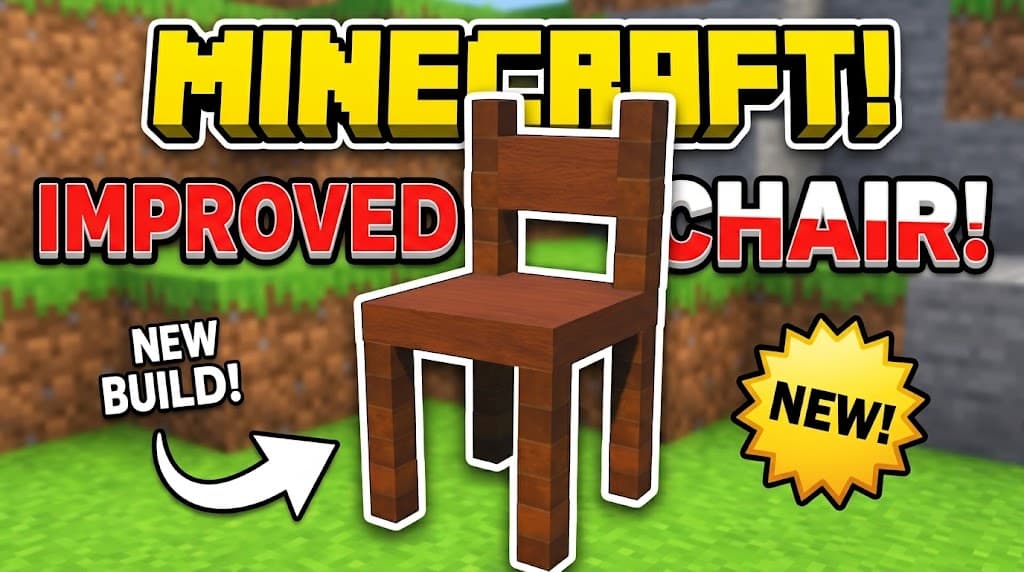
the wood chair
MmanalofficialChecked
Making a game with these?
- How to make a Roblox gameFrom an empty Studio to a published game, with a page for each kind.
- Free Roblox scriptsLeaderboards, doors, checkpoints and more, to copy and paste.
- Luau cheat sheetThe basics of Roblox scripting on one page.
- Roblox image sizesYour thumbnail and icon at the right size, with a free resizer.
Creators with free models
The people behind these downloads. Visit their stores, and follow them for more.

How to use Roblox models from Forja
A model file (.rbxm or .rbxmx): props, vehicles, weapons and other single pieces.
- Right-click Workspace in the Explorer and choose Insert from File, or drag the file into the Studio window.
- Move and scale it with the Move and Scale tools, then anchor parts that shouldn't fall.
- Check the listing for any scripts it needs to work (vehicles and weapons often do).