Marketplace
Free Roblox UI Kits
Menus, HUDs and shop screens ready to restyle and plug into your game. 3 free listings, instant download.
What “Scripts checked” means
Forja reads every script in a listing's file and looks for code that's loaded or hidden from outside the file, which is how backdoors get into Roblox games. When it finds some, a Forja admin looks at the listing. “Scripts checked” means every script was read and nothing like that was found. Spot something anyway? Open the listing, press Report and pick Hidden script / backdoor.
Listings

Free
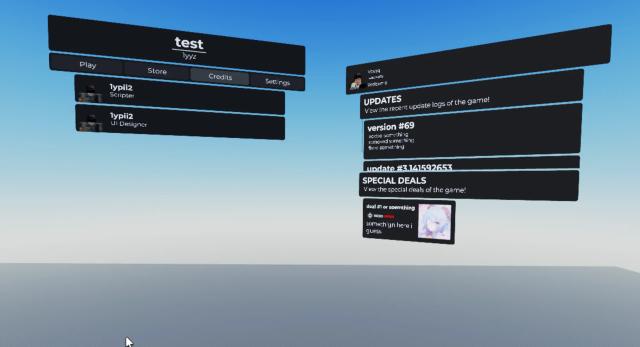
3D Game Menu UI
 Voxq StudiosChecked
Free354downloads

Free
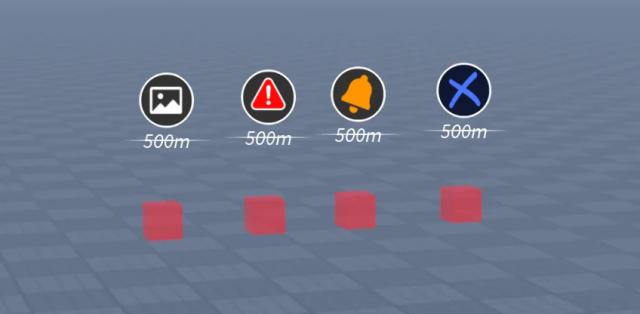
Distance Notifier System
Voxq StudiosChecked
Free94downloads
New
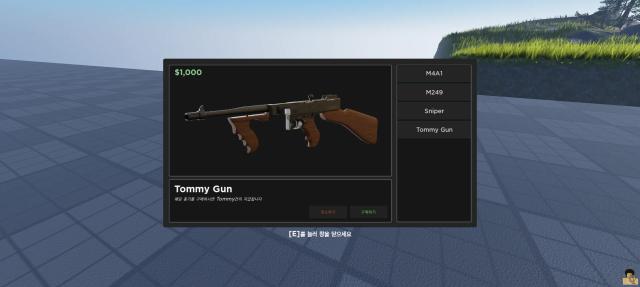
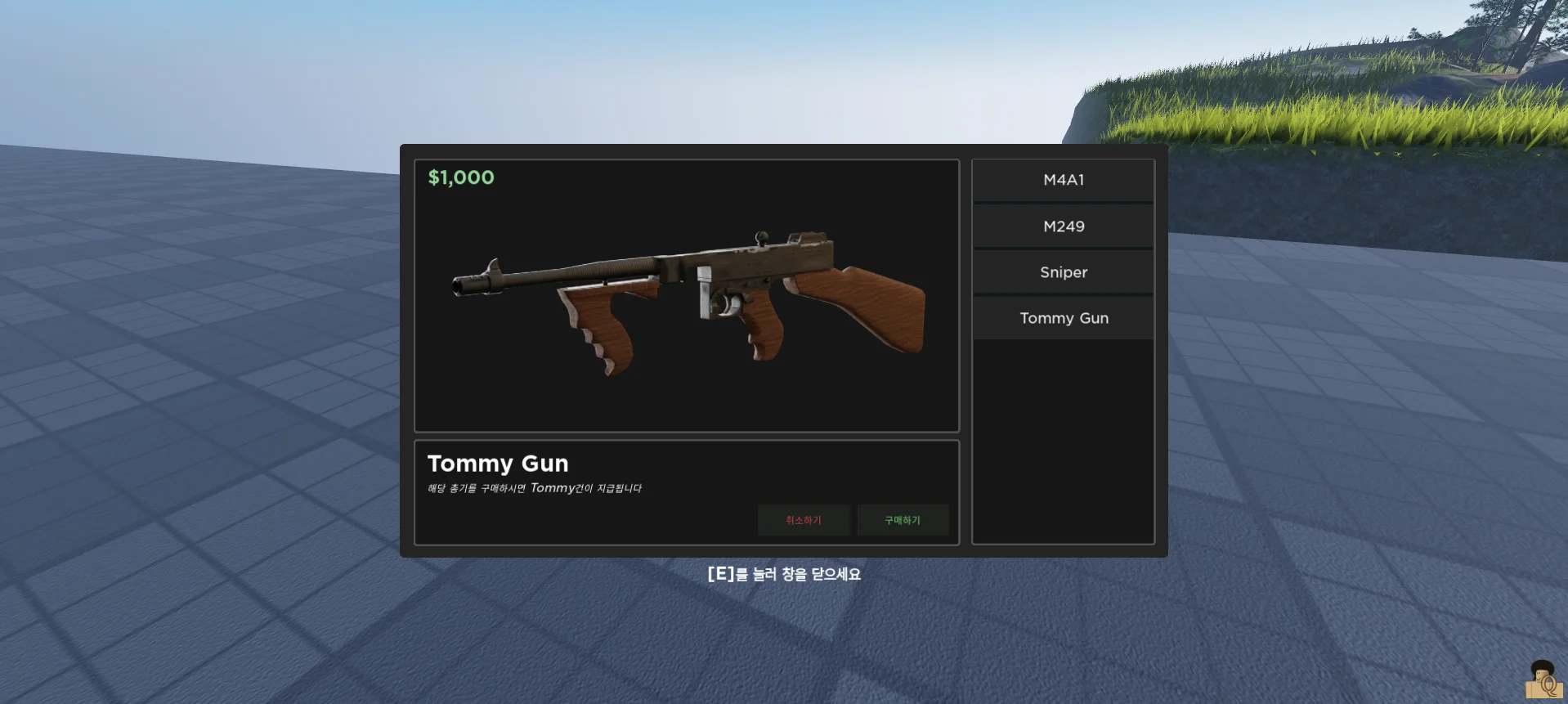
Project KD Main Menu
Voxq StudiosChecked
Free
Popular paid UI kits
Best-selling paid UI kits from Forja creators.
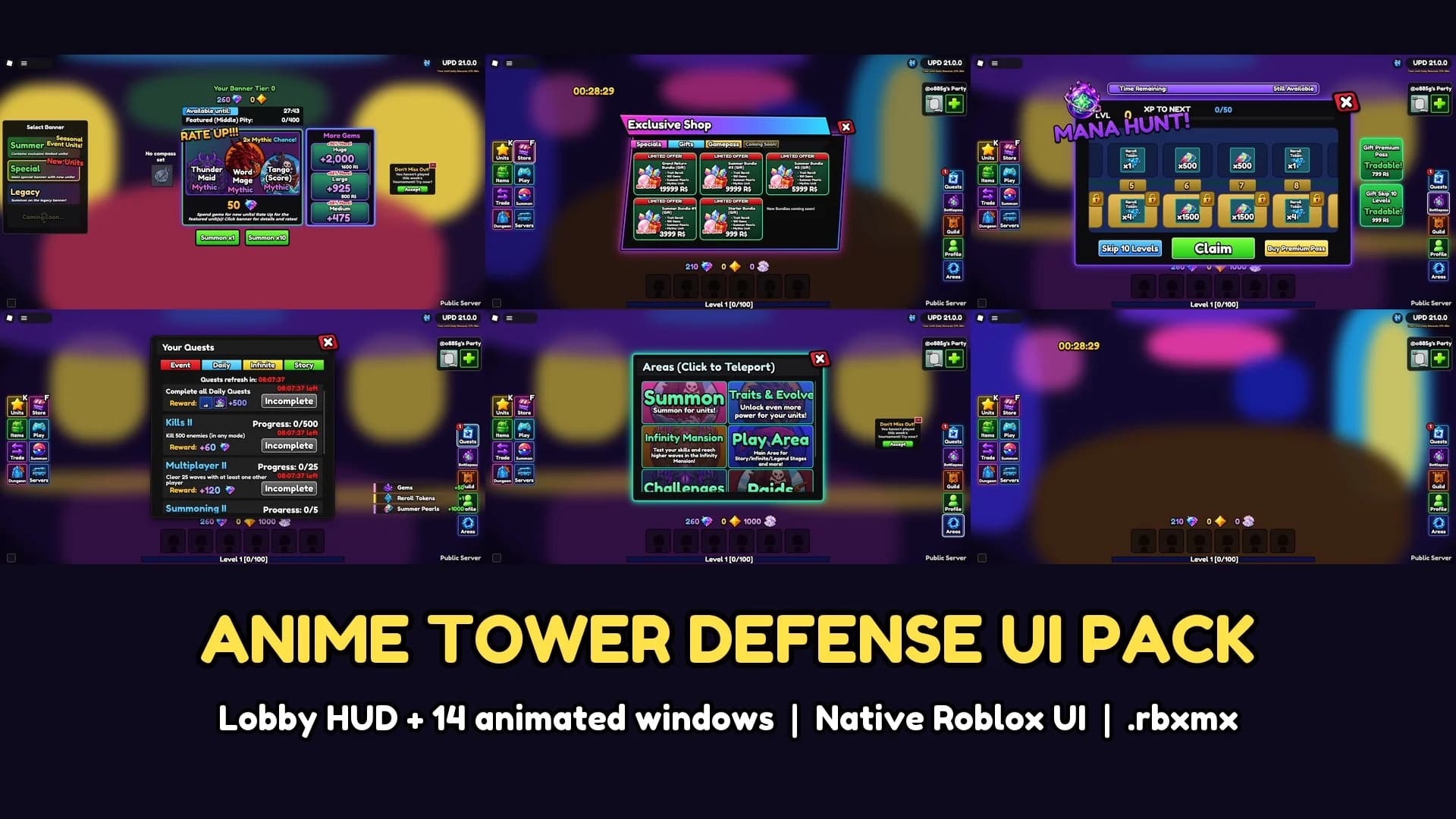
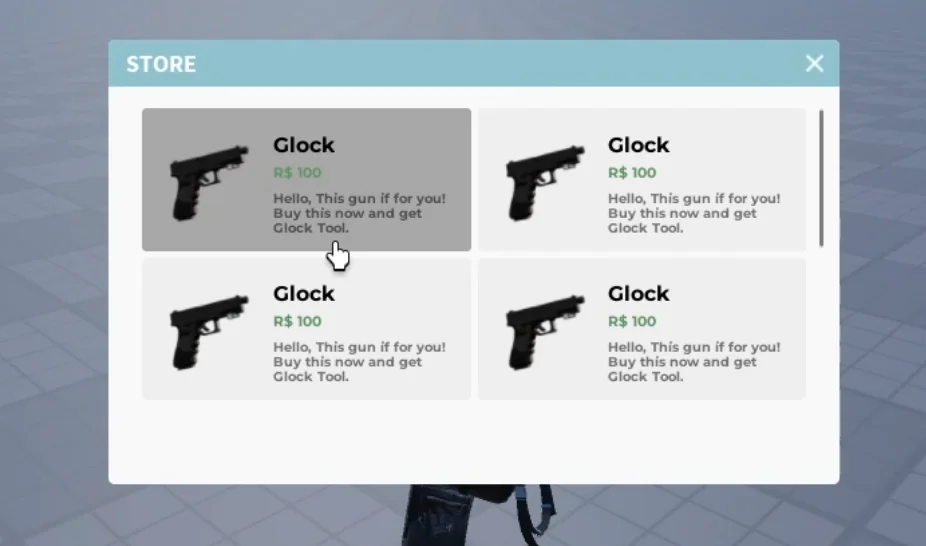
Making a game with these?
- How to make a Roblox gameFrom an empty Studio to a published game, with a page for each kind.
- Free Roblox scriptsLeaderboards, doors, checkpoints and more, to copy and paste.
- Luau cheat sheetThe basics of Roblox scripting on one page.
- Roblox image sizesYour thumbnail and icon at the right size, with a free resizer.
How to use Roblox UI kits from Forja
Usually a model file (.rbxm) with ready-made ScreenGuis: menus, HUDs or shop screens.
- Right-click StarterGui in the Explorer and choose Insert from File.
- Press Play: the screens show up as players see them.
- Change colors, text and images in the Properties window to match your game.