Anime Tower Defense UI Pack | Roblox Lobby HUD + 14 Windows
- ZIP Archive · .zip
- 4.9 MB
- 2 scripts
- Scripts checked
- Instant download
Standard license — use in your Roblox games
Get 3 from nomistudio, save 10%
This item: Anime Tower Defense UI Pack | Roblox Lobby HUD + 14 Windows
$50.00
You save $7.30
- Instant deliveryDownload right after checkout.
- Buyer protectionOpen a dispute within 14 days if it isn't as described.
- Scripts checkedForja read all 2 scripts and found no hidden or outside code.
- Secure paymentCard, Google Pay, Link or Cash App, processed by Stripe.
- On your phone?Buy it now and download it on your computer, where Roblox Studio runs. It stays in your orders.
- ZIP Archive · .zip
- 4.9 MB
- 2 scripts
- Scripts checked
- Instant download
About this asset
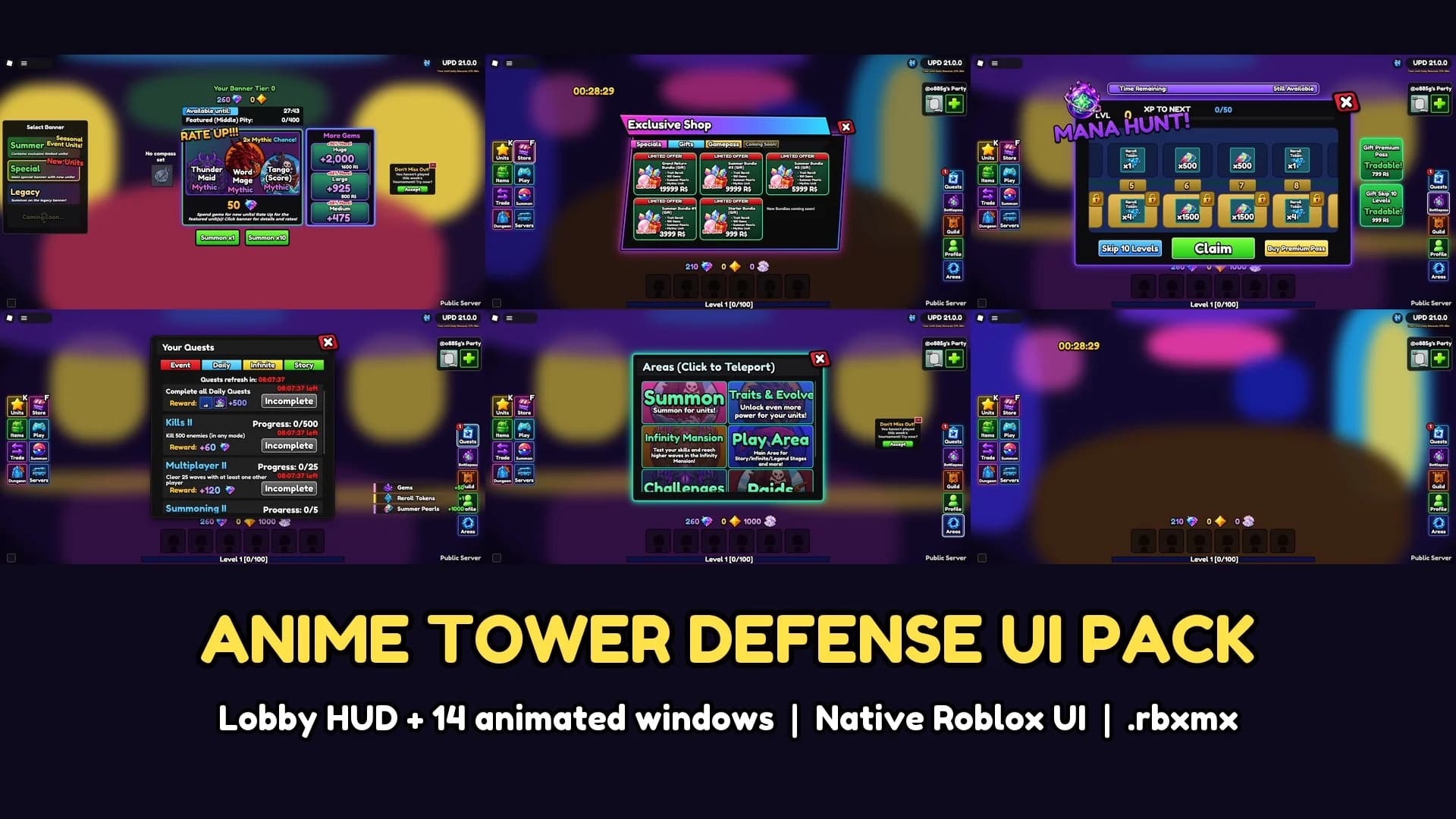
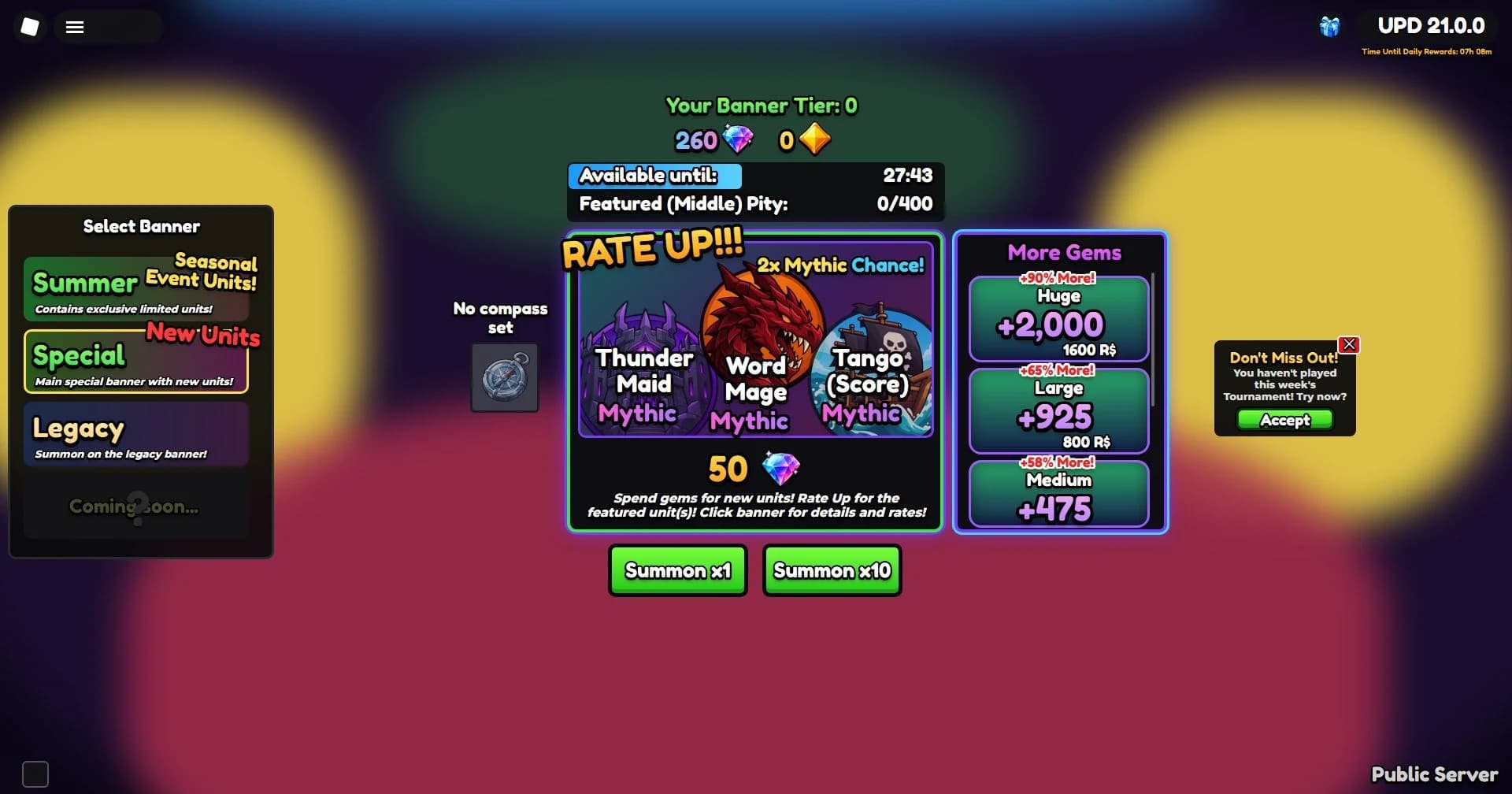
A complete anime tower defense lobby UI for Roblox, built natively with Frames, UIStroke and UIGradient, so it stays sharp on every screen from phone to 4K.
What's inside
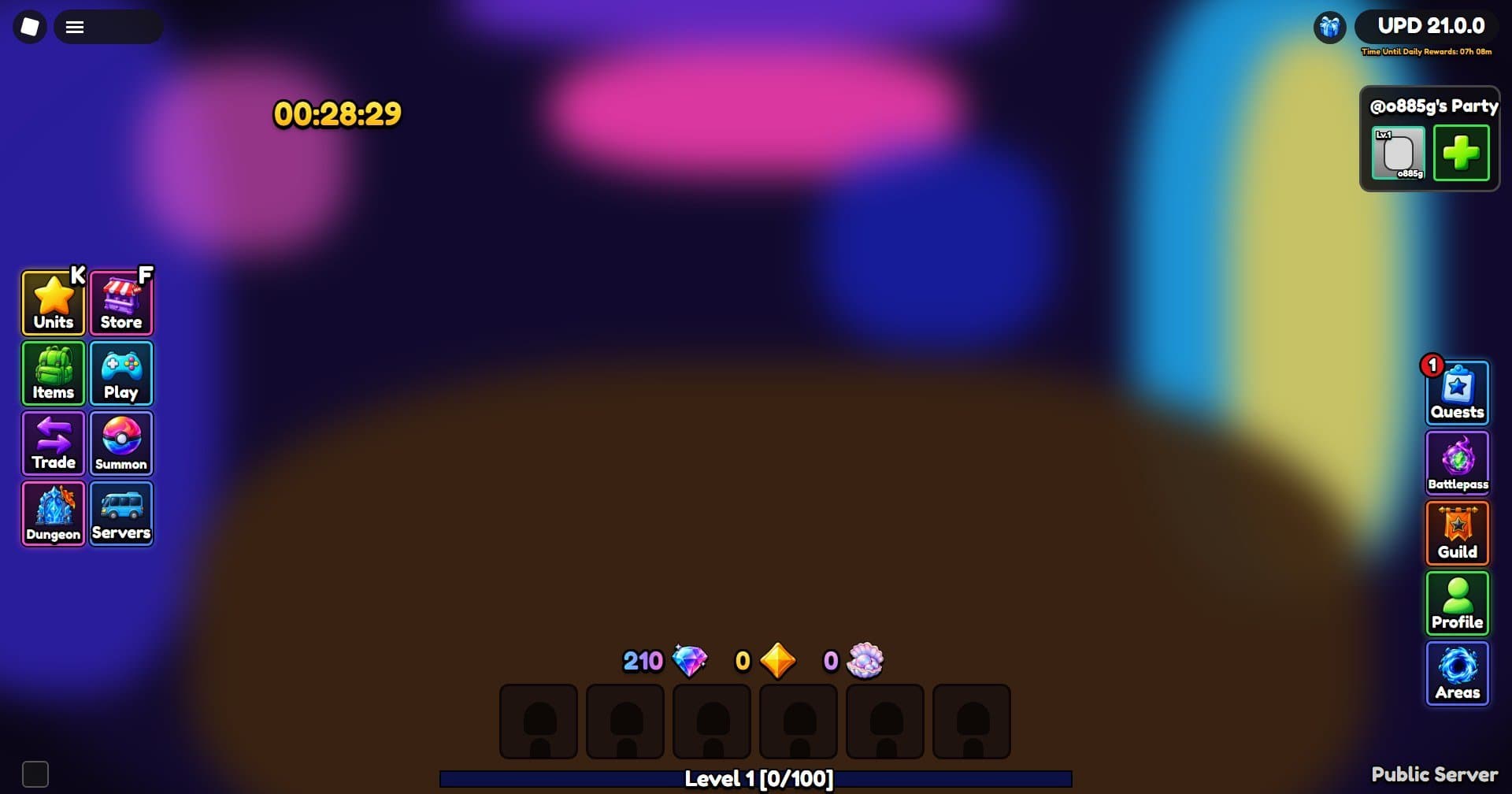
- Lobby HUD: 8 left buttons (Units, Store, Items, Play, Trade, Summon, Dungeon, Servers), 5 right buttons (Quests, Battlepass, Guild, Profile, Areas), gems / gold / pearls counters, 6-slot unit hotbar, level bar, party box, daily timer
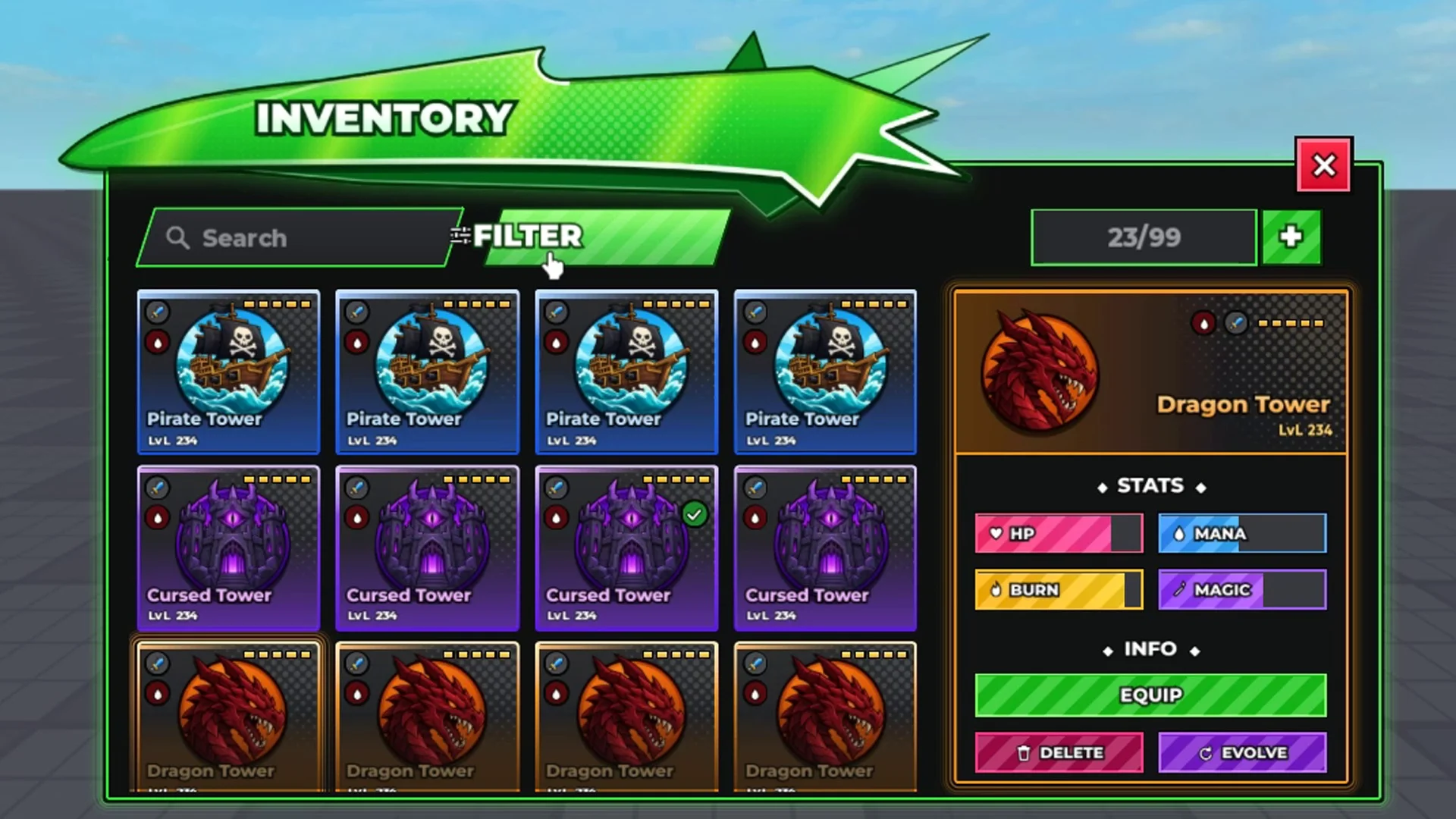
- 14 windows: Collection, Exclusive Shop, Gifts, Gamepasses, Inventory, Trading, Summon banners, Quests (Event / Daily / Infinite / Story), Battle Pass, Areas (click to teleport), Join Server, Guild, Titles
- Hover lift and click bounce on every button, window pop animation, background blur while a window is open
- Keybinds: K = Units, F = Store
- 86 PNG icons and textures included, plus preview screenshots of every screen
Setup (about 5 minutes)
- Insert the .rbxmx, put AnimeTDUI in ReplicatedStorage and AnimeTDClient in StarterPlayerScripts
- Bulk-import the Images folder in the Asset Manager and paste the ids into M.ImageIds (step-by-step README included)
- Add Parts under workspace.Areas to make the Areas teleport work
Hooking it up
AnimeTDUI.Mount(screenGui, options) returns a ui table with open(), toast(), state and onOpen / onClose. All values are demo data, ready to connect to your own DataStore and RemoteEvents.
Licence: use in any number of your own Roblox games. Do not resell or redistribute the files.
Details
- Category
- UI Kits
- File type
- ZIP Archive · .zip
- Published
- Nov 2, 2026
In the file
4.9 MB, counted by Forja
- 2 scripts
Questions about this UI kit
What's in this UI kit?
2 scripts. Forja counted these from the file itself (4.9 MB).
Are its scripts safe?
Forja read all 2 scripts and found no hidden or outside code. The check looks for the signs backdoors leave: hidden code, outside code loaded by id, and data sent away.
How do I open it in Roblox Studio?
Unzip it first. The Roblox files inside open in Roblox Studio. What's in a Roblox .zip
Can I use it in my game?
Yes. It comes with a standard license, for use in your Roblox games.
Can I buy it on my phone?
Yes. Roblox Studio runs on a computer, so buy it now and download it there later: it stays in your orders.
What if it isn't as described?
You can open a dispute within 14 days, and Forja looks into it. Refund policy
Reviews
No reviews yet
Buyers can leave a review after purchase.
More from nomistudio
View storeNeon Inventory UI | Animated Roblox Inventory System
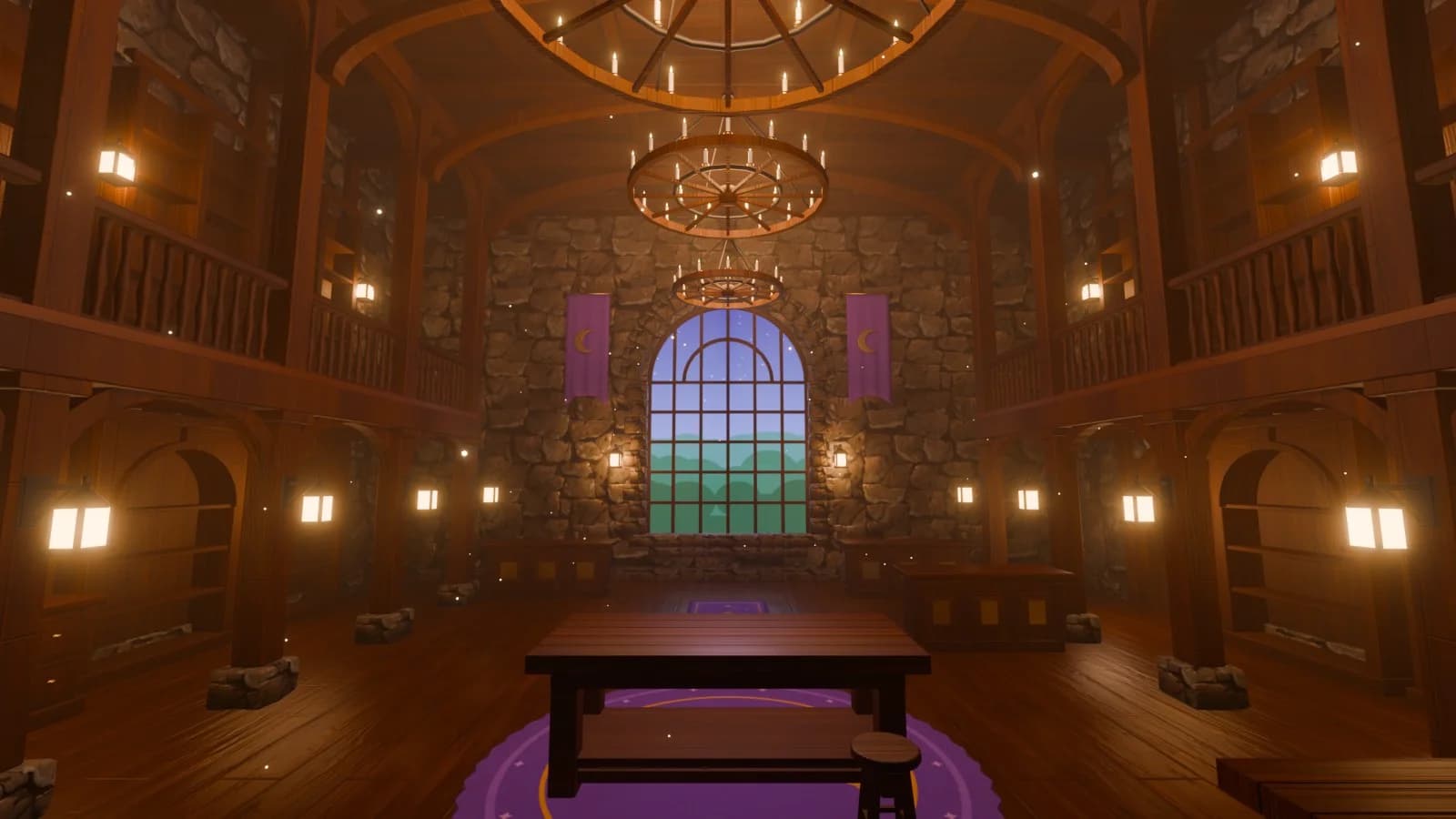
Potion Shop Interior | Fantasy Magic Shop Roblox Building
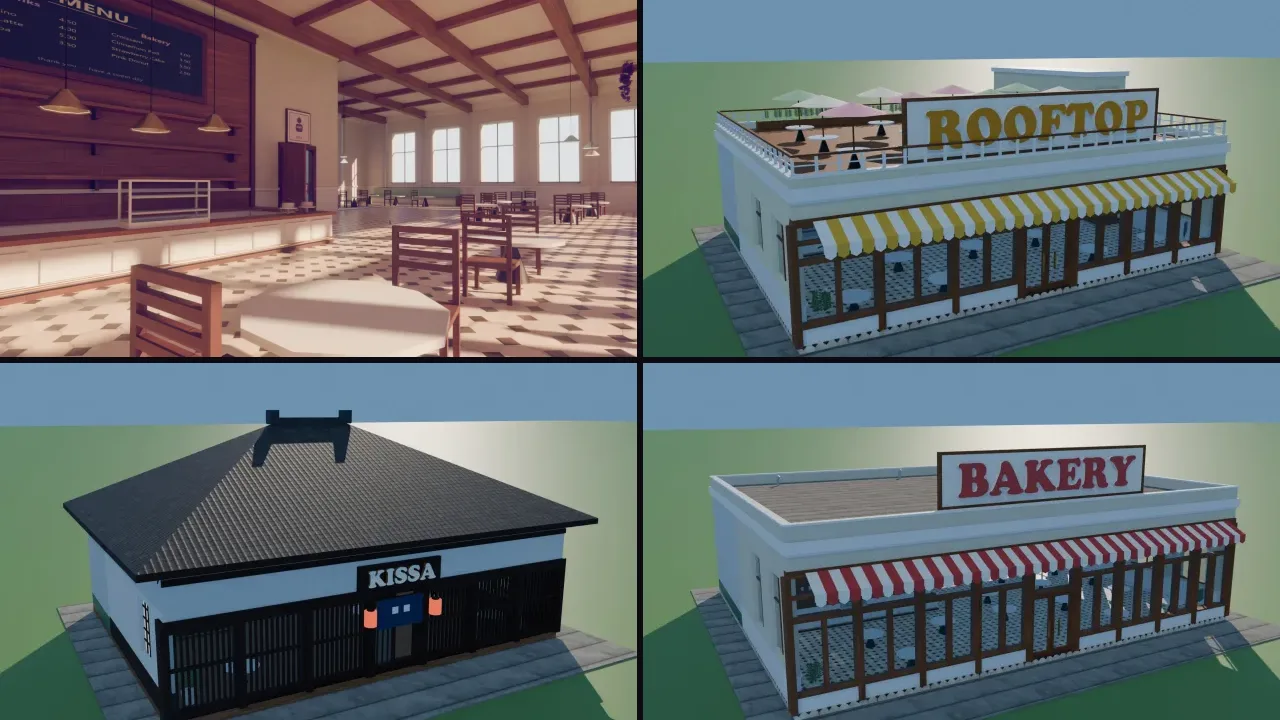
Cafe Pack | 14 Coffee Shop Roblox Buildings
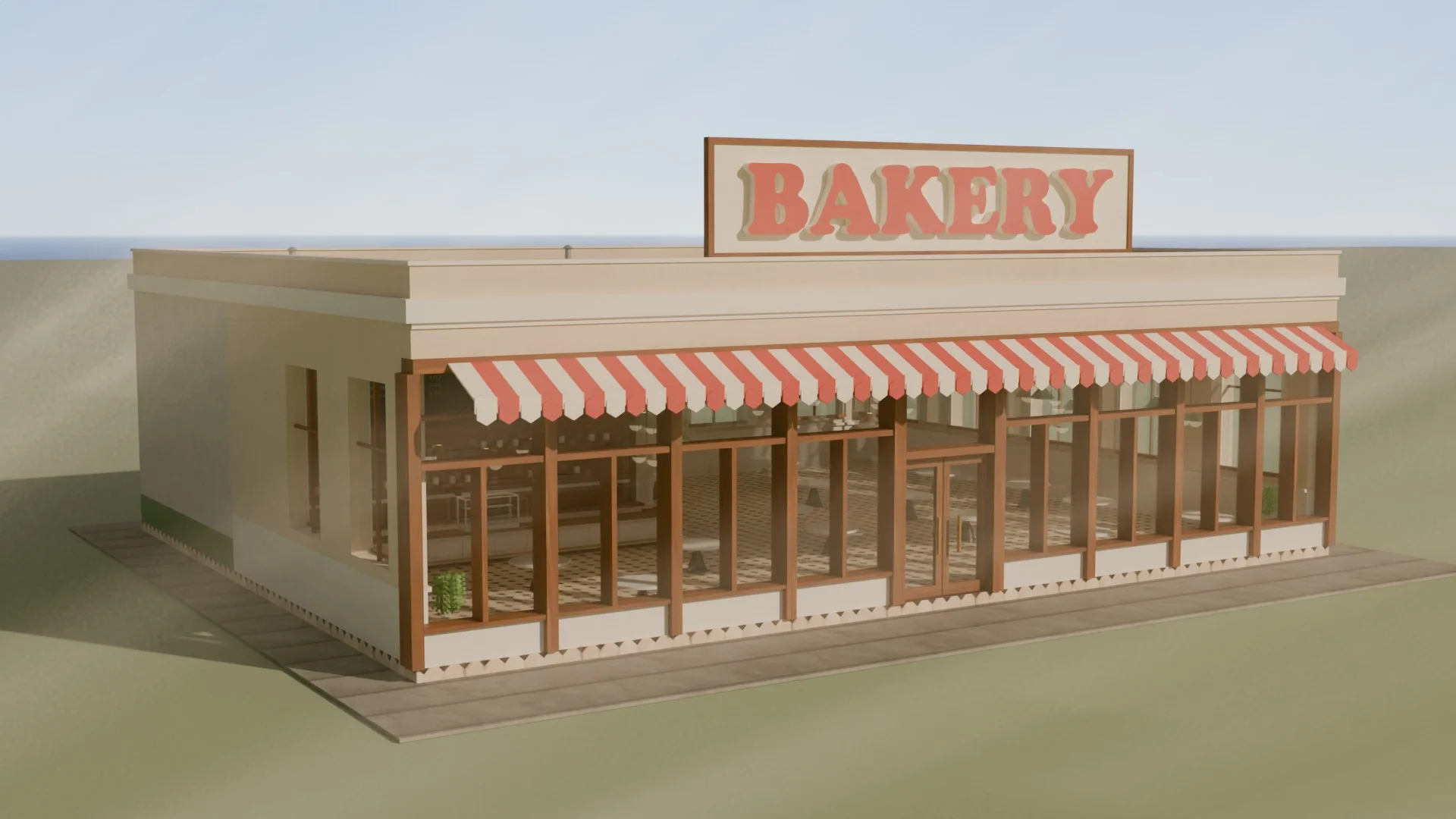
Bakery Cafe | Bread Shop Roblox Building
Grand Machiya Cafe | Japanese Roblox Building
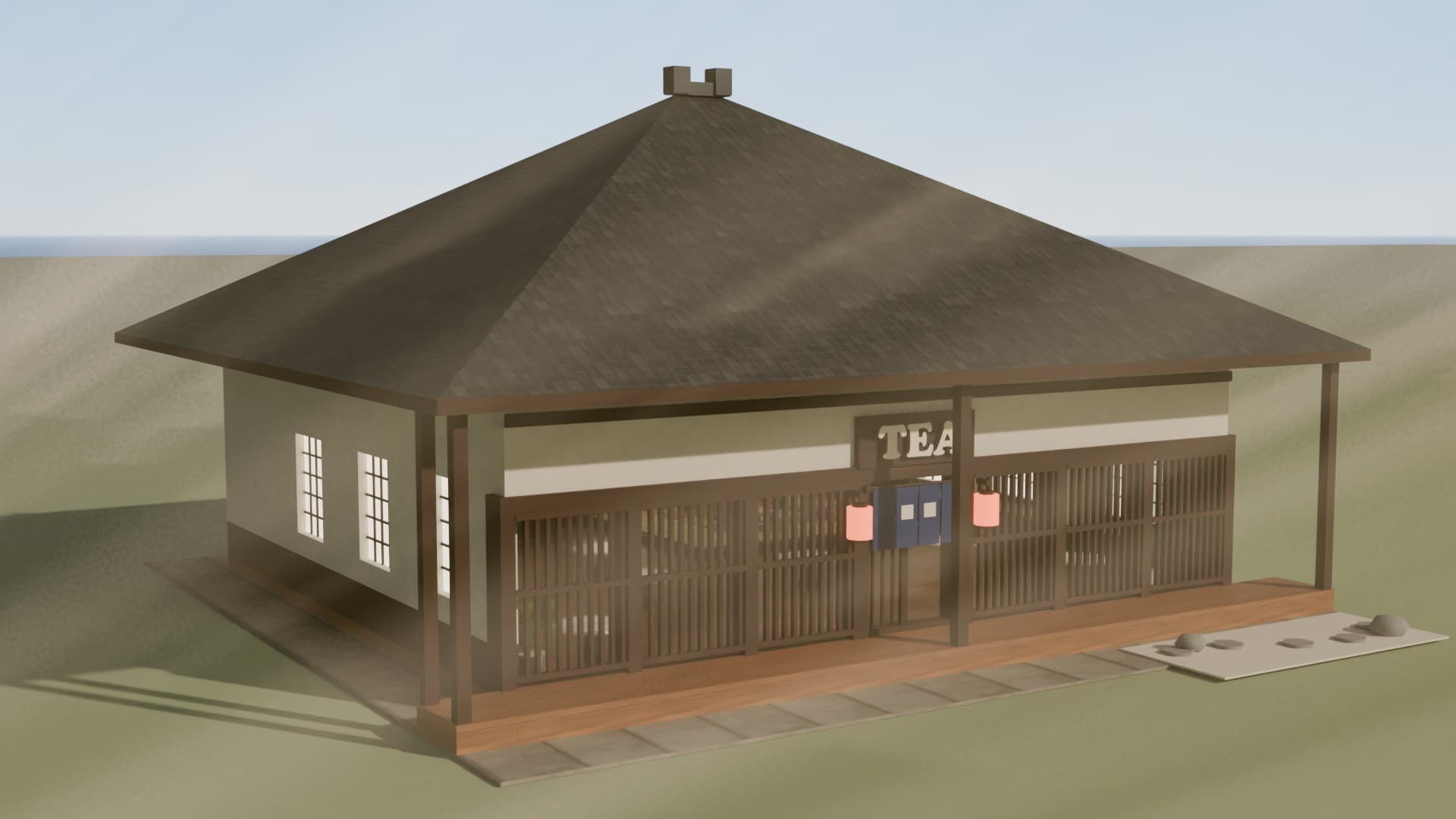
Japanese Tea House | Anime Cafe Roblox Building
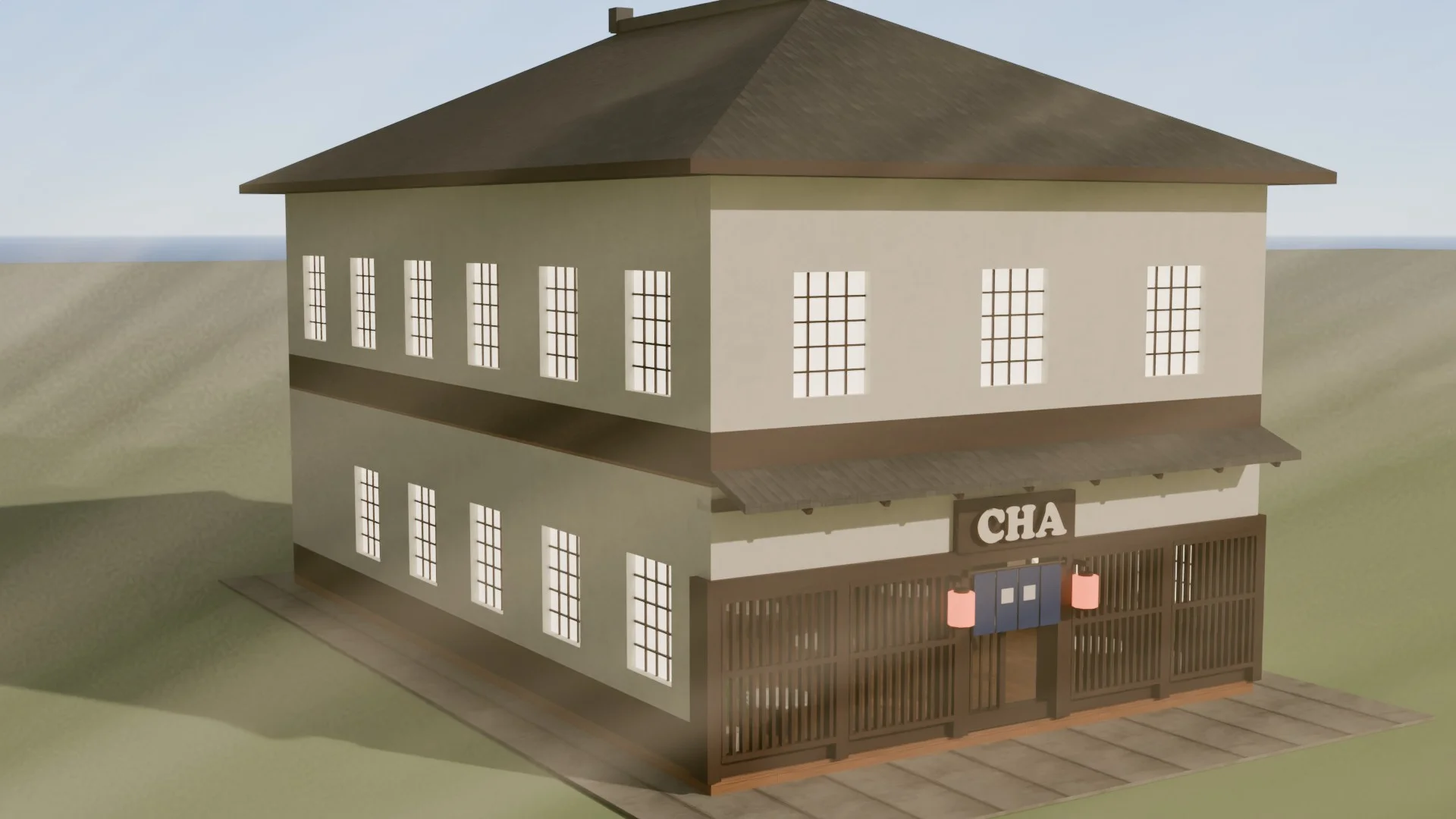
Japanese Machiya Cafe | Anime Town Roblox Building