Marketplace
Roblox UI Kits
Menus, HUDs and shop screens ready to restyle and plug into your game. 7 listings, instant download.
Listings
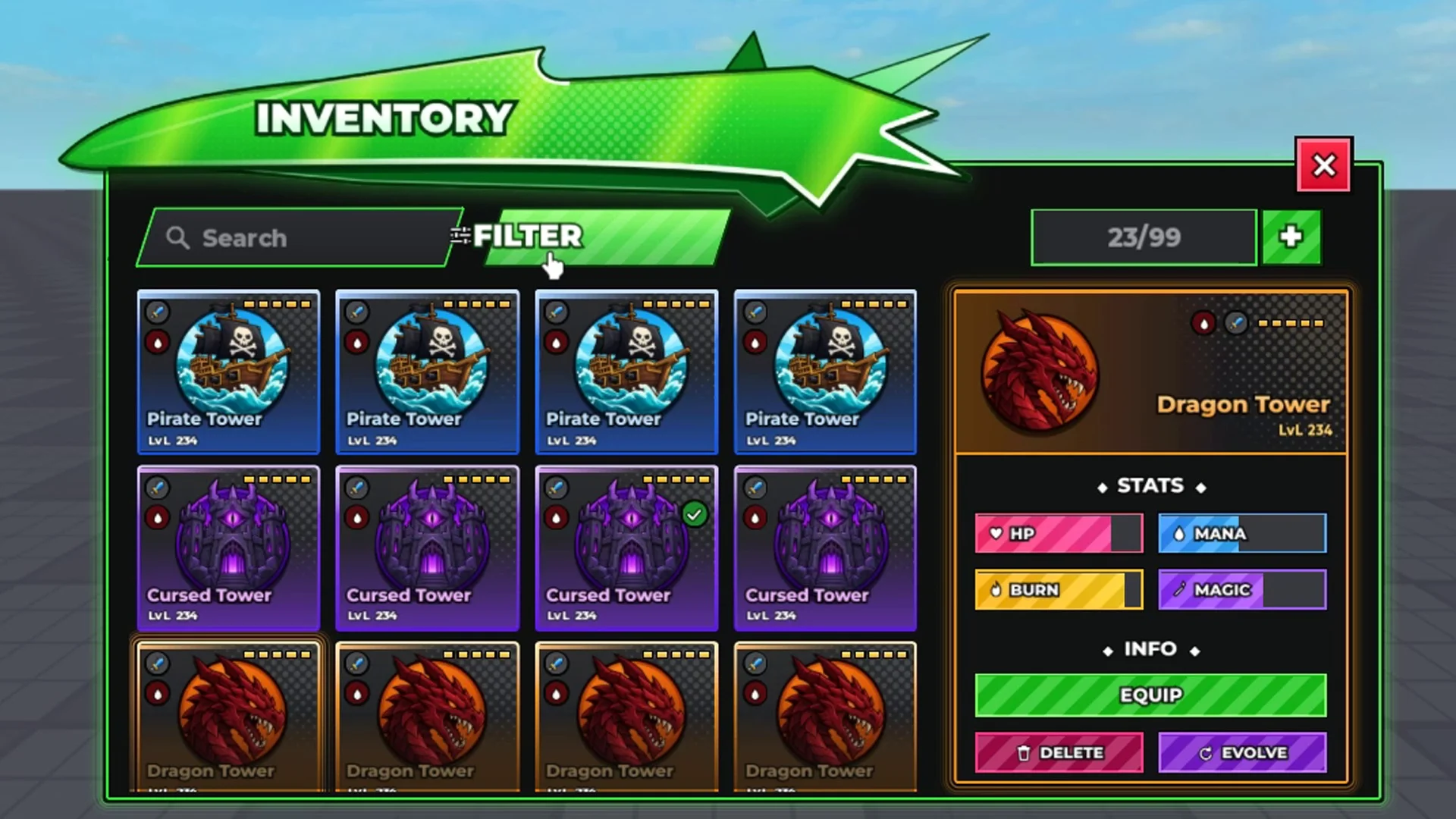
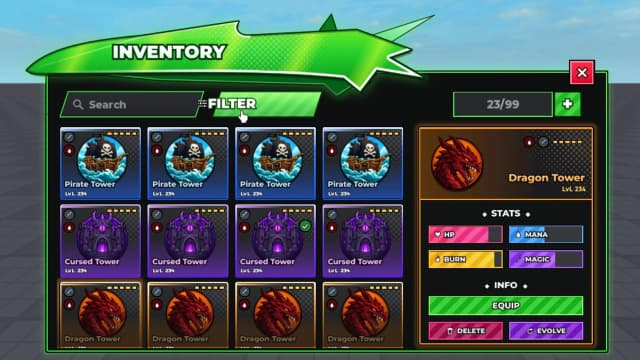
Neon Inventory UI | Animated Roblox Inventory System
Oo885
$15.00
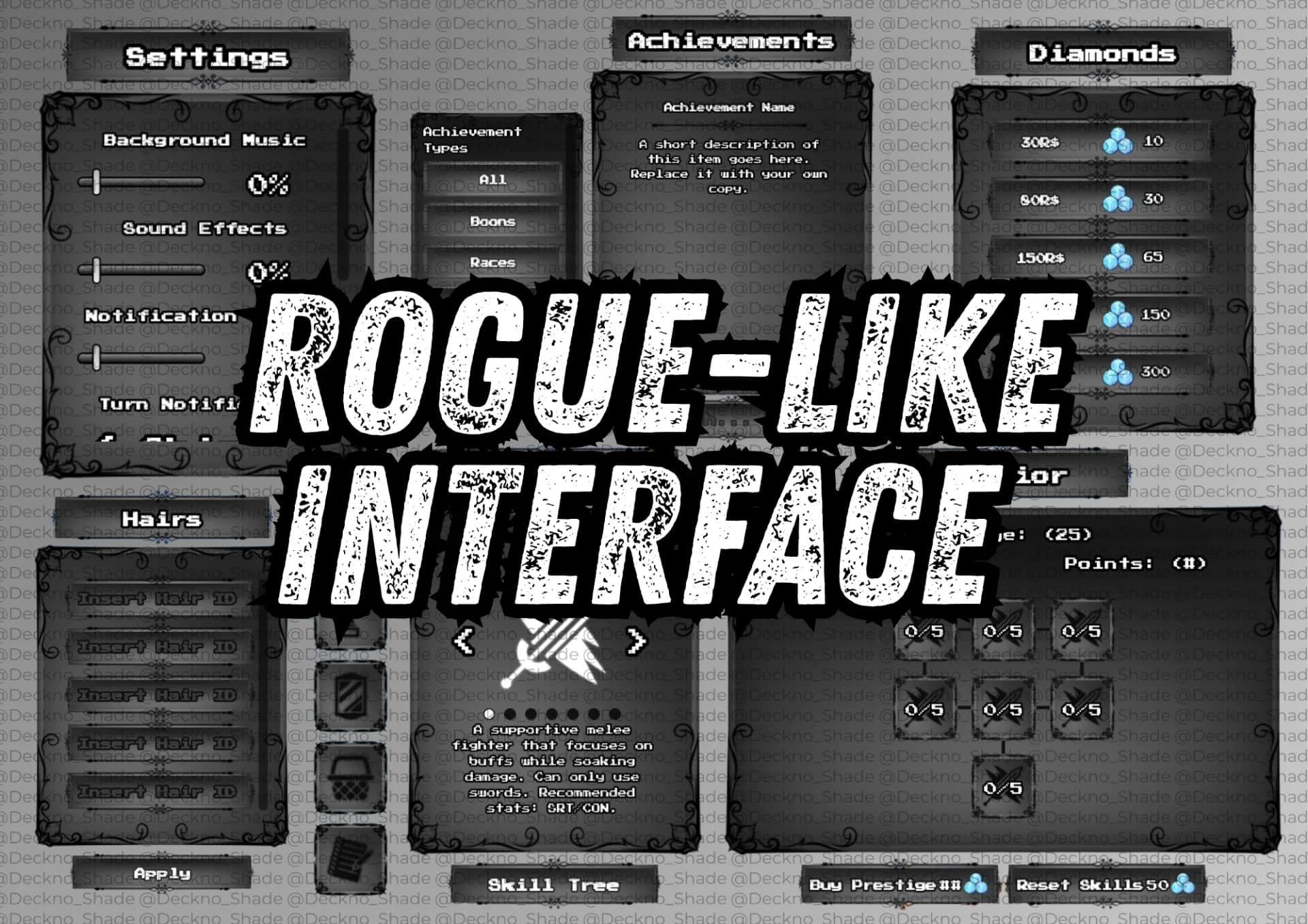
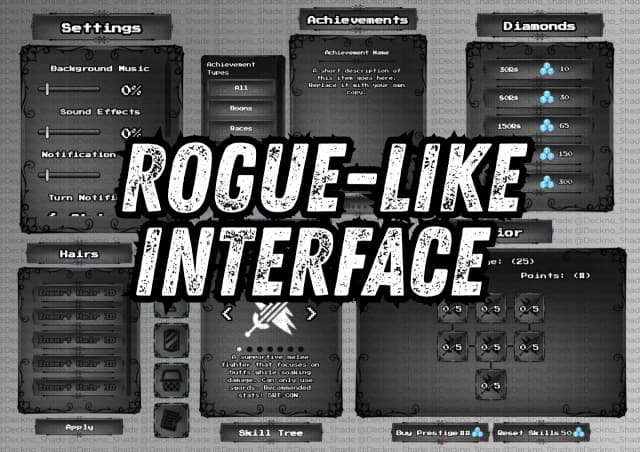
Rogue-like lobby interface
 Pixie StudiosChecked
$24.99
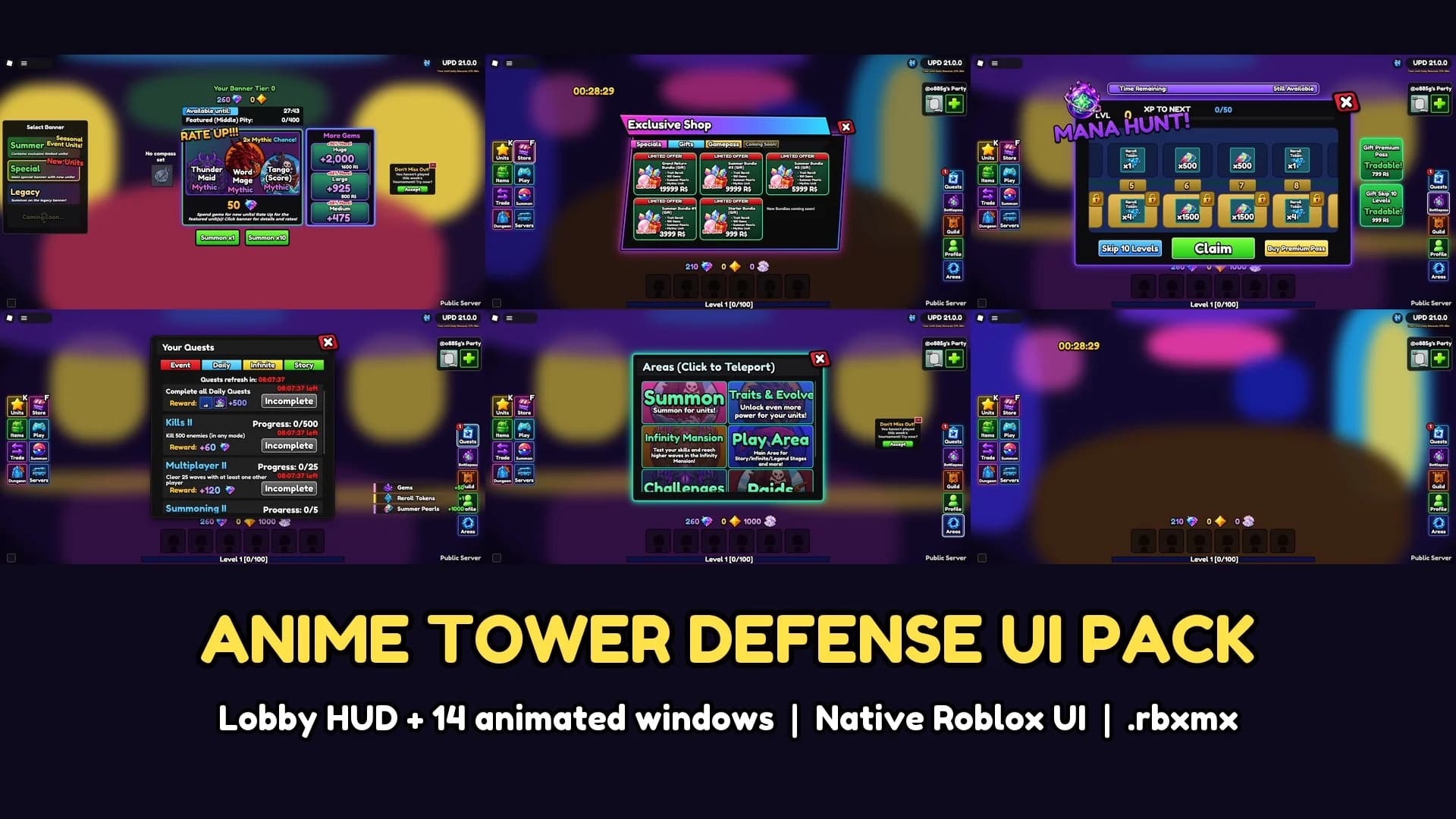
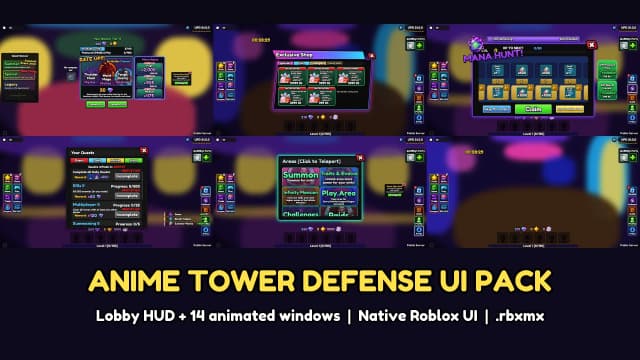
Anime Tower Defense UI Pack | Roblox Lobby HUD + 14 Windows
Oo885Checked
$50.00
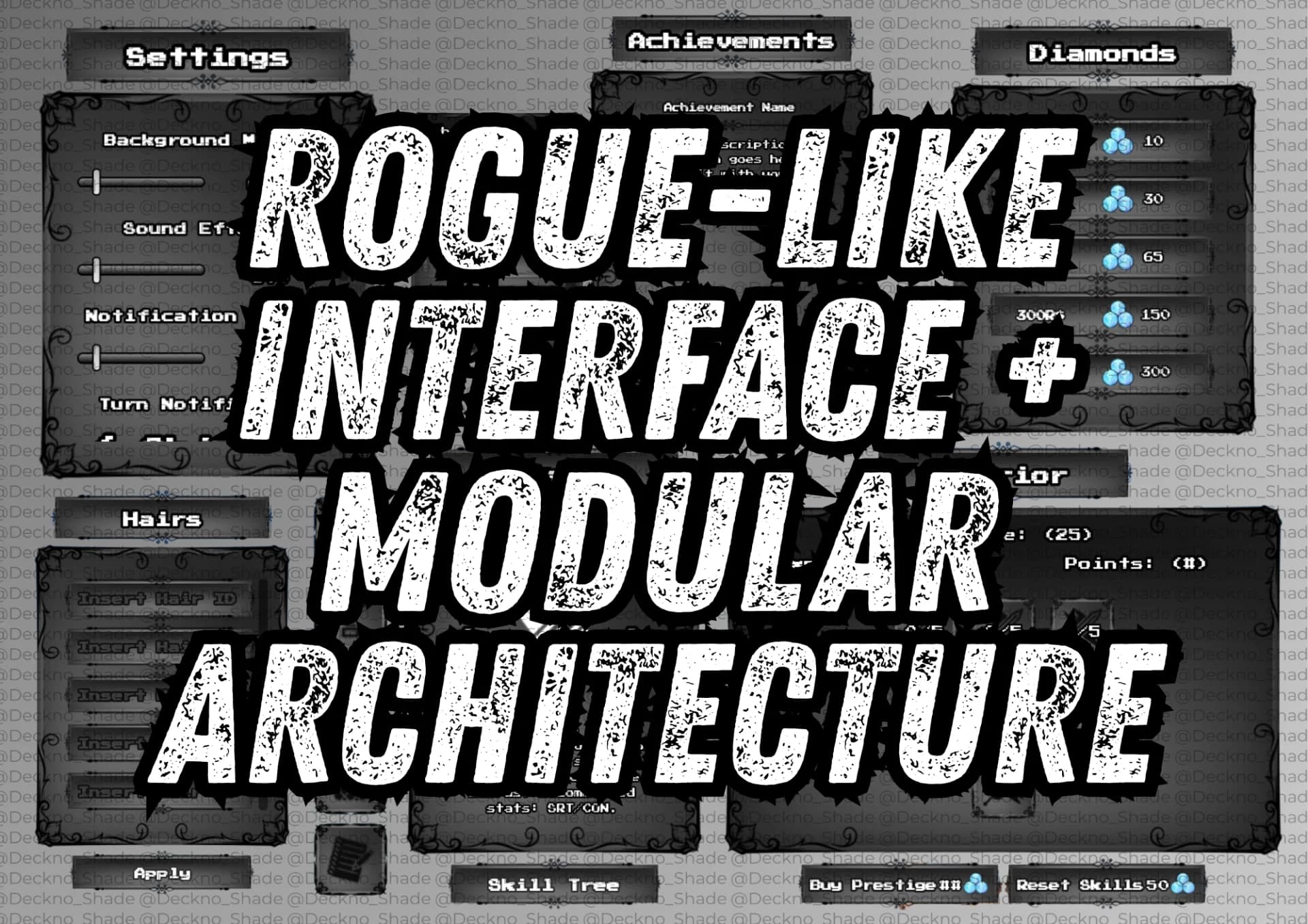
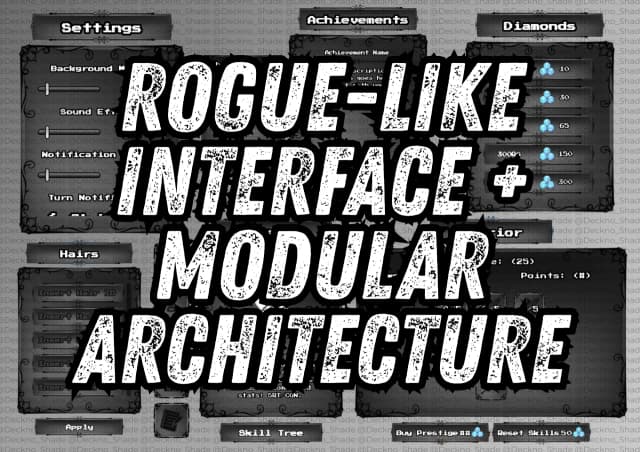
Rogue-like lobby interface + 8,500 + lines of modular architecture!
Pixie StudiosChecked
$34.99
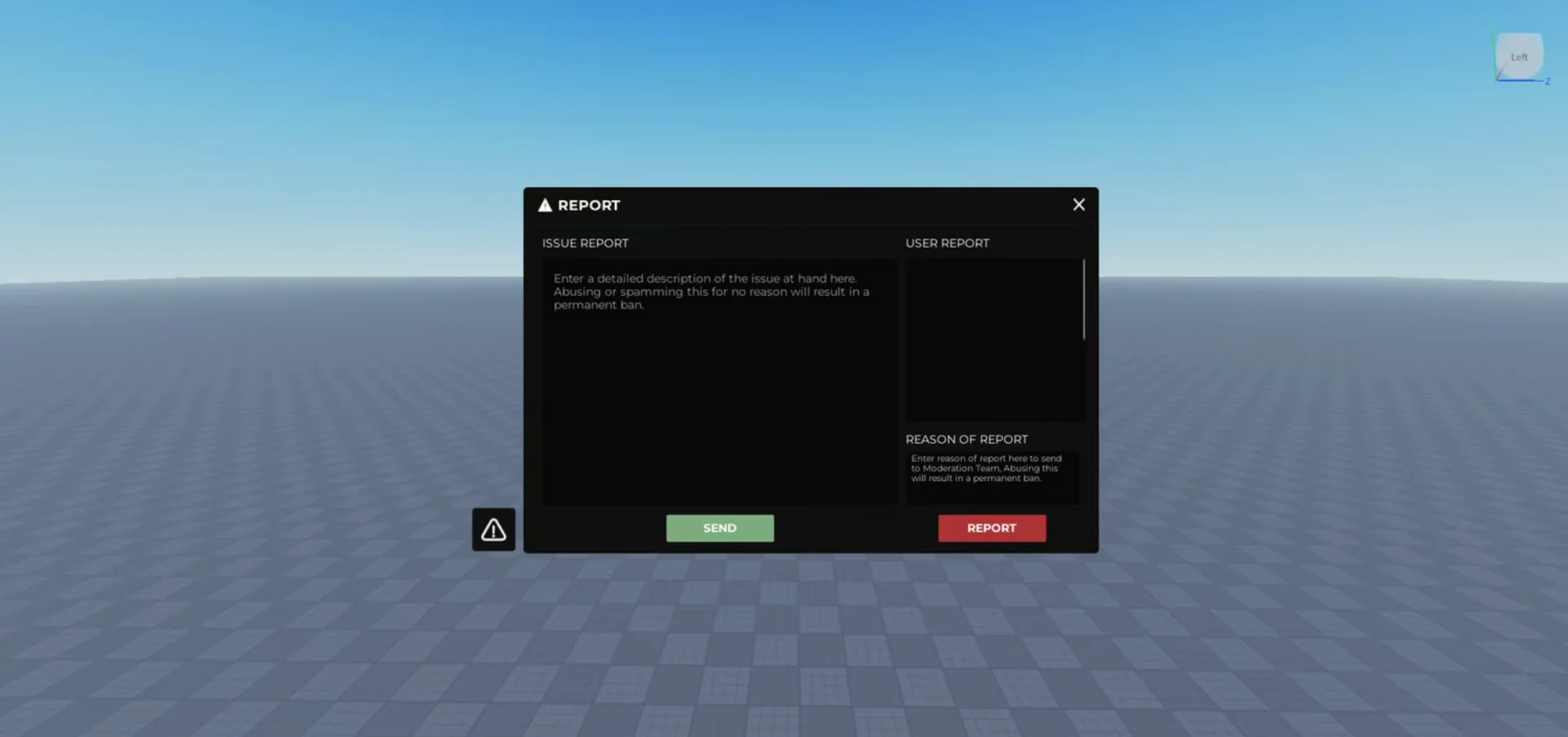
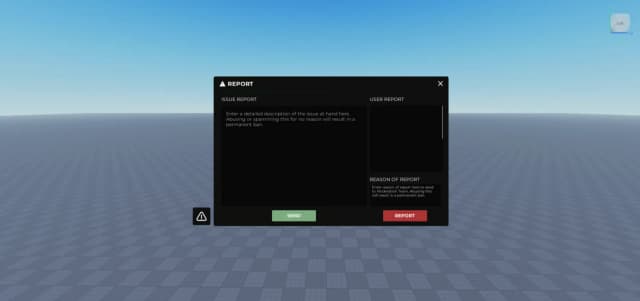
Report System
 Voxq StudiosChecked
$5.00
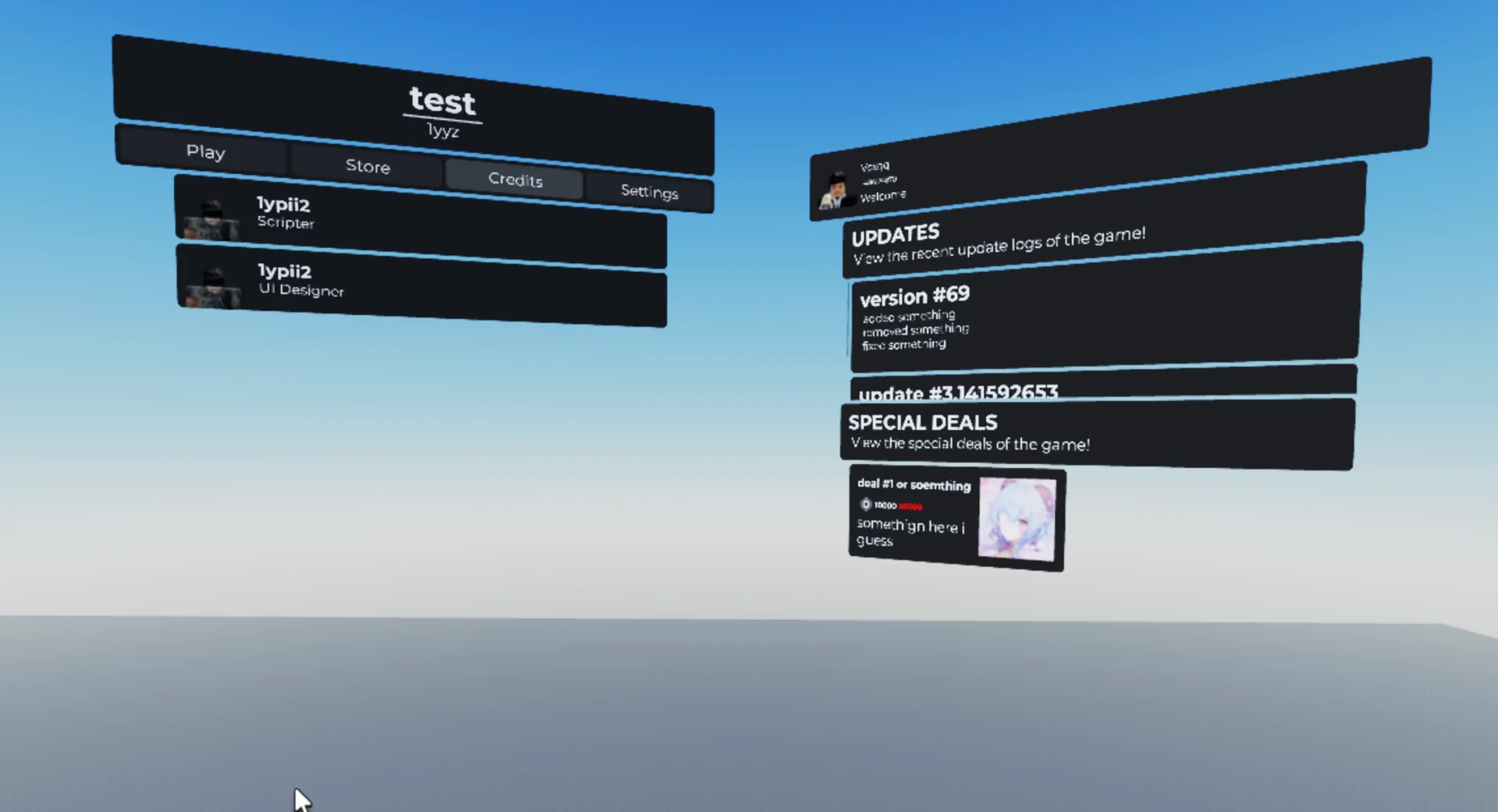
Free
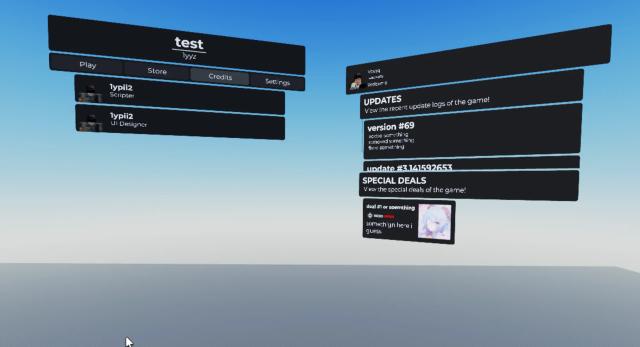
3D Game Menu UI [Free]
Voxq StudiosChecked
Free326downloads
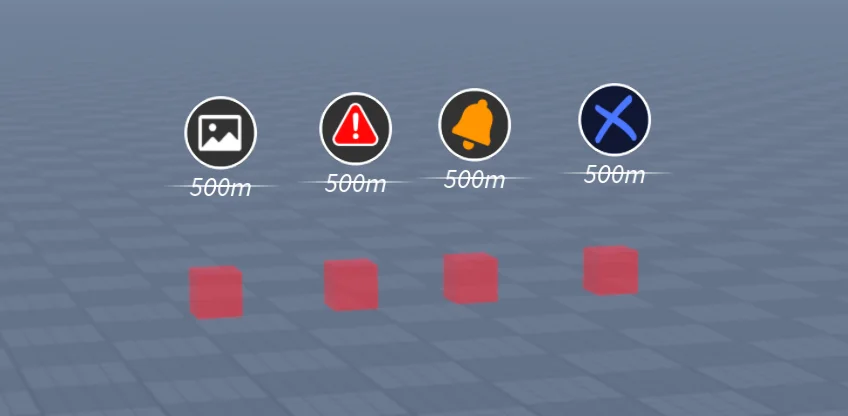
Free
Distance Notifier System [Free]
Voxq StudiosChecked
Free92downloads
How to use Roblox UI kits from Forja
Usually a model file (.rbxm) with ready-made ScreenGuis: menus, HUDs or shop screens.
- Right-click StarterGui in the Explorer and choose Insert from File.
- Press Play: the screens show up as players see them.
- Change colors, text and images in the Properties window to match your game.