Marketplace
Roblox Forest Maps
Forests, jungles and woodlands for adventure, survival and horror games. 18 maps, instant download.
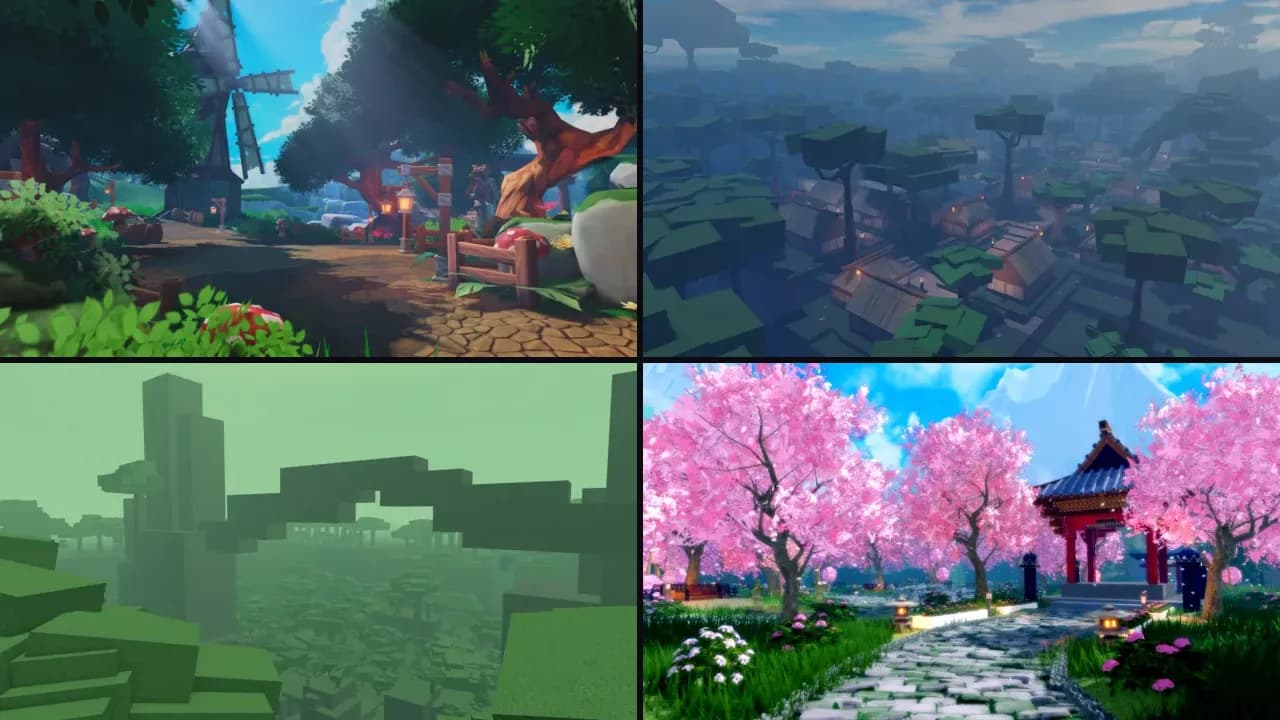 Get them in a packNature Map Pack6 maps for $57.00
Build your own forest pack: 5 maps for 20% off.Pick maps
Listings

Maps
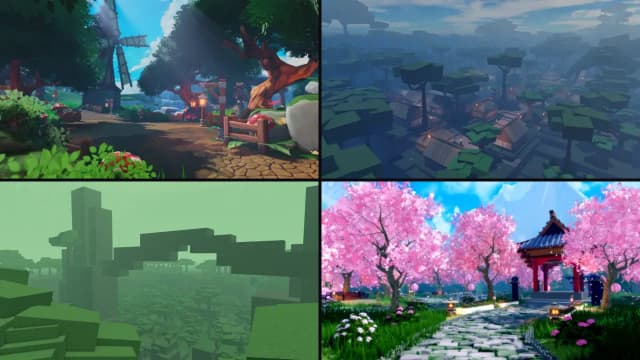
Large Japanese RPG Forest Village
 Voxq StudiosChecked
$40.0010sold
Maps
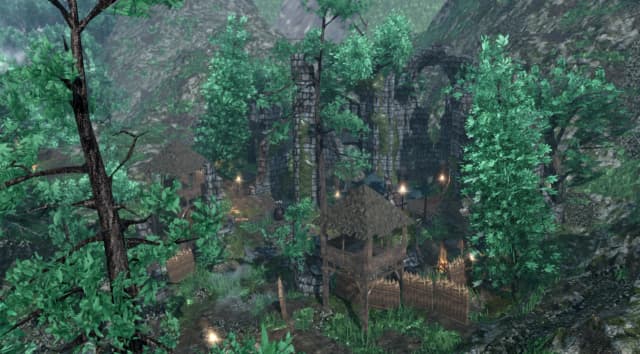
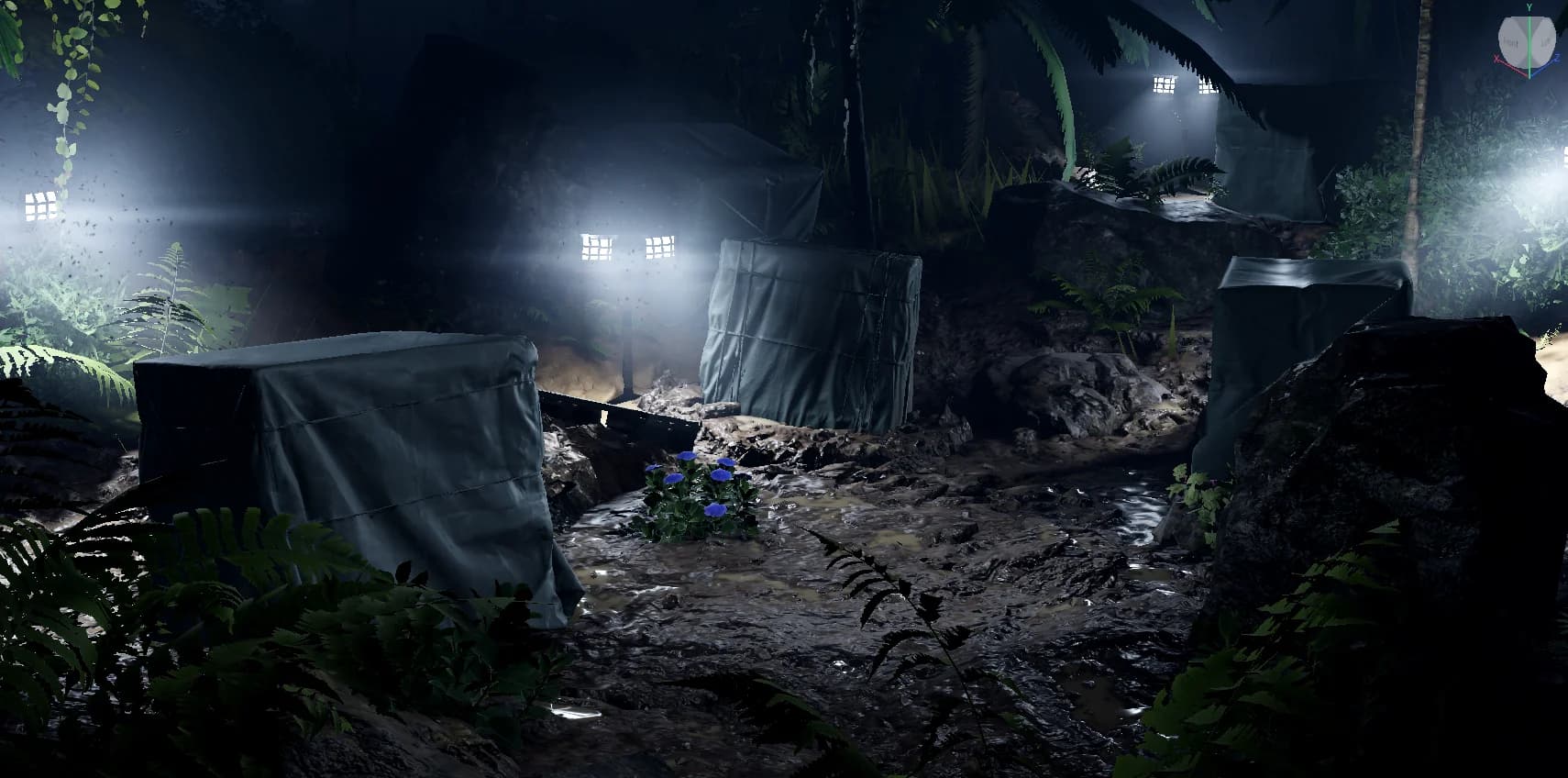
Jungle Base
 MapForgeChecked
$5.99

Maps
Enchanted Forest Village Map
Voxq StudiosChecked
$15.0018sold

Maps
Large Low Poly RPG Forest
Voxq StudiosChecked
$25.005sold

Maps
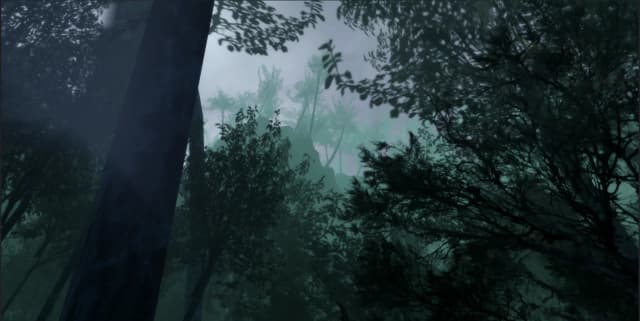
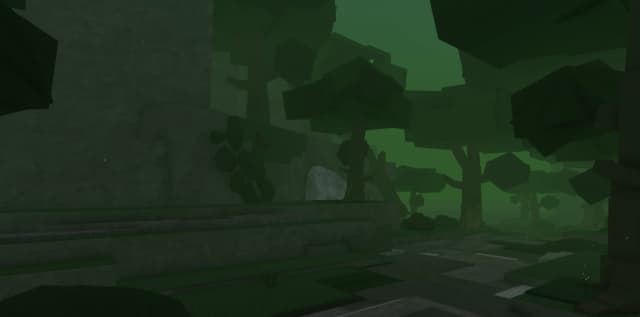
Dark Horror Forest Map
Voxq StudiosChecked
$9.994sold
6 maps
New
Nature Map Pack
Voxq Studios
$57.00
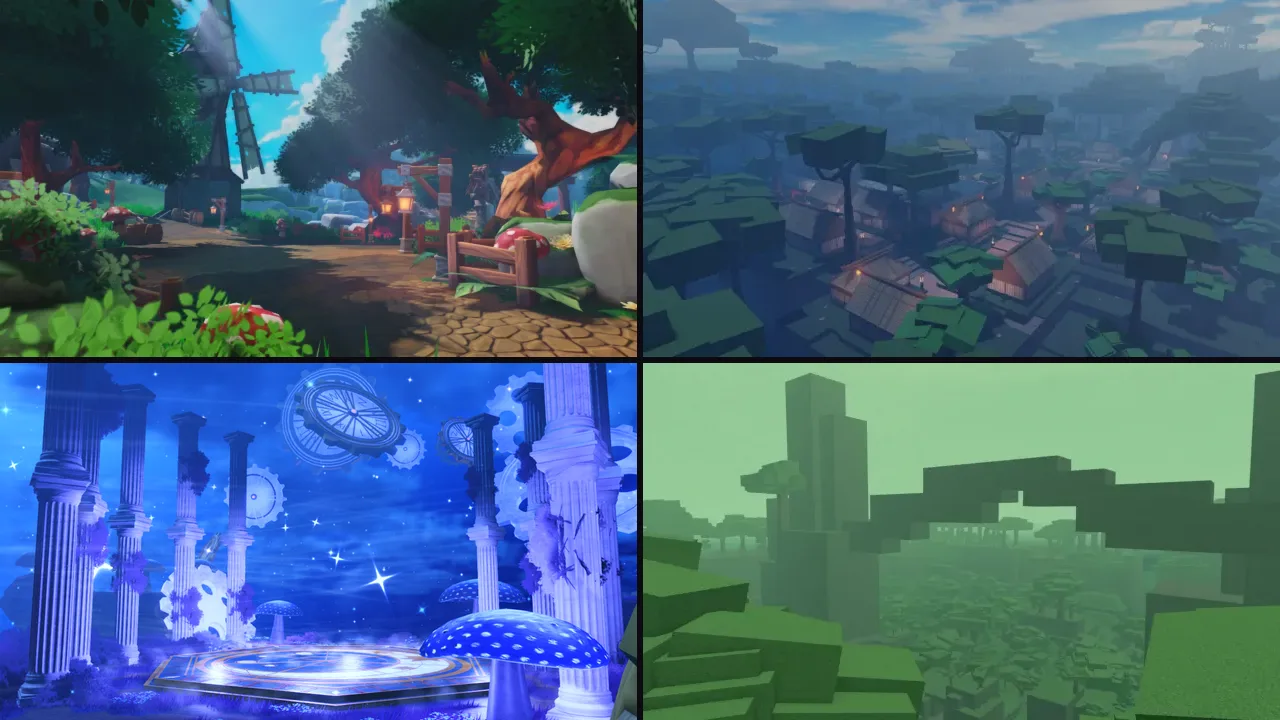
6 maps
New
Fantasy & medieval Map Pack
Voxq Studios
$68.00

Maps
Stylized Medieval Forest Village
Voxq StudiosChecked
$20.002sold

Maps
Large Tropical Jungle Adventure Map
Voxq StudiosChecked
$15.00

Maps
Mystical Forest Cave Map
Voxq StudiosChecked
$10.00

Maps
Japanese Forest Temple Map
Voxq StudiosChecked
$25.00

Maps
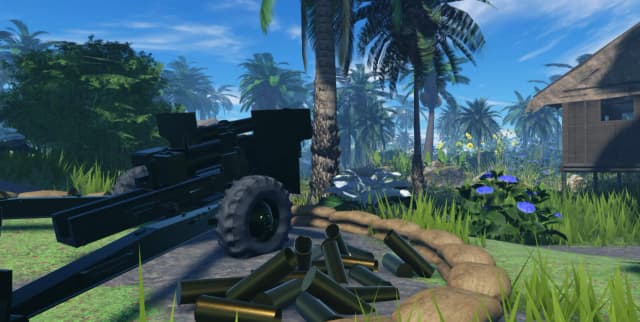
Forested Japanese Military Camp Base
Voxq StudiosChecked
$20.00

Maps
Stylized Forest Adventure Map
Voxq StudiosChecked
$10.002sold

Maps
Sabaody Archipelago: One Piece
Voxq StudiosChecked
$20.00

Maps
Kumamori Shrine: Dandadan
Voxq StudiosChecked
$15.00

Maps
Free
Realistic Forest Stream Map
Voxq StudiosChecked
Free360downloads

Maps
Free
Japanese Map
SSAADSTINKChecked
Free4.0(1)344downloads

Maps
Free
Low Poly Stud Forest
Voxq StudiosChecked
Free278downloads
More maps by place
Forests, islands, castles and more.


How to use Roblox maps from Forja
Usually a Roblox place file (.rbxl) with the map built, ready to open. Some maps come as a model (.rbxm) to drop into a place you already have.
- Download the file from your Forja downloads.
- In Roblox Studio, choose File, then Open from File, and pick the .rbxl. For a .rbxm, right-click Workspace in the Explorer and choose Insert from File.
- Press Play to walk around, then use File, then Publish to make it your own game.