On this page
What a .rbxl file is
A .rbxl file is a whole Roblox place saved on your computer: the map in Workspace, the lighting, the scripts and everything else in the Explorer. Maps and game templates on Forja usually come as one. A .rbxlx is the same thing saved as text, and it opens the same way.
You need Roblox Studio, Roblox's free editor for Windows and Mac. The Roblox app you play games with can't open place files.
No Studio on this computer, or on a phone or a Chromebook? Forja's free 3D viewer shows a .rbxl or .rbxm in your browser, to fly around it, and the file viewer shows everything in it, like the Explorer, with every script's code.
Open it in Roblox Studio
Download the file
Get it from your library. If the download is a .zip, unzip it first: Studio can't open a .zip.
Open Roblox Studio
Sign in, then choose File, then Open from File (Ctrl+O on Windows, ⌘O on Mac).
Pick the .rbxl
Find the file (usually in Downloads) and open it. A big map can take a minute to load.
Look around
Press F5 to walk around as a player, then Shift+F5 to stop and go back to editing.
Once Studio is installed, double-clicking a .rbxl opens it in Studio too.
Make it your own game
A file you open lives only on your computer. Publishing it makes it an experience on your Roblox account that you can update and share.
Publish it
Choose File, then Publish (Alt+P on Windows).
Name it
Give it a name and a description, pick who owns it (you or your group), and create it.
Release it when it's ready
It stays private until you release it, and releasing it takes an age check. Here's how publishing works now.
Keep the original: before you change anything, save a copy with File, then Save to File As. If something breaks, you can start again from it.
Free maps to try it on
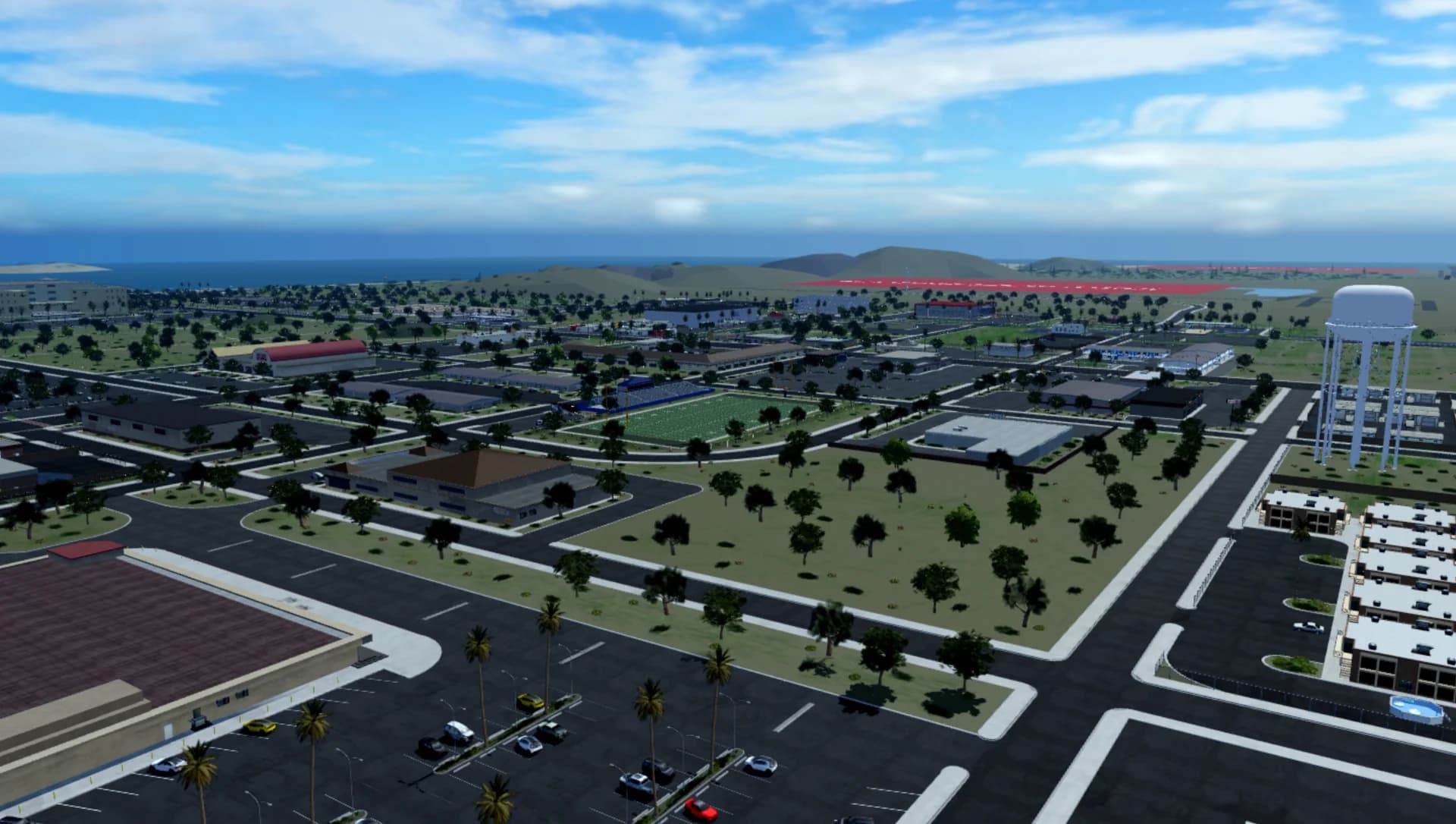
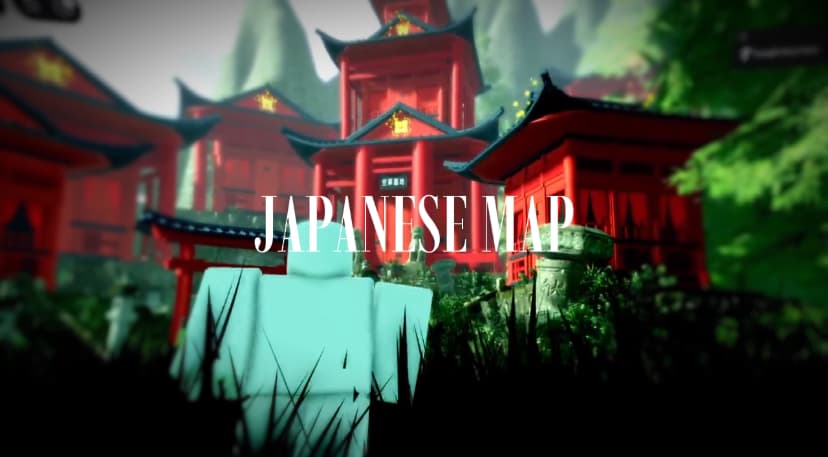
Free Roblox maps, ready to open.

If it won't open
- It opens in another app, or as text: right-click the file, choose Open with, and pick Roblox Studio.
- It's a .zip: unzip it first (right-click and Extract All on Windows, double-click on Mac), then open the .rbxl inside.
- Studio stops responding on a big map: give it a few minutes and close other heavy apps. Maps with a lot of parts or terrain take longest the first time.
- The download doesn't work: download it again from your library, or open a ticket and Forja will sort it out.
What next
Most maps are ready to build on: add your game's scripts in ServerScriptService, its menus in StarterGui, and press Play often. Adding a single model as well? See how to import a .rbxm model.
Questions
Can I open a .rbxl file without Roblox Studio?
No. Place files open in Roblox Studio, which is free for Windows and Mac. Studio doesn't run on phones, tablets or Chromebooks.
Is a .rbxl file safe to open?
The scripts in a place file run inside Roblox, when you press Play, so the risk is to your game, not your computer. Forja reads the scripts in the Roblox files sellers upload and holds listings with signs of a backdoor until an admin has looked. To check a file yourself, see how to check a model for backdoors.
What's the difference between .rbxl and .rbxm?
A .rbxl is a whole place that you open; a .rbxm is a model that you insert into a place. More in RBXL vs RBXM.
Can I use a map I got on Forja in my own game?
Yes. Your purchase comes with a license to use it in your Roblox games, including ones that earn Robux. You can't resell, share or give away the file itself, and some sellers add their own terms on the listing.