Put it in your game
Insert it into StarterGui
In the Explorer, right-click StarterGui, choose Insert from File and pick the .rbxm. UI kits are ScreenGuis, and everything in StarterGui is copied to each player when they join.
See it
It shows in the editor while you work. Press Play to see it the way players do.
One screen at a time
Most kits have several screens. Untick Enabled on a ScreenGui, or Visible on a frame, to hide it while you work on another.
Make it fit phones
A lot of Roblox players are on phones, so try small screens before you publish.
- Pick a phone and a tablet in the Device Simulator toolbar above the 3D view.
- Sizes and positions in Scale (the first number of each pair) grow with the screen; Offset (the second, in pixels) doesn't. Kits that fit every screen use Scale.
- A UIAspectRatioConstraint keeps a frame's shape on every screen.
- Keep buttons out of the bottom corners on phones: the joystick and the jump button sit there.
UI kits on Forja
Menus, HUDs and shops, ready for StarterGui.


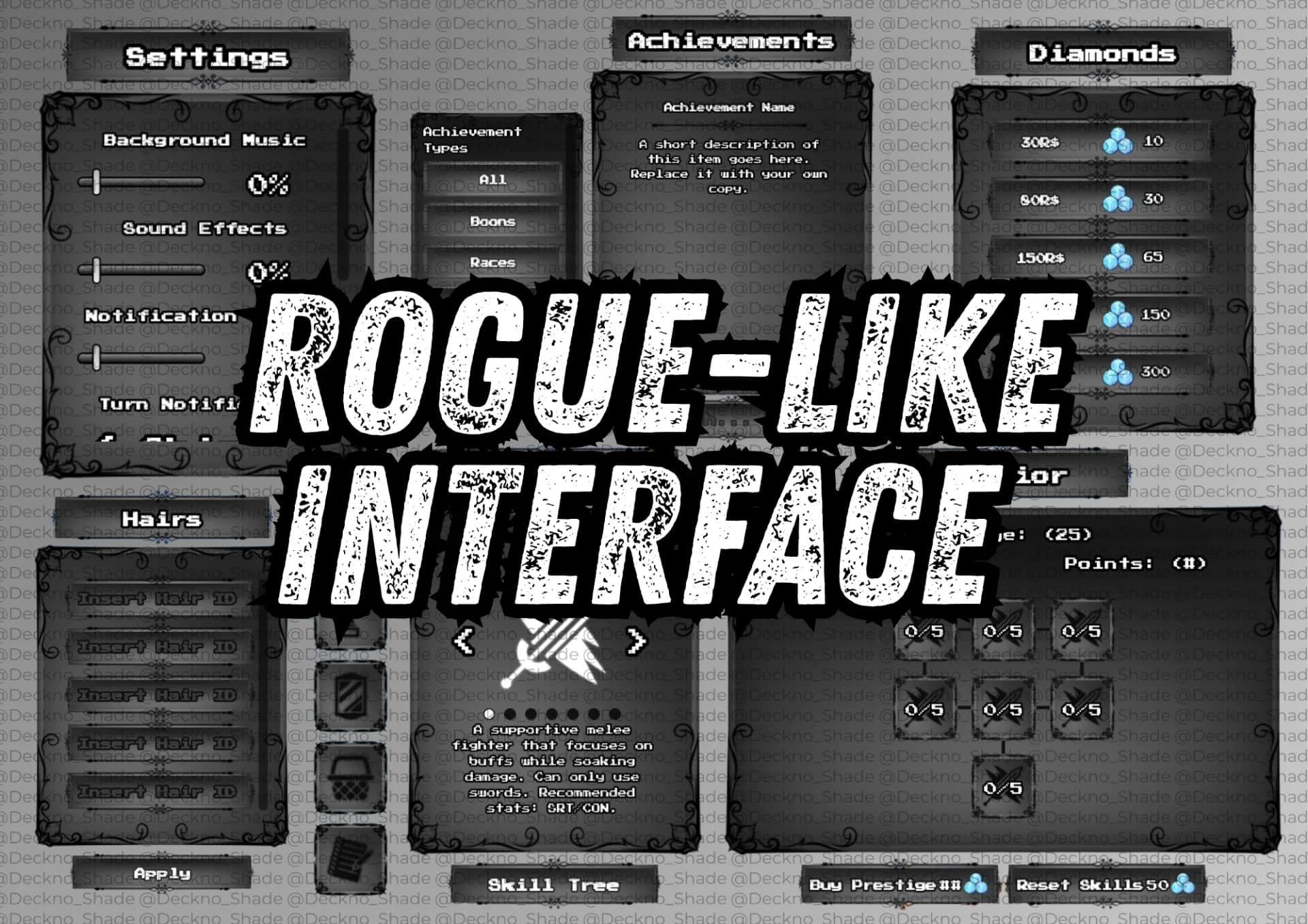

Make it yours
- Change the words in each label's Text, the colors in BackgroundColor3 and TextColor3, and gradients in its UIGradient.
- Pictures are ImageLabels and ImageButtons: upload your own images to Roblox and put their ids in Image.
- The font is each label's FontFace.
Questions
Why don't I see the UI when I press Play?
Check that it's in StarterGui (not Workspace), that the ScreenGui is Enabled and that its frames are Visible.
Why does it look different on my phone?
Parts of it are sized in Offset (pixels). Switch their Size and Position to Scale, or add a UIAspectRatioConstraint.
Can I use one UI kit in several games?
Yes, in your own games: a Forja purchase covers your Roblox projects. You can't resell or share the kit itself.