Roblox leaderboard script
Shows a number beside each player's name in the player list: coins, points, wins. Roblox makes the list by itself from a folder called leaderstats.
Where it goes
- 1In the Explorer, hover over ServerScriptService, press + and choose Script.
- 2Delete what's in the new Script and paste this in.
- 3Press Play: Coins shows beside your name at the top right.
-- From forja.us/tools/roblox-scripts/leaderboard-- Gives each player a Coins stat, shown in the player list.local Players = game:GetService("Players")local function onPlayerAdded(player) local leaderstats = Instance.new("Folder") leaderstats.Name = "leaderstats" leaderstats.Parent = player local coins = Instance.new("IntValue") coins.Name = "Coins" coins.Value = 0 coins.Parent = leaderstatsendPlayers.PlayerAdded:Connect(onPlayerAdded)How it works
- The folder must be named exactly
leaderstatsand sit in the player: that's what Roblox looks for. - Each value in the folder becomes a column. An
IntValueholds a whole number. - It runs on the server, so other players see it and players can't change it themselves.
Make it yours
- Another stat
- Copy the three
coinslines, with a new name likewins, before theend. - Keep it after they leave
- Use the saving script instead: this one starts at 0 each visit.
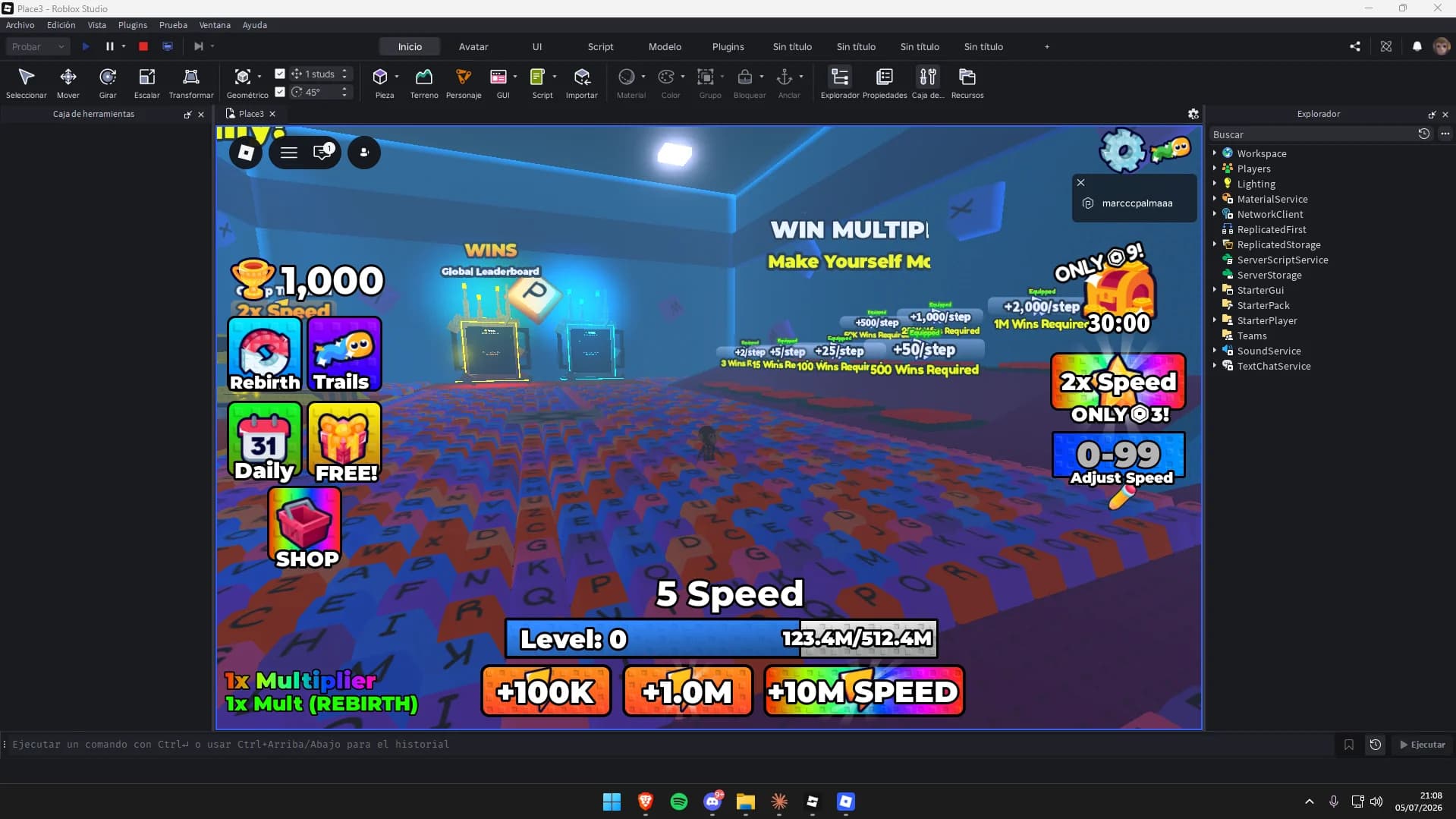
Maps to try it on: simulator and tycoon maps
Start from a finished map, and your scripts have a game to run in.



More free Roblox scripts
Roblox kill brick scriptRoblox save data scriptRoblox sprint scriptRoblox double jump scriptRoblox teleport scriptRoblox obby checkpoint scriptRoblox coin pickup scriptRoblox day and night cycle scriptRoblox game pass scriptRoblox developer product scriptRoblox door scriptRoblox tool giver scriptRoblox round system scriptRoblox background music scriptRoblox speed pad scriptRoblox jump pad scriptRoblox VIP door scriptRoblox daily reward scriptRoblox NPC dialogue scriptRoblox pet follow scriptRoblox gun scriptRoblox admin commands scriptRoblox tycoon dropper scriptRoblox shop GUI script