Roblox kill brick script
A part that kills any player who touches it: the lava, the spikes, the floor of every obby.
Where it goes
- 1In Roblox Studio, add a Part to Workspace and turn on Anchored, so it doesn't fall.
- 2Hover over the Part in the Explorer, press + and choose Script.
- 3Delete what's in the new Script, paste this in, and press Play to try it.
-- From forja.us/tools/roblox-scripts/kill-brick-- Kills any player who touches this part.local part = script.Parentlocal function onTouched(hit) local character = hit:FindFirstAncestorOfClass("Model") if not character then return end local humanoid = character:FindFirstChildOfClass("Humanoid") if humanoid then humanoid.Health = 0 endendpart.Touched:Connect(onTouched)How it works
Touchedruns each time something touches the part, andhitis what touched it.FindFirstAncestorOfClass("Model")finds the character that body part belongs to, even when an accessory was what touched it.- Only characters have a
Humanoid, so a falling crate doesn't count. Setting its health to 0 kills the player.
Make it yours
- Hurt instead of kill
- Replace
humanoid.Health = 0withhumanoid:TakeDamage(20). - Many kill bricks
- Copy the Part: its Script comes with it.
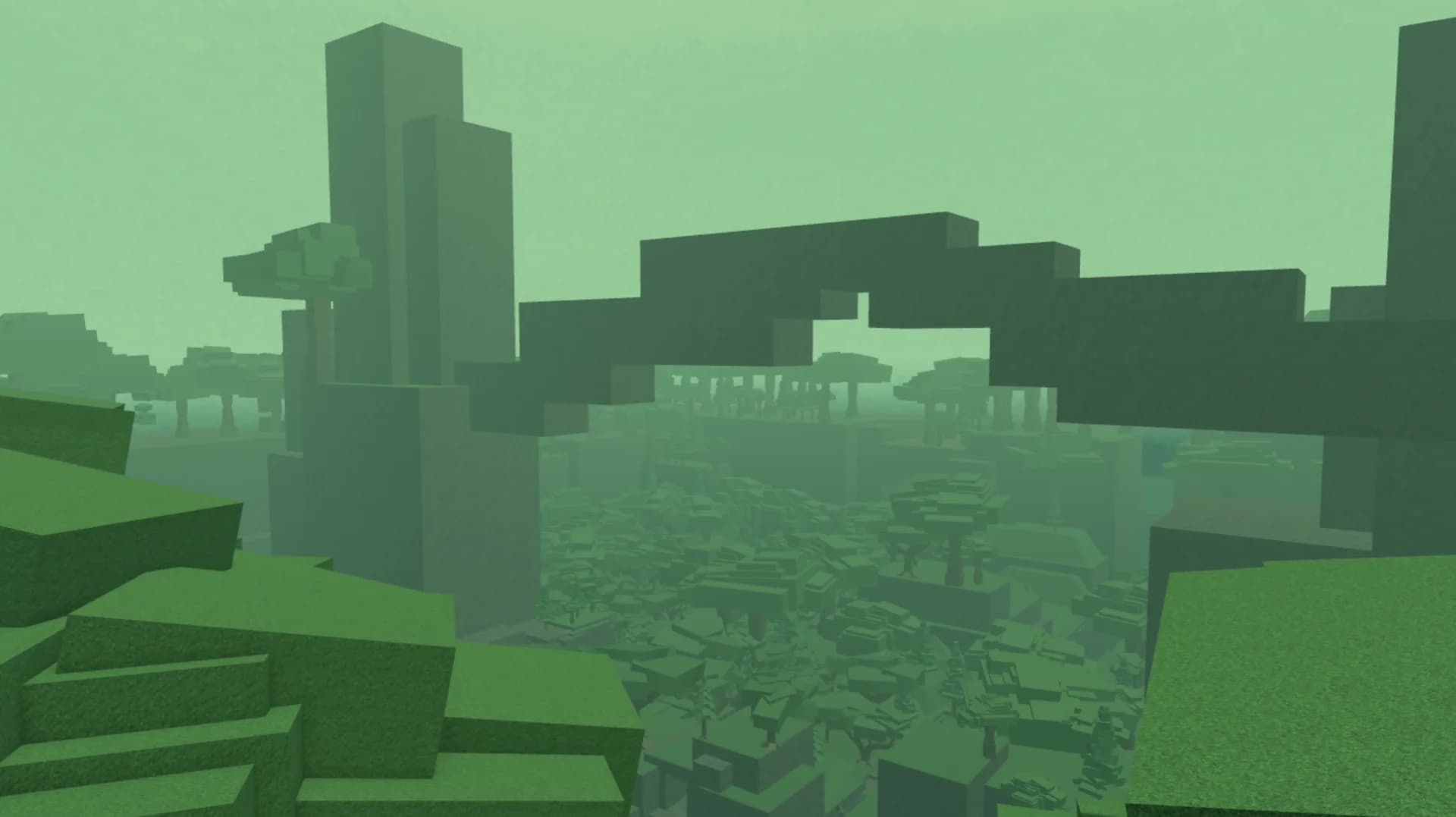
Maps to try it on: low poly maps
Start from a finished map, and your scripts have a game to run in.


More free Roblox scripts
Roblox leaderboard scriptRoblox save data scriptRoblox sprint scriptRoblox double jump scriptRoblox teleport scriptRoblox obby checkpoint scriptRoblox coin pickup scriptRoblox day and night cycle scriptRoblox game pass scriptRoblox developer product scriptRoblox door scriptRoblox tool giver scriptRoblox round system scriptRoblox background music scriptRoblox speed pad scriptRoblox jump pad scriptRoblox VIP door scriptRoblox daily reward scriptRoblox NPC dialogue scriptRoblox pet follow scriptRoblox gun scriptRoblox admin commands scriptRoblox tycoon dropper scriptRoblox shop GUI script