Ics Radio & MDT [V1.1]

Not available to buy yet
The creator is still setting up payouts. We can email you the moment it's for sale.
Instant deliveryBuyer protectionScripts checked
What you get
Standard license — use in your Roblox games
- Instant deliveryDownload right after checkout.
- Buyer protectionOpen a dispute within 14 days if it isn't as described.
- Scripts checkedForja read all 6 scripts and found no hidden or outside code.
- Secure paymentCard, Apple Pay, Google Pay, Link or Cash App, processed by Stripe.
- ZIP Archive · .zip
- 43 KB
- 6 scripts
- Scripts checked
- Instant download
Ready to buy now
Best-selling UI kits like this one
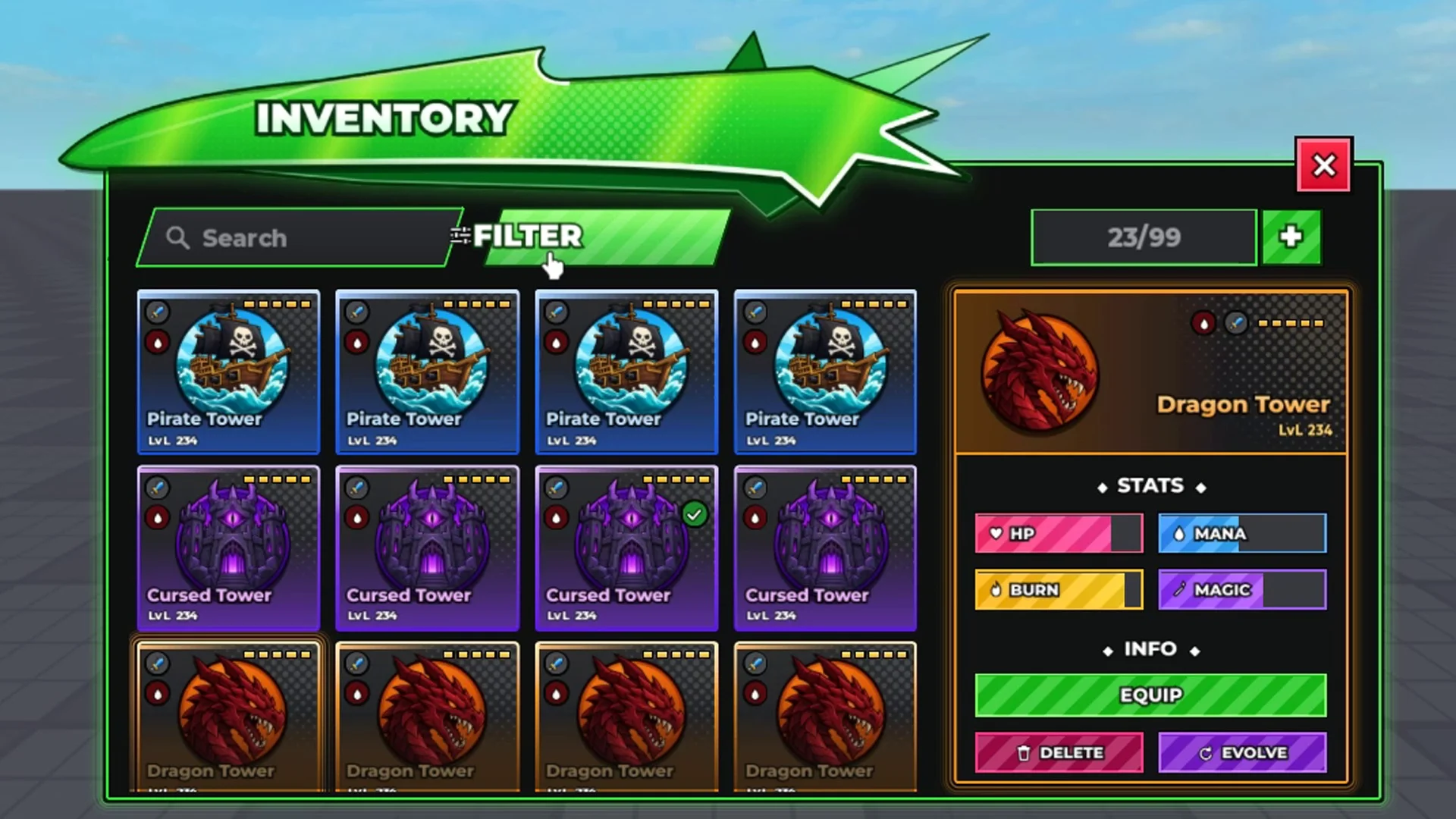
 Anime Tower Defense UI Pack | Roblox Lobby HUD + 14 Windows$50.001 sold
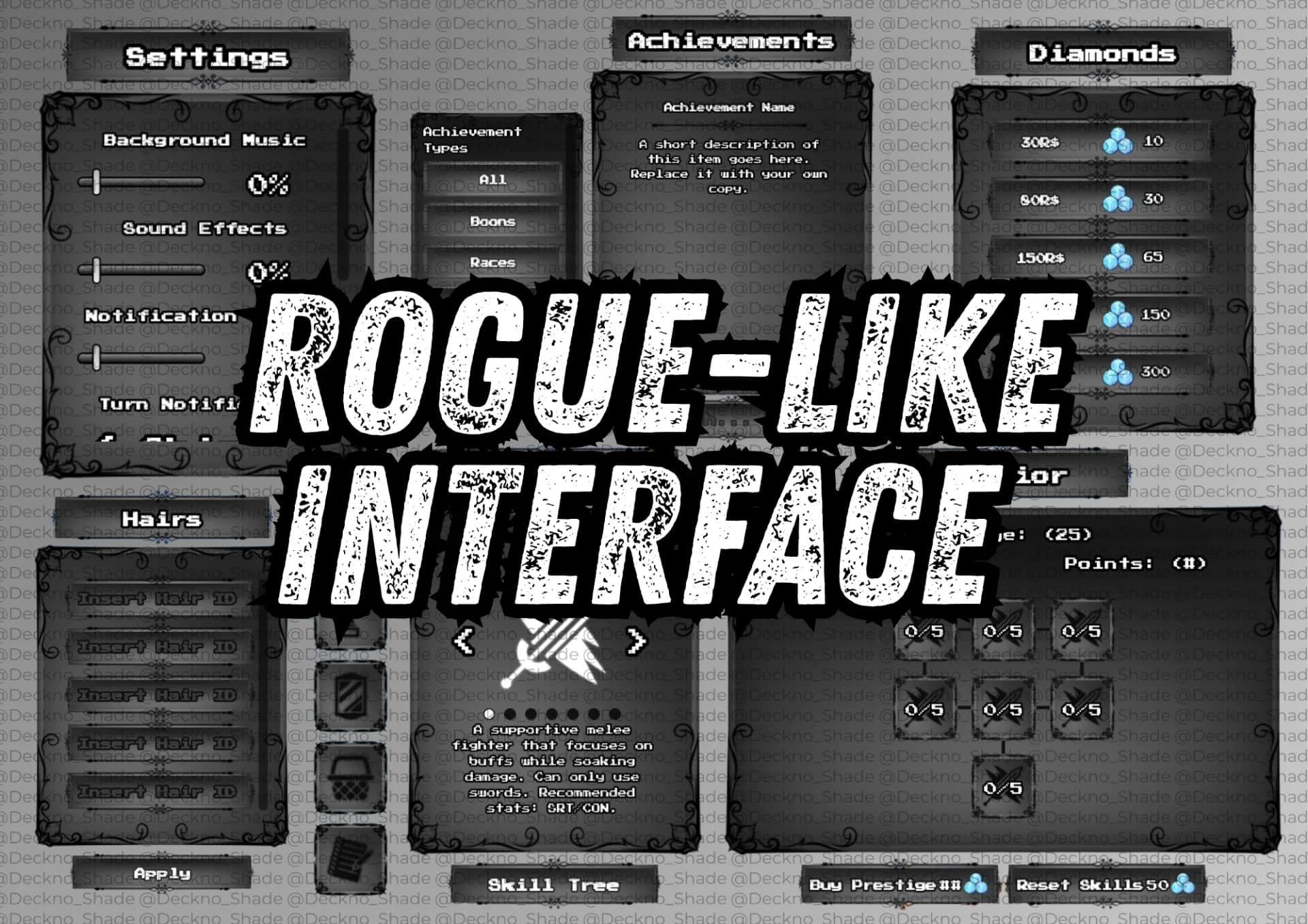
 Rogue-like lobby interface + 8,500 + lines of modular architecture!$34.99
 Advanced Menu Bar$10.00
A closer look
About this asset
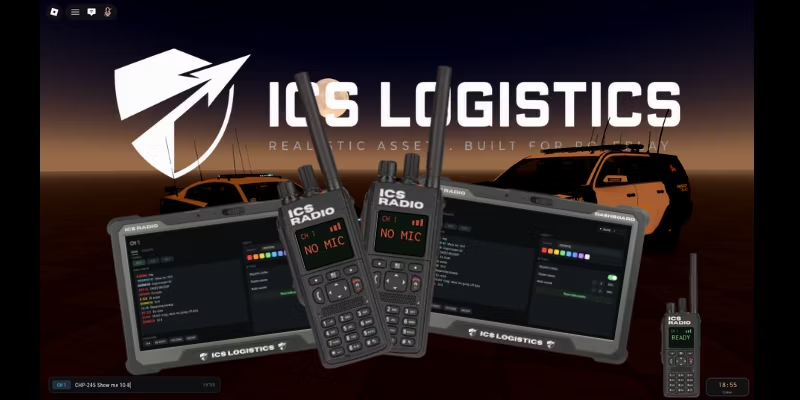
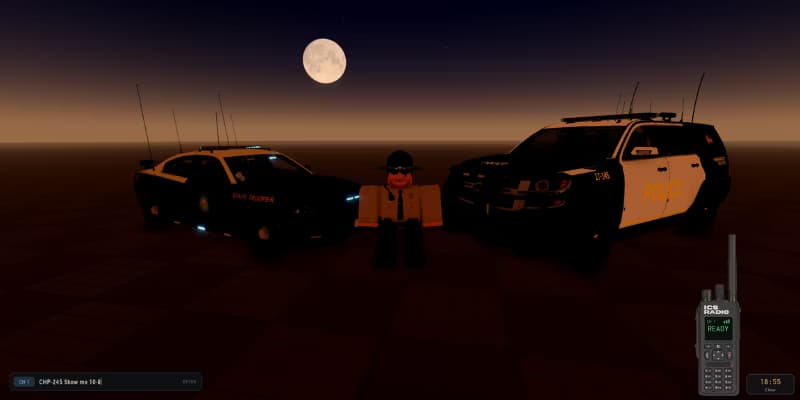
ICS Radio — Handheld Radio with Real Voice, Text & MDT
A drop-in radio for your Roblox experience. Press T to send a radio message to everyone, hold Y to talk on the radio with your actual voice. A rugged handheld slides into the corner, and a tablet dashboard lets every player set their own callsign, colour and audio levels.
Features
Text radio (T) — clean input bar, message goes to every player instantly.
Voice radio (Y) — real push-to-talk built on Roblox's audio API. The speaker's voice is routed through a band-pass EQ and a distortion stage, so everyone hears the same crunchy radio tone no matter how far away they are. Completely separate from proximity voice chat.
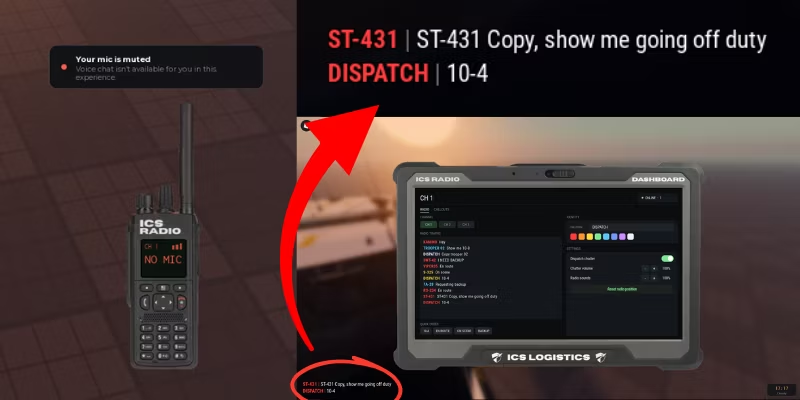
Draggable handheld — grab the radio and put it anywhere on screen. Its screen is a real readout: channel, signal bars, and a pulsing TX indicator.
Dashboard tablet (SHIFT + R) — opens with a blur behind it. Live radio traffic history, channel switching, quick codes and per-player settings.
Real channels — CH 1 / CH 2 / CH 3 out of the box, add as many as you want. Both text and voice are scoped to the channel, enforced server-side, so a player on CH 2 genuinely cannot read or hear CH 1.
Quick codes — one-click buttons for common traffic (10-4, en route, on scene, backup). Fully editable.
Callsigns — each player picks a callsign and a colour from the dashboard. It replaces their name on every message. No callsign? Their team colour is used automatically.
Background dispatch chatter — nine real dispatch clips fire at random intervals so the airwaves never feel dead. Volume adjustable, or switch it off.
Clean, readable log — bold condensed type with a hard outline, no ugly panels, sat in the bottom-left corner.
Every keybind, colour, sound and timing lives in one commented config module.
Roblox's own chat is left completely untouched.
Setup (about a minute)
Drag ICS_Radio into ReplicatedStorage.
Drag ICS_Radio_Server into ServerScriptService.
Drag ICS RADIO into StarterGui.
Press Play and hit T.
Note on voice — the voice half needs Roblox voice chat enabled on your PUBLISHED experience, and players must be voice-eligible. That's a Roblox platform rule, not a limit of this asset. Everything else (radio, log, dashboard, sounds, TX indicator) works everywhere, including Studio. If a player has no working microphone the radio simply tells them so instead of pretending to transmit.
Support: leave a comment on the product page and I'll help you get it dialled in.
Details
- Category
- UI Kits
- File type
- ZIP Archive · .zip
- Published
- Jul 26, 2026
In the file
43 KB, counted by Forja
- 6 scripts
Questions about this UI kit
What's in this UI kit?
6 scripts. Forja counted these from the file itself (43 KB).
Are its scripts safe?
Forja read all 6 scripts and found no hidden or outside code. The check looks for the signs backdoors leave: hidden code, outside code loaded by id, and data sent away.
How do I open it in Roblox Studio?
Unzip it first. The Roblox files inside open in Roblox Studio. What's in a Roblox .zip
Can I use it in my game?
Yes. It comes with a standard license, for use in your Roblox games.
Can I buy it on my phone?
Yes. Roblox Studio runs on a computer, so buy it now and download it there later: it stays in your orders.
What if it isn't as described?
You can open a dispute within 14 days, and Forja looks into it. Refund policy
Reviews
No reviews yet
Buyers can leave a review after purchase.