Roblox models by theme
Free Roblox Nature Models
Trees, rocks, plants and flowers for forests, parks and gardens. 5 free models, instant download.
Listings

Asset Packs
Free
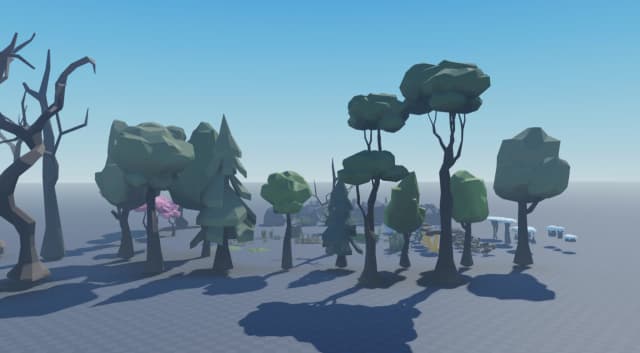
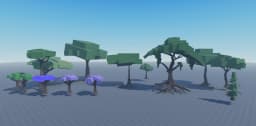
CheckedScripts checkedLow Poly Nature Environment Pack [Free]
 Voxq Studios
Free96downloads

Asset Packs
Free
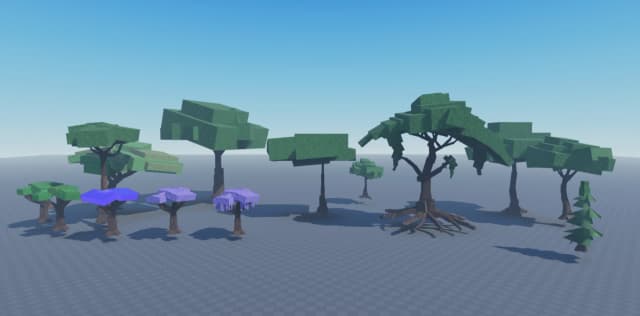
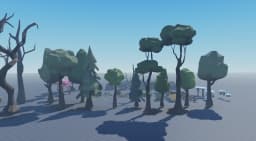
CheckedScripts checkedLow-Poly Tree Collection Pack
Voxq Studios
Free58downloads

Asset Packs
Free
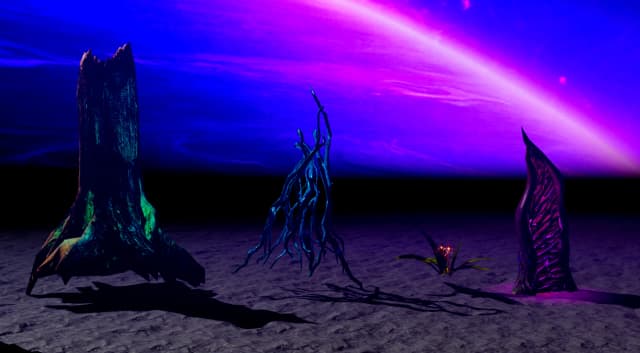
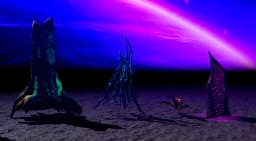
CheckedScripts checkedAlien Plants Pack [Free]
Voxq Studios
Free25downloads

Asset Packs
Free
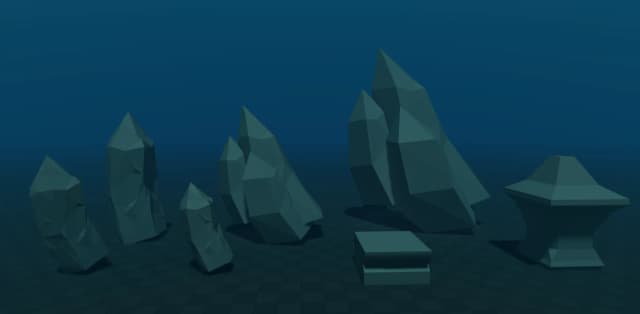
CheckedScripts checkedLow Poly Underwater Rock Formation
Voxq Studios
Free15downloads
Models
Free
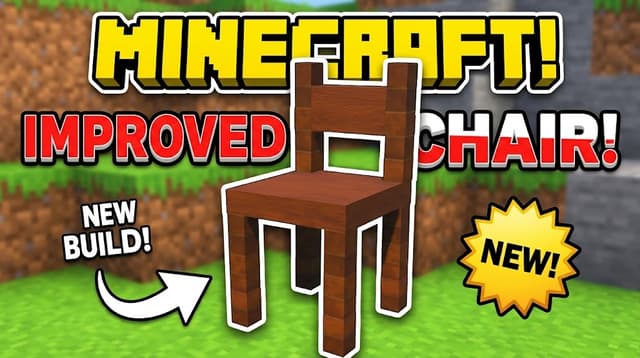
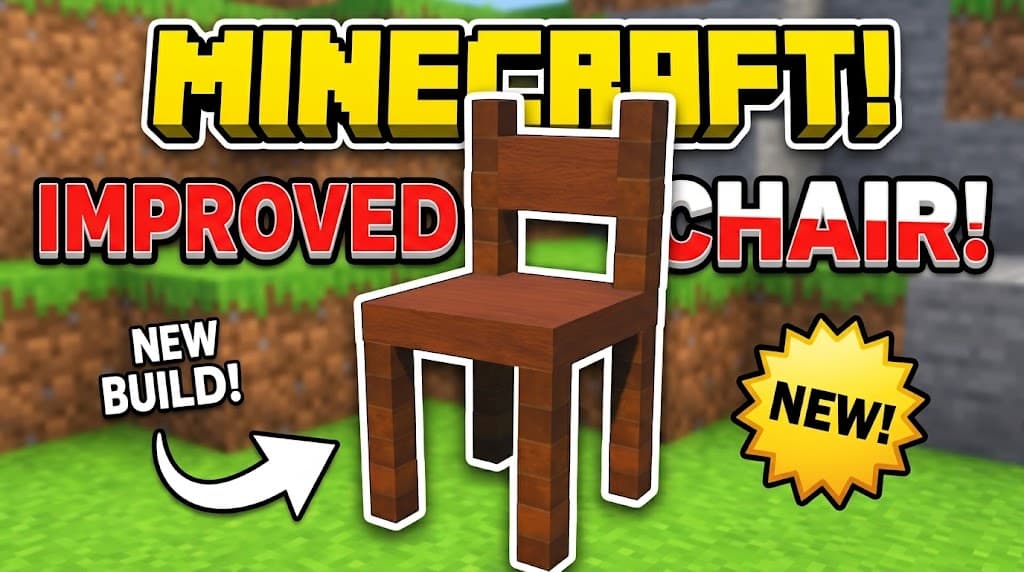
CheckedScripts checkedthe wood chair
Mmanalofficial
Free2downloads
More model themes
Find models for the game you're making.


How to use Roblox models from Forja
A model file (.rbxm or .rbxmx): props, vehicles, weapons and other single pieces.
- Right-click Workspace in the Explorer and choose Insert from File, or drag the file into the Studio window.
- Move and scale it with the Move and Scale tools, then anchor parts that shouldn't fall.
- Check the listing for any scripts it needs to work (vehicles and weapons often do).