
Roblox maps by theme
Free Realistic Roblox Maps
Detailed, realistic environments for showcase games, roleplay and open worlds. 10 free maps, instant download.
Listings

Maps
Free
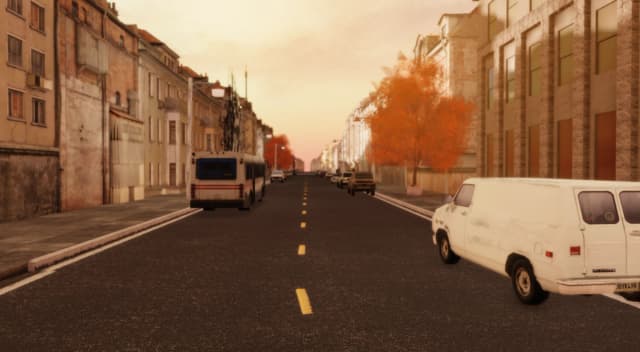
Clearview City - Realistic Town Map [Free]
 Voxq Studios
Free5.0(2)588downloads

Maps
Free
CheckedScripts checkedRealistic Ocean Environment [Free]
Voxq Studios
Free1.0(1)360downloads

Maps
Free
CheckedScripts checkedRealistic Forest Stream Map
Voxq Studios
Free338downloads

Maps
Free
CheckedScripts checkedJapanese Map
SSAADSTINK
Free4.0(1)334downloads
Maps
Free
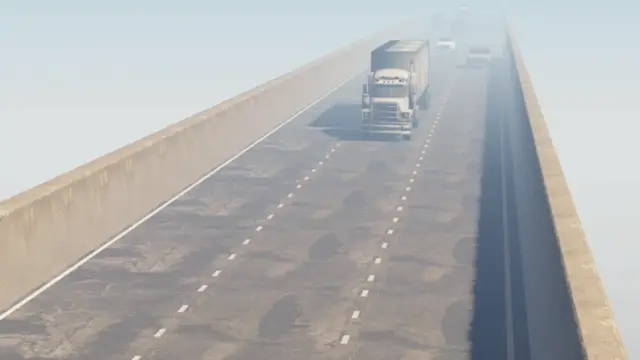
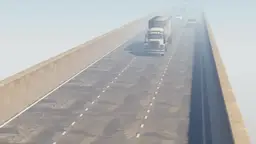
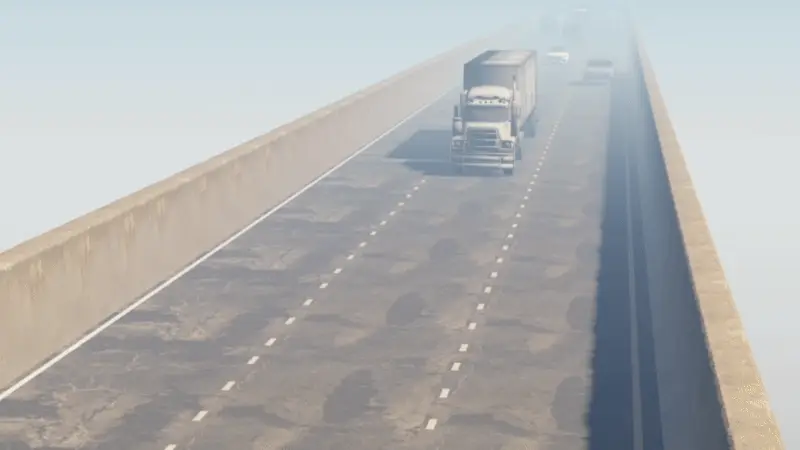
CheckedScripts checkedHighway Traffic System
Voxq Studios
Free5.0(2)327downloads

Maps
Free
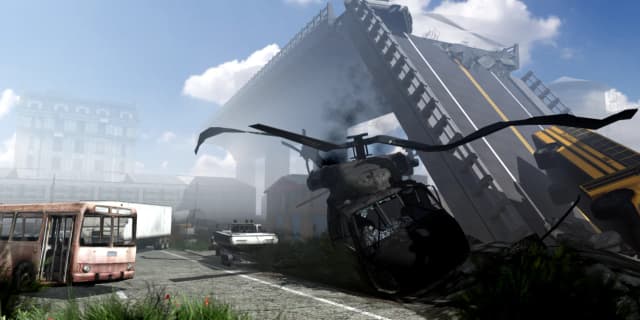
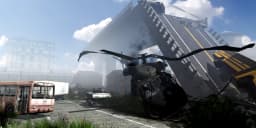
CheckedScripts checkedAbandoned City Apocalypse Map
Voxq Studios
Free240downloads

Maps
Free
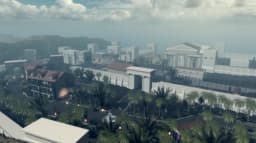
Ancient Rome City Map [Free]
Voxq Studios
Free185downloads

Maps
Free
CheckedScripts checkedFallstreet City Map [Free]
Voxq Studios
Free89downloads

Maps
Free
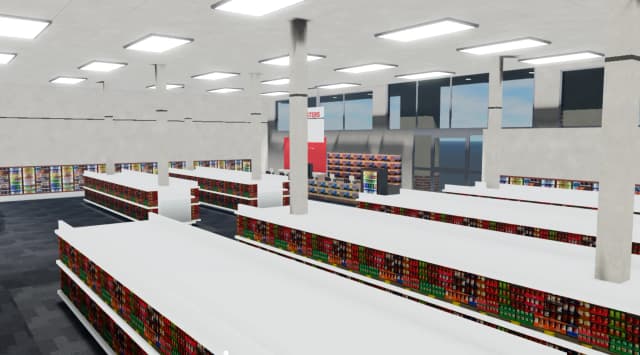
CheckedScripts checkedCVS Pharmacy Store - Realistic Retail Map
Voxq Studios
Free61downloads
Maps
Free
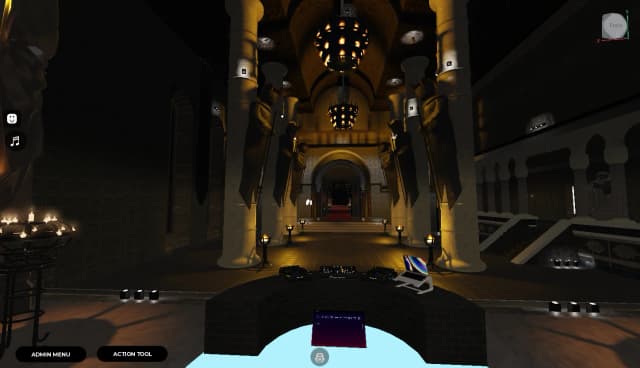
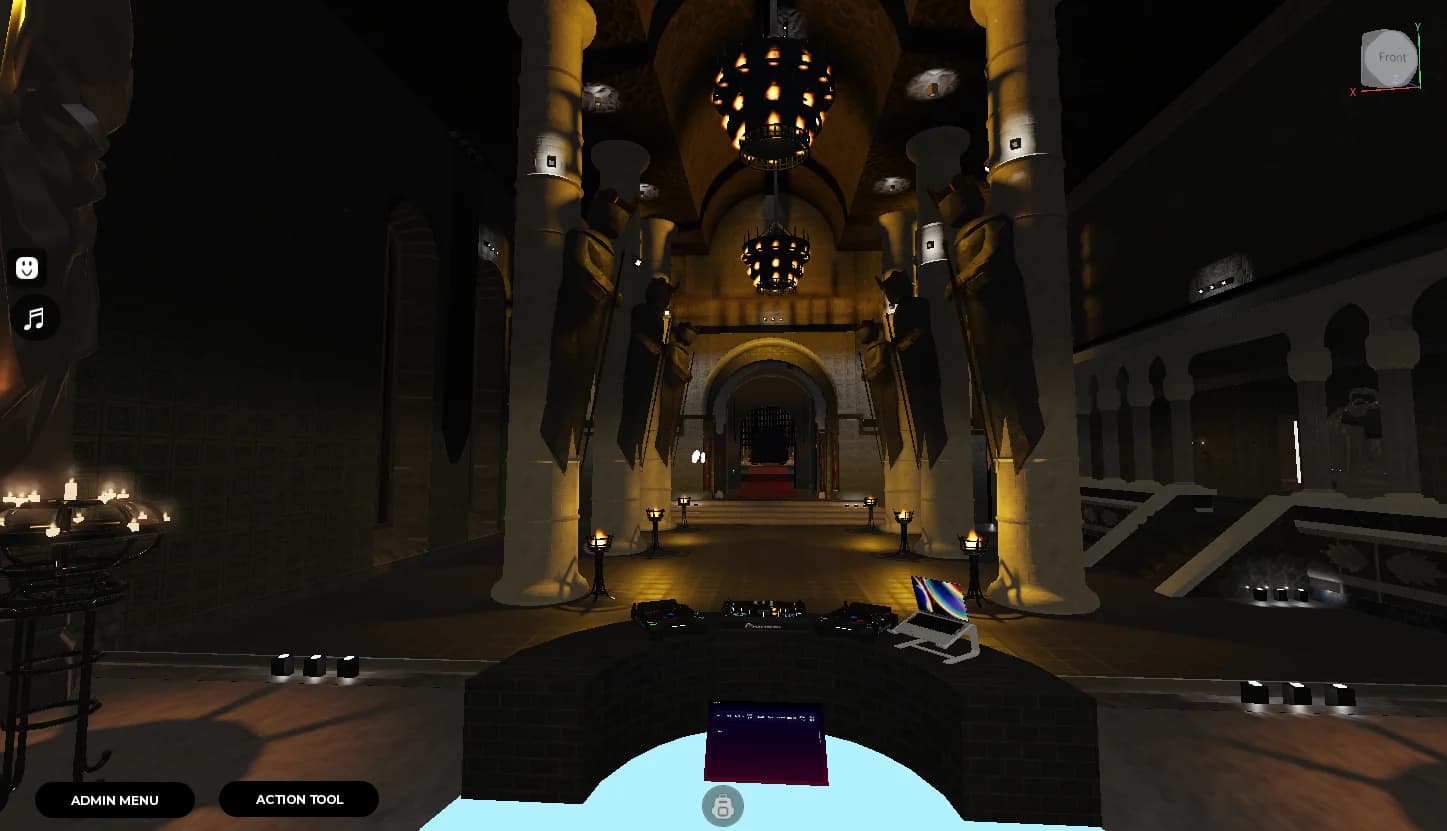
Kingdom Club With script
 JinXing Studio
Free46downloads
More map themes
Find a map for the game you're making.


How to use Roblox maps from Forja
Usually a Roblox place file (.rbxl) with the map built, ready to open. Some maps come as a model (.rbxm) to drop into a place you already have.
- Download the file from your Forja downloads.
- In Roblox Studio, choose File, then Open from File, and pick the .rbxl. For a .rbxm, right-click Workspace in the Explorer and choose Insert from File.
- Press Play to walk around, then use File, then Publish to make it your own game.