Ics Radio & MDT [V1.1]
Standard · $4.00
Standard license for personal and team use
Description
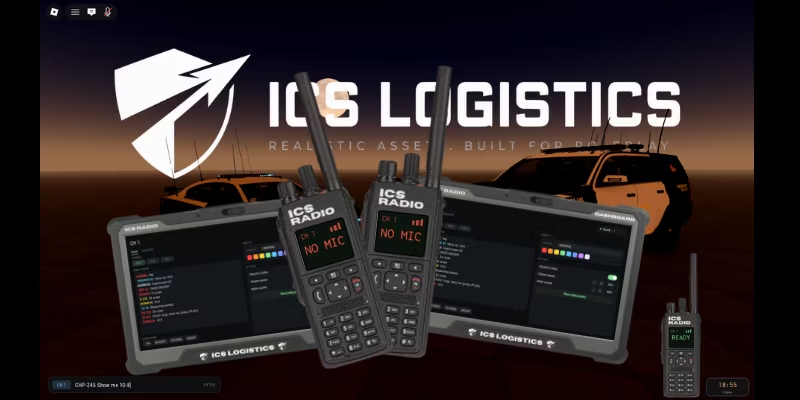
ICS Radio — Handheld Radio with Real Voice, Text & MDT
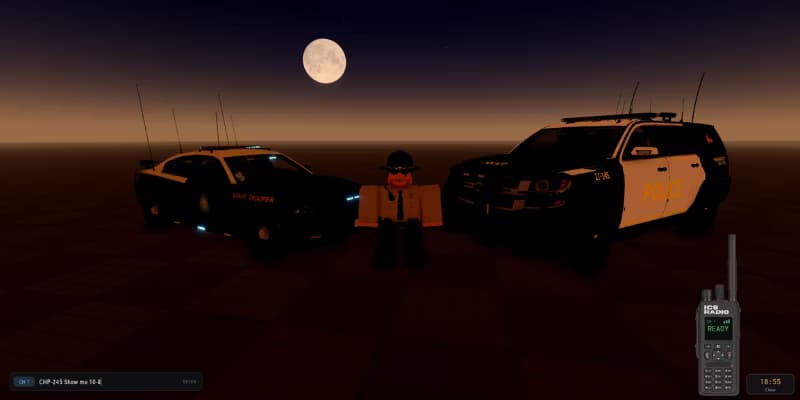
A drop-in radio for your Roblox experience. Press T to send a radio message to everyone, hold Y to talk on the radio with your actual voice. A rugged handheld slides into the corner, and a tablet dashboard lets every player set their own callsign, colour and audio levels.
Features
Text radio (T) — clean input bar, message goes to every player instantly.
Voice radio (Y) — real push-to-talk built on Roblox's audio API. The speaker's voice is routed through a band-pass EQ and a distortion stage, so everyone hears the same crunchy radio tone no matter how far away they are. Completely separate from proximity voice chat.
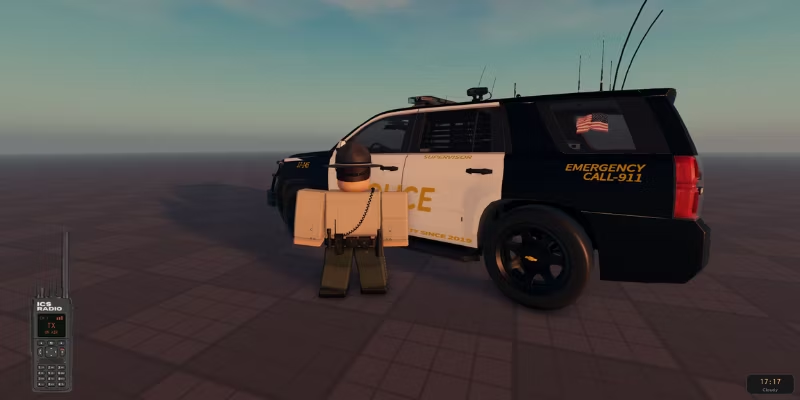
Draggable handheld — grab the radio and put it anywhere on screen. Its screen is a real readout: channel, signal bars, and a pulsing TX indicator.
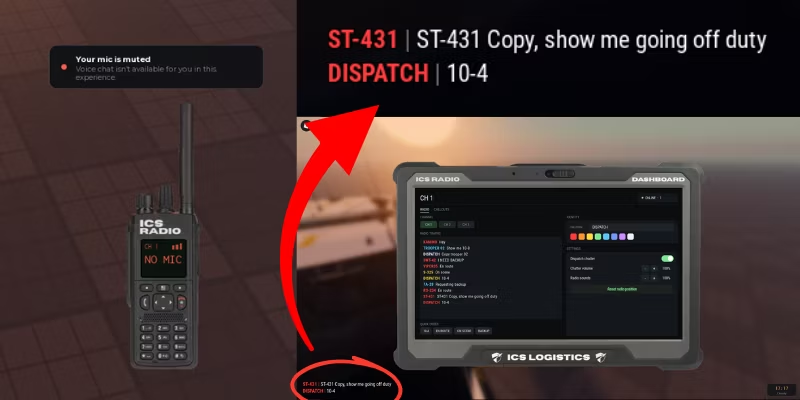
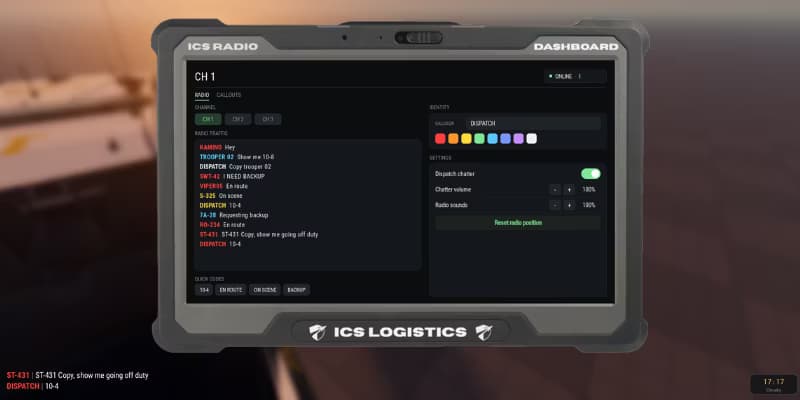
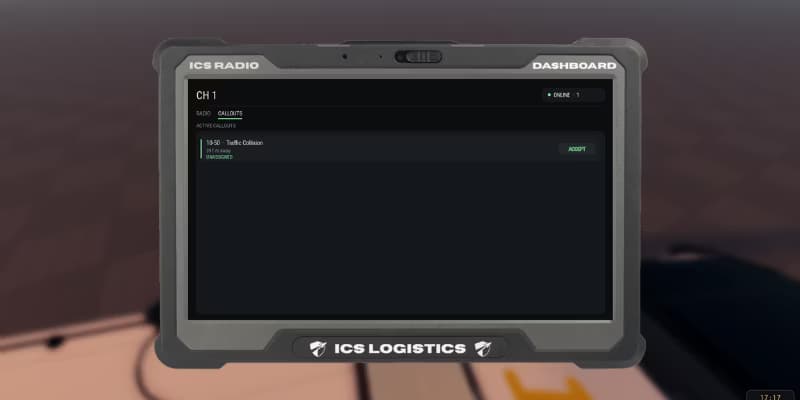
Dashboard tablet (SHIFT + R) — opens with a blur behind it. Live radio traffic history, channel switching, quick codes and per-player settings.
Real channels — CH 1 / CH 2 / CH 3 out of the box, add as many as you want. Both text and voice are scoped to the channel, enforced server-side, so a player on CH 2 genuinely cannot read or hear CH 1.
Quick codes — one-click buttons for common traffic (10-4, en route, on scene, backup). Fully editable.
Callsigns — each player picks a callsign and a colour from the dashboard. It replaces their name on every message. No callsign? Their team colour is used automatically.
Background dispatch chatter — nine real dispatch clips fire at random intervals so the airwaves never feel dead. Volume adjustable, or switch it off.
Clean, readable log — bold condensed type with a hard outline, no ugly panels, sat in the bottom-left corner.
Every keybind, colour, sound and timing lives in one commented config module.
Roblox's own chat is left completely untouched.
Setup (about a minute)
Drag ICS_Radio into ReplicatedStorage.
Drag ICSRadioServer into ServerScriptService.
Drag ICS RADIO into StarterGui.
Press Play and hit T.
Note on voice — the voice half needs Roblox voice chat enabled on your PUBLISHED experience, and players must be voice-eligible. That's a Roblox platform rule, not a limit of this asset. Everything else (radio, log, dashboard, sounds, TX indicator) works everywhere, including Studio. If a player has no working microphone the radio simply tells them so instead of pretending to transmit.
Support: leave a comment on the product page and I'll help you get it dialled in.
Reviews (0)
0.0
0 reviews
No reviews yet
Compatibility
Category
ui-kits
File Type
.zip
![Ics Radar [Fully Functional V1.1]](/_next/image?url=https%3A%2F%2Fbgqmtodmqgaitdrfifrc.supabase.co%2Fstorage%2Fv1%2Fobject%2Fpublic%2Fproduct-assets%2Fimages%2Fcb36d8e4-e42d-4ebf-b018-7c3458378848.avif&w=828&q=75)

![3D Game Menu UI [Free]](/_next/image?url=https%3A%2F%2Fbgqmtodmqgaitdrfifrc.supabase.co%2Fstorage%2Fv1%2Fobject%2Fpublic%2Fproduct-assets%2Fimages%2F4eb60e48-fbd3-4415-9156-1a4f2d362b7a.webp&w=828&q=75)
![Distance Notifier System [Free]](/_next/image?url=https%3A%2F%2Fbgqmtodmqgaitdrfifrc.supabase.co%2Fstorage%2Fv1%2Fobject%2Fpublic%2Fproduct-assets%2Fimages%2F2c8268ba-e2c1-49a4-9e1b-faeabc6eff73.webp&w=828&q=75)