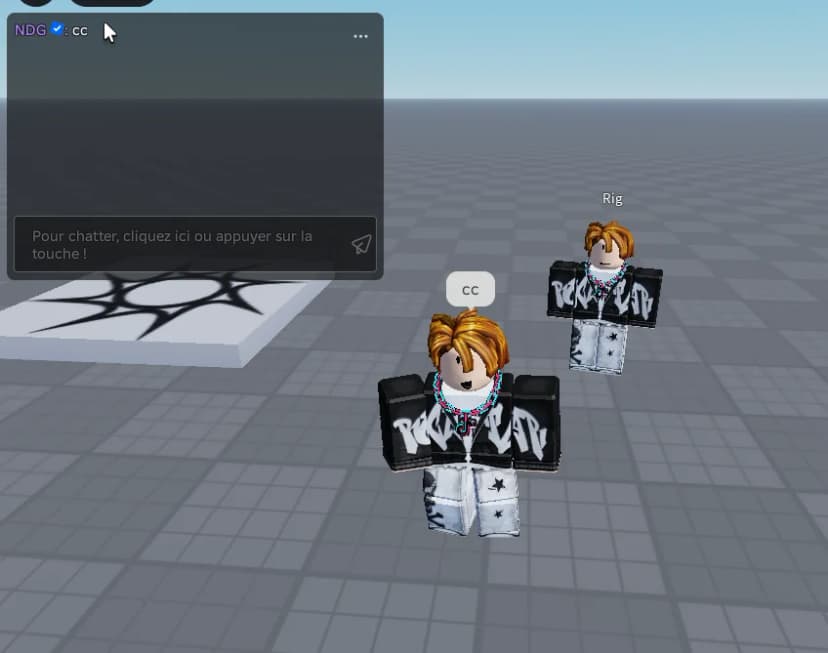

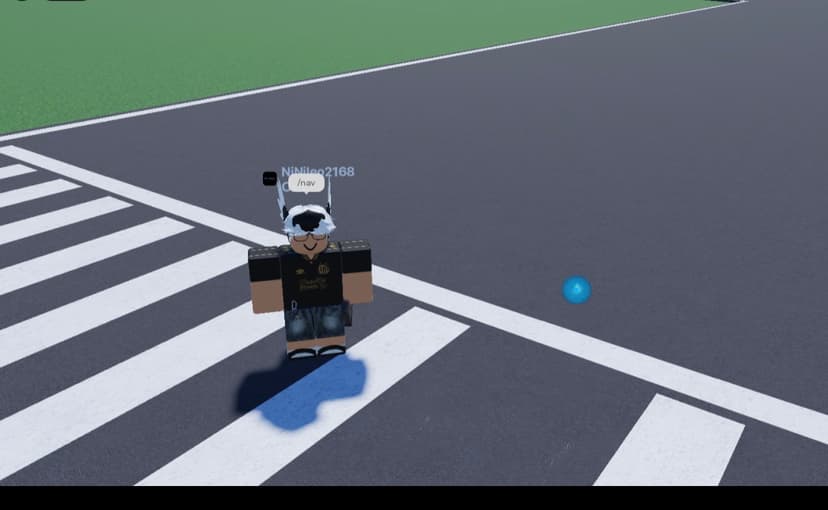
Advanced Ctrl Camera Lock System

Standard license — use in your Roblox games
- Instant deliveryDownload right after checkout.
- Buyer protectionOpen a dispute within 14 days if it isn't as described.
About this asset
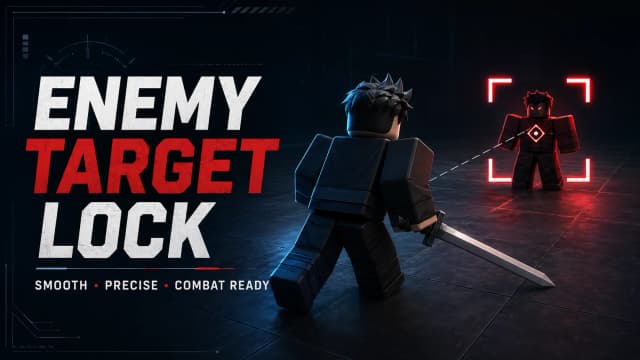
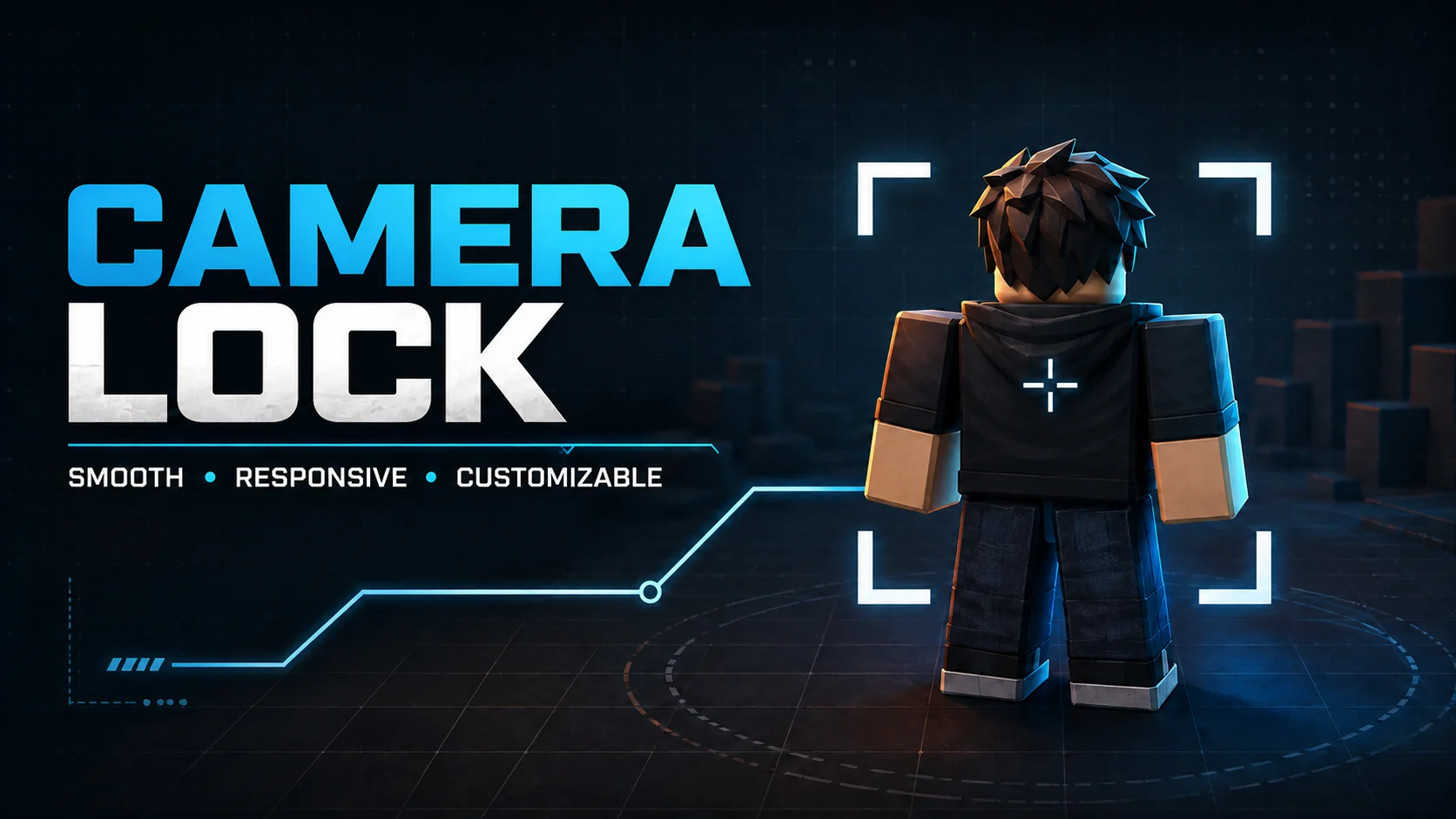
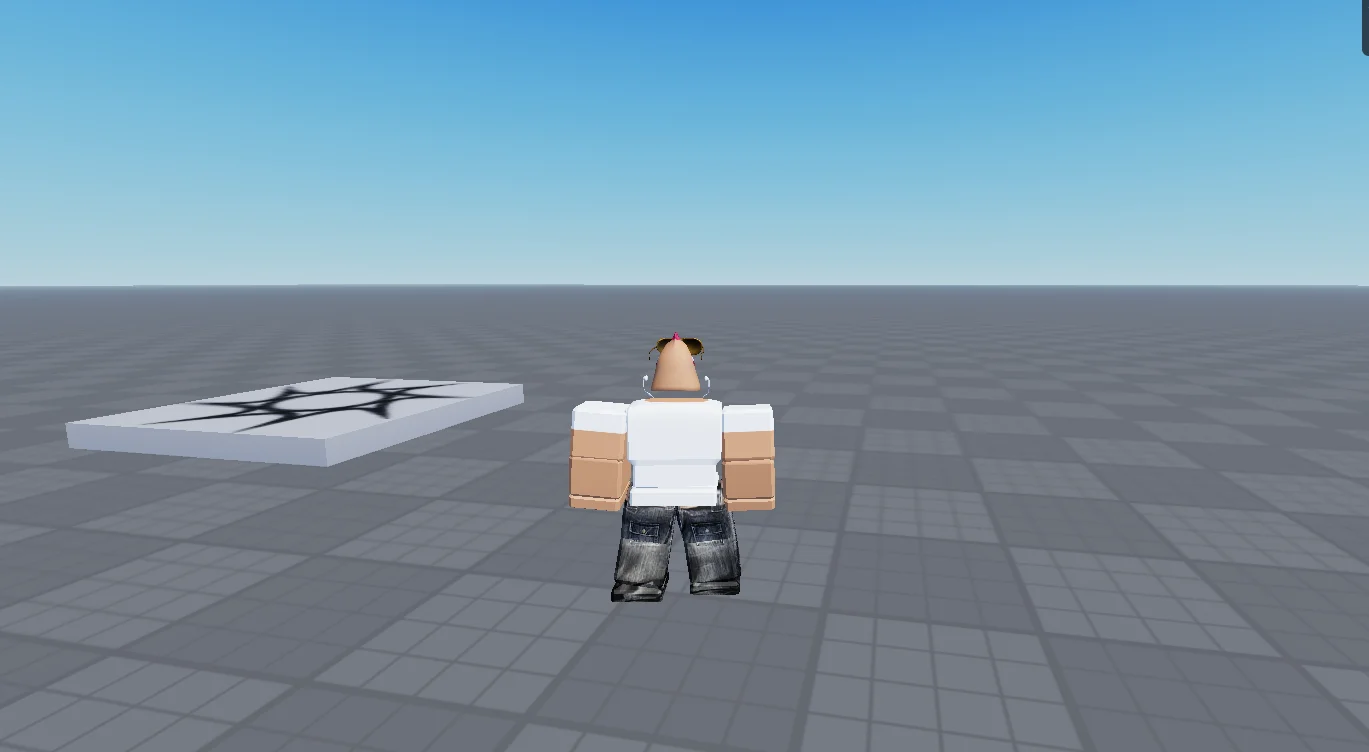
A clean and responsive camera-lock system activated by the Ctrl key(customizable) . Players can press Ctrl to instantly toggle between the standard Roblox camera and a locked third-person camera, giving them greater control over their movement and viewing direction.
This system is ideal for battlegrounds, fighting games, RPGs, shooters, adventure games, obbies, and any experience that benefits from precise camera control. The simple toggle makes it easy for players to use without interfering with standard movement controls.
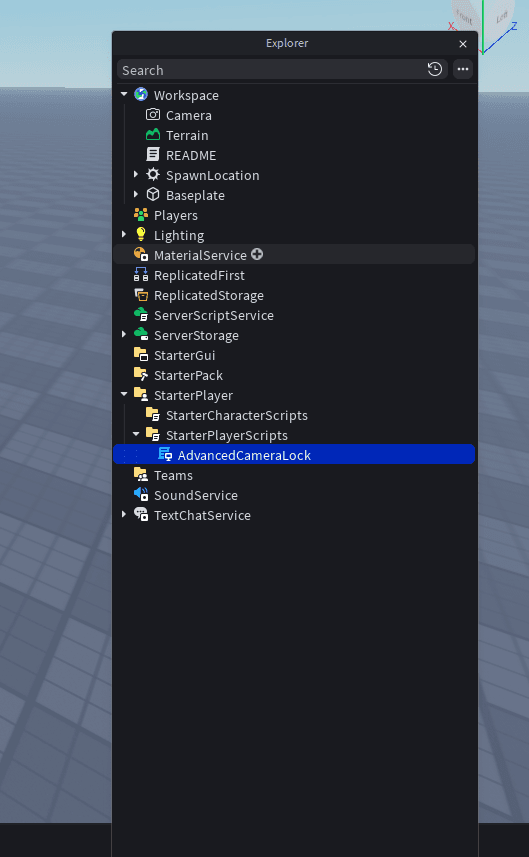
The script is designed to be easy to install, organize, and customize inside Roblox Studio. Developers can adjust the keybind, camera position, offset, and other settings to better match their game’s style and gameplay.
Main Features:
- Press Ctrl to enable or disable camera lock
- Responsive camera-lock controls
- Improved movement and camera accuracy
- Clean and organized scripting
- Easy installation in Roblox Studio
- Customizable activation key
- Adjustable camera positioning and offset
- Suitable for many different Roblox game genres
- Lightweight system designed to avoid unnecessary performance issues
- Smooth animation
Give your players a smoother and more controlled third-person gameplay experience with a camera-lock system that can be quickly added to your project.
Full source unlocks after purchase
Buyers get the complete script, right here and as a download.
Details
- Category
- scripts
- File type
- .rbxm
- Rig
- R6 + R15
- Script type
- server
- Published
- Aug 27, 2026
- Updated
- Aug 27, 2026
Reviews
No reviews yet
Buyers can leave a review after purchase.