Maps
Stylized Lotus Temple Court | Painted Blender Scene + Texture Kit
$4.99one-time
Standard license for personal and team use
No account needed. Pay with just your email.
- Instant deliveryDownload right after checkout.
- Buyer protectionOpen a dispute within 14 days if it isn't as described.
- Scripts checkedThere are no scripts in this file.
- Secure paymentCard, Apple Pay, Google Pay, Link or Cash App, processed by Stripe.
The whole set
Stylized Low Poly Asset Pack
This one and 3 more: 4 items for less than buying each one.
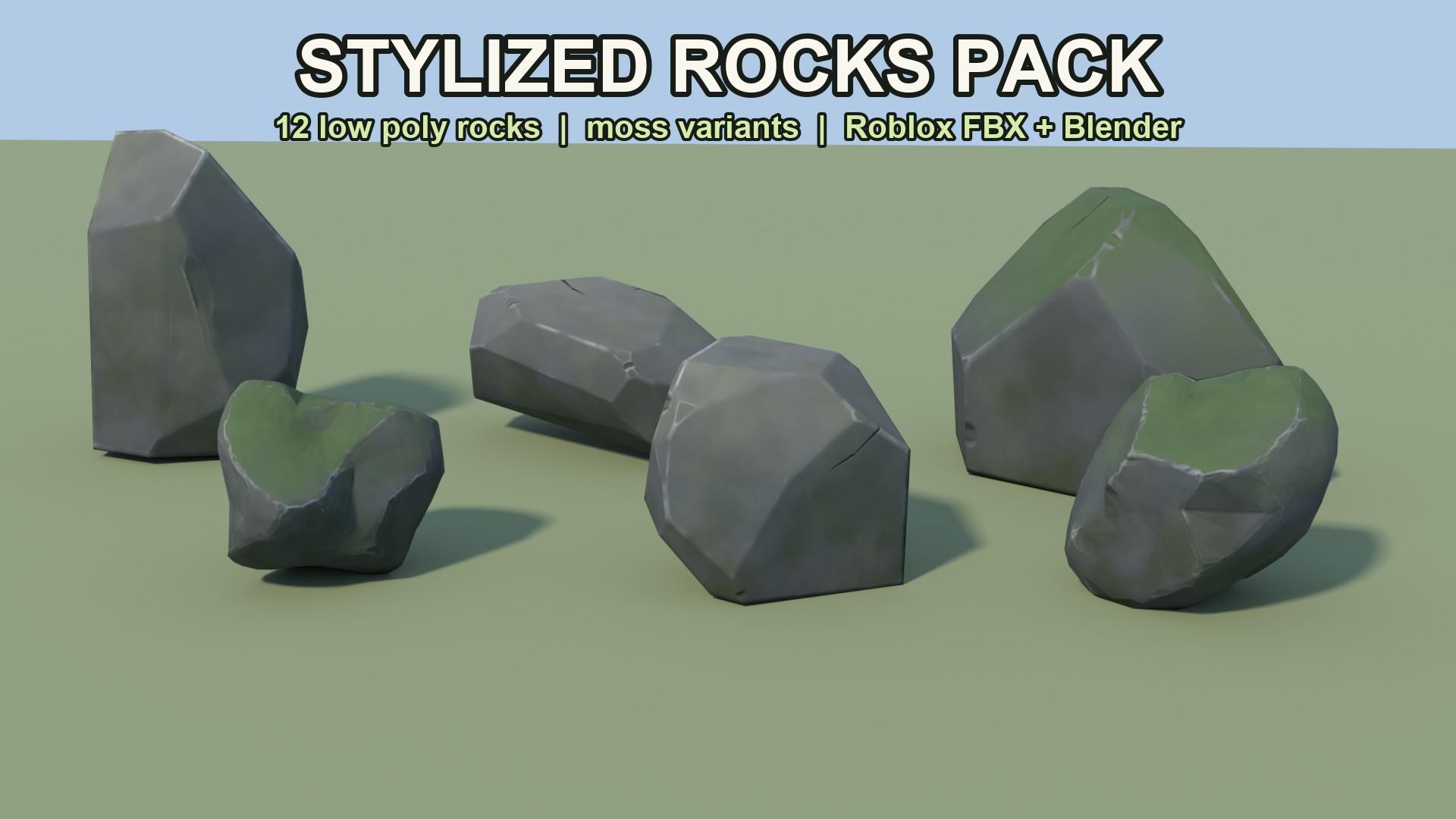 Stylized Rocks Pack | 12 Low Poly Roblox Rocks + Moss Variants (FBX + Blender)$3.99 on its own
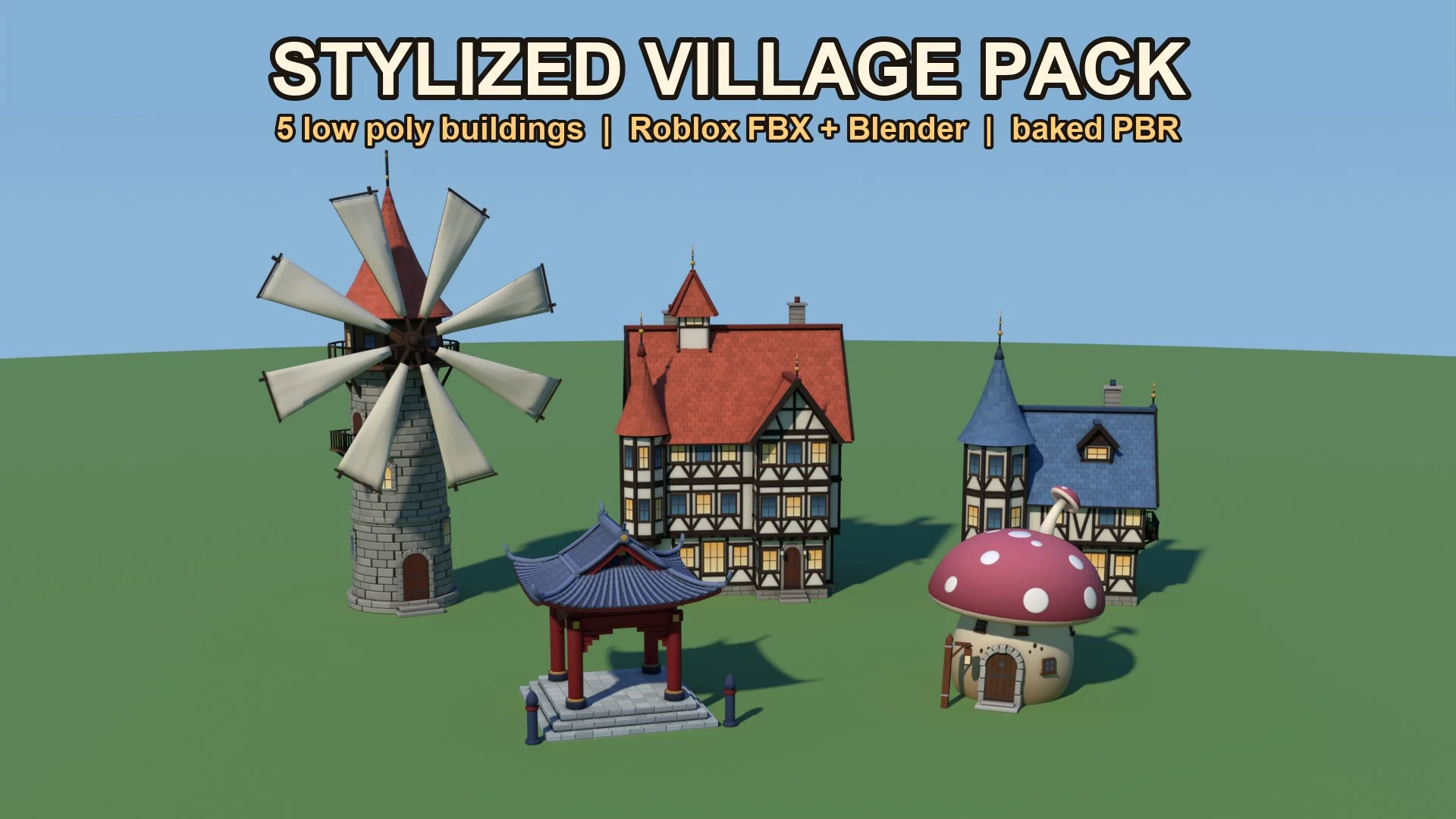 Stylized Village Pack | 5 Low Poly Roblox Buildings (Windmill, Mushroom House)$2.99 on its own
- This oneStylized Lotus Temple Court | Painted Blender Scene + Texture Kit$4.99 on its own
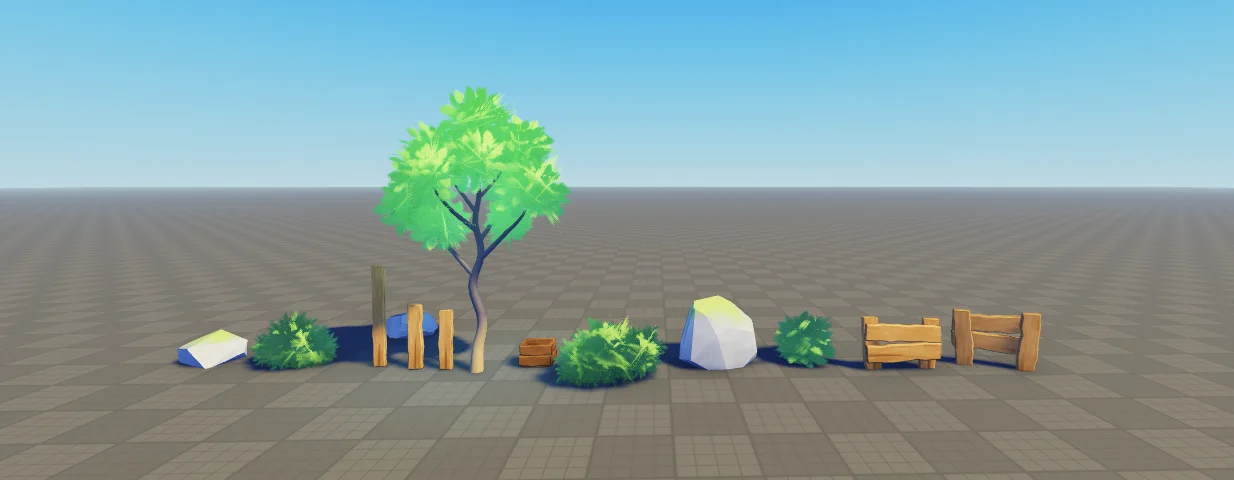 Low Poly stylized Nature assetpack$2.99 on its own
$7.99 on their own $14.96 for all 4, you save $6.97
About this asset
This is a Blender scene, not a ready-to-import Roblox model. Roblox builders get the Painted Texture Kit (25 PNG textures) to paint their own builds in the same style.
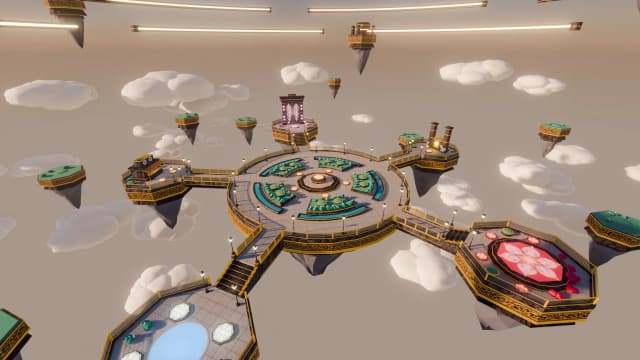
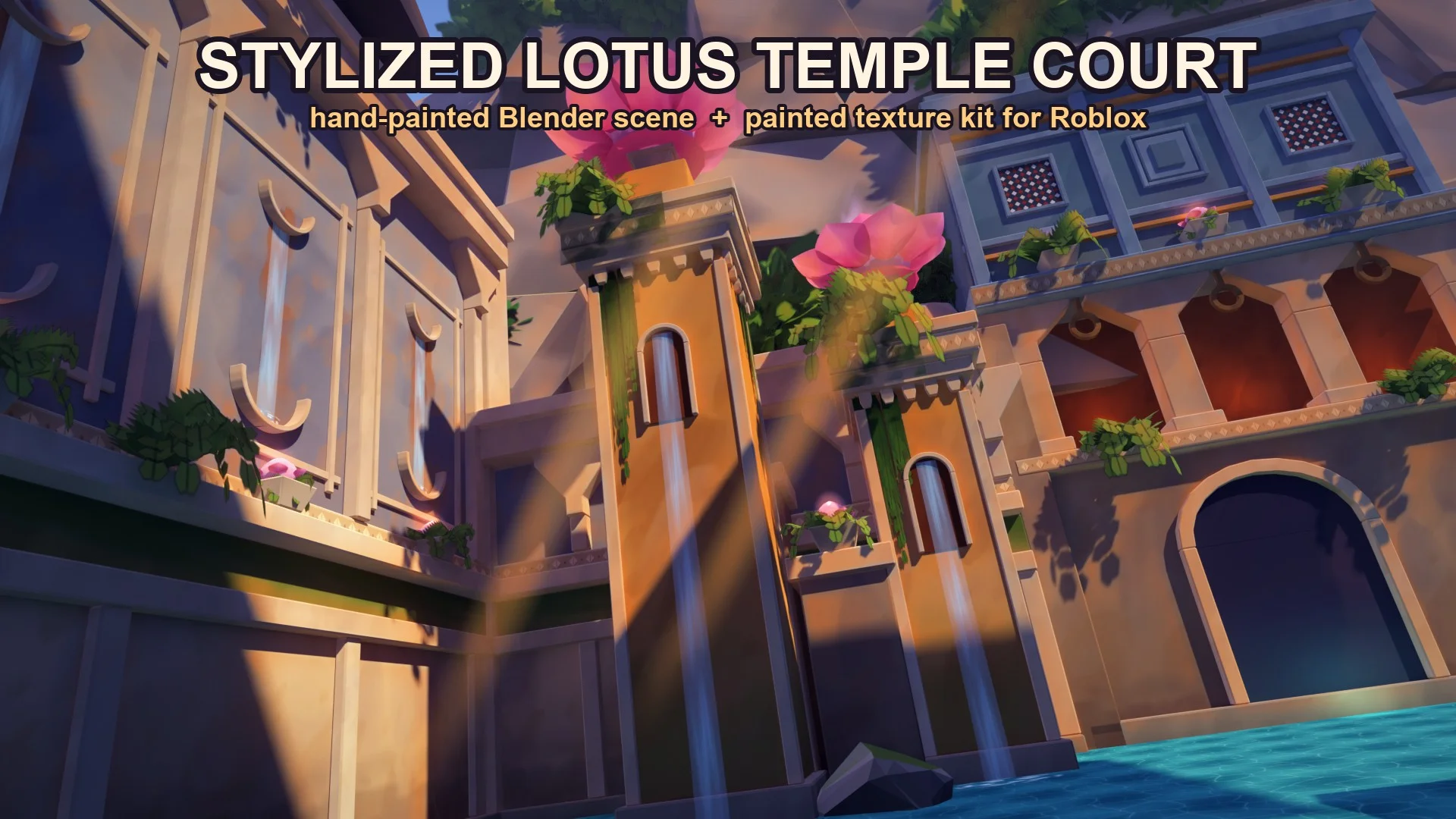
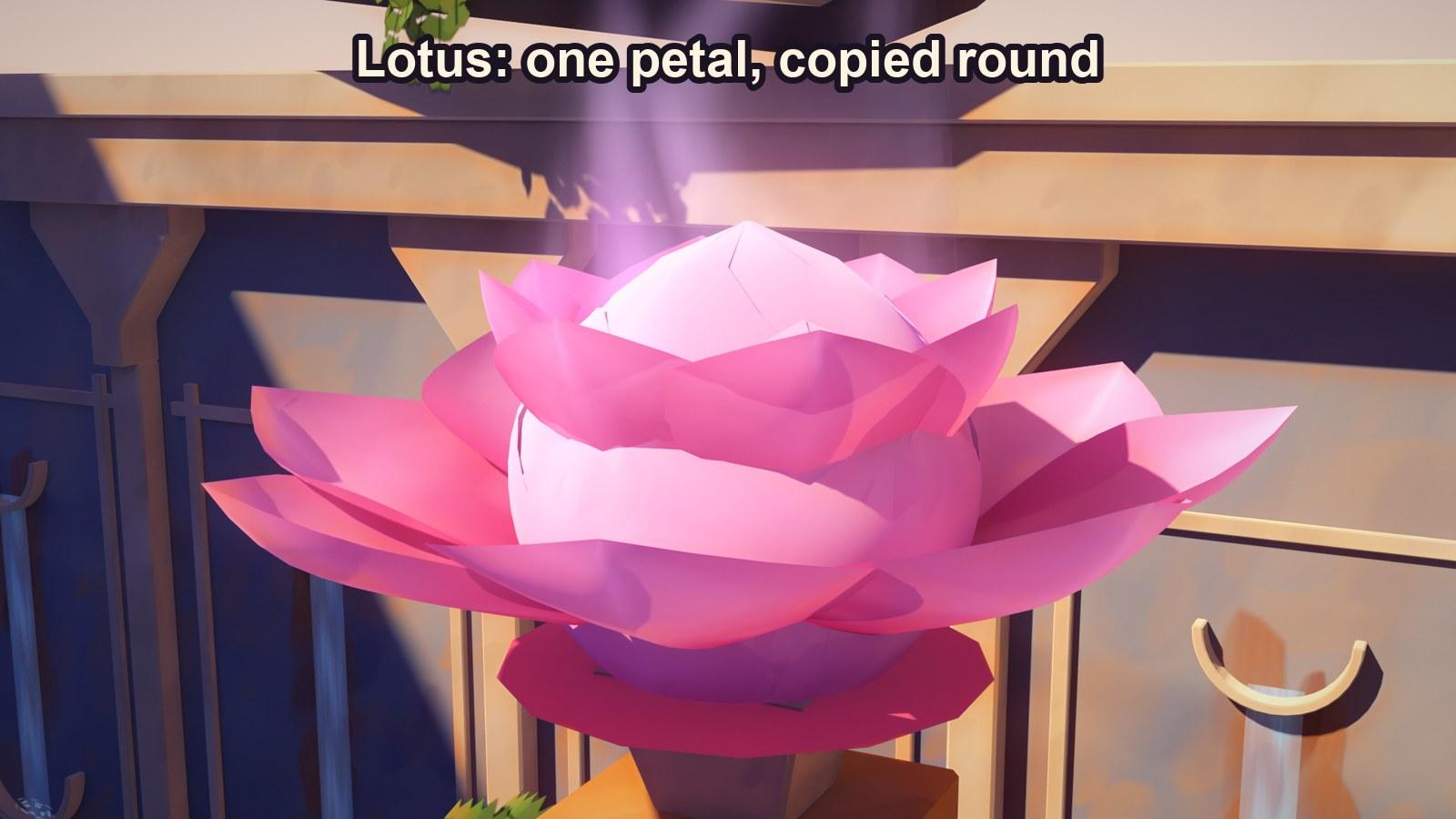
A sunlit temple court in a hand-painted stylized look: panelled sandstone walls with water streaks and rust stains, two orange pillars with arched waterfalls, glowing lotus flowers, a grey-blue stone building on an arcade, a slab cliff with bushes, a teal pool, ferns and vines.
What you get
- Blender scene (LotusTempleCourt.blend + textures folder), made in Blender 4.4, tested in 4.4 and 5.2. 450+ objects, Cycles, hero camera set up: press F12.
- Painted Texture Kit: 25 PNG textures at Roblox sizes (up to 1024). Brush strokes, soft wash, wall foot, top wear, trim strokes, rust stains, waterfall strip, wisps, foam rings, water, rock, lattice, frieze, petals, fern and leaf cards.
- README in both zips with the full recipe.
The look
- No baked maps. Every material is a flat colour plus tinted painted layers, so you can recolour the whole scene in the Shader Editor.
- Stylized light rig: pale gold sun, blue-violet shade, warm bounce, cool rim, god rays, pink lights at the flowers. Hidden shadow blockers cast the big designed shadows; move them to reshape the light.
- Moving water: the waterfalls, wall streaks and flower wisps scroll with one Mapping node each.
Using the kit in Roblox
- Build with plain parts in flat colours.
- Add Texture objects with a kit texture, tint them with Color3 a little darker or lighter than the part, and set StudsPerTile to 12-30.
- Stack two or three per face. Use the waterfall strip on a Beam with TextureSpeed.
Good to know
- The preview pictures have a light colour grade on top (bloom, a little split tone). The file renders the picture before that grade.
- No FBX and no rbxm are included.
- Licence: use in your own games, renders and videos. Do not resell or share the files.
Details
- Category
- Maps
- File type
- ZIP Archive · .zip
- Published
- Nov 18, 2026
- Sales
- 0
- Downloads
- 0
stylizedblenderhand paintedtemple