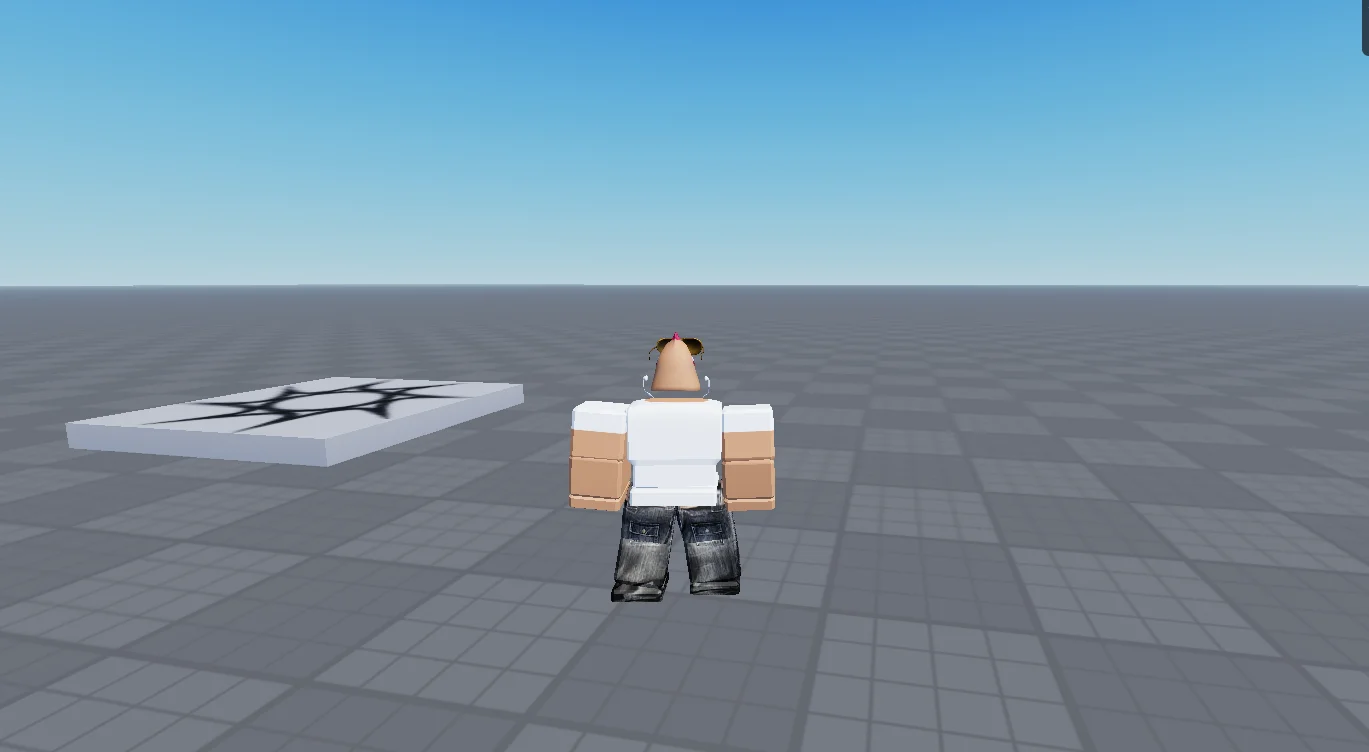
Advanced Ctrl Camera Lock System
Standard license for personal and team use
No account needed. Pay with just your email.
- Instant deliveryDownload right after checkout.
- Buyer protectionOpen a dispute within 14 days if it isn't as described.
- Scripts checkedForja read all 2 scripts and found no hidden or outside code.
- Secure paymentCard, Apple Pay, Google Pay, Link or Cash App, processed by Stripe.
- On your phone?Buy it now and download it on your computer, where Roblox Studio runs. It stays in your orders.
About this asset
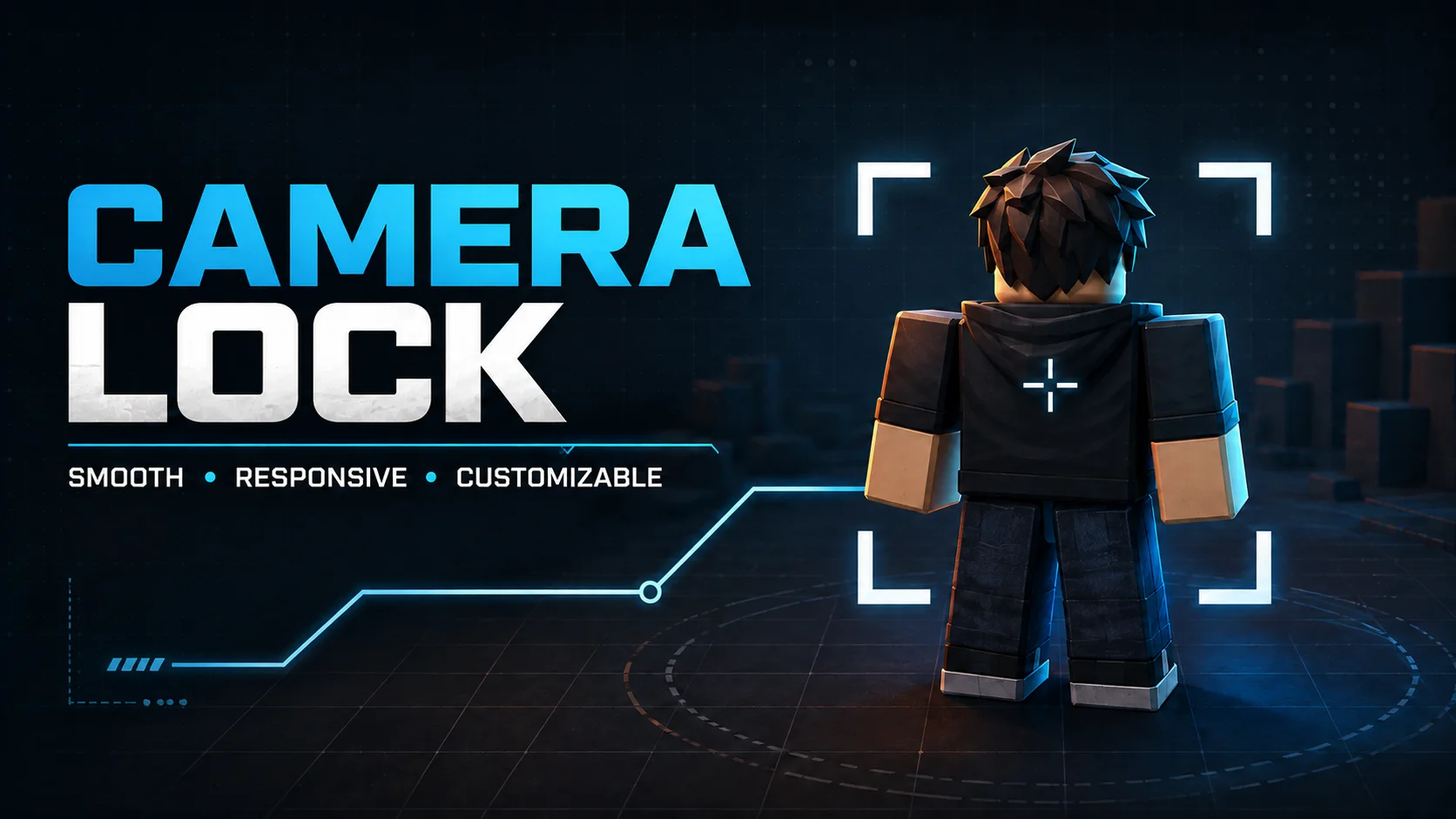
A clean and responsive camera-lock system activated by the Ctrl key(customizable) . Players can press Ctrl to instantly toggle between the standard Roblox camera and a locked third-person camera, giving them greater control over their movement and viewing direction.
This system is ideal for battlegrounds, fighting games, RPGs, shooters, adventure games, obbies, and any experience that benefits from precise camera control. The simple toggle makes it easy for players to use without interfering with standard movement controls.
The script is designed to be easy to install, organize, and customize inside Roblox Studio. Developers can adjust the keybind, camera position, offset, and other settings to better match their game’s style and gameplay.
Main Features:
- Press Ctrl to enable or disable camera lock
- Responsive camera-lock controls
- Improved movement and camera accuracy
- Clean and organized scripting
- Easy installation in Roblox Studio
- Customizable activation key
- Adjustable camera positioning and offset
- Suitable for many different Roblox game genres
- Lightweight system designed to avoid unnecessary performance issues
- Smooth animation
Give your players a smoother and more controlled third-person gameplay experience with a camera-lock system that can be quickly added to your project.
Details
- Category
- Scripts
- File type
- Roblox Model · .rbxm
- Published
- Aug 27, 2026
- Sales
- 1
- Downloads
- 2
In the file
5 KB, counted by Forja
- 2 scripts